Mahapps.metro: TabItem HeaderFontSize change leads to freeze
Hello,
I encountered in a problem on some PCs by using the _MetroTabItem_ and try to resize the _HeaderFontSize_ with _ControlsHelper.HeaderFontSize_. This works on most of the user PCs, but some users notified me about a freeze of the application. I tried then to reproduce the issue and my Microsoft Surface 3 Pro behaves in the same way.
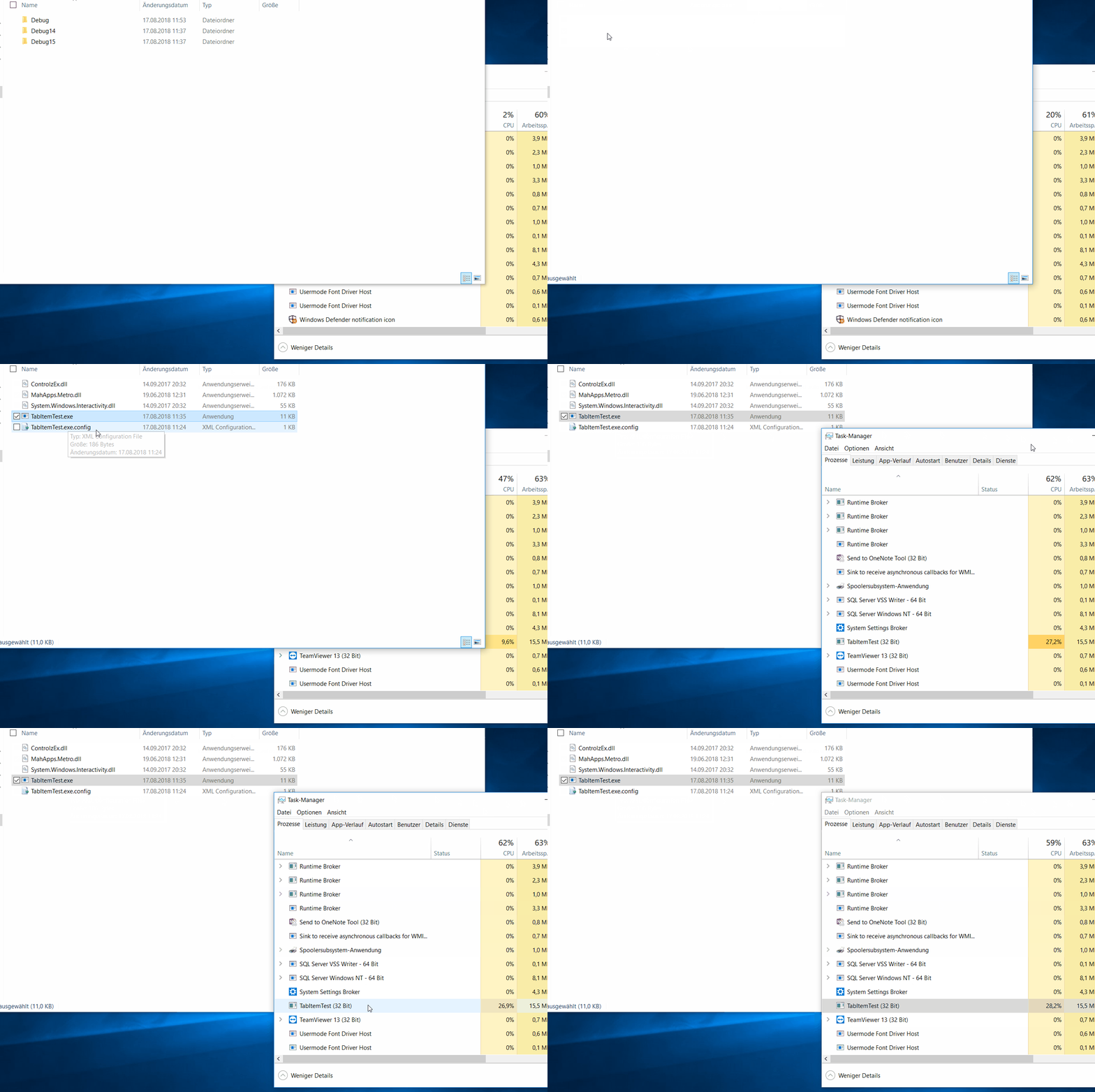
The next screen capture shows a sample application with some _TabItems_ and _HeaderFontSize_ set to 15:

And again, but with _HeaderFontSize_ set to 14. As you can see, no main window opens and the CPU load goes up to 100% on a core:
- MahApps.Metro version 1.6.5
- OS: Win10 1803
- Visual Studio 2017 15.8.0
- .NET Framework 4.7.2
My sample application is attached.
 seb30
seb30
All 12 comments
I just downloaded your application and tested it on my PC and I cannot reproduce this behavior (it starts normally, Debug aswell as Release). Does that also occure when starting from VS? Anyways, can you try to attach a debugger to see what's happening?
 Anapher
on 17 Aug 2018
Anapher
on 17 Aug 2018
Hey @Anapher,
The behavior also didn't occur on my development PC, but at my Surface and some other (mobile) devices. The attached debugger shows nothing special, only a high CPU load like the task manager.
seb30
on 17 Aug 2018
Sorry, I cannot help you here as I don't have access to a surface :/ but that is really odd and if reproducible, a huge problem
Anapher
on 18 Aug 2018
The issue also may occur on Laptops.
seb30
on 20 Aug 2018
@seb30 I can reproduce this with targeting .Net 4.7.1 and 4.7.2. If I use 4.6.x and 4.5.x then all works fine. That's crazy...
/cc @batzen do you have any suggestion on this issue?
 punker76
on 3 Sep 2018
punker76
on 3 Sep 2018
Will have a look at this.
 batzen
on 3 Sep 2018
batzen
on 3 Sep 2018
@batzen Please let me know if I can support you.
Btw, it also happens with HeaderFontSize set to 17 or 19 (can't try now).
seb30
on 3 Sep 2018
Tried to reproduce, but can't.
@punker76 were you able to repro this on your dev machine? I only have my dev machine at hand...
batzen
on 3 Sep 2018
@seb30 Got it #3319
/cc @batzen
punker76
on 5 Sep 2018
@punker76 Good work! But why this doesn't affect the FrameworkElement if HeaderFontSize is set to 15?
seb30
on 5 Sep 2018
@seb30 I really don't know :-(
punker76
on 5 Sep 2018
This might be related to https://github.com/Microsoft/dotnet/issues/604. Setting
<AppContextSwitchOverrides value="Switch.System.Windows.Controls.Grid.StarDefinitionsCanExceedAvailableSpace=true" />
fixed the issue for us.
 kblohm
on 26 Sep 2018
kblohm
on 26 Sep 2018
Related issues
 ghiboz
·
11Comments
punker76
·
30Comments
ghiboz
·
11Comments
punker76
·
30Comments
 yousufctec
·
10Comments
yousufctec
·
10Comments
 SamOxyPlot
·
14Comments
SamOxyPlot
·
14Comments
 kshkrao3
·
12Comments
kshkrao3
·
12Comments
Most helpful comment
@seb30 Got it #3319
/cc @batzen