Magick.net: How to adapt the console application code for Magik.Net C# Compare 2 pictures
Good day, please help me translate the console code into Magik.Net C #
-metric AE -fuzz 15% -highlight-color red -lowlight-color white 1.png 2.png 123.png
I found this console code on the Internet, with a set of commands, like it is, but it needs to be in C#
Actually, I have 2 pictures, I need to find the difference, and display the result in the third picture.
Need code for Windows 7 x64
I really hope for your help, I really look forward to hearing.
 samssonn
All 12 comments
I have not tested this but your command line example should translate to this:
```C#
using (var image1 = new MagickImage("1.png"))
{
using (var image2 = new MagickImage("2.png"))
{
using (var image123 = new MagickImage())
{
var compareSettings = new CompareSettings()
{
HighlightColor = MagickColors.Red,
LowlightColor = MagickColors.White,
Metric = ErrorMetric.Absolute,
};
        image1.ColorFuzz = new Percentage(15);
        image1.Compare(image2, compareSettings, image123);

        image123.Write("123.png");
    }
}
}
```
 dlemstra
on 1 Dec 2019
dlemstra
on 1 Dec 2019
Thank you very much, the code works great) I also wanted to ask how to write in C # monochrome?
samssonn
on 1 Dec 2019
Can you explain in more detail what you mean with monochrome?
dlemstra
on 1 Dec 2019
At the entrance we have a color picture, apply monochrome, and get a black and white picture at the output.
samssonn
on 2 Dec 2019
You can make the image black and white by setting the ColorType of the image to ColorType.Bilevel.
dlemstra
on 2 Dec 2019
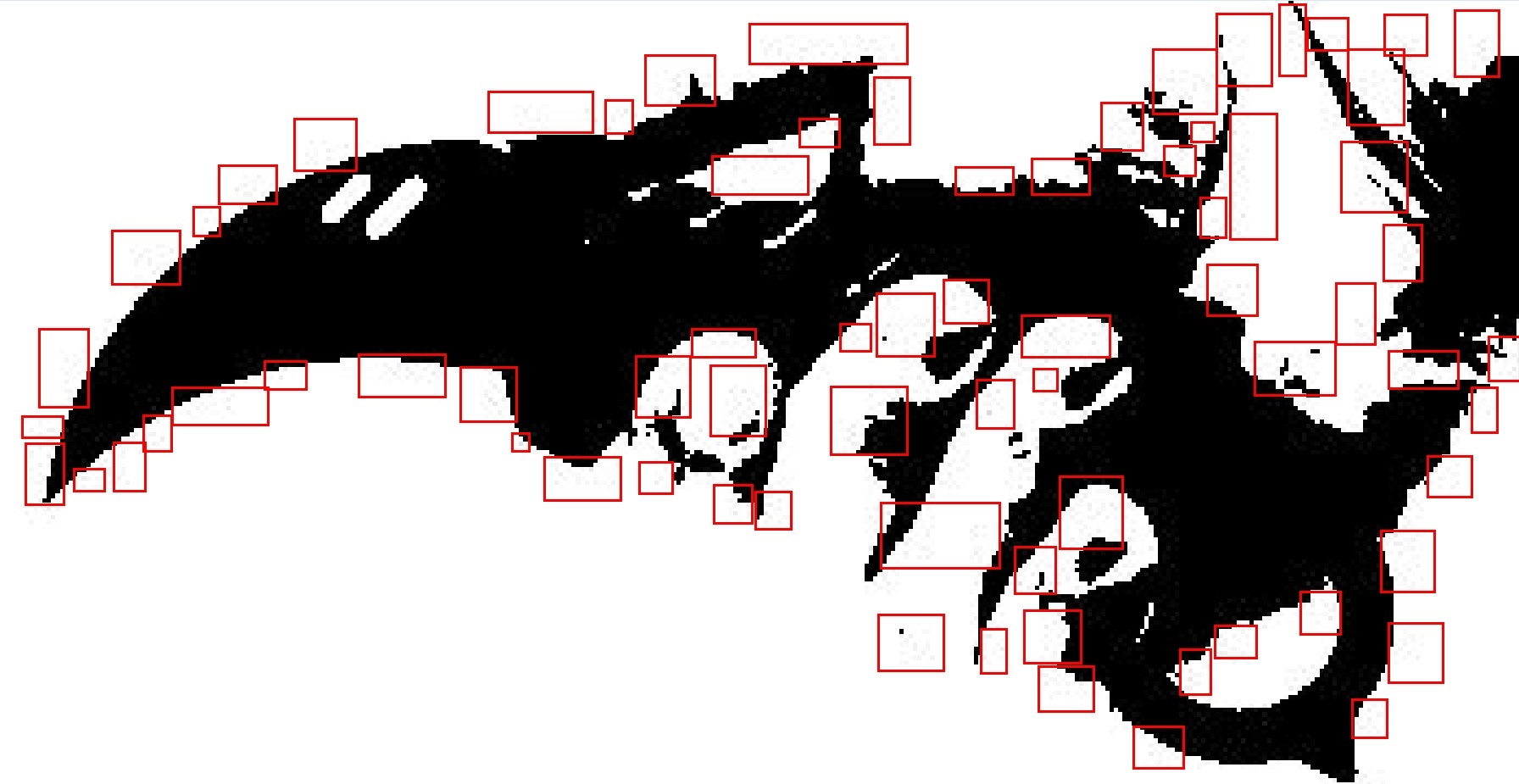
It works but not quite. It is necessary that there is black and white, and here after processing there are light colored pixels. How to get rid of them?
In the screenshot below, the link shows everything.
samssonn
on 2 Dec 2019
Can you add a small example and an input image that demonstrates this issue? It looks like you are reszing the image after you changed the type to bilevel. If you are doing that you should change the order and first do the resize.
dlemstra
on 3 Dec 2019
Hi, here is the original picture, I am executing the following code:

using (MagickImage image = new MagickImage(inputPath))
{
    image.ColorType = ColorType.Bilevel;
    image.Write(outputPath);
}
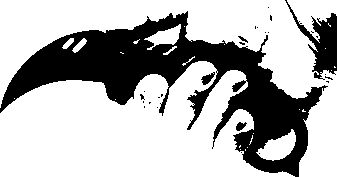
After executing the code, I get such an image, but there are bright pixels
samssonn
on 3 Dec 2019
I found the console code on your site: https://imagemagick.org/Usage/morphology/#dilate_conditional
convert disks.gif disks.gif -morphology Erode:7 Diamond disks_big_center.gif
  convert disks.gif -negate  disks_mask.gif
  convert disks_big_center.gif  -mask disks_mask.gif \
 -morphology Dilate:15 Diamond    +mask disks_big_found.gif
As I tried, I could not do it in C #
using (MagickImage image = new ImageMagick.MagickImage(inputPath))
{
    image.Threshold(new ImageMagick.Percentage(65));
    image.Negate();
    image.Morphology(MorphologyMethod.Erode, Kernel.Diamond);
    image.Negate();
    image.Write(outputPath);
}
You are getting those bright pixels because you are saving the file as a .jpeg file. If you save it as a .png instead it only contains two colors.
dlemstra
on 3 Dec 2019
And for your other code you should check the image.Morphology(MorphologyMethod.Erode, Kernel.Diamond, 7); overload instead to do the 7 interations as specified in Erode:7. And for the rest you should take a look at the SetReadMask and Clone methods. The first one is for -mask and the other one is to create a copy of the disks.gif file.
dlemstra
on 3 Dec 2019
thanks)
samssonn
on 3 Dec 2019
Related issues
 zhangnan0324
·
8Comments
zhangnan0324
·
8Comments
 itty53
·
4Comments
itty53
·
4Comments
 0xRaf
·
7Comments
0xRaf
·
7Comments
 cssriraman
·
7Comments
cssriraman
·
7Comments
 zygimantaskazlauskas
·
3Comments
zygimantaskazlauskas
·
3Comments
Most helpful comment
I have not tested this but your command line example should translate to this:
```C#
using (var image1 = new MagickImage("1.png"))
{
using (var image2 = new MagickImage("2.png"))
{
using (var image123 = new MagickImage())
{
var compareSettings = new CompareSettings()
{
HighlightColor = MagickColors.Red,
LowlightColor = MagickColors.White,
Metric = ErrorMetric.Absolute,
};
}
```