Magento2: Magento frontend displays 'Required parameter 'theme_dir' was not passed' after manually adding theme
Re-opening an old issue as it was improperly formatted and abandoned.
The error 'Required parameter 'theme_dir' was not passed' appears after adding a custom theme to a fresh install in directory: <magento root dir>/app/design/frontend/<Vendor name>/<Theme name>/. The backend is still accessible and functions properly, as does the frontend when the Magento/blank or Magento/luma themes are applied, but the error occurs once the custom theme has been applied.
Preconditions
- Magento 2.2.3
- CentOS 7 virtual machine emulated with virtualbox on a Windows 10 host.
- Apache 2.4.6, MariaDB 10.2.14, PHP 7.1.16, Zend 3.1.0, Xdebug 2.6.0
- Redis used for all caching including session.
Steps to reproduce
- Install magento 2.2.3 via composer's
--create-projectcommand, as documented by Magento. - Grant proper permissions for two user development environment.
- Manually upload custom theme (tested and working with previous implementations) to
app/design/frontendfolder. - Apply custom theme to store in backend via
Content > Design > Configuration. - Execute
setup:upgrade,indexer:reindexandcache:flushcommands. - Set errors to display in
app/bootstrap.php.
Expected result
- Website displays successfully when accessing frontend via a browser, with updated theme.
Actual result
- Frontend displays "There has been an error processing your request Required parameter 'theme_dir' was not passed" instead of homepage when accessing via a browser.
- Backend is functional but displays the same error as an alert when attempting to switch to any other theme.
Notes
When viewing the theme table of the magento database within phpmyadmin, I can see that the custom theme path is correct, but the 'type' is set to 1.
When searching the term 'theme' within the core_config_data table, I can see a single entry:
scope: store
scope_id: 1
path: design/theme/theme_id
value: 4
This value corresponds correctly with the custom theme id under the theme table.
EDIT
The problem also occurs when design/theme/id points to a theme which does not exist in the theme table. So I believe that my initial problem was a permissions error, though this does highlight an area that the installation process could perhaps be improved.
 JoshuaFlood
All 13 comments
You can ref here #issue5294
 mikenk2010
on 17 May 2018
mikenk2010
on 17 May 2018
Ah thanks mate.. I've only recently begun to raise issues here. Still getting used to best practice.
JoshuaFlood
on 16 Jun 2018
Hello @JoshuaFlood, thank you for your report. Unfortunately I wasn't able to reproduce this issue. Could you please add more details?
 engcom-backlog-nickolas
on 25 Jul 2018
engcom-backlog-nickolas
on 25 Jul 2018
I'm away from home at the moment but will attempt to reproduce it myself on the weekend and update the info here afterwards.
JoshuaFlood
on 29 Jul 2018
After a little exploring on my existing server, it seems that the problem occurs when the 'virtual' column of the themes table is set to 1, although in previous versions I was able to assign a value of 0 and fix the problem. Now, when the value is changed, it gets reset to 1.
JoshuaFlood
on 30 Jul 2018
I worked out the problem, but it might be a duplicate issue. The problem is that I had used a database from a previous installation, where my custom theme was active, but I had not include the custom theme in the fresh magento install, so design/theme/theme_id in core_config_data referenced a theme which did not exist in the theme table. I simply had to revert the value of design/theme/theme_id to 2 (luma) and flush cache/reset permissions, then everything worked fine.
In order to prevent this in future though, perhaps a check could be implemented during install to see if the value of design/theme/theme_id exists as an id in the theme table and if not, revert to luma and alert the user once installation is complete?
JoshuaFlood
on 9 Aug 2018
Just battling to get a stable production environment at the minute. Once that's done I'll give it a go writing something if there are no obvious drawbacks I've overlooked.
JoshuaFlood
on 9 Aug 2018
@JoshuaFlood, thank you for detailed explanation. I'm closing this issue, as it's not reproducible on clean magento installation.
In order to prevent this in future though, perhaps a check could be implemented during install to see if the value of design/theme/theme_id exists as an id in the theme table and if not, revert to luma and alert the user once installation is complete?
I may create issue here: https://github.com/magento/community-features
engcom-backlog-nickolas
on 10 Aug 2018
I got the same issue Required parameter 'theme_dir' was not passed, found the cause and solution for this, more detail wrote here:
https://mrvts.wordpress.com/2018/08/21/magento-2-required-parameter-theme_dir-was-not-passed-after-manually-adding-theme-remove-theme-delete-theme/
 vtransy
on 21 Aug 2018
vtransy
on 21 Aug 2018
@vtransy and if your link dies then nobody will ever know your fix. Nice
 Eddcapone
on 4 Mar 2020
Eddcapone
on 4 Mar 2020
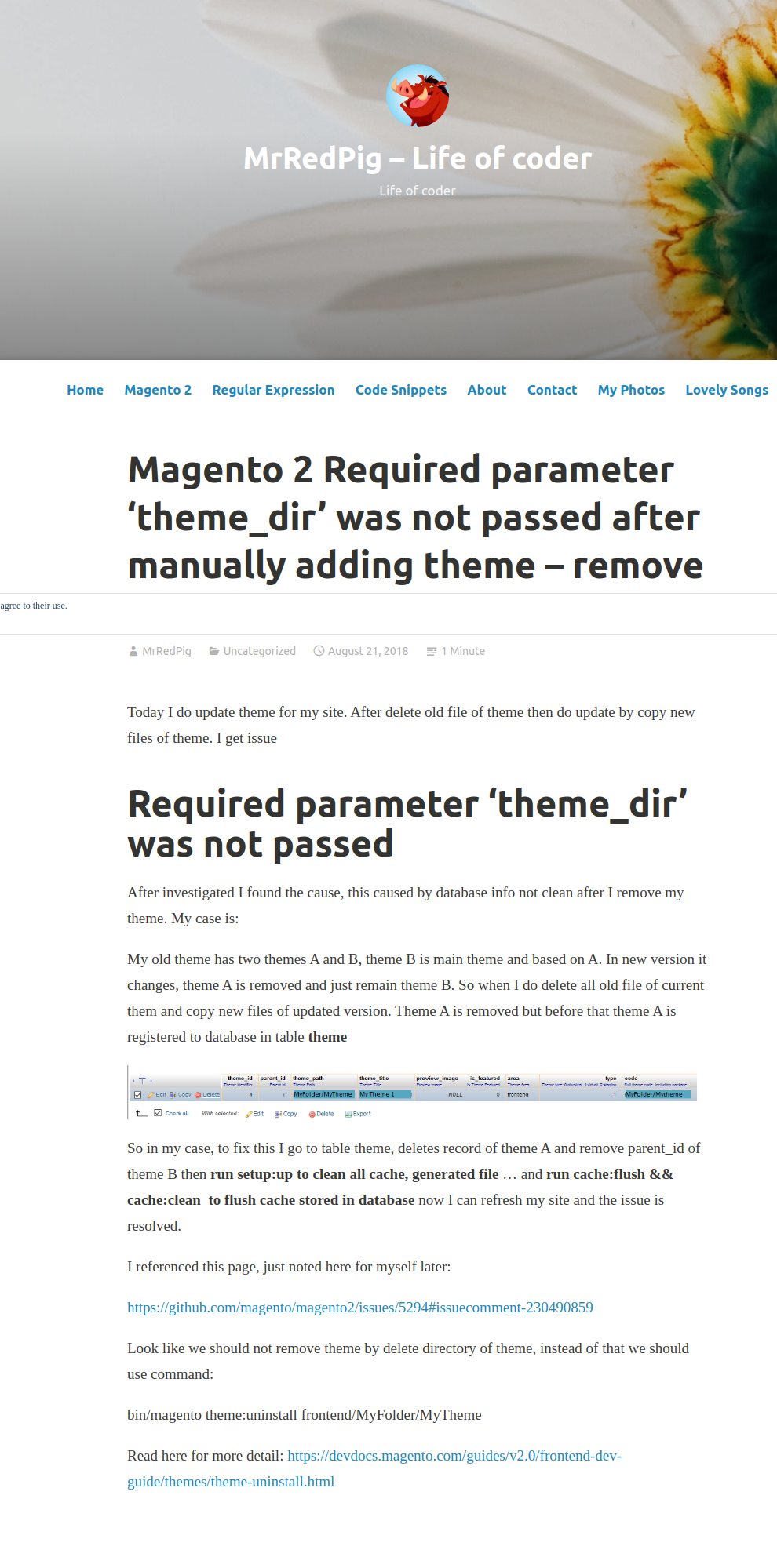
@Eddcapone it's working, maybe wordpress is blocked at your side, here is screen shot:
vtransy
on 4 Mar 2020
@vtransy It works NOW. But my point is, what happens in 1-2 years? Will it work then too? You should always add the needed informations in your comment too as backup. Thanks for the screenshot.
Eddcapone
on 4 Mar 2020
I follow this tutorial: https://magentip.com/required-parameter-theme_dir-was-not-passed-magento-2/
In my case, I use solution 3 to remove invalid theme from Magento 2 database
Cause of the error
The error happens when you remove a theme folder of Magento 2 in app/design/frontend/
Magento 2 will throw this error when it found theme in database, but couldn’t find theme folder as you had deteled it.
Solution
Solution 1: Update current theme in Admin
In Magento 2 admin section, go to: Content => Design => Configuration and update current theme to the valid theme
Solution 2
Remove invalid theme from database with this command
mysql -u <dbuser> -p -e "delete from <dbname>.theme where theme_path ='<Vendorname>/<themename>' AND area ='frontend' limit 1"
Solution 3
Remove theme from database using Magento 2 CLI
bin/magento theme:uninstall --clear-static-content frontend/Magento/blank
Remember to flush cache
php bin/magento cache:flush
 lunch22result
on 8 Nov 2020
lunch22result
on 8 Nov 2020
Related issues
 salelsol
·
3Comments
salelsol
·
3Comments
 BenSpace48
·
3Comments
BenSpace48
·
3Comments
 kandrejevs
·
3Comments
kandrejevs
·
3Comments
 xi-ao
·
3Comments
xi-ao
·
3Comments
 phirunson
·
3Comments
phirunson
·
3Comments