Magento2: Media URLs broken when adding/editing the image by editor
When we add/edit an image in the CMS Page/Block through editor the media URLs are changed to something like this -
admin/cms/wysiwyg/directive/___directive/e3ttZWRpYSB1cmw9Ind5c2l3eWcvcHJvbW9fYmFubmVyMi5wbmcifX0%2C/key/fc2df2446d1ffe0c12fbe8fd3775348a9206ad9ba6b04751ba4cf64ab24fcba6/
Preconditions
- Magento 2.1.7/2.1.9/2.2.0
- PHP 5.6/7
- XAMPP Windows / CentOS 7
Steps to reproduce
- Go to CMS Page/Static Block which have any image in the content
- Turn on Editor by clicking on Show / Hide Editor
- Click on the Image Thumbnail and Click on the Insert/Edit Image Icon in editor tools panel
- Choose any other image or the same image from library and click on update
Expected result
- The Image URL should be like
Actual result
- The Image URL changes to - http://www.example.com/admin/cms/wysiwyg/directive/___directive/e3ttZWRpYSB1cmw9Ind5c2l3eWcvcHJvbW9fYmFubmVyMi5wbmcifX0%2C/key/fc2df2446d1ffe0c12fbe8fd3775348a9206ad9ba6b04751ba4cf64ab24fcba6/
P.S.: It works perfect when we insert an image after hiding the editor using the insert image button in no editor mode
 dinkeronline
All 9 comments
@dinkeronline, thank you for your report.
We were not able to reproduce this issue by following the steps you provided. If you'd like to update it, please reopen the issue.
We tested the issue on 2.3.0-dev, 2.1.10, 2.2.1
 magento-engcom-team
on 10 Nov 2017
magento-engcom-team
on 10 Nov 2017
@magento-engcom-team See below screenshots -
Step 1- Enabled Editor and clicked on Insert image
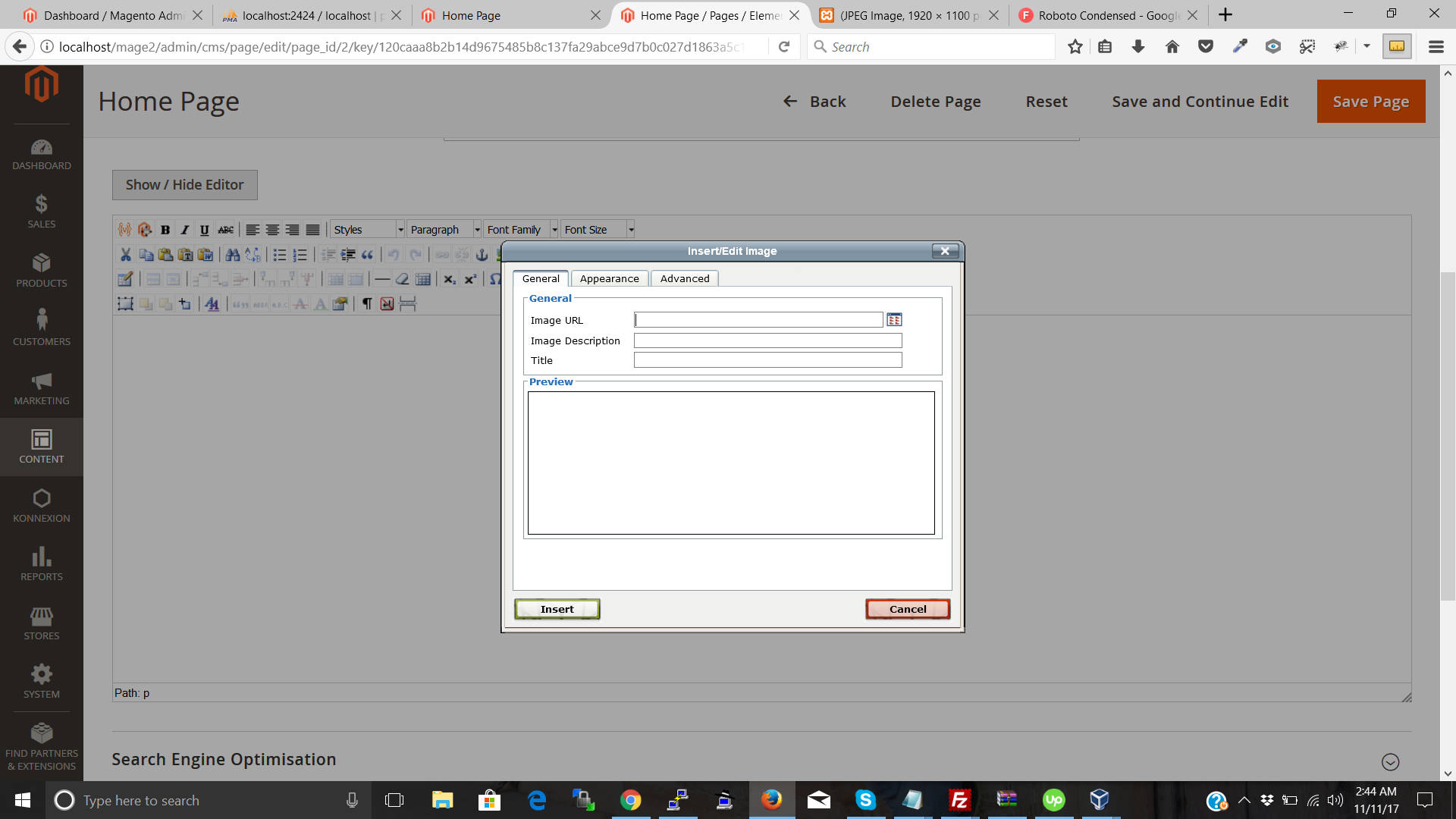
Step 2 - Selected an Image

Step 3- Clicked on Insert Image

Step 4 - Image inserted
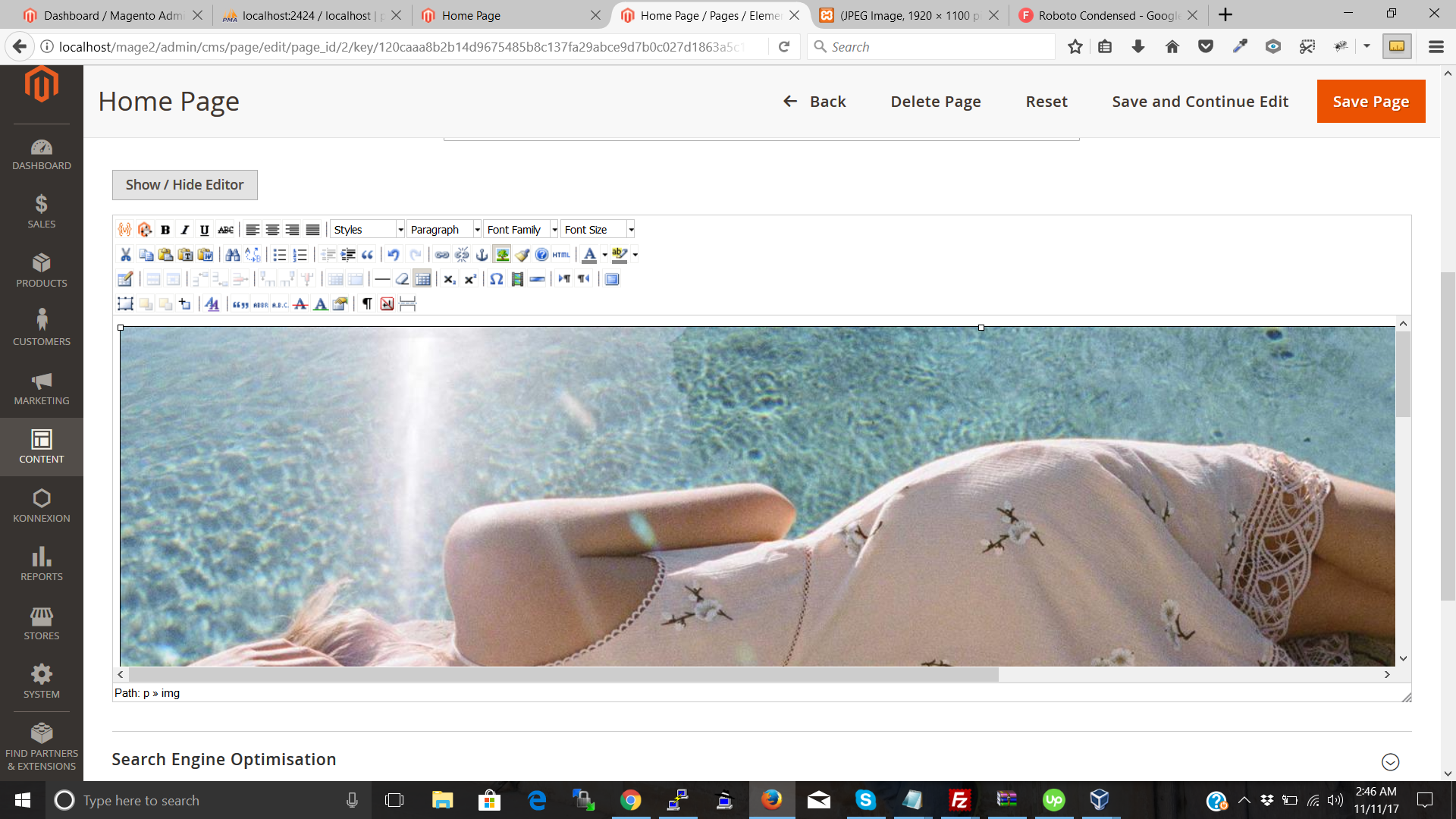
Step 5 - Disabled the editor and see the image link (this link stops working after some time)

PS: This never works from editor, neither insert nor update. When we disable the editor and use the Insert Image button (the button which shows after disabling the editor) then it works.
dinkeronline
on 10 Nov 2017
Why is this ticket closed?!?!?!?!?!?!
 tm999283124
on 9 Feb 2018
tm999283124
on 9 Feb 2018
I'm having this exact same issue on Mage 2.2.0
 Kershrew
on 27 Apr 2018
Kershrew
on 27 Apr 2018
Same issue on 2.2.5 but a little different case.
I have added wysiwyg to the custom widget. It displays directive urls of images and does not convert on frontend to static. If we set directives to true then there is the issue with multiple quotations. To replicate this create a custom widget programatically and add a wyswyg field to the widget options in xml and try adding images and see what happens on frontend and backend. De facto the block stuff works now but these more advanced cases do not work.
 goranhorvathr
on 24 Sep 2018
goranhorvathr
on 24 Sep 2018
Same problem here, just as @goranhorvathr
I'm on 2.3.1 and I've added an imagechooser field to a custom widget. I save it and it works.
As soon as I toggle the editor, the double quotes for the media url get converted to " and the widget breaks.
Impossible to put this in the hands of the customer :(
 jaxtheking
on 21 May 2019
jaxtheking
on 21 May 2019
Still a problem why is this closed?
 LiamKarlMitchell
on 13 Feb 2020
LiamKarlMitchell
on 13 Feb 2020
Same problem here, just as @goranhorvathr
I'm on 2.3.1 and I've added an imagechooser field to a custom widget. I save it and it works.
As soon as I toggle the editor, the double quotes for the media url get converted to " and the widget breaks.
Impossible to put this in the hands of the customer :(
What if you make the custom widget use single quotes?
LiamKarlMitchell
on 13 Feb 2020
@magento-engcom-team Reopen this ticket?
Maybe there is another way to reproduce that has not been pinned down yet?
Content that worked fine, when edited and saved is ending up with " where the double quotes were.
<img src="{{media url="wysiwyg/pearl_theme/chair.png"}}" alt="">
LiamKarlMitchell
on 4 Mar 2020
Related issues
 PascalBrouwers
·
3Comments
PascalBrouwers
·
3Comments
 gg24
·
3Comments
gg24
·
3Comments
 comunidademagento
·
3Comments
comunidademagento
·
3Comments
 punkstar
·
3Comments
punkstar
·
3Comments
 MauroNigrele
·
3Comments
MauroNigrele
·
3Comments