Mactype: MacType 2017.614.0 not working on Win10's Chrome 59
OS: Windows 10 1703 (15063.413) (Both Home and Pro)
Chrome: 59.0.3071.104 (64-bit)
Upgrade from MacType 1.2016.904.0.
Before upgrade, everything works well.
After upgrade, only Chrome's Frame can be rendered. Screenshot attached.
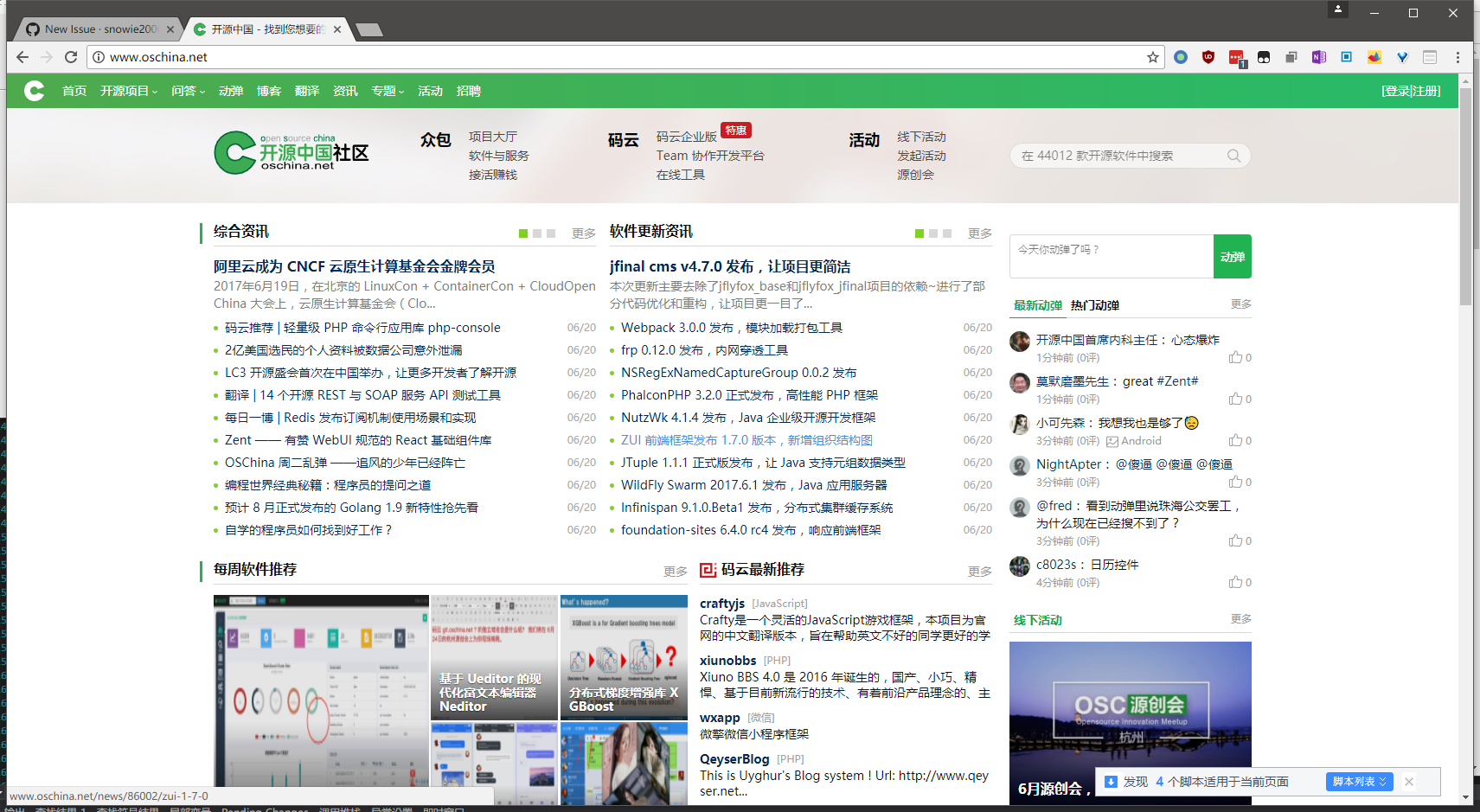
Should I uninstall all previous version and do a clean install ?
 ghosrt
All 12 comments
This is a known bug for current version and I'm working on it.
A fix should be available soon.
 snowie2000
on 20 Jun 2017
snowie2000
on 20 Jun 2017
Hmmm...I thought that it was impossible for MacType to affect Chrome after the 'Disable DirectWrite' flag was removed? Therefore, it was recommended to switch to Cent Browser which reinstated the 'Disable Direct Write' function?
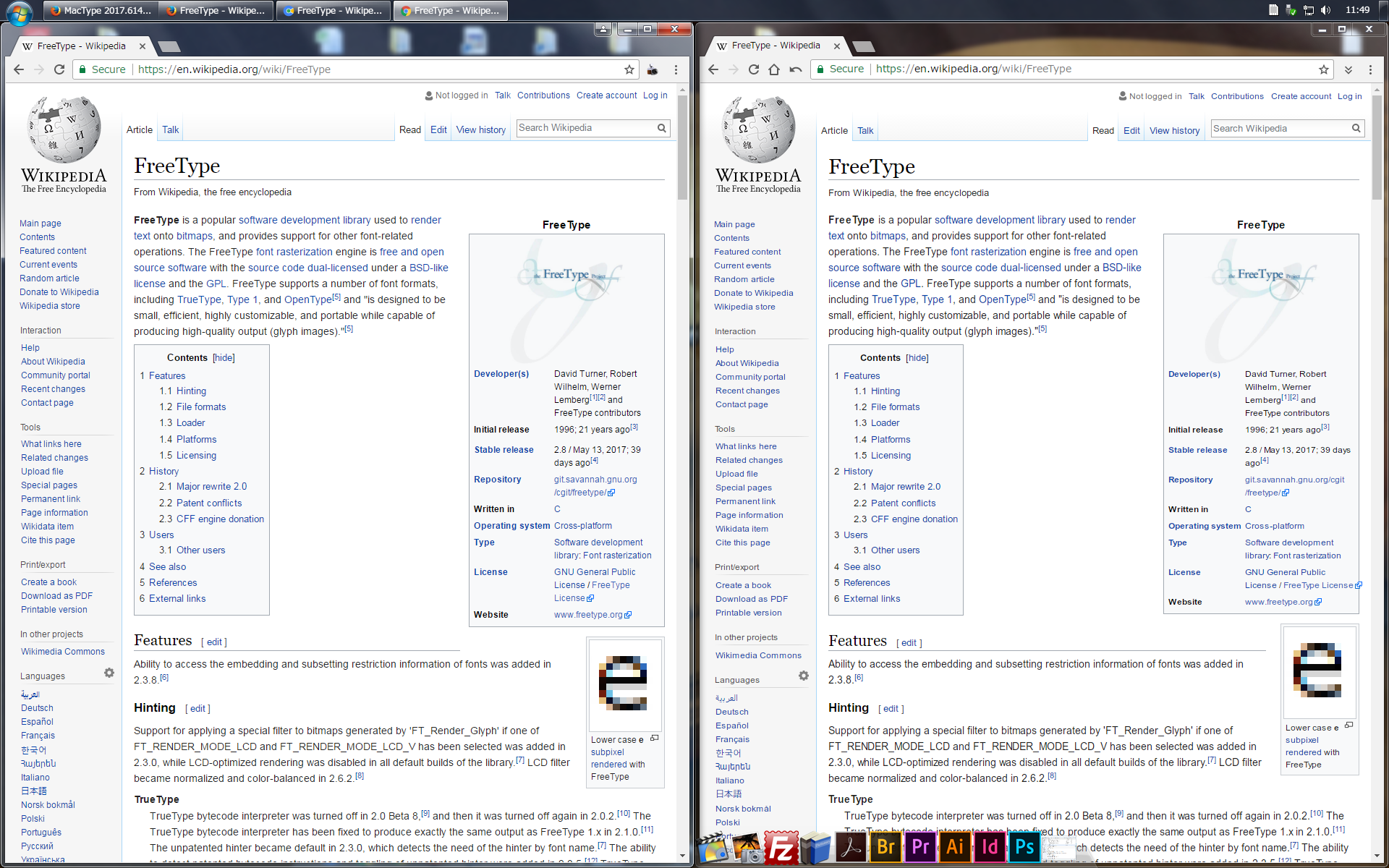
For what it's worth, even with MacType patching Cent Browser, the text is very thin compared to Firefox when browsing the same page.
Firefox vs Cent Browser:
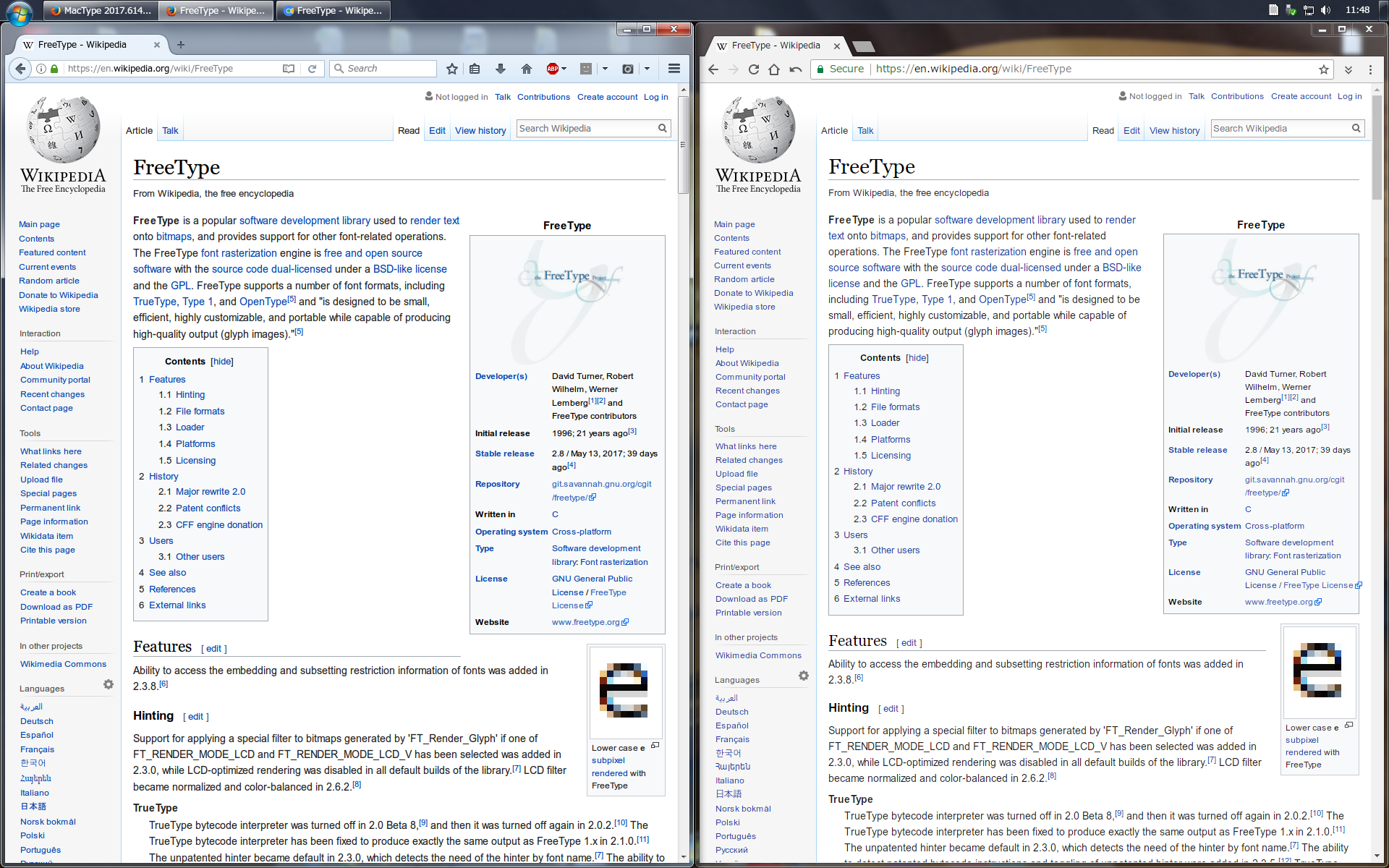
Chrome vs Cent Browser:
 jmbattle0
on 22 Jun 2017
jmbattle0
on 22 Jun 2017
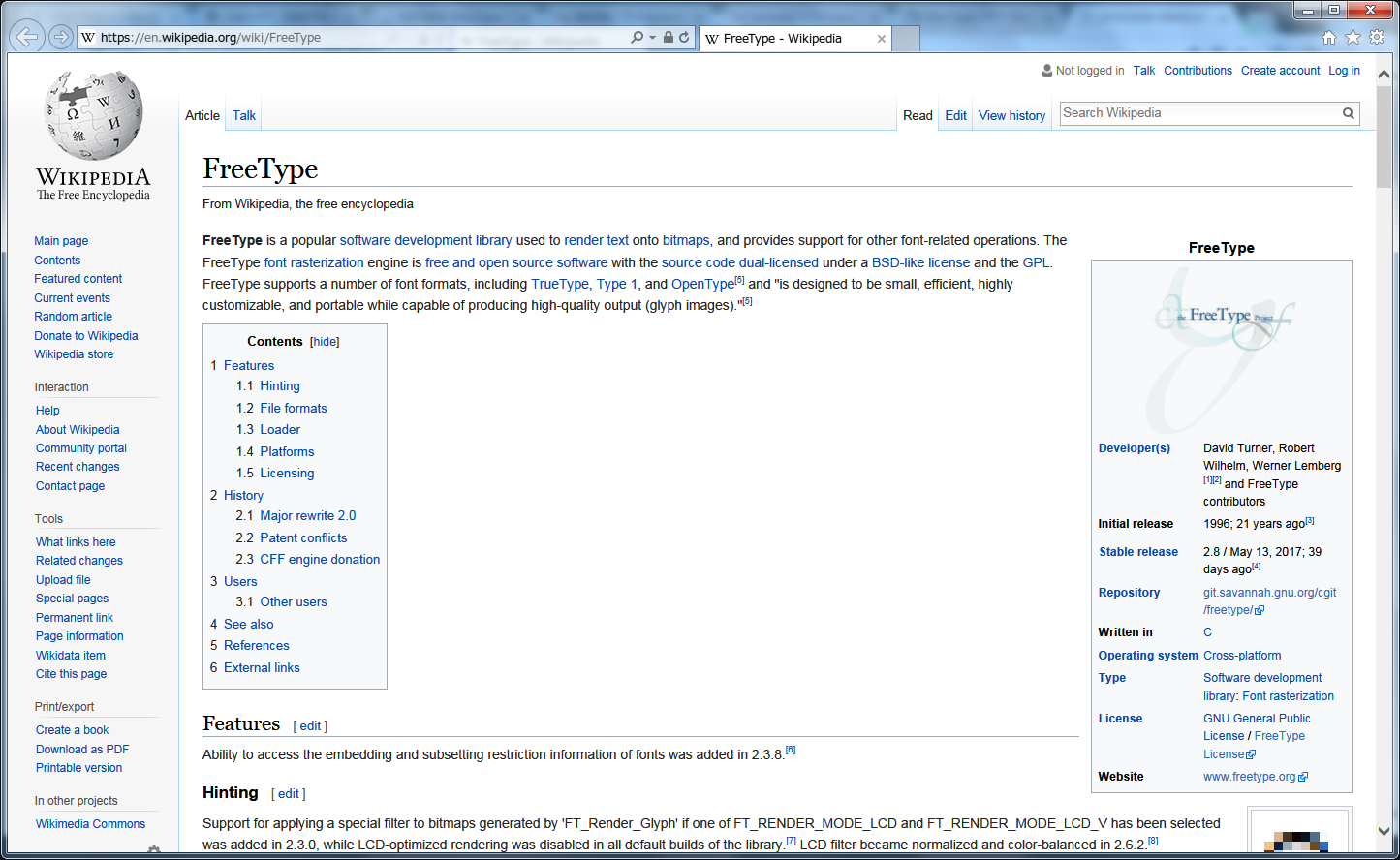
This is how it looks like in IE11 win7 now. I think it is now a little bit more readable.
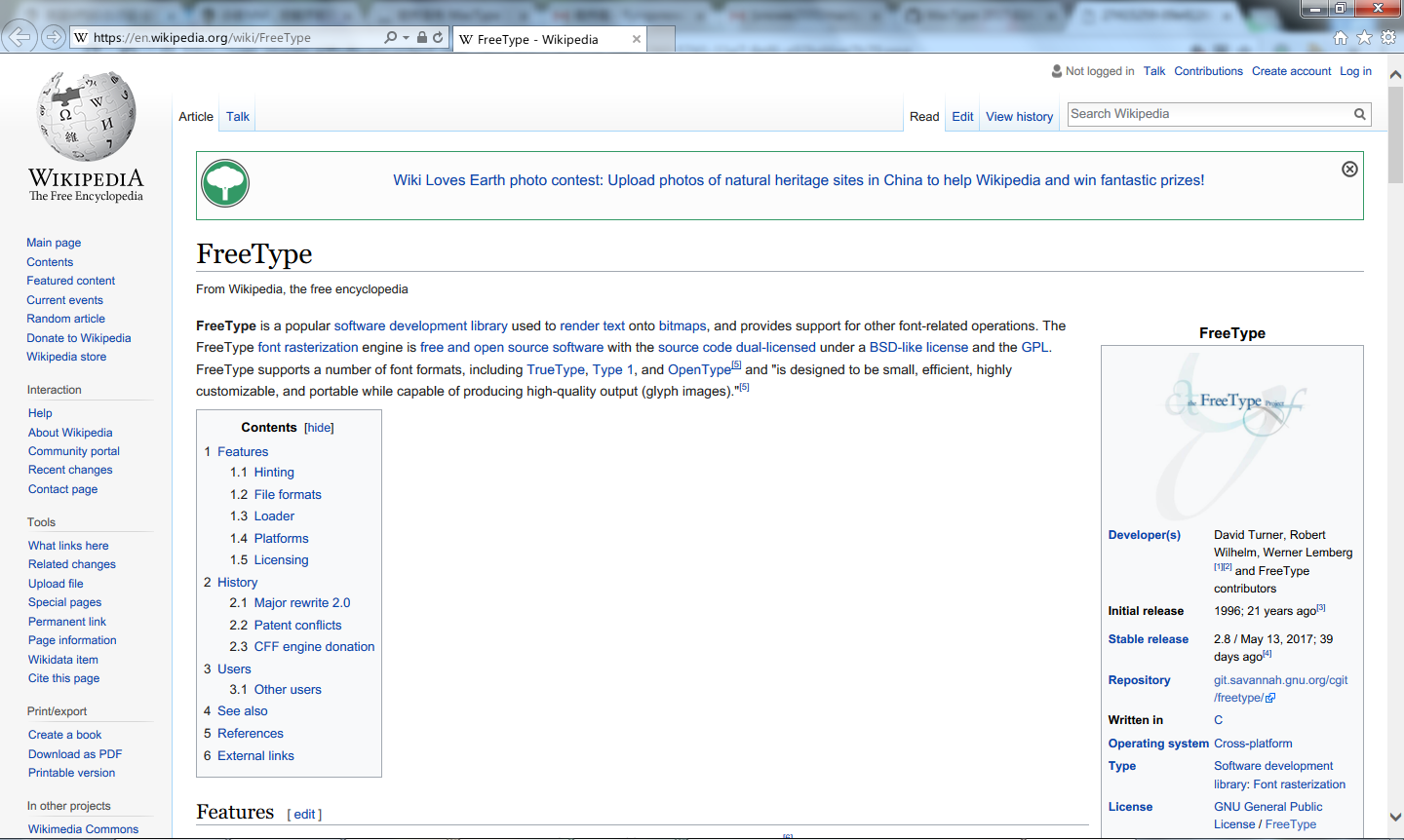
Ok, I admit that it's a completely different story for Chrome. :sob:
snowie2000
on 22 Jun 2017
Yes, that's pretty good! I assume this is using the 2017 version of MacType, yes?
I'm still using the 2016 version (due to Symantec blocking the installer, as discussed previously) which doesn't appear to influence IE11 on my Win7 machine.
jmbattle0
on 22 Jun 2017
The only option we have is to wait for the new version of unofficial patch
silight.hatenablog.jp/entry/MacTypePatch
 rudolphos
on 24 Jun 2017
rudolphos
on 24 Jun 2017
New version will be released no later than tomorrow.
snowie2000
on 26 Jun 2017
Thank you for the update.
I just tried IE11 with the 20170628 portable version, but text rendering appears identical to my screenshot a few days ago.
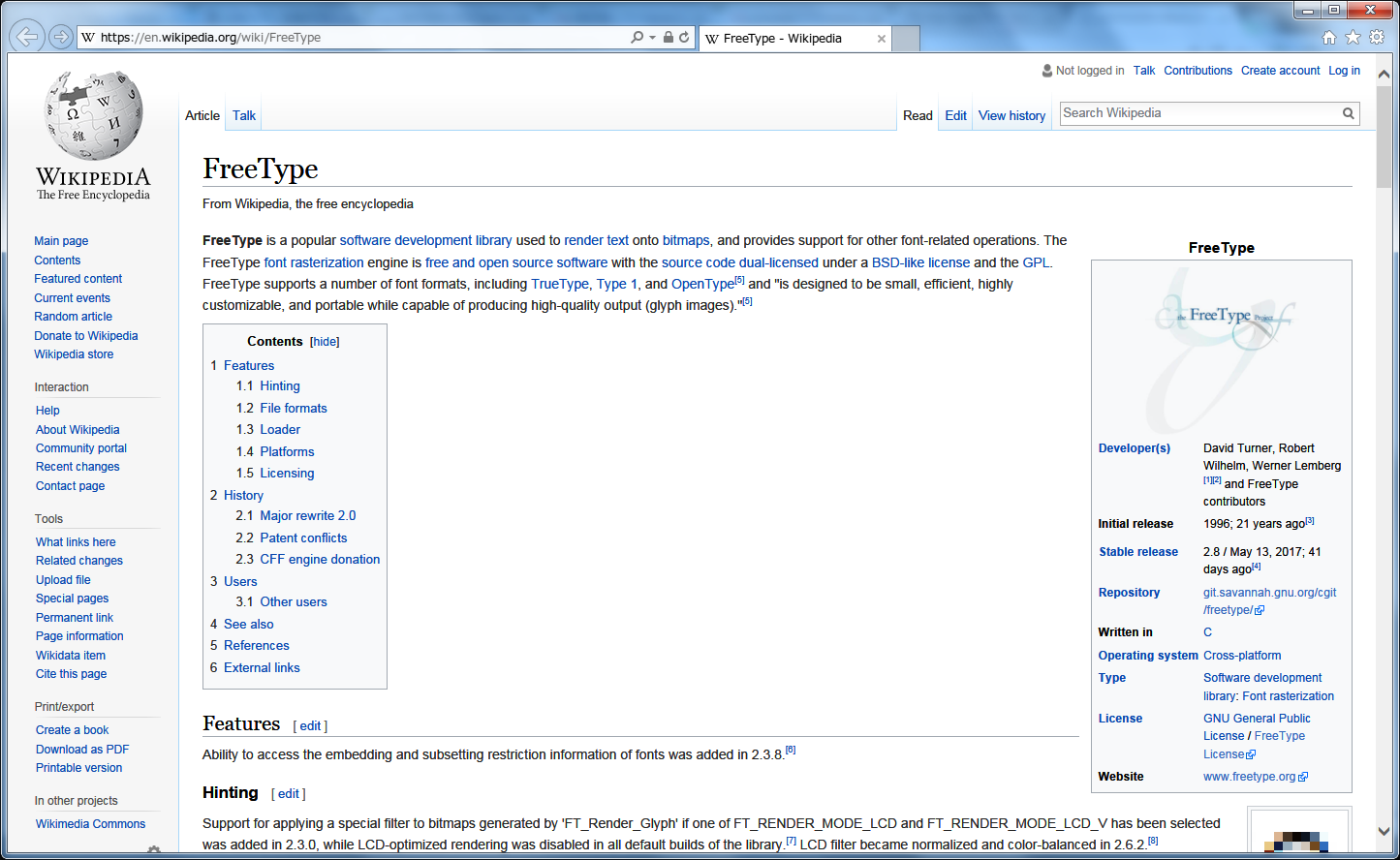
Do I need to change anything in my .ini file to allow MacType to render text in IE11?
jmbattle0
on 28 Jun 2017
Please add DirectWrite=1 under general section as I stated in the wiki https://github.com/snowie2000/mactype/wiki/DirectWrite
snowie2000
on 28 Jun 2017
It appears to already by set.
jmbattle0
on 28 Jun 2017
I checked your profile and it is set.
But, enabling this toggle just makes values under DirectWrite section valid, which are the real settings you should care about.
You may want to see https://github.com/snowie2000/mactype/wiki/DirectWrite-section to have a better understanding of all the possible settings.
By default, it is almost the same as Microsoft default directwrite.
snowie2000
on 28 Jun 2017
Ah, I see.
I didn't realise that the additional [DirectWrite] properties were added.
I will copy those into my ini now.
Are there any other additional parameters in the default.ini since the final 2016 release?
By the way, Chrome looks pretty good too now...excellent work!
jmbattle0
on 28 Jun 2017
I think MaxBitmap and HintSmallFont are the new settings I added, but I don't remember in which version I added them.
snowie2000
on 28 Jun 2017
Related issues
 zzrcxb
·
8Comments
zzrcxb
·
8Comments
 MariuzM
·
5Comments
MariuzM
·
5Comments
 kyler719
·
4Comments
kyler719
·
4Comments
 cricrazy
·
4Comments
cricrazy
·
4Comments
 CHN-STUDENT
·
3Comments
CHN-STUDENT
·
3Comments
Most helpful comment
New version will be released no later than tomorrow.