Lsp: The "path" argument must be one of type string, Buffer, or URL. Received type object
Is it a language server problem? No
Please include in your report:
- OS and language server? MacOS/Linux, LSP-typescript
- How you installed LSP (Package Control or from git?) git
- Minimal reproduction steps.
- Open a typescript repo in sublime merge.
- Open command palette and choose
Open Repository in sublime text. - Open a
.js,.tsfile in ST.
Expected behaviour:
Start the server in the file.
Actual behaviour:
I get an error popup:
Request initialize failed with message: The "path" argument must be one of type string, Buffer, or URL. Received type object
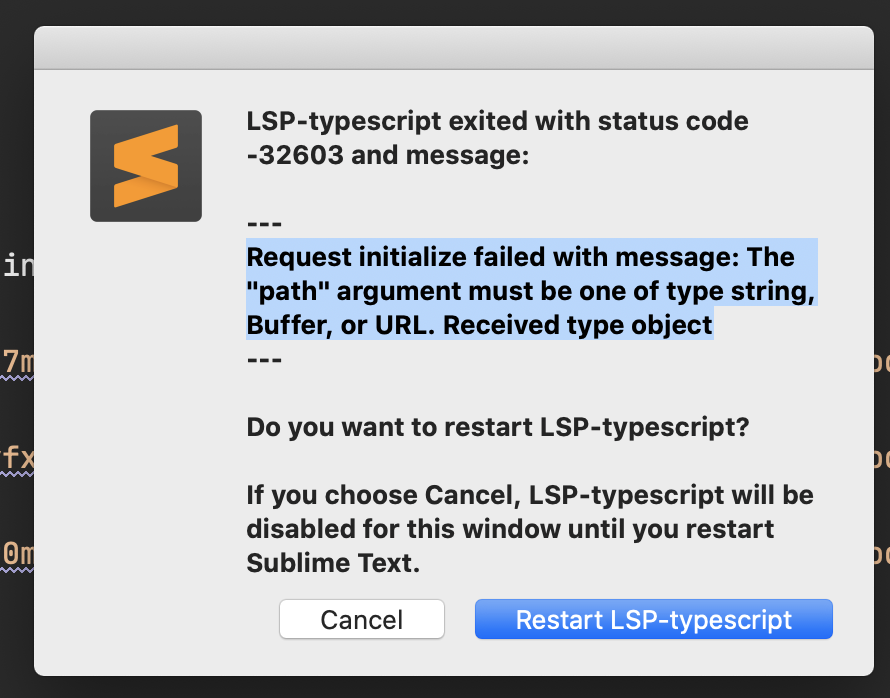
And I have to quit ST and open it to make the error go away.
Additional info,
I suspect to it is due to not having a way to detect when we open ST like that. (similar that we don't have a callback to detect when set_project_data was called, or maybe we do have a way, but I am not aware of it).
 predragnikolic
All 7 comments
There are a couple parties here:
- Shouldn't Merge open the repo as a folder? Is it opening that one file?
- Should LSP-typescript implement
can_startand refuse to start when there's no folder? - Should the typescript language server gracefully handle an initialize request without workspaceFolders and without a rootUri? These keys are allowed to be null values.
- Should this LSP package somehow cook up a rootUri and workspaceFolder even if there isn't one?
- Is Merge actually opening a folder? Maybe there's a bug in the window callbacks of the global listener in boot.py?
 rwols
on 12 Oct 2020
rwols
on 12 Oct 2020
- Open a typescript repo in sublime merge.
- Open command palette and choose
Open Repository in sublime text.
I've seen this error before but those steps actually don't reproduce for me. SM opens a folder so LSP-Typescript gets a property rootPath and all.
 rchl
on 13 Oct 2020
rchl
on 13 Oct 2020
Hi 👋🏻 I was just about to ask this in Discord, when decided to go through GitHub issues. I have the very same error, but steps to reproduce are different.
- OS and language server? macOS Catalina (Version 10.15.7), LSP-typescript
- How you installed LSP (Package Control or from git?) Package Control
- Minimal reproduction steps:
- Open clean ST (Build 4090)
- File -> Open, and choose the project folder.
- The first .js, .ts (i think it's only, when i open the first file of that extension) file I open I receive the error below.
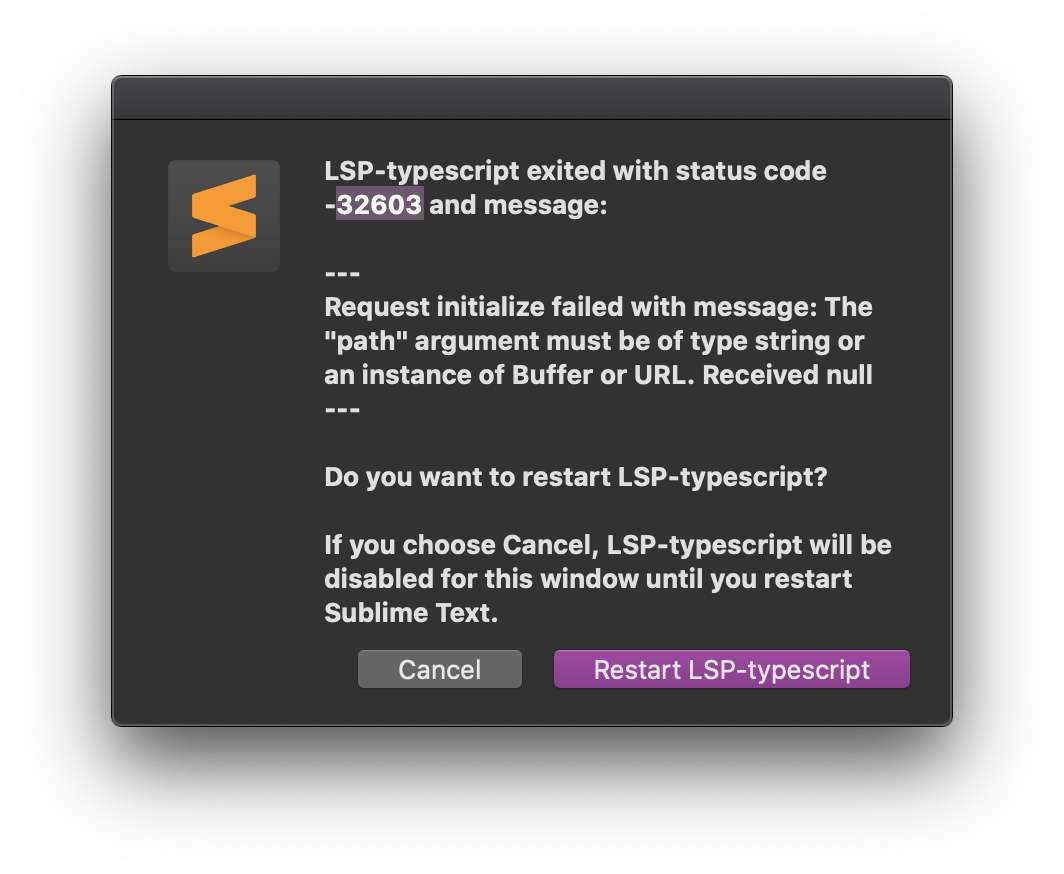
Restart button doesn't help, I have to Cancel and reload editor, then it's fine.
To be honest I have no clue how to debug ST, so if you have some directions which will help you and that I can follow, I would gladly perform them.
 ivansvlv
on 26 Oct 2020
ivansvlv
on 26 Oct 2020
I can reproduce using those steps.
Looks like an LSP bug. I don't think ST has a way of notifying us when workspace folders change but we could probably work around it somehow.
rchl
on 26 Oct 2020
The "bug" is that we still don't have an event for when window.project_data() changes. The only thing that File > Open does when you select a folder is that it is added to window.project_data()["folders"]. While the situation is improved now that we have on_project_loaded etc, really we only need a new on_project_data_changed.
rwols
on 26 Oct 2020
I was thinking that we could re-evaluate the workspace folders before starting the server.
It's not gonna be pretty or proper but sometimes you gotta do what you gotta do. :)
rchl
on 26 Oct 2020
@rchl @rwols Thank you guys, you are doing a fantastic job with LSP 🤘🏻
ivansvlv
on 26 Oct 2020
Related issues
 niosus
·
4Comments
niosus
·
4Comments
 gerardroche
·
3Comments
gerardroche
·
3Comments
 evandrocoan
·
7Comments
evandrocoan
·
7Comments
 brainplot
·
3Comments
predragnikolic
·
3Comments
brainplot
·
3Comments
predragnikolic
·
3Comments
Most helpful comment
I was thinking that we could re-evaluate the workspace folders before starting the server.
It's not gonna be pretty or proper but sometimes you gotta do what you gotta do. :)