I have...
- [x] reviewed How Linguist Works,
- [x] reviewed the Troubleshooting docs,
- [x] considered implementing an override,
- [x] verified an issue has not already been logged for your issue (linguist issues).
Problem Description
Hi there,
Since few time, my private repo show wrong code percentage. At the beginning the code qualification was good : Mainly javascripts, some html and css.
But from one day to another, and I don't know why, the code qualification was mainly set on TSQL. But problem, I have no TSQL file in my whole projet, and when I click TSQL to see the files nothing appears.

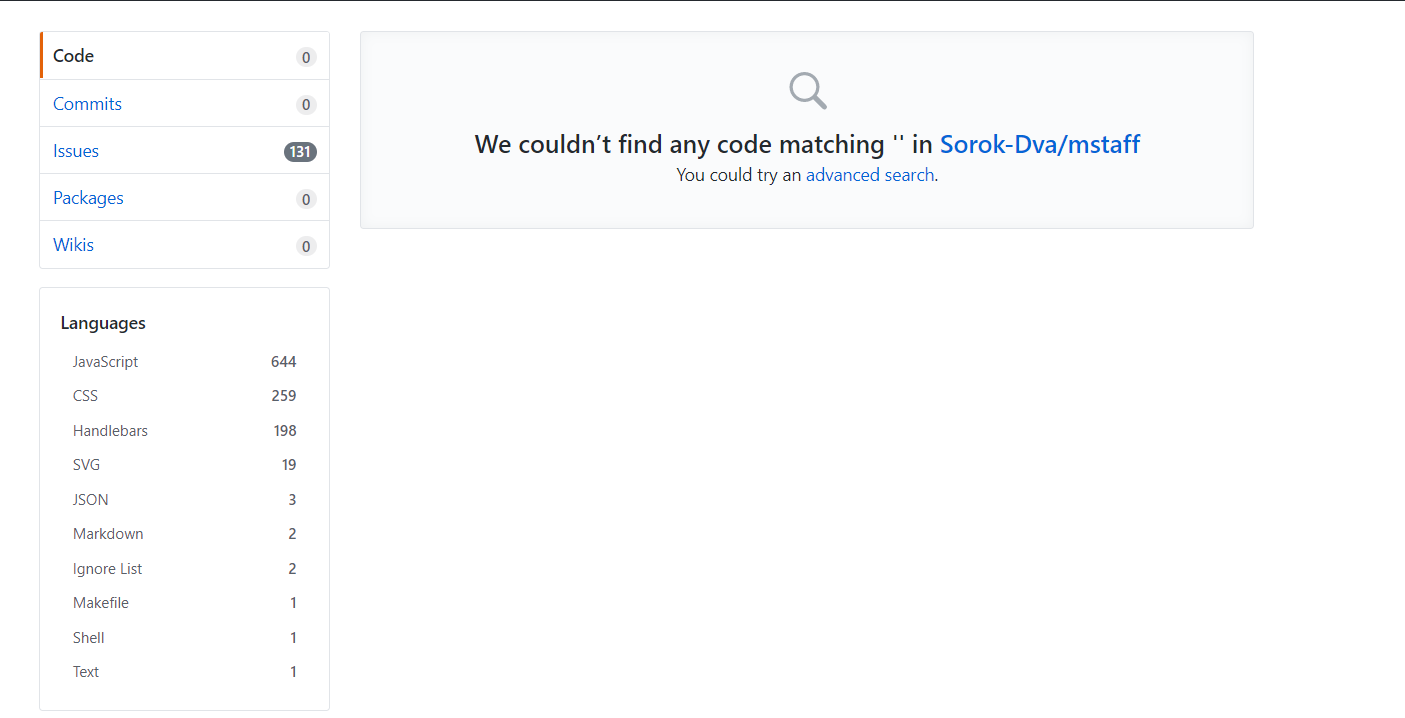
URL of the affected repository:
https://github.com/Sorok-Dva/mstaff (private)
Last modified on:
2019-06-28
Expected language:
JavaScript
Detected language:
TSQL
 Sorok-Dva
All 12 comments
As your repo is private we can't look for ourselves, but the most likely explanation is you've added a file that is larger than 384KB (this is a search constraint and the likely explanation as to why you can't find the file when clicking TSQL in the language bar) with a .sql extension with content that matches the regex at https://github.com/github/linguist/blob/001ca526694a32a5ac4c977a79032ced0b8c0aca/lib/linguist/heuristics.yml#L400-L403
I'd suggest you search your repo for all large files and I'm sure one of these will likely explain the TSQL analysis. If you can't, please feel free to add me as a collaborator and I can take a look for myself.
Once you've found the file, you'll probably want to implement an override to stop it being counted if you really don't want it counted.
 lildude
on 4 Jul 2019
lildude
on 4 Jul 2019
Thanks for your answer !
So I have only one SQL file in my repository and I admit that this one is huge.
To be sure about what I say, I added you to my repository, but I think you're right.
What the manipulation to stop this file being counted ?
Sorok-Dva
on 4 Jul 2019
Yup, that's definitely the cause... and it's a whopper!! 😱
You can use any of the override methods detailed in the README that cover hiding/excluding from the language stats - one of vendored, generated, or detectable are probably best, depending on how this file is created and maintained.
lildude
on 4 Jul 2019
Thanks for you quick help !
I tried vendor.yml solution. I created the file (branch develop) and I added the path of the sql file (orm/sql)
But the code qualification hasn't change. I think that I miss something in the procedure.
Can you tell me what I've done wrongly please ?
Edit : I also try .gitattributes override method but still nothing
Sorok-Dva
on 4 Jul 2019
Linguist only runs on the default branch (usually master).
 pchaigno
on 4 Jul 2019
pchaigno
on 4 Jul 2019
Thanks for your answer pchaigno.
So I created a vendor.yml in master branch
# SQL Files
- orm/sql/* linguist-vendored
But the code qualification still hasn't change
Sorok-Dva
on 4 Jul 2019
Drop the dash.
pchaigno
on 4 Jul 2019
Hmm I do not know which dash you want I remove so I tried two things and none of them changed the code qualification :
# SQL Files
orm/sql/* linguist-vendored
# SQL Files
- orm/sql/* linguistvendored
What about:
*.sql linguist-vendored
Still nothing,
But do your solution is for vendor.yml ? Because it looks like a .gitattributes notation and actually I only tests vendor.yml on master branch
Sorok-Dva
on 4 Jul 2019
Ah. Yes, this was for .gitattributes. vendor.yml only takes a path in YAML format:
- orm/sql/
But vendor.yml is only for Linguist's usage and lives at lib/linguist/vendor.yml in this repository. If you want to override Linguist's behavior, you should use .gitattributes file, as per the README.
pchaigno
on 4 Jul 2019
Nice ! It works ! Thank you for your awesome help hand !
So for anyone that will have this problem in the future, the solution is to create a .gitattributes in your default branch (usually master) then add the files you want to ignore in code qualification.
In my case :
*.sql linguist-vendored
Thanks @lildude and @pchaigno for your quick help !
Sorok-Dva
on 4 Jul 2019
Related issues
 FranklinYu
·
4Comments
FranklinYu
·
4Comments
 TimothyGu
·
5Comments
TimothyGu
·
5Comments
 lucasrodes
·
6Comments
lucasrodes
·
6Comments
 oldmud0
·
6Comments
oldmud0
·
6Comments
 GabLeRoux
·
6Comments
GabLeRoux
·
6Comments