Lighthouse: Invalid score for speed-index: NaN
Provide the steps to reproduce
- Run LH on https://kabardinovd.com
What is the current behavior?
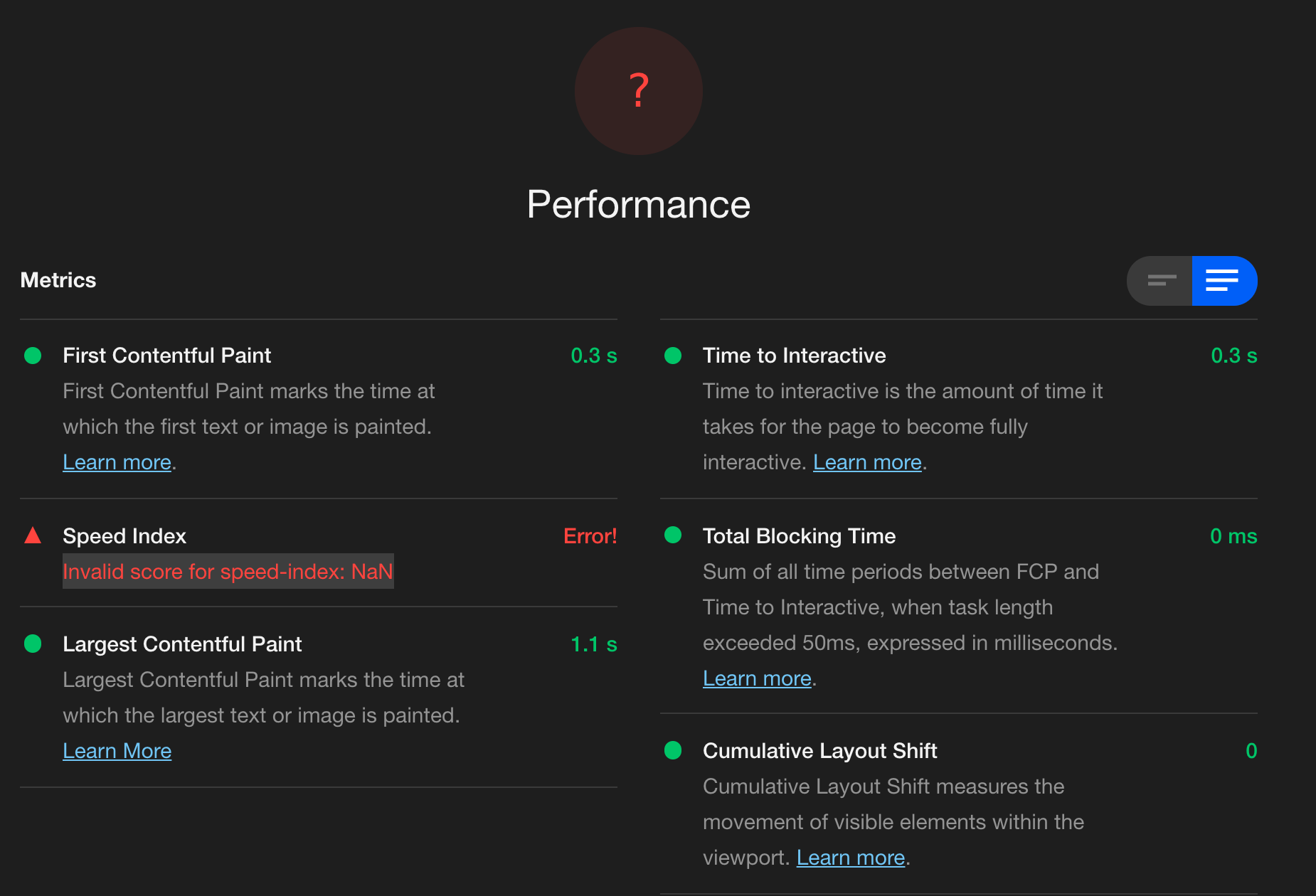
Performance Audit Error:
Speed Index Error!
Invalid score for speed-index: NaN
What is the expected behavior?
Performance audit should show a numeric score
Environment Information
- Affected Channels: DevTools (At least)
- Lighthouse version: 6.0.0
- Chrome version: 84.0.4147.89 (Official Build) (64-bit) (cohort: Stable)
- Node.js version: v12.18.2
- Operating System: Windows 10 Pro
 dKab
dKab
All 19 comments
Thanks for filing @dKab ! I can't reproduce reliably this though :/
Only 1 of 10 runs gave me this, was this what you observed?
 patrickhulce
on 24 Jul 2020
patrickhulce
on 24 Jul 2020
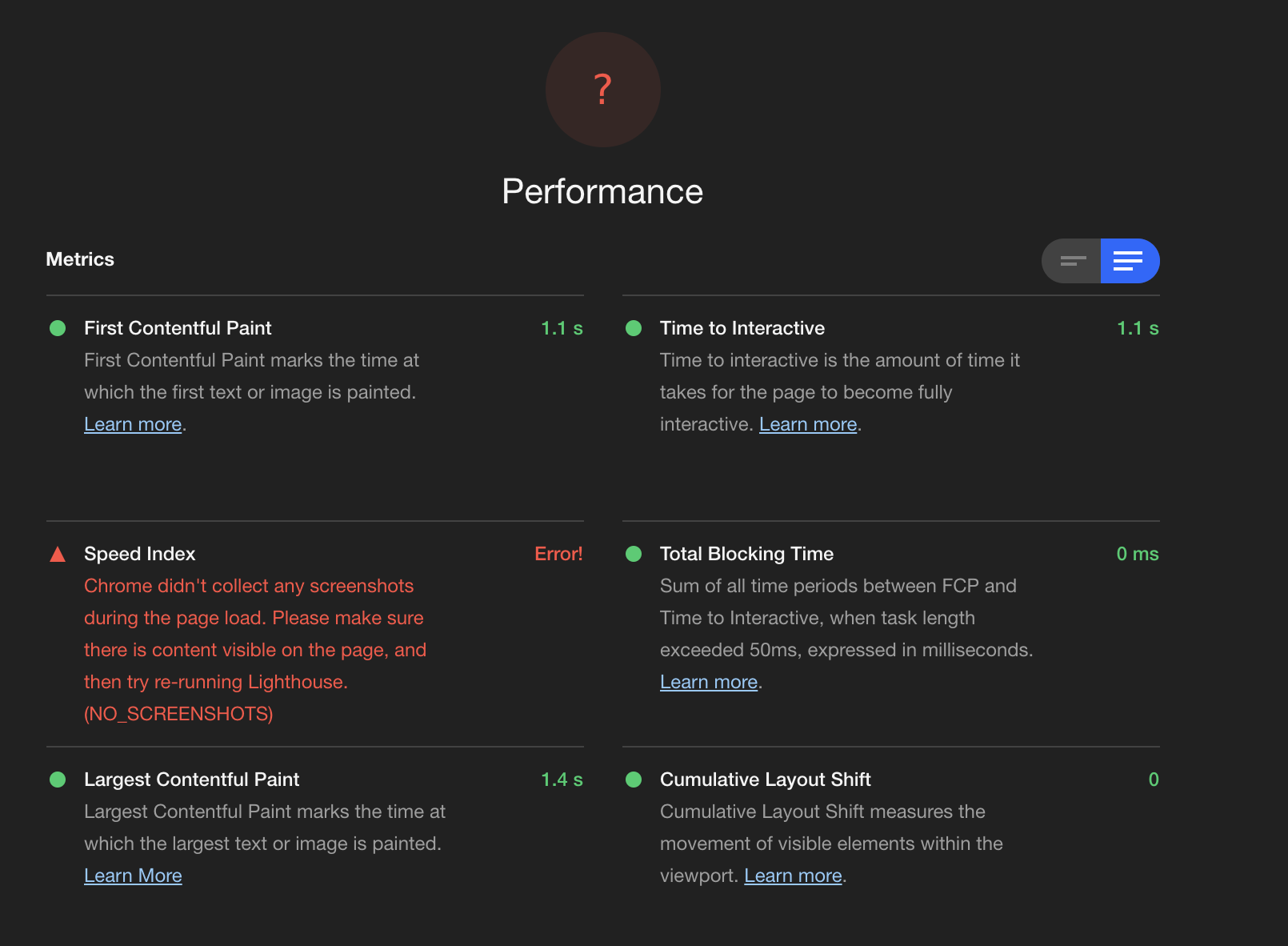
I am getting this too locally and online: https://romantic-mahavira-1e7c3a.netlify.app
 mdnelles
on 24 Jul 2020
mdnelles
on 24 Jul 2020
@patrickhulce

dKab
on 24 Jul 2020
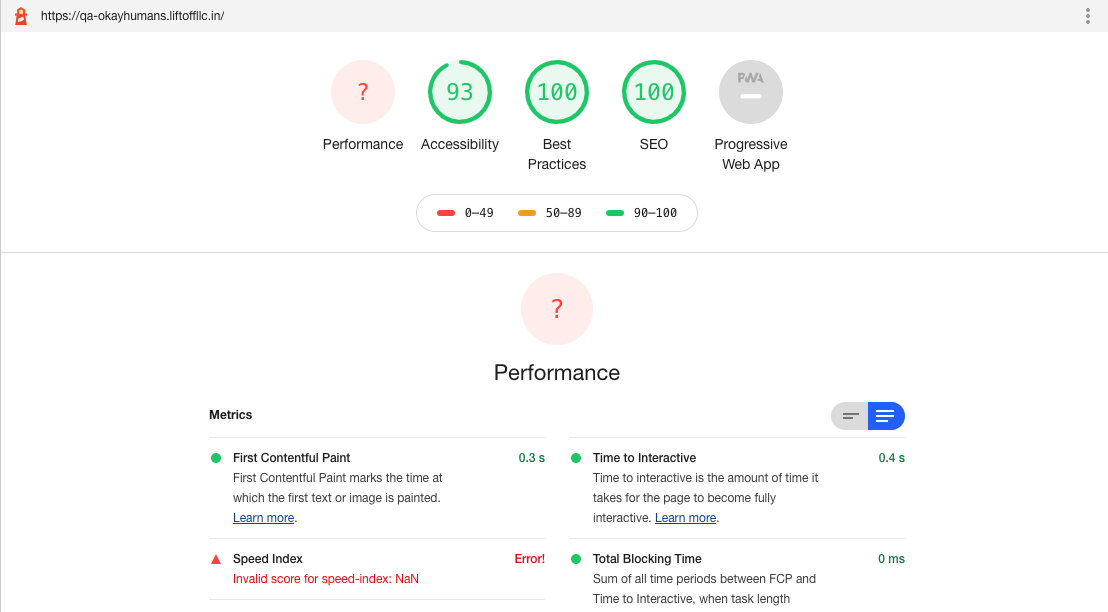
I'm facing the same issue as well. Same with another product from our company. Both of them are NextJs apps hosted on vercel, if it helps. It used to work fine on the same domain a few days ago, nothing significant has changed since then in terms of new code.
 Karthik9321
on 24 Jul 2020
Karthik9321
on 24 Jul 2020
Hm, I'm not sure what's going on I can't reproduce this on any of the provided URLs in stable, canary, windows, or mac :/
Definitely concerning that so many of you seem to have run into this though. Anything in particular you can share about your setup or repro steps that might be unique or relevant?
patrickhulce
on 24 Jul 2020
Anything in particular you can share about your setup or repro steps that might be unique or relevant?
Same issue here.
When it happens?
It only happens when I run audit with no extensions enabled.
Where and How I've tested?
Tested here for both mobile and desktop, on Chrome (see screenshot here) and Edge (see screenshot here), Win 10. Under Incognito, Guest, or an Account (logged to Google acc. or not). So I'm assuming it's not a profile or acc. related problem.
Context
Auditing my work in progress portfolio in a "clean" environment to ensure there isn't any negative impact to the performance, I disabled all my extensions, and surprise! speed-index: NaN happens 😅
Let me know if I can help you with any further information.
 leodeslf
on 24 Jul 2020
leodeslf
on 24 Jul 2020
Thanks @leodeslf ! That's a good extra tip about the extensions but I still couldn't reproduce it :/ Does it happen every time you run?
Also would someone experiencing this be willing to share the trace file that resulted?
You can get the trace by...
Clicking "View Trace" in the Performance section after the run completes.
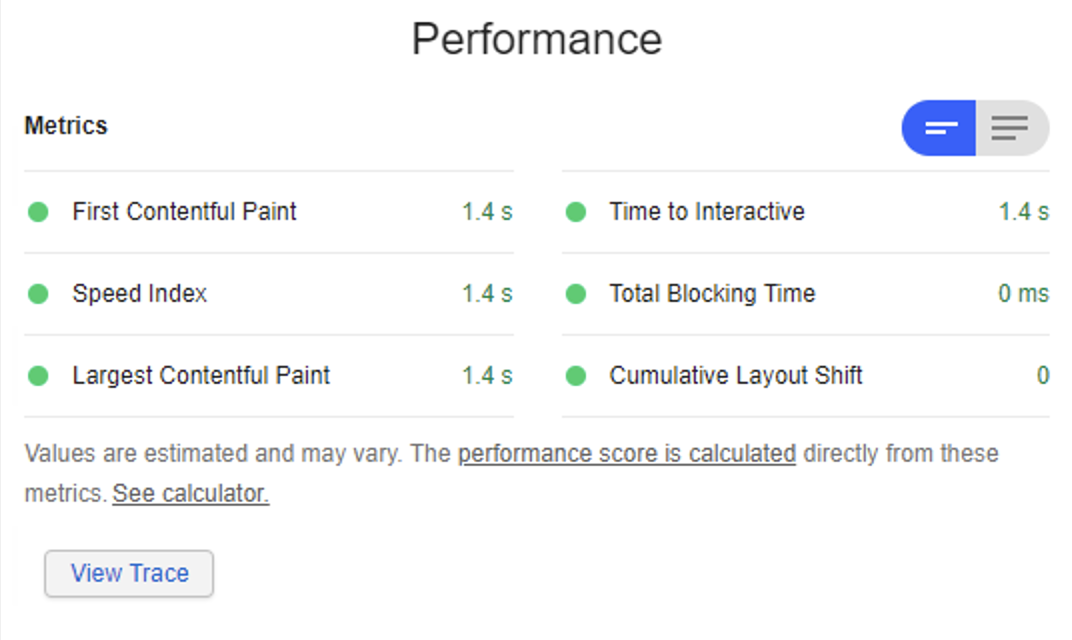
Clicking the download trace button "Save profile..." in the performance panel
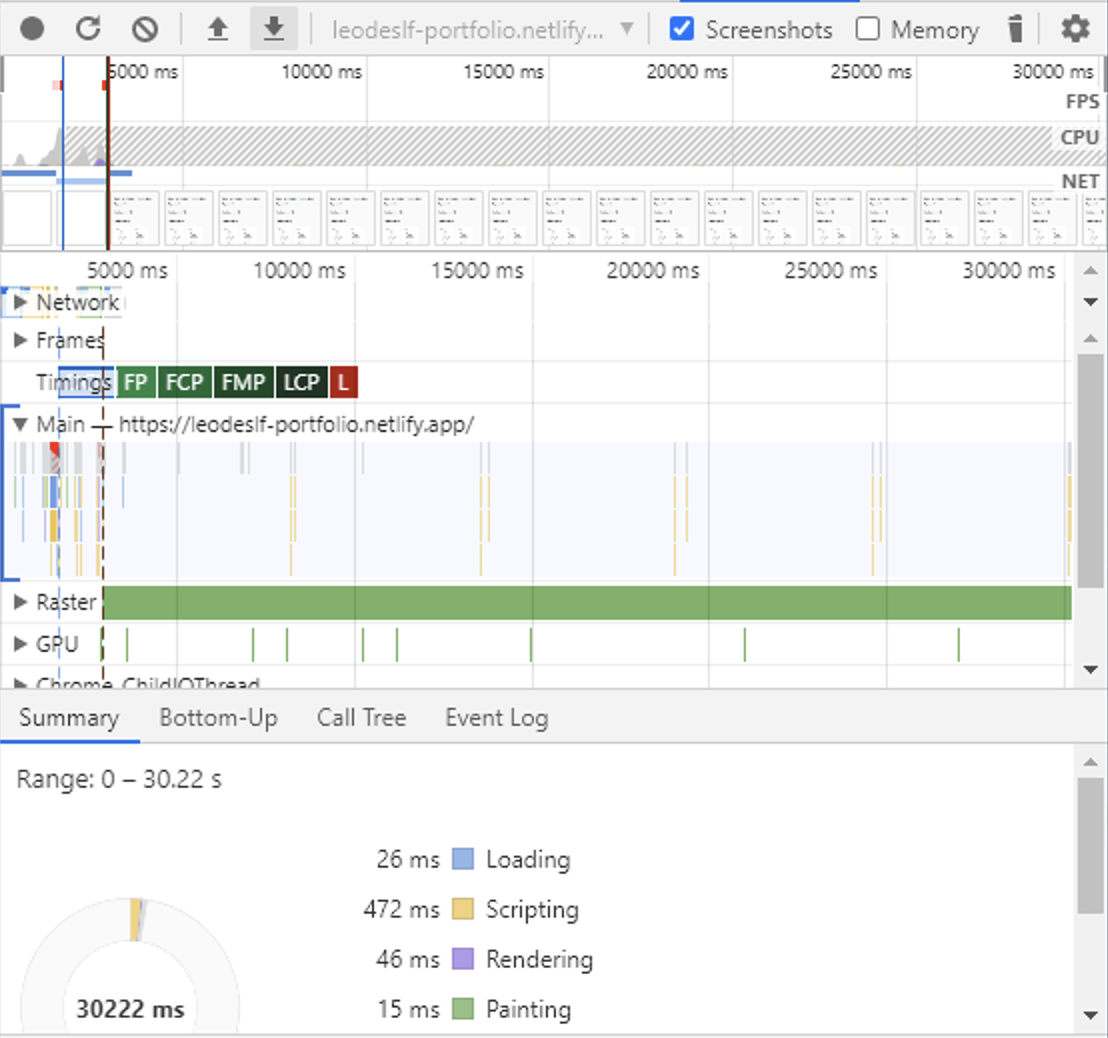
Uploading that JSON file here to github :)
patrickhulce
on 25 Jul 2020
Yes, at the moment it happens every time in that conditions.
Here is my trace file.
leodeslf
on 25 Jul 2020
Thanks @leodeslf! Speed index itself worked on that trace without any problems, and I'm not sure what else I can do at this point :/
Anyone else on Lighthouse able to reproduce this behavior?
patrickhulce
on 25 Jul 2020
Chrome Version 84.0.4147.89 (Official Build) (64-bit)
Lighthouse 6.0.0
I'm seeing the same issue but only when running as 'Device: Desktop' running as 'Device: Mobile' works correctly.
Desktop
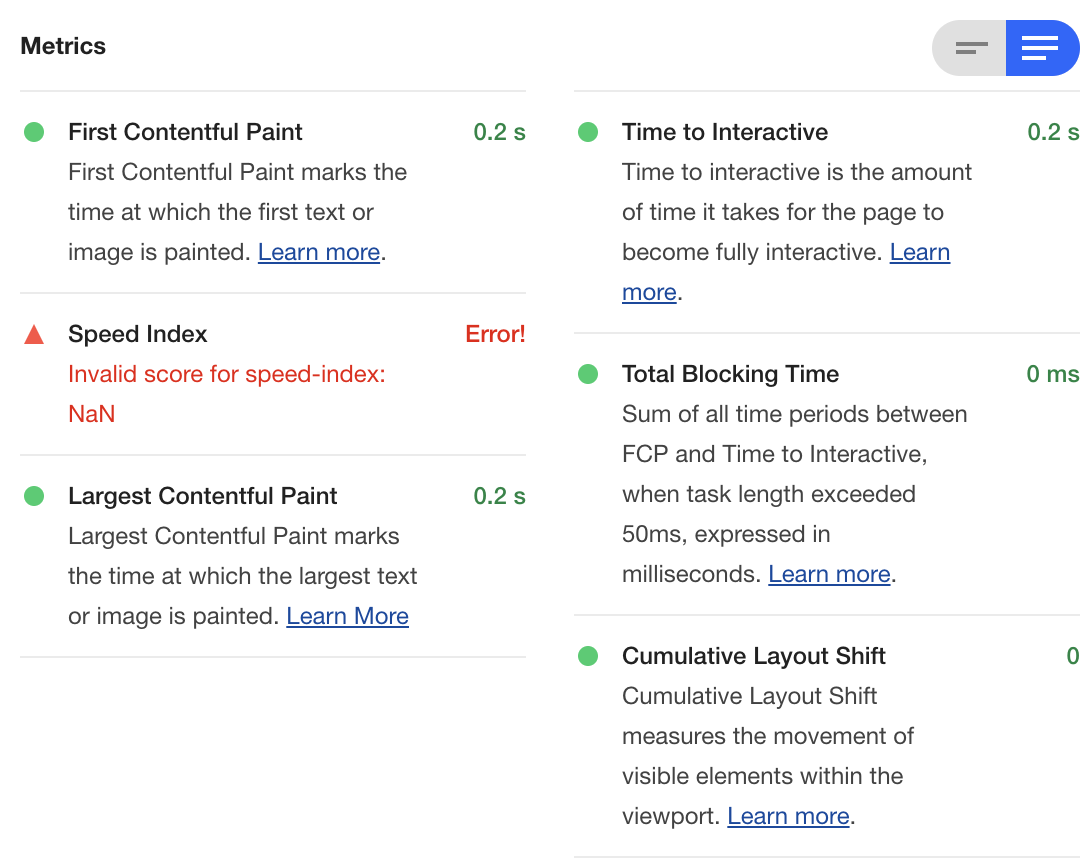
Mobile

May be a separate issue but the tooltip for both mobile and desktop reads "Apply mobile emulation during auditing"

 mrjohnsly
on 26 Jul 2020
mrjohnsly
on 26 Jul 2020
Finally able to repro thanks to #11173 so we've got a fix in play now 🎉
patrickhulce
on 28 Jul 2020
Finally able to repro thanks to #11173 so we've got a fix in play now 🎉
Welcome @patrickhulce
 anandgupta193
on 29 Jul 2020
anandgupta193
on 29 Jul 2020
I've got the same issue with a Next.js app, seems like it works when auditing with mobile.
 Divlo
on 30 Jul 2020
Divlo
on 30 Jul 2020
@patrickhulce - Is the issue fixed?
anandgupta193
on 1 Aug 2020
@anandgupta193 yes but you won't see it in Chrome for quite some time. Probably in the CLI and PSI in ~3 weeks
patrickhulce
on 1 Aug 2020
I am still seeing the issue with Version 85.0.4183.83 (Official Build) (64-bit) on Ubuntu 18.04
 eperret
on 7 Sep 2020
eperret
on 7 Sep 2020
@patrickhulce - Is this issue fixed and shipped to latest chrome lighthouse?
anandgupta193
on 8 Sep 2020
Yes it should be fixed in Chrome Canary and is part of Chrome 86 (becomes stable in October).
patrickhulce
on 8 Sep 2020
Meanwhile, a workaround,
click the
See calculator.link
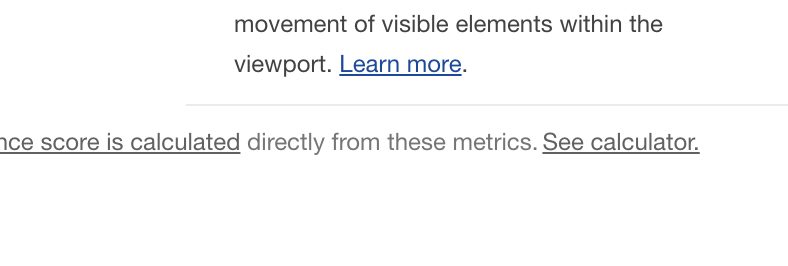
in the opening page, try moving the Nah Speed index slider a little bit. You will see the number being populated correctly

 Albert-Gao
on 18 Sep 2020
Albert-Gao
on 18 Sep 2020
Related issues
 asistapl
·
3Comments
asistapl
·
3Comments
 bitttttten
·
3Comments
bitttttten
·
3Comments
 mbparvezme
·
3Comments
mbparvezme
·
3Comments
 codepodu
·
3Comments
codepodu
·
3Comments
 dkajtoch
·
3Comments
dkajtoch
·
3Comments
Most helpful comment
@anandgupta193 yes but you won't see it in Chrome for quite some time. Probably in the CLI and PSI in ~3 weeks