Lighthouse: "Background and foreground colors do not have a sufficient contrat ratio." Really?
Bug report
Provide the steps to reproduce
- Run LH on any webpage (for example on youtube.com).
What is the current behavior?
I have this on my webpage:

Lighthouse:

CSS:
div#warningbackground { background-color: #ff0000; }
span#warningtext {
    color: #ffffff;
    font-size: 20px;
}
span#warningtext a {
        background-color: #ffffff;
    padding: 2px 5px 4px 5px;
    color: #0000ff;
}
What is the expected behavior?
I think contrast ratio is more than OK.
Environment Information
- Affected Channels:
*Chrome: 67.0.3396.99
a337fbf3c2ab8ebc6b64b0bfdce73a20e2e2252b-refs/branch-heads/3396@{#790} - Operating System: Windows 10
V8 6.7.288.46
Related issues
 Mlocik97-issues
All 8 comments
The color contrast check is extended from the AxeAudit, which verifies that foreground and background colors meet the WCAG 2 AA contrast ratio thresholds. In your case, the defined colors foreground #ffffff and background #ff0000 only have a contrast ratio of 4.00:1, which (correctly) does not pass the audit.
 justinribeiro
on 26 Jun 2018
justinribeiro
on 26 Jun 2018
Yup, @justinribeiro hit the nail on the head 👍
@Mlocik97-issues you can use a site like http://contrast-ratio.com/ to play around with colors that have sufficient color contrast.
 patrickhulce
on 26 Jun 2018
patrickhulce
on 26 Jun 2018
Another resource to play around with is https://dequeuniversity.com/rules/axe/3.1/color-contrast
 biwin
on 28 Dec 2019
biwin
on 28 Dec 2019
@Mlocik97-issues Don't worry
The Myths of Color Contrast Accessibility

Lighthouse is not the final authority.
 englishextra
on 6 Oct 2020
englishextra
on 6 Oct 2020
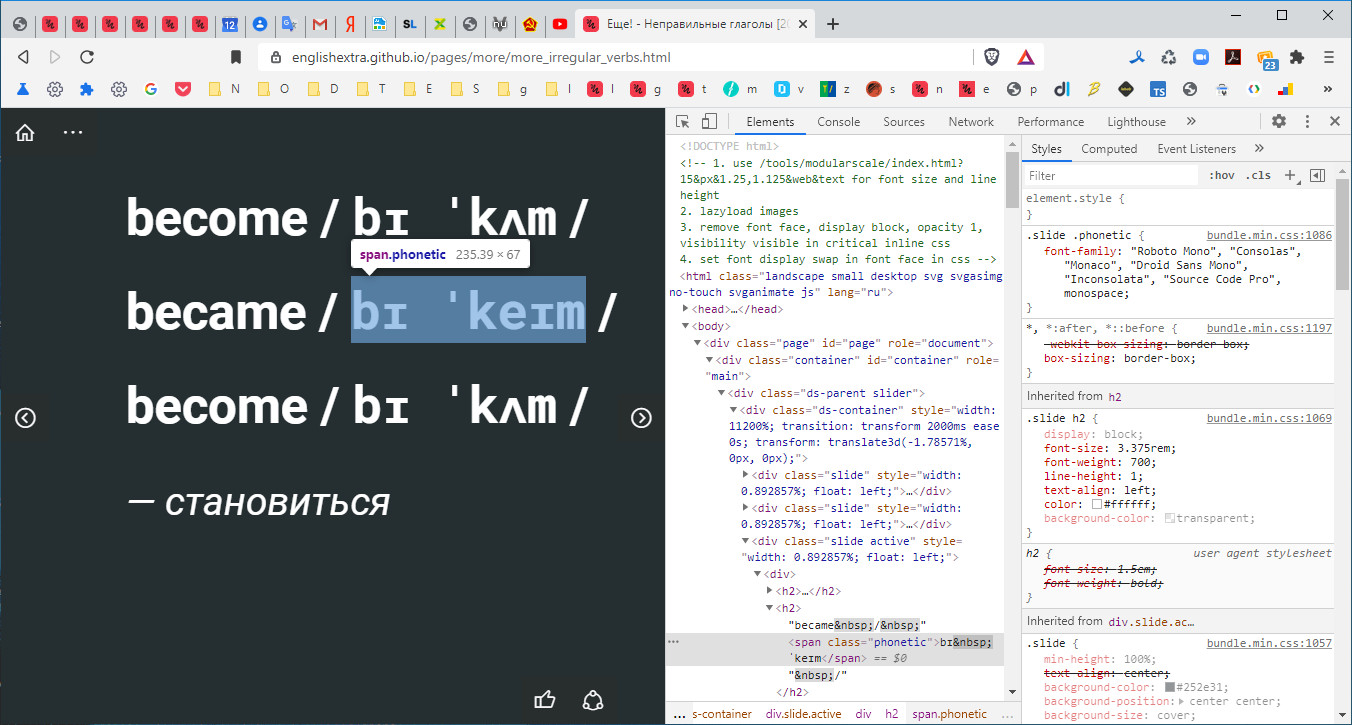
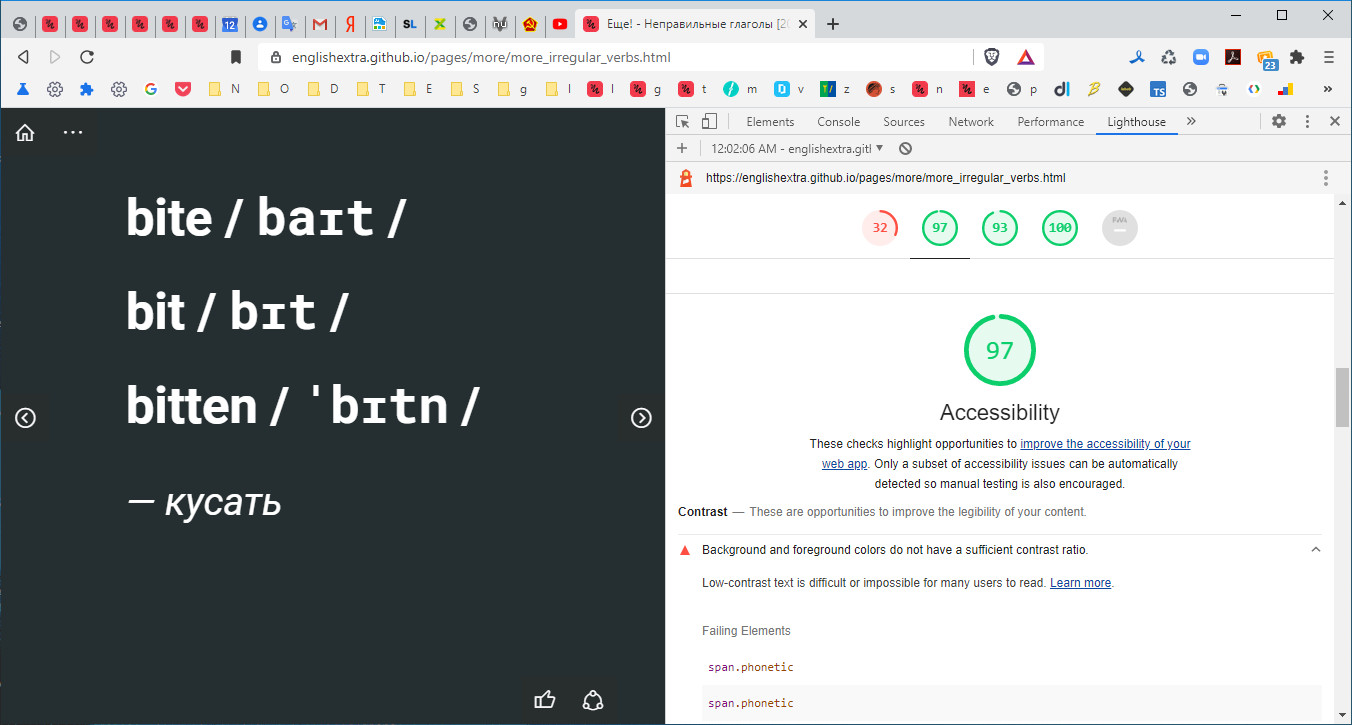
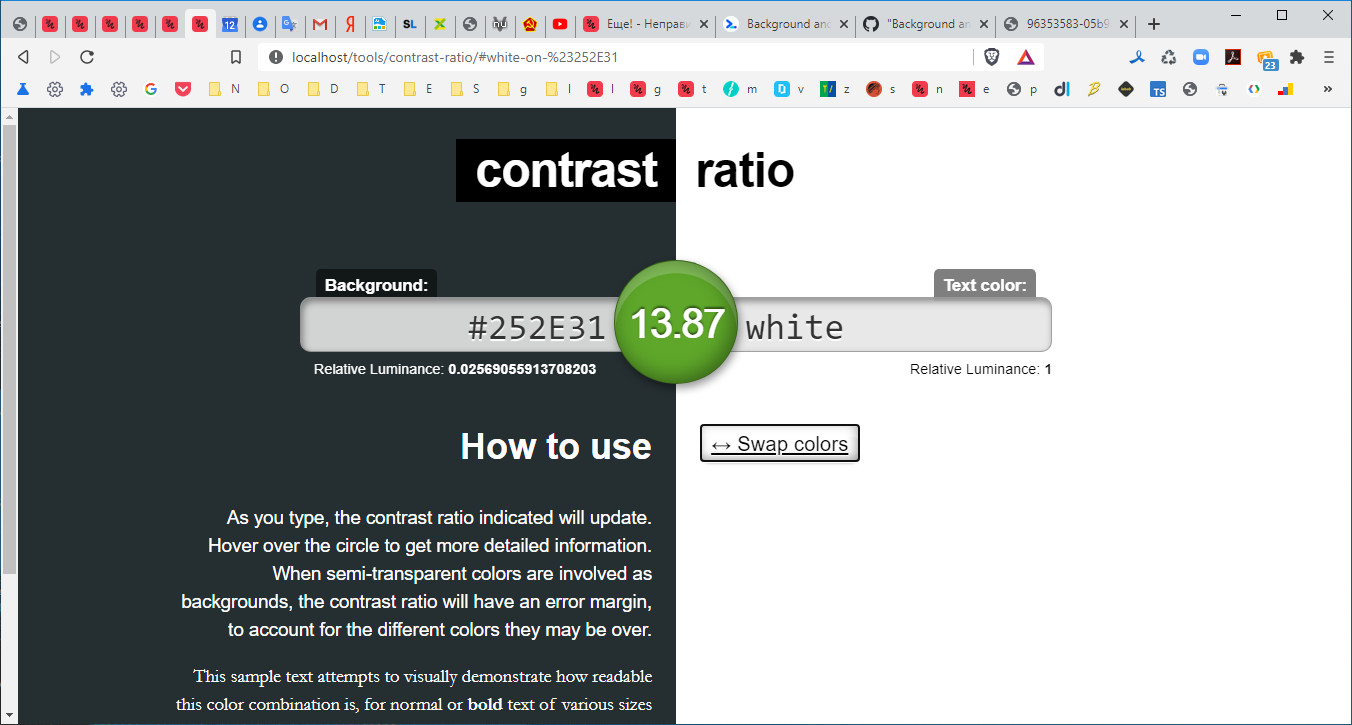 englishextra
on 17 Oct 2020
englishextra
on 17 Oct 2020
@englishextra that almost certainly is because of the offscreen slides that page has that mess up background color detection. Separate bug welcome though I don't know if we'll be able to do much about it (axe seems to just skip them in latest version).
patrickhulce
on 18 Oct 2020
@englishextra axe-core v4.x appears to resolve this issue (I can't duplicate the above issue in via @axe-core/cli on 4.0.2, as seen running the specific color-contrast rule on the cli below).

Currently, we're pegged to 3.5.5, but this is on the v7 roadmap for update in #11207
justinribeiro
on 20 Oct 2020
@justinribeiro Oh yeah, thanks a lot. Good news.
englishextra
on 21 Oct 2020
Related issues
 etelai
·
3Comments
etelai
·
3Comments
 codepodu
·
3Comments
codepodu
·
3Comments
 mohanrohith
·
3Comments
mohanrohith
·
3Comments
 muuvmuuv
·
3Comments
muuvmuuv
·
3Comments
 bitttttten
·
3Comments
bitttttten
·
3Comments
Most helpful comment
@englishextra axe-core v4.x appears to resolve this issue (I can't duplicate the above issue in via @axe-core/cli on 4.0.2, as seen running the specific color-contrast rule on the cli below).
Currently, we're pegged to 3.5.5, but this is on the v7 roadmap for update in #11207