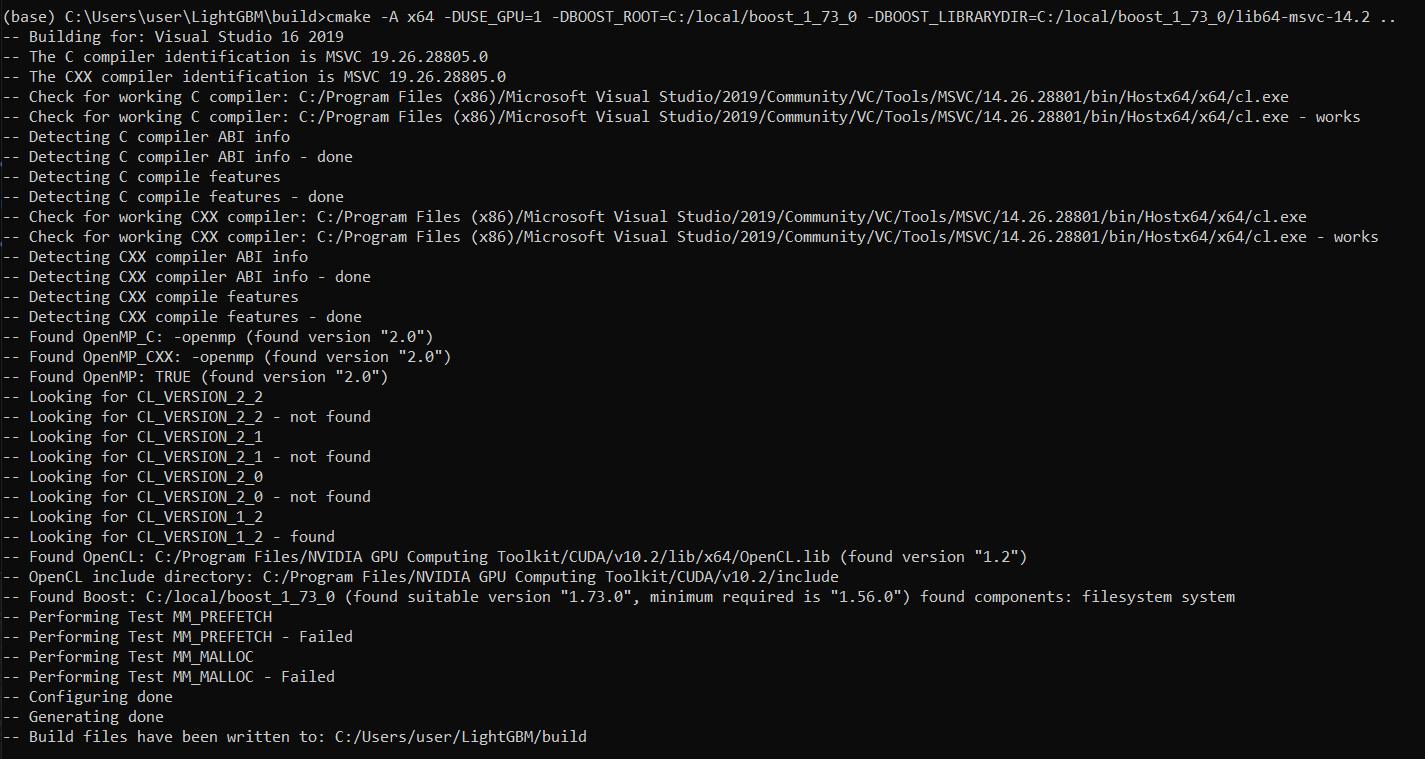
Lightgbm: Performing Test MM_MALLOC - Failed
Hi!
Unable to build GPU support. Please help.
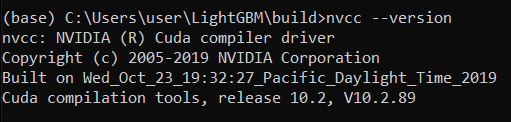
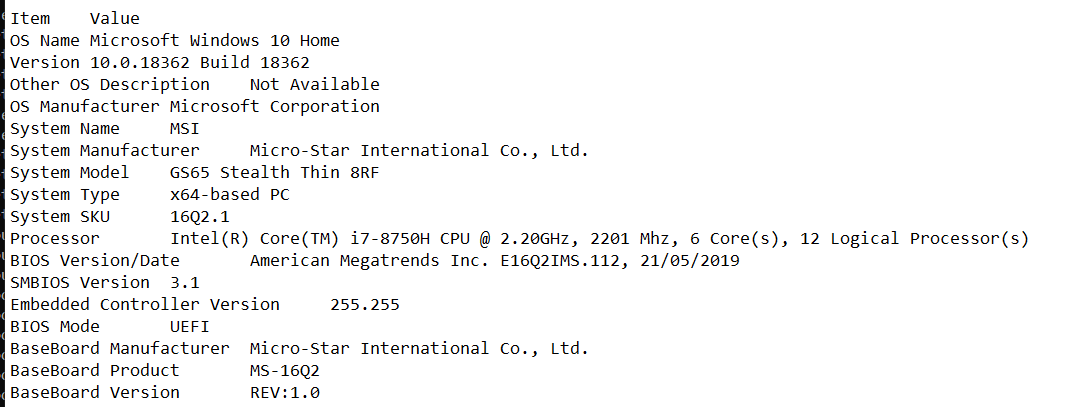
I had tried VS 2017 with CUDA 8.0, 9.0, 10.0, 10.1 and 10.2 and also VS 2019 with CUDA 10.2. I am installing on Windows 10 inside Anaconda Prompt.
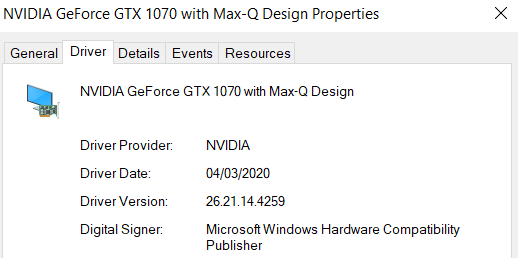
Below reports show details of my software and failure report.
 raphay3l
All 3 comments
@raphay3l thanks for using LightGBM and for the report! Performing test MM_MALLOC - failed does not necessarily mean the installation is broken. It is just a check to see how the library should approach malloc-type operations (https://github.com/microsoft/LightGBM/blob/5c0baf6fe008a9d59d604d0dd2742d4be4f9d6e1/include/LightGBM/utils/common.h#L29-L41)
Did you experience some other issue running LightGBM code? If so can you please share the code you ran and the error it produced?
 jameslamb
on 25 May 2020
jameslamb
on 25 May 2020
@raphay3l The MM_MALLOC macro failing is not an issue as it is related to choosing the correct header library containing malloc (unrelated to your GPU issue - also if it "fails", it does not mean it is an issue, it just means it chooses the correct header library).
Unable to build GPU support.
What is the error you encountered while compiling LightGBM with GPU support?
 Laurae2
on 25 May 2020
Laurae2
on 25 May 2020
@Laurae2 @jameslamb thank you for swift response. Noted. I am closing this issue - resolved.
raphay3l
on 25 May 2020
Related issues
 ClimbsRocks
·
3Comments
jameslamb
·
3Comments
ClimbsRocks
·
3Comments
jameslamb
·
3Comments
 heroxrq
·
3Comments
heroxrq
·
3Comments
 Hongyun1993
·
3Comments
Hongyun1993
·
3Comments
 tbenthompson
·
3Comments
tbenthompson
·
3Comments
Most helpful comment
@raphay3l The
MM_MALLOCmacro failing is not an issue as it is related to choosing the correct header library containingmalloc(unrelated to your GPU issue - also if it "fails", it does not mean it is an issue, it just means it chooses the correct header library).What is the error you encountered while compiling LightGBM with GPU support?