Lens: Unable to connect to clusters using aws-iam-authenticator
Describe the bug
The AWS IAM authenticator program generates temporary tokens which are injected in a context in order to provide authentication that's been validated against an active IAM account. In order to support this the users section of the kubeconfig file calls a command (supported by Kubectl). Unfortunately I don't seem to be able to authenticate to these clusters using Lens.
To Reproduce
Steps to reproduce the behavior:
- Setup EKS based cluster within AWS
- Follow instructions for setting up local kubectl access
- Add cluster to Lens
- See error
Invalid kubeconfig context snip-production: cannot access cluster (snip-production)
Expected behavior
Lens should connect to the cluster by executing the command stored in the config file, just like Kubectl
Screenshots
Example config file:
    user:
      exec:
        apiVersion: client.authentication.k8s.io/v1alpha1
        args:
          - token
          - '-i'
          - production-<snip>
        command: aws-iam-authenticator
        env: null
Environment (please complete the following information):
- Lens Version: 2.1.3
- OS: OSX 10.14.5
- Installation method (e.g. snap or AppImage in Linux): DMG file
Logs:
When you run the application executable from command line you will see some logging output. Please paste them here:
No logs produced when running application with open -W -F -a Lens
Kubeconfig:
See above
Additional context
Add any other context about the problem here.
 dblencowe
All 13 comments
If you start bash --login, can it find the aws-iam-authenticator in PATH? Or better yet, if you have a cluster that you can access in Lens, does which aws-iam-authenticator find it in the Lens terminal?
The k8s client in Lens should see the same PATH as you see in the lens terminal.
 kke
on 11 Oct 2019
kke
on 11 Oct 2019
Locating the binary from the terminal works. I currently can't see a lens terminal in the application. I think this might be because I've got no configured clusters though?
bash
λ Daves-MacBook-Pro ~ → bash --login
Daves-MacBook-Pro:~ dblencowe$ which aws-iam-authenticator
/usr/local/bin/aws-iam-authenticator
dblencowe
on 11 Oct 2019
@dblencowe How are the credentials configured for AWS, do you use some env vars defined via login scripts (.bash_profile and such)? With the config you posted the k8s JS client tries to use only the default AWS credentials from ~/.aws/credentials.
 jnummelin
on 11 Oct 2019
jnummelin
on 11 Oct 2019
As a workaround, it may work if you define the full path in the kubeconfig like: cmd: /usr/local/bin/aws-iam-authenticator
If it is a PATH issue.
kke
on 11 Oct 2019
@kke didn't work.
@jnummelin This might actually be the issue, I'm exporting the variable & hadn't thought about scope. Is there a way to specify profile in the config?
Edit: Confirmed the issue is as @jnummelin said. What'd be the best way of setting the profile for this?
dblencowe
on 11 Oct 2019
@dblencowe you need to set the proper env variable as part of the user config
jnummelin
on 11 Oct 2019
I honestly don't understand how I missed the env line in that config... Thanks guys, issue resolved.
dblencowe
on 11 Oct 2019
Well, when you have perfectly working config for kubectl you just expect it to work on Lens. Been there too... :)
I think we need to come up with more help text of usual suspects on the "Add cluster" page. Maybe even with some "AI" bundled in. With "AI" I mean for example in this case we could detect that the env is null and hint that you might need to set that. Or we could check that the provided command is actually available in the application env.
jnummelin
on 11 Oct 2019
Perhaps if the connection fails and it's using an exec directive the help page should include some additional information on the authenticator (or generalised text to that affect)?
dblencowe
on 11 Oct 2019
yeah, something like that. The challenge is that the k8s JS which handles all the auth stuff does not tell much why the connection to cluster failed in all cases.[1] So we need to dig out the info from user provided/selected kubeconfig and try to guess. :/
[1] At least for gcp & azure it just always says Token expired, not sure if general exec auth gives more
jnummelin
on 11 Oct 2019
@dblencowe what did you specify in the env section of the kubeconfig file. I am running into exact same issue.
 subsahu123
on 11 Oct 2019
subsahu123
on 11 Oct 2019
@subsahu123 as per the docs you probably have to set the AWS_PROFILE env to point to correct credentials entry in your AWS config credentials file.
jnummelin
on 11 Oct 2019
@jnummelin I get something like this
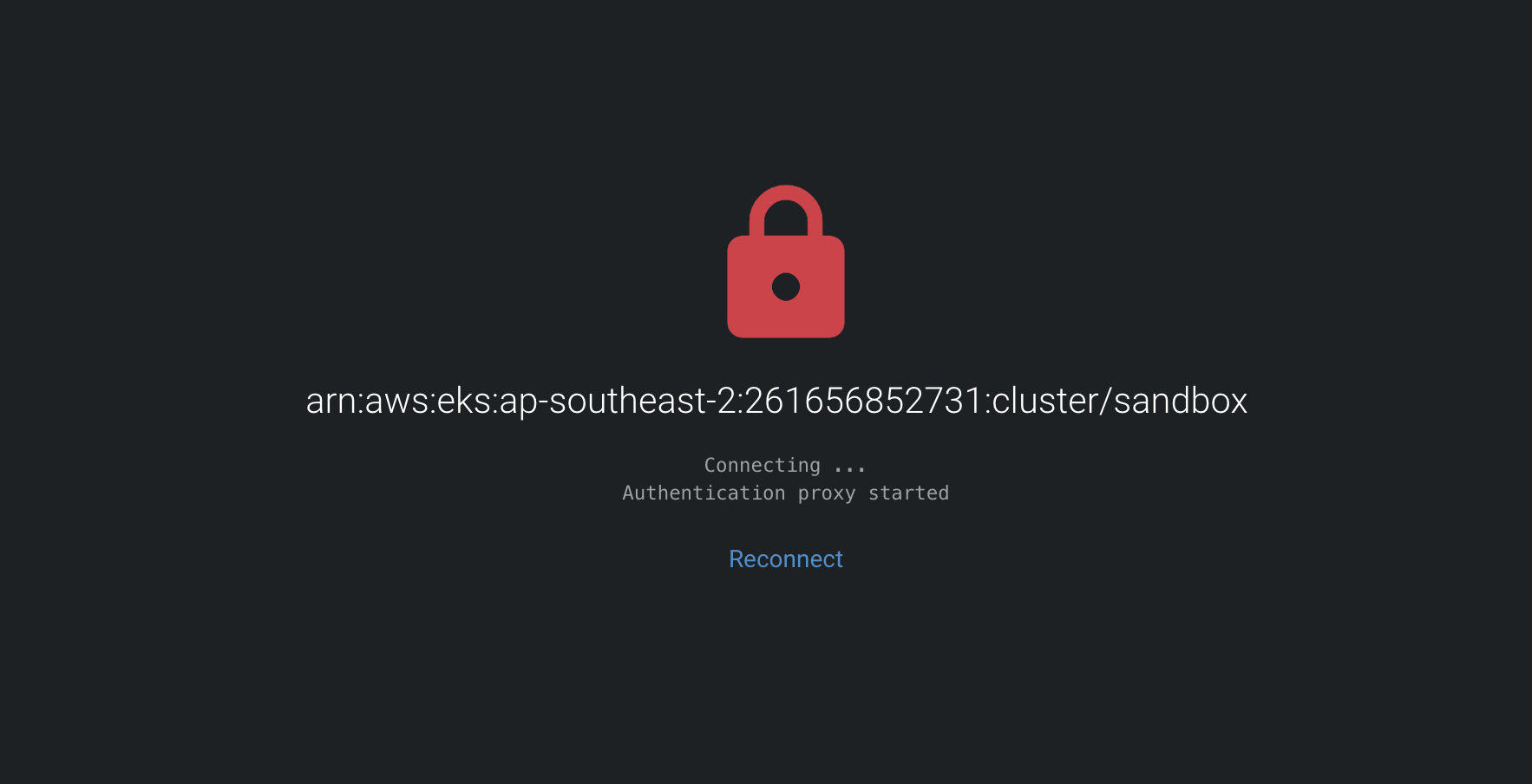
It just says it is connecting and stays that way.
I assume role into an account before updating the kubeconfig. Can you please point out what should I be doing different?
 YYashwanth
on 23 Jun 2020
YYashwanth
on 23 Jun 2020
Related issues
 dev-w0olf
·
3Comments
dev-w0olf
·
3Comments
 magusd
·
4Comments
magusd
·
4Comments
 spyro2000
·
3Comments
spyro2000
·
3Comments
 ocdi
·
4Comments
ocdi
·
4Comments
 jim-docker
·
5Comments
jim-docker
·
5Comments
Most helpful comment
@dblencowe How are the credentials configured for AWS, do you use some env vars defined via login scripts (
.bash_profileand such)? With the config you posted the k8s JS client tries to use only the default AWS credentials from~/.aws/credentials.