Leaflet: TileLayer method to swap tiles while minimising flicker
Is your feature request related to a problem? Please describe.
Sometimes want to cause the tiles to update, but .redraw() causes all tiles to be removed, and readded. This is undesirable, as causes a very visible flicker to the user, they see all the content disappearing, only to be re added slightly layer. Its made worse because new tiles loaded can 'animate' (think 200ms opacity animation)- when they appear. (so even if in browser cache, there is still a delay!)
Describe the solution you'd like
Would like to be able to trigger an update of the tile, and for the new tiles to seamlessly replace the old ones.
1) Firstly by only replacing the the image once the new tile is retrieved from server. (so swap can be quick!)
2) Not animating the tile replacement, as it's a swap/update, not a new layer. (or at least if animating, be a 'cross-fade'. Not a 0-100% opacity animation. )
I think a .refresh() method for TileLayer will do it. So if using a 'callback' in the URL template, the callback will be reevaluated. Or can call .setURL(url, false) to prevent the automatic redraw, and call .refresh() instead.
This new would simply loop through all the visible tiles, reevaluate the url template, if changed load the new tile in background, and then swap it with old visible tile. Making sure to not trigger the opacity animation.
Describe alternatives you've considered
I have a working implementation that uses jQuery (for the lazy) to loop through the actual <img> in the map and updating the .src attribute directly!
Does two extra things,
1) first loads the tile in a Image Object, and only updates the actual <img> after loading. (so the swap happens when the new tile is already in browser cache!)
2) temporarily disables map animation. I can't figure out how to update the .src on the without its onload event firing, which triggers the animation!)
Additional context
Can see demo here:
https://www.geograph.org/leaflet/viewpoint.php#17/53.22078/-4.16515
Toggle on the 'Subject Dots' layer, the 'View' layers (if visible are 'redrawn') The view layers are available in both 'purple marker' or 'purple marker + line' the line is only on if 'Dots' layer enabled.
For comparison, a version just using native redraw() method
https://www.geograph.org/leaflet/viewpoint-redraw.php#17/53.22078/-4.16515
see if togging Dots, can see all the purple markers disappear, and then reappear. Even if the tile is in browser cache.
And the relevant code:
https://gist.github.com/barryhunter/437b661faa92174eb45a9f578fec4512
Will give it a go as new method in
https://github.com/Leaflet/Leaflet/blob/master/src/layer/tile/TileLayer.js
but thought should open here first to see if anyone has any ideas.
Saw https://github.com/Leaflet/Leaflet/issues/6158
but that is about preventing flicker when not updating the tile, I want to prevent flicker when updating tile URL!
 barryhunter
All 20 comments
oh, well went ahead and tried to implement it as method (on an extended TileLayer for now!)
https://gist.github.com/barryhunter/e42f0c4756e34d5d07db4a170c7ec680
Can see in action https://www.geograph.org/leaflet/viewpoint-refresh.php#17/53.27258/-3.79788
This is good in that it uses the internal _tiles reference to loop through them, and just calls getTileUrl to get new URL propelly. No jQuery.
But still uses the hack of disabling map._fadeAnimated temporally. Not sure how otherwise prevent _tileReady triggering the 'tile fade animation'. (perhaps more accurately called 'tile fade-in animation')
barryhunter
on 11 May 2019
I am surprised this does not have more attention. I feel like it's an important problem to fix.
@barryhunter is your fix still up to date? Did you make it a plugin?
 martinRenou
on 31 Jan 2020
martinRenou
on 31 Jan 2020
The code is still in use in the 'production' map, and works (just checked). Although still using Leaflet 1.3.4, havent checked any later versions yet.
Not technically a 'plugin', but the code in the gist above is self contained (no jquery!), just use L.tileLayer2() instead of L.tileLayer(), then can use the refresh() method to redraw tiles without the flicker.
Use .refresh() just after having updated the URL with .setURL(url, false), or will work directly if have a custom tile layer, that used .getTileUrl to create the the URL dynamically (eg each time called creates a URL with timestamp in URL).
.... in theory could do a pull request with it to merge the refresh into core code, its pretty small. But still not happy with the 'hack' of just disabling the animation for 5 seconds.
barryhunter
on 31 Jan 2020
Use .refresh() just after having updated the URL
Ooh ok, that is why it was not called, I was not calling refresh. I thought you were patching a refresh method that is already in LeafletJS.
I came up with my own solution here: https://github.com/jupyter-widgets/ipyleaflet/pull/495 (this time I am monkey-patching some already existing methods)
I do not disable any animation there.
martinRenou
on 31 Jan 2020
Perhaps instead of removing fade-in animation we should add a fade-out animation on the removed tile, started at the same time as the fade-in one.
martinRenou
on 31 Jan 2020
Did consider that, but think would need very careful synchronization of two animations, if the removal was not synced exactly, so the 'crossover' happens at exact 50% opacity on both, would still ahve visible flicker.
From what I can see your code just keeps the old tile visible for an extra 250ms? So that gives time for the new tiles to load. even though animated, don't see it because still visible underneath.
.. problem then if there is a delay retruving the tile from server (say the server has to render it) - the old tile could of been removed (even with the delay) before the new ones arrives and fades in.
The new refresh method never removes the tile from the map. Updating it 'in place'. The 'cross fade' would have to be syncd when the new tile is ready to draw, not when requested.
barryhunter
on 31 Jan 2020
From what I can see your code just keeps the old tile visible for an extra 250ms? So that gives time for the new tiles to load. even though animated, don't see it because still visible underneath
Not exactly, I wait for the image to be downloaded from the server, and then I wait for an extra 250ms (duration of the fade-in animation) before actually removing the old tiles.
The new refresh method never removes the tile from the map
I like this approach. And actually I think removing the fade-in animation makes sense when replacing the tile. The fade-in animation only makes sense to me on the first render, but I guess it's a very subjective opinion.
Although I don't like the extra refresh method, I think it should be done automatically by setUrl.
It would be nice if we come up with a PR in LeafletJS.
martinRenou
on 31 Jan 2020
Ah ok, yes, missed that the action DOM removal happens in 'tileload' event. - ie after the tile have been added to DOM.
In many ways this behavour coudl happen in the actual 'redraw' function, but didnt want to touch that, as it would be changing existing behaviour, which is bad for native function. So people who want less flicker redraw uses refresh instead, but maybe could be made a config option?
barryhunter
on 31 Jan 2020
So I did replace _removeTile so that it does not actually remove the tile from the DOM, it only keeps in a cache that the tile needs to be removed:
layer._removeTile = function (key) {
[...]
// Remember which tile to remove
layer._removedTiles[key] = this._tiles[key];
[...]
};
Then it's only when after tileload event (when the tile was actually downloaded) at the same location that I start waiting for 250ms.
layer.on('tileload', function (tile) {
var key = this._tileCoordsToKey(tile.coords);
// Wait for 250 ms (fadein duration)
setTimeout(function() {
if (key in this._removedTiles) {
L.DomUtil.remove(this._removedTiles[key].el);
delete this._removedTiles[key];
}
}.bind(this), 250);
});
And I also listen for the load event (all the tiles were downloaded) for clearing the entire cache:
layer.on('load', function () {
// Wait for 250 ms (fadein duration)
setTimeout(function() {
for (var key of Object.keys(this._removedTiles)) {
L.DomUtil.remove(this._removedTiles[key].el);
}
this._removedTiles = {};
}.bind(this), 250);
});
Sorry! Accidently posted the previous comment, before was ready. did later find your hook in tileload, and updated the previous comment.
barryhunter
on 31 Jan 2020
No worries :)
So people who want less flicker redraw uses refresh instead, but maybe could be made a config option?
Do you see a use case when people would want it to flicker?
martinRenou
on 31 Jan 2020
A pitfall of only having one tile and swaping the URL, is the image is first loaded offscreen (in Image object) if the image isnt allowed to be cached by browser, when the onscreen is changed to same URL, the browser would have to refetch. Not a problem for me, but a potenitial issue if 'refresh' was made the default behaviour.
In that way, your behaviour of keeping the old around until the new one is ready, is slightly better.
Do you see a use case when people would want it to flicker?
Mainly, just in that it's a 'change'. Developers dislike unexpected changes, during updates.
But in some ways the 'flicker' can be a useful visual clue that the data has updated.
Say there is a 'Update' button on the map, to update the tilelayer - and the new data is same (or perhaps only a few pixels different). Users might not realise the update has happened, and just click Update again.
... the flicker, shows something happened, even if no change to data.
Similarly, if the tilelayer automatically refreshes, the flicker can highlight to the user that something changed and the map is showing 'latest' data. (ie not static, just slowly changing)
In my use case there is something else happening when the redraw happens, so dont need the visual clue.
... and in your case of the slider, then dont need the clue, as the data changing should be obvious.
barryhunter
on 31 Jan 2020
I see your point. Then it could make sense making it optional.
My workaround actually does not work properly, some tiles never get removed and I am not sure why. I will try your refresh method.
martinRenou
on 31 Jan 2020
Yes, tried locally, your refresh method is more reliable than what I did.
martinRenou
on 31 Jan 2020
I wonder if when there are multiple reloads in short timescale (like dragging slider), ie get a second reload, before the previous 250ms delay elapised, then the fact that just use 'removedTiles[key]' means second (or third etc) call would overwrite the same array entry, before it actually removed. Leaving the DOM nodes orphaned.
I initially used a similar array to hold the 'offscreen' images, but kept getting clobbered, hence change to _refreshTileUrl to get function closure to hold unique tiles. What can't work out is if need img = null or similar in the onload handler to destroy the img object once it 'used'.
barryhunter
on 31 Jan 2020
Hi all, just out of interest, I was looking at the same sort of problem on a Flutter port of leaflet at https://pub.dev/packages/flutter_map and the flashing was irritating me, and thought I'd touch base on what I was working on.
I'm just testing a solution which strips out the notion and code for pruning tiles (I was finding that a lot of code to work around at times). Basically it works by starting with a fresh set of tiles every 'build' (as it's called in flutter), and if a tile is new or outstanding to be loaded, it tries according to a strategy to find the best covering tile in the meantime (eg by looking a zoom level lower or higher to see if we've recently completed that image). If it finds them, it adds them to a backup list of tiles for that run and adds to the start of the tile list to render later.
One of the reasons I'm popping in here, is that ideally I'd like any changes to be 'familiar' to any leaflet users iyswim, and not stray too far away from your approach (for reasons of other coders). But I'm also interested in if you think there are any drawbacks to this method (rather than the pruning aspect), or maybe it's one that could even make sense here as well (not quite sure if there's any fundamental differences with the DOM vs flutter rendering to make one approach less desirable).
If you want a rummage through the main code, it's at
https://github.com/ibrierley/flutter_map/blob/improve_tiles_display/lib/src/layer/tile_layer.dart#L467
You'll also note that quite a few lines of code have been removed, all the pruning of tiles, and the marking for removal etc.
It 'feels' good to me in flutter on mobile, but I've not tested it thoroughly yet.
 ibrierley
on 23 Feb 2020
ibrierley
on 23 Feb 2020
@barryhunter
hi, I have the setUrl() flicker problem too.
Because I am a new programmer, I can't catch up on the conversation between you and martinRenou.
here is my code:
let timeWV = "http://radsats29:7778/container_access/completed/GK2A/WV/2020/06/23/0000/{z}/{x}/{y}.png";
var timeWVTile = L.tileLayer(timeWV, {
tms: true,
});
function timePass() {
let startHour = 0;
let startMin = 0;
setInterval(function () {
if (startHour < 24) {
let formattedHour = ("0" + startHour).slice(-2);
console.log(formattedHour + " " + startMin);
timeWVTile.setUrl(`http://radsats29:7778/container_access/completed/GK2A/VIS/2020/06/23/${formattedHour}${startMin}0/{z}/{x}/{y}.png`);
startMin++;
if (startMin === 6) {
startMin = 0;
startHour++;
}
}
}, 1000);
}
I change the URL every 1 second.
What do you mean use L.tileLayer2() and refresh() ?
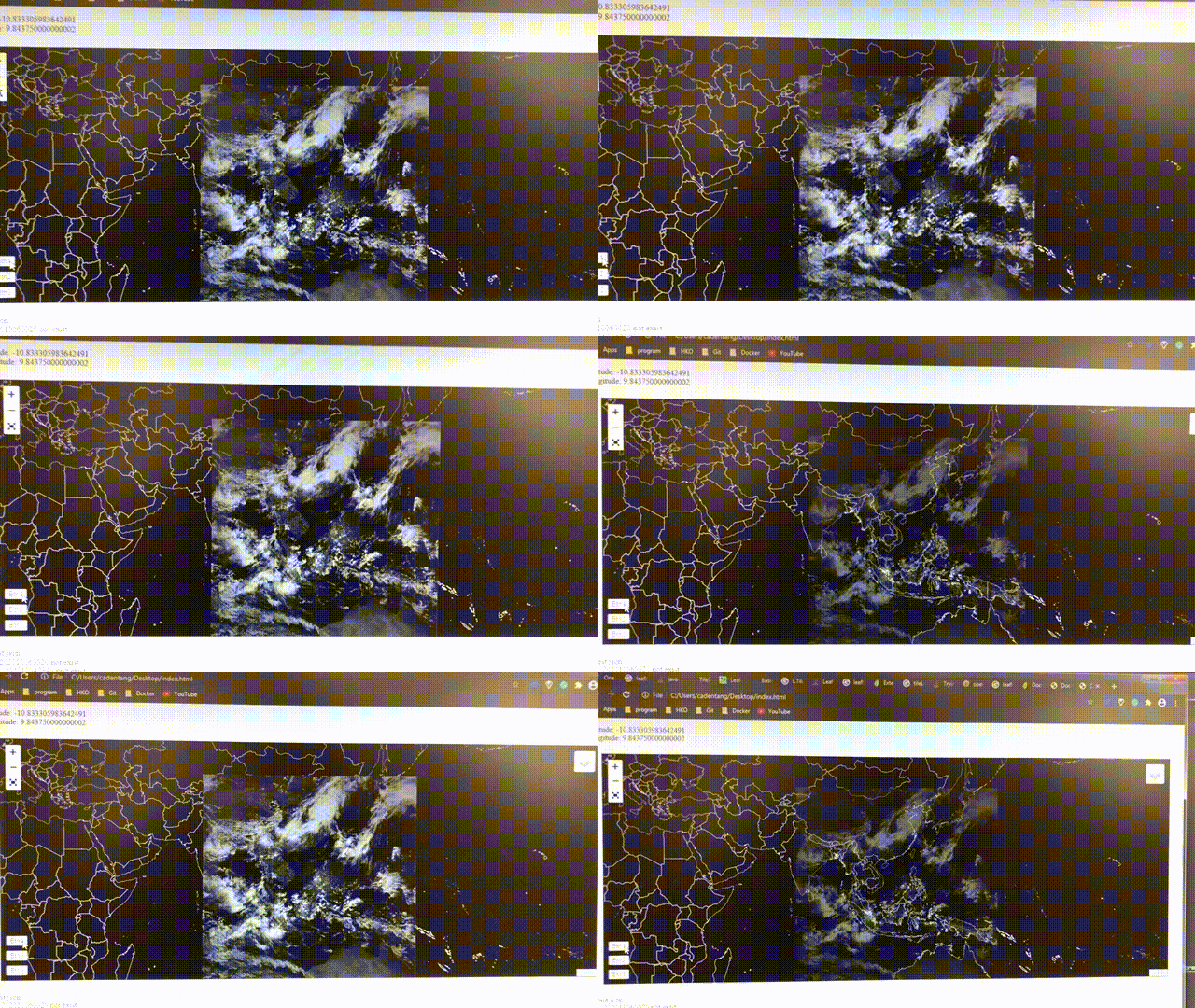
I can't open your demo website. What are going to show?

Thanks for reading this message.🌞
 springertang
on 20 Oct 2020
springertang
on 20 Oct 2020
Oh, sorry about the demo, a upstream dependency (unrelated to the actual problem) has moved! Will update that.
In theory would just include the code,
https://gist.github.com/barryhunter/e42f0c4756e34d5d07db4a170c7ec680
then
var timeWVTile = L.tileLayer2(timeWV, ...
ie tileLayer2 'extends' the normal tileLayer, and adds functions, but otherwise its use is the same.
timeWVTile.setUrl("http....", true);
timeWVTile.refresh();
The added true on the setUrl is to disable the internal redraw function. Don't want that, as its the one that has the 'flicker'.
But then you need to explicitly call the (new) refresh method, which does the (hopefully) graceful reload of tiles.
... do remember this still a 'bodge'. The refresh method messes with the main maps 'Animated' setting (because couldnt figure how to disable the animaton only on the specific tiles (or even just the tilelayer)) - if call refresh too quickly, it can end up that animation remains turned off completely!
barryhunter
on 20 Oct 2020
The demo is working again
https://www.geograph.org/leaflet/viewpoint.php
... to see the fix (although its the early version, not actully tileLayer2, but its the same principle. )
Just toggle the 'Geograph Subject Dots' layer on/off, and hopefully it should load relatively seemlessly (some of the other layers need redrawing when adding the Subject Dots. )
Compare to
https://www.geograph.org/leaflet/viewpoint-redraw.php
which is the 'native' redraw function, again toggle Subject Dots on/off, and will proably see the small purple cones 'flicker'.
https://www.geograph.org/leaflet/viewpoint-refresh.php
is the demo using TileLayer2, and its refresh() method. Again turning on/off Subject Dots shouldnt cause purple dots to flicker.
barryhunter
on 20 Oct 2020
@barryhunter Thank you very much. It works well.
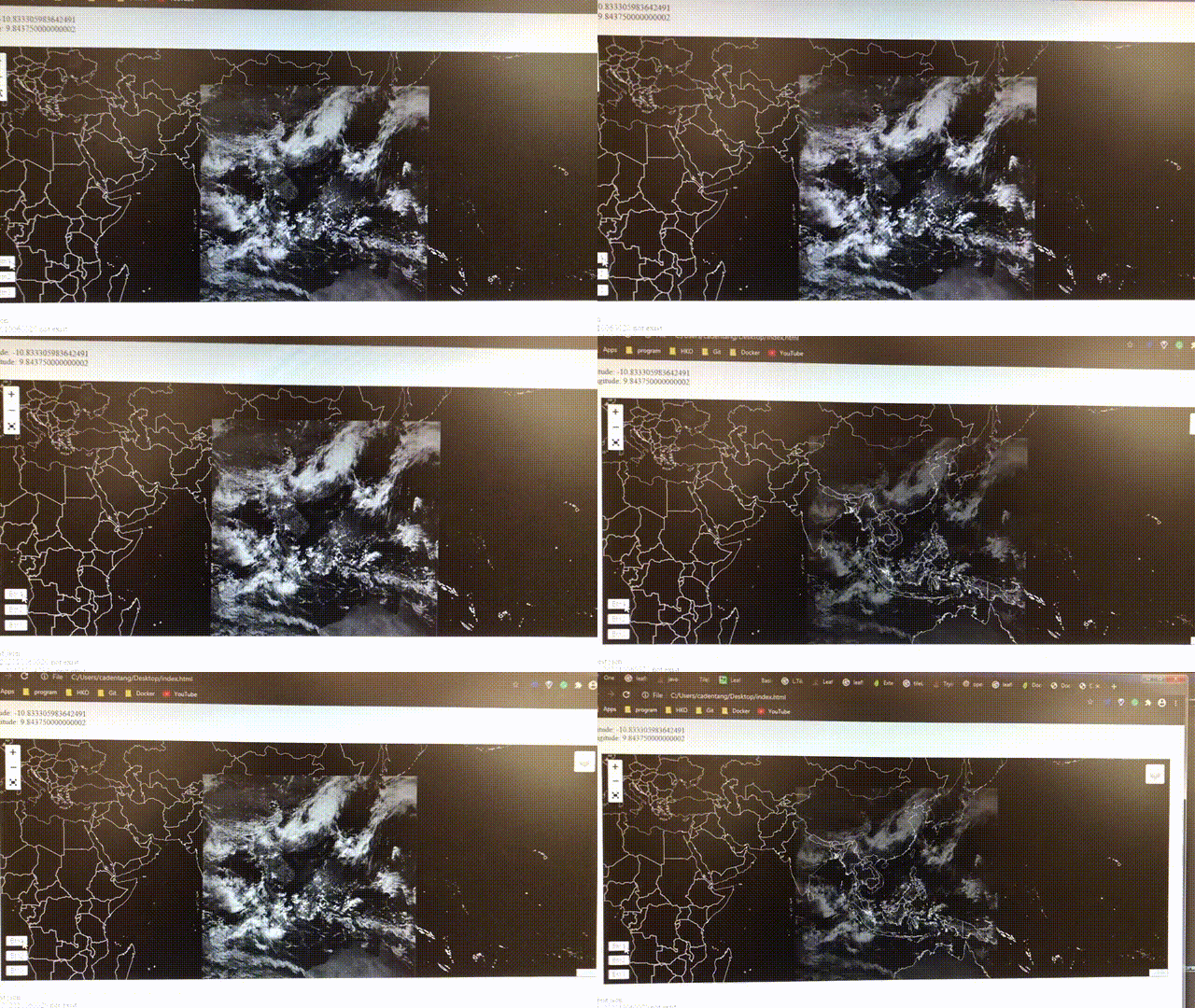
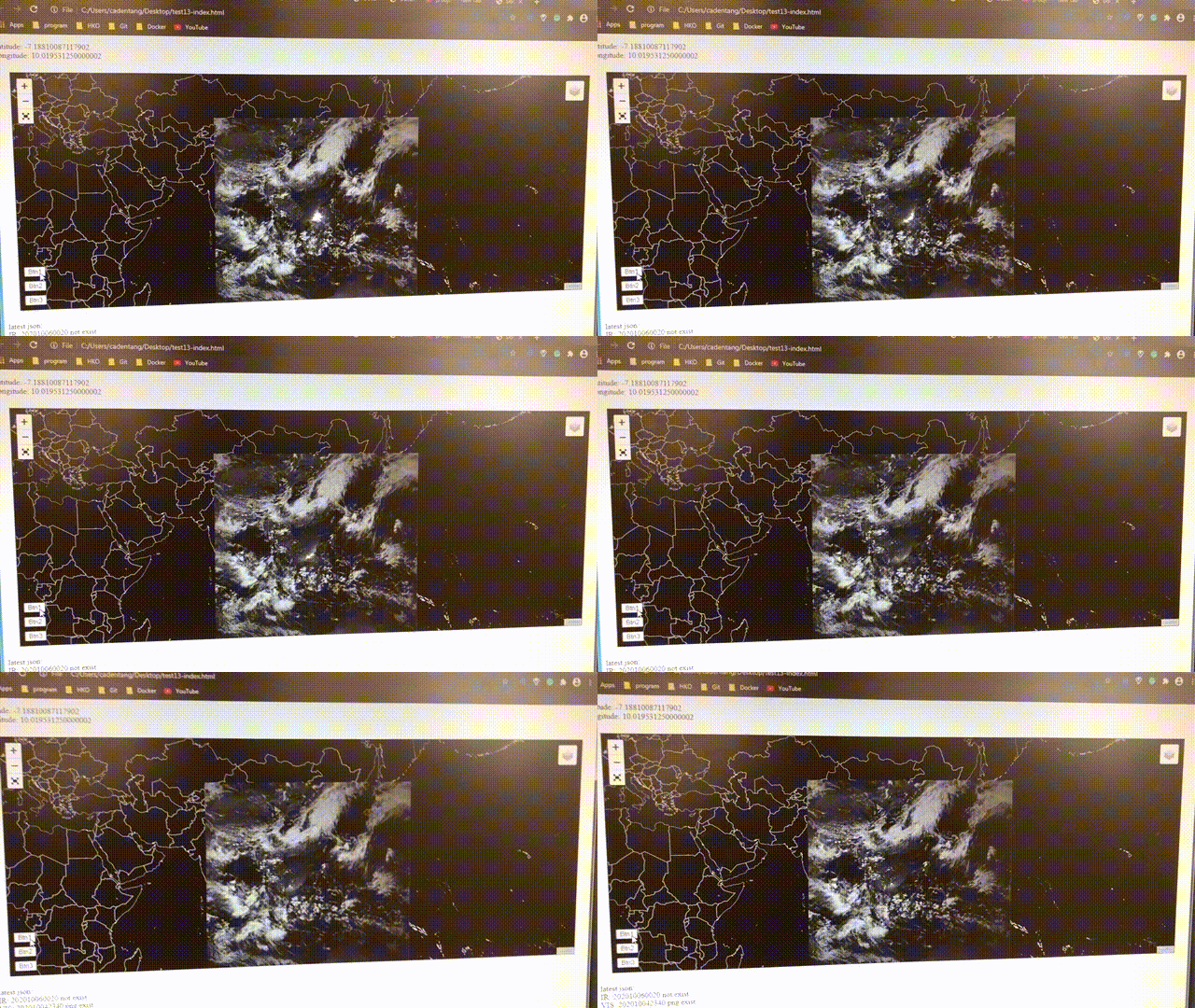
This is my map before & after.
before:
after:
springertang
on 21 Oct 2020
Related issues
 jcarenza
·
3Comments
jcarenza
·
3Comments
 zdila
·
3Comments
zdila
·
3Comments
 arminghm
·
3Comments
arminghm
·
3Comments
 brambow
·
3Comments
brambow
·
3Comments
 pgeyman
·
3Comments
pgeyman
·
3Comments
Most helpful comment
Oh, sorry about the demo, a upstream dependency (unrelated to the actual problem) has moved! Will update that.
In theory would just include the code,
https://gist.github.com/barryhunter/e42f0c4756e34d5d07db4a170c7ec680
then
ie tileLayer2 'extends' the normal tileLayer, and adds functions, but otherwise its use is the same.
The added true on the
setUrlis to disable the internalredrawfunction. Don't want that, as its the one that has the 'flicker'.But then you need to explicitly call the (new)
refreshmethod, which does the (hopefully) graceful reload of tiles.... do remember this still a 'bodge'. The refresh method messes with the main maps 'Animated' setting (because couldnt figure how to disable the animaton only on the specific tiles (or even just the tilelayer)) - if call refresh too quickly, it can end up that animation remains turned off completely!