Lbry-desktop: UX: Browser should display image downloads
The Issue
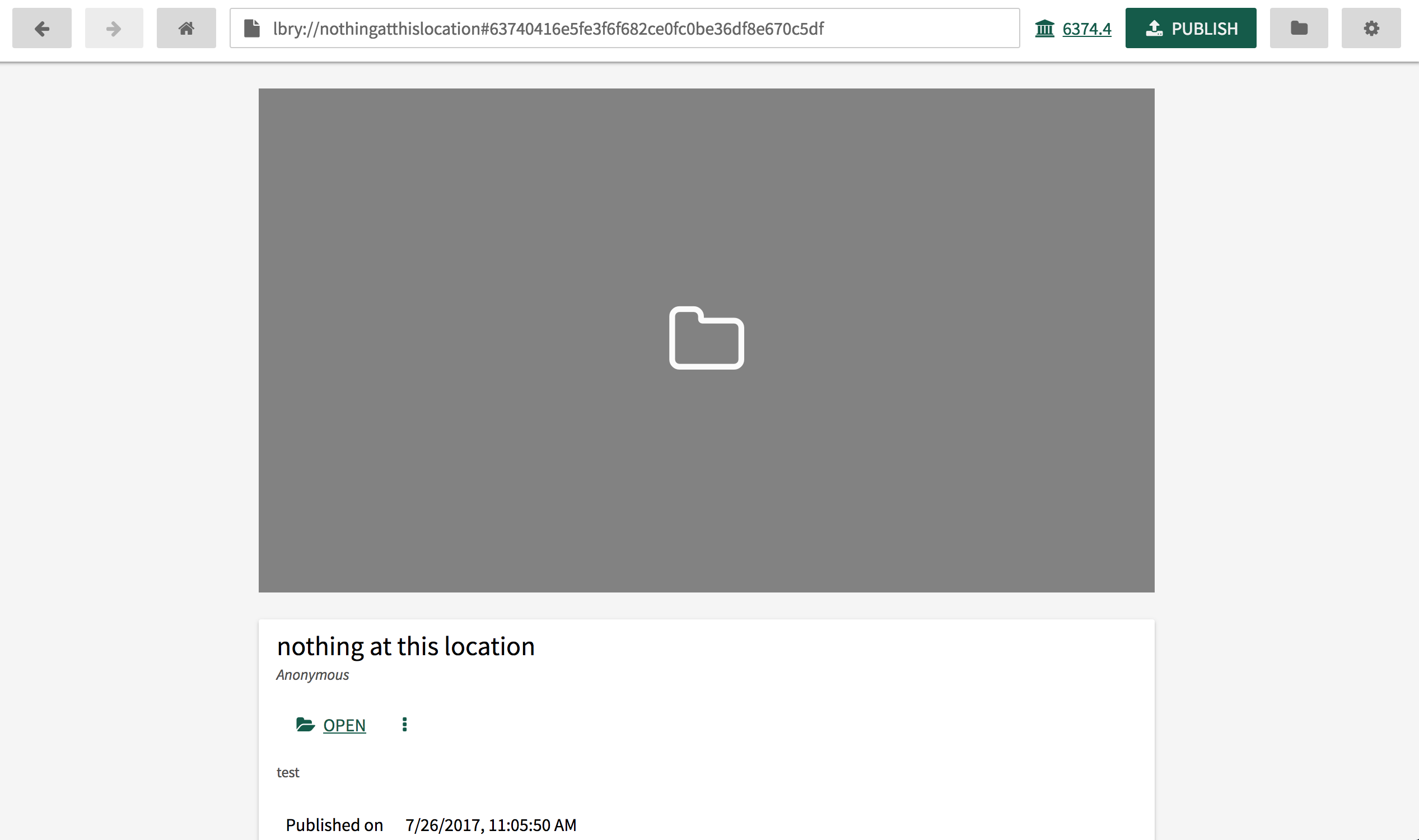
Currently the LBRY-app player displays thumbnail images for videos, but no preview for image files. Images are represented by file folder icon on a gray window, and it is not obvious a user needs to click on the file folder icon to view the image.
Steps to reproduce
- Download lbry://lbry-app-ui#a54b46b501f23f77599d6b4c6c80854bda31d520 in the app.
- Notice there is no preview, just the file icon on the gray background.
Expected behavior
We should see the image rendered in the preview area, scaled to fit either horizontally or vertically (but not stretched).
Actual behavior
We see file icon on gray background
System Configuration
{
"id": null,
"jsonrpc": "2.0",
"result": {
"build": "release",
"lbrynet_version": "0.15.2",
"lbryschema_version": "0.0.10",
"lbryum_version": "3.1.6",
"os_release": "15.6.0",
"os_system": "Darwin",
"platform": "Darwin-15.6.0-x86_64-i386-64bit",
"processor": "i386",
"python_version": "2.7.13"
}
}
 jsigwart
All 12 comments
If a thumbnail was provided for the image, it would show the thumbnail there.
Seems to display in the app for me after clicking the preview. But when you go out, and come back into the claim, it goes back to preview mode. So I guess the requested enhancement here would be to auto show the file in the app if it's already downloaded (any bypass any thumbnail if it exists)?
@jsigwart I understand you don't even see the preview on your Mac. Let me give it a try on Linux, but it's working in Windows.
Update: Seems to work fine on Linux too. If you click Download, I think the app does what it's intended to do - download the file. If you want a preview, you'd have to click the icon. This goes back to the UX enhancement of automatically showing the file if it's available - not sure we want to go this route. I think some feedback to the user in terms of how to proceed with opening the file might be a good idea.
 tzarebczan
on 14 Sep 2017
tzarebczan
on 14 Sep 2017
Tom can see images in his browser, but this is what I see for every image file download:
jsigwart
on 14 Sep 2017
@tzarebczan nope not working on windows

 MSFTserver
on 14 Sep 2017
MSFTserver
on 14 Sep 2017
It's doing exactly what it's intended to - see my UX comments in other post. The question I guess is should we auto-preview the file (skipping the thumbnail) if someone has it downloaded. And then the next question is, what types of content do we do this for?
The same scenario happens with videos. When you go to the page, you see the uploaded thumbnail. If you click download, it downloads the file, but does not stream (as expected). Clicking the thumbnail starts the stream.
tzarebczan
on 14 Sep 2017
I would think for video content, it should show the thumbnail (if available), and if it is an image file format, it should show a scaled version of the content in the preview window.
jsigwart
on 14 Sep 2017
@jsigwart can you edit the original issue with the new information and what your suggestion for the UX improvement would be?
tzarebczan
on 14 Sep 2017
Updated description.
jsigwart
on 15 Sep 2017
@jsigwart I published that on spee.ch
( there isn't an option for thumbnails there ) :stuck_out_tongue: ^^
If a thumbnail was provided for the image, it would show the thumbnail there.
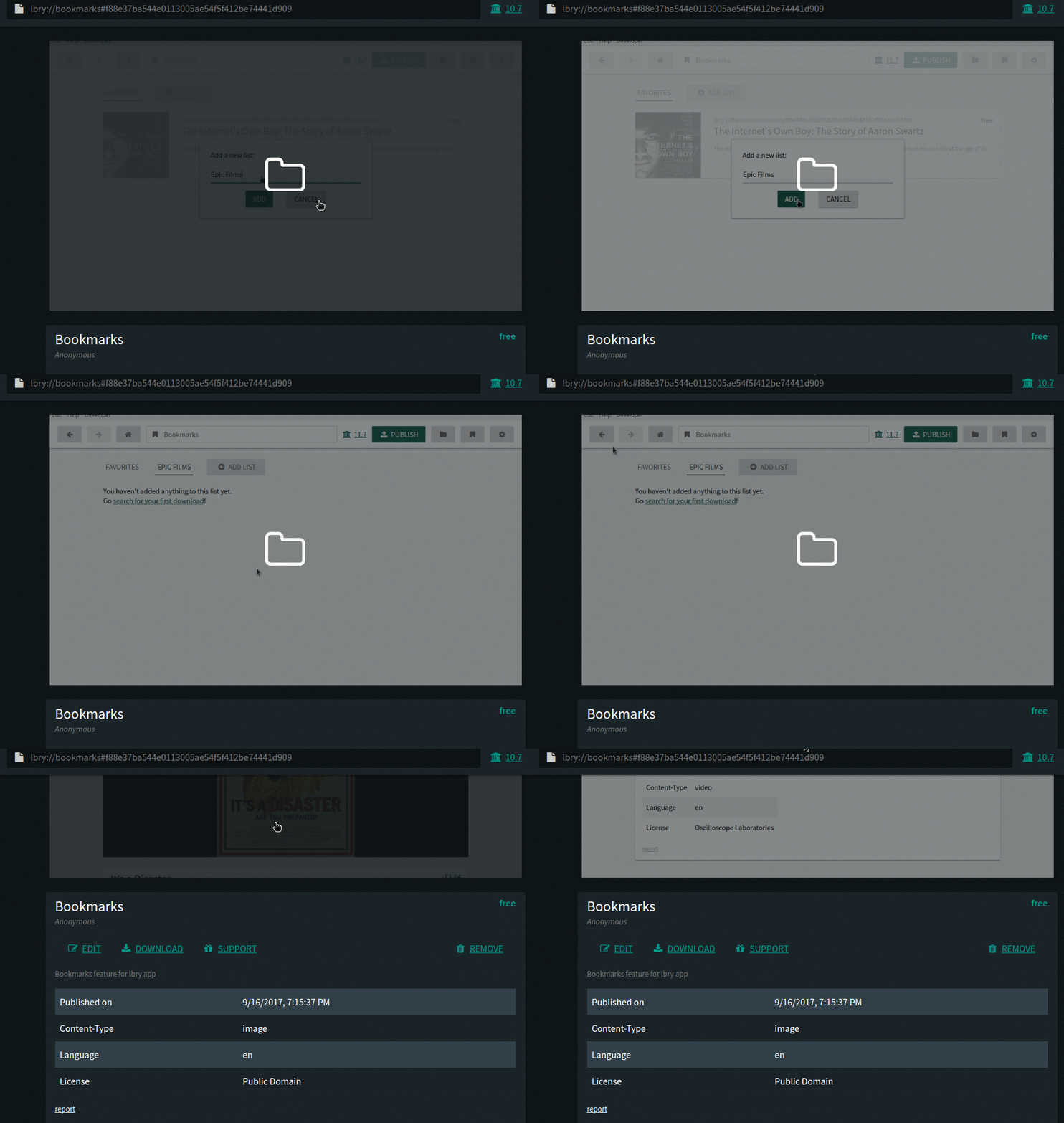
You can use a gif too:
lbry://bookmarks
I think this issue belongs here -> https://github.com/lbryio/spee.ch/issues/
 btzr-io
on 17 Sep 2017
btzr-io
on 17 Sep 2017
Automatically showing the file
I guess it depends on the file type and the user,
maybe add an option in settings to toggle this feature ...
But this seems to be a different issue...
btzr-io
on 17 Sep 2017
I'n not sure we can do this without downloading the actual image (which may just be okay?)
However, I agree the UX is poor here regardless.
 kauffj
on 19 Sep 2017
kauffj
on 19 Sep 2017
The more I think about this, I think there is a bigger issue here that won't be a quick fix. When you upload a video to YouTube, the file is processed on the backend to create optimized video files for different devices plus a thumbnail (unless you upload a thumbnail file - available on certain YouTube accounts). This raises questions about the app creating additional files to be stored on the user's hard drive, and whether this creates multiple claims, etc. I think this deserves some further thought.
jsigwart
on 19 Sep 2017
@jsigwart can we close this in favor or #620?
tzarebczan
on 27 Jun 2018
Related issues
kauffj
·
14Comments
kauffj
·
12Comments
tzarebczan
·
13Comments
 ghost
·
24Comments
btzr-io
·
12Comments
ghost
·
24Comments
btzr-io
·
12Comments
Most helpful comment
I'n not sure we can do this without downloading the actual image (which may just be okay?)
However, I agree the UX is poor here regardless.