Laravel-filemanager: Invalid Upload Request on host web
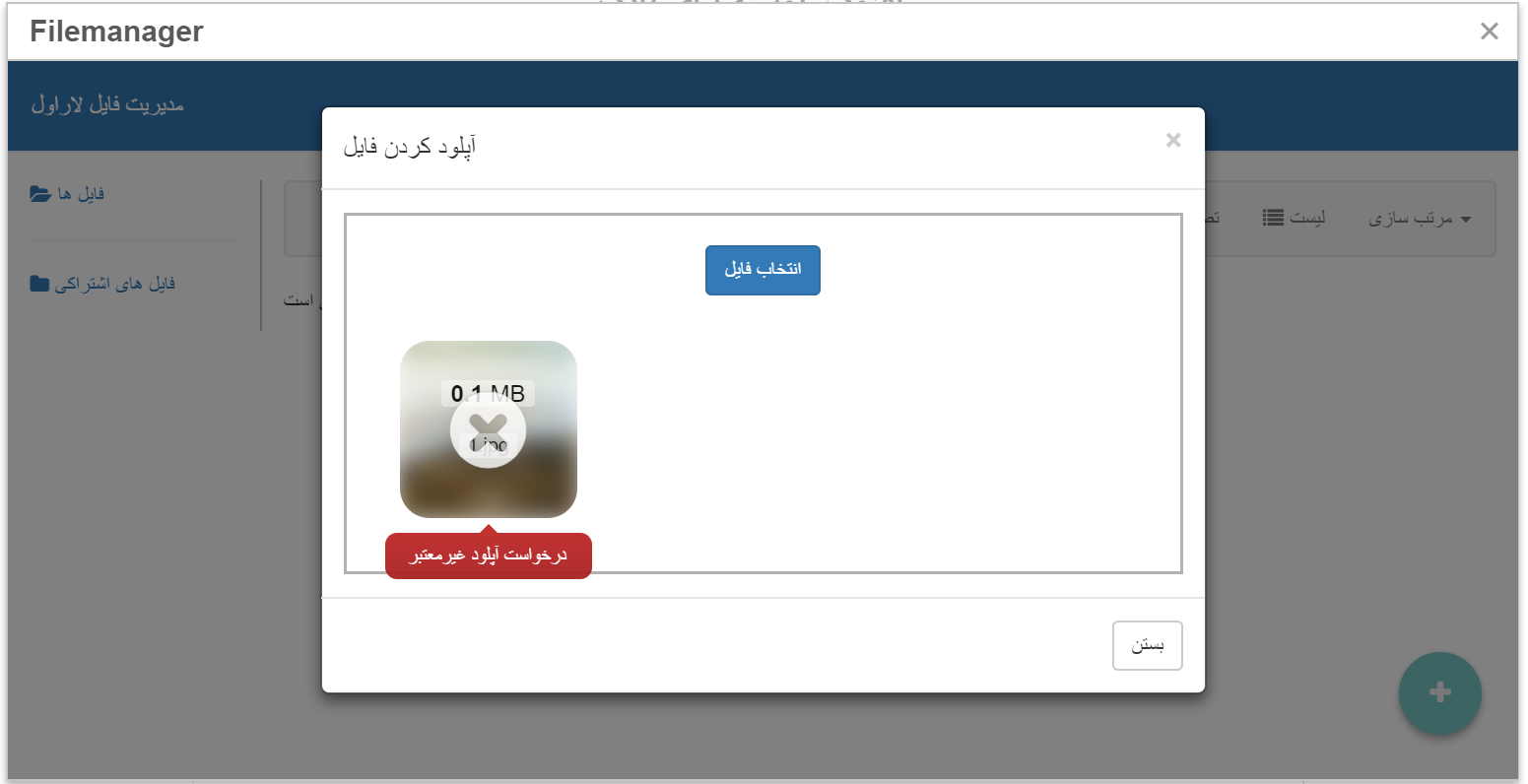
my laravelFileManager works fine on local but when i upload project to my host its not work properly.
my host directory is this :
->home/
->laravelfiles
->public_html
when i upload image in filemanager makes folders but not upload image on my host.
my lfm.php :
'base_directory' => 'public_html',
'images_folder_name' => 'photos',
'files_folder_name' => 'files',
'shared_folder_name' => 'shares',
'thumb_folder_name' => 'thumbs',
 narges70
All 9 comments
Seems similar to #206 specifically if you're running Laravel on shared hostings
 mortza
on 21 Nov 2018
mortza
on 21 Nov 2018
thank u @mortza
its work fine, and upload image,create image in "public_html/photos/4" on my directAdmin.
but its not show....
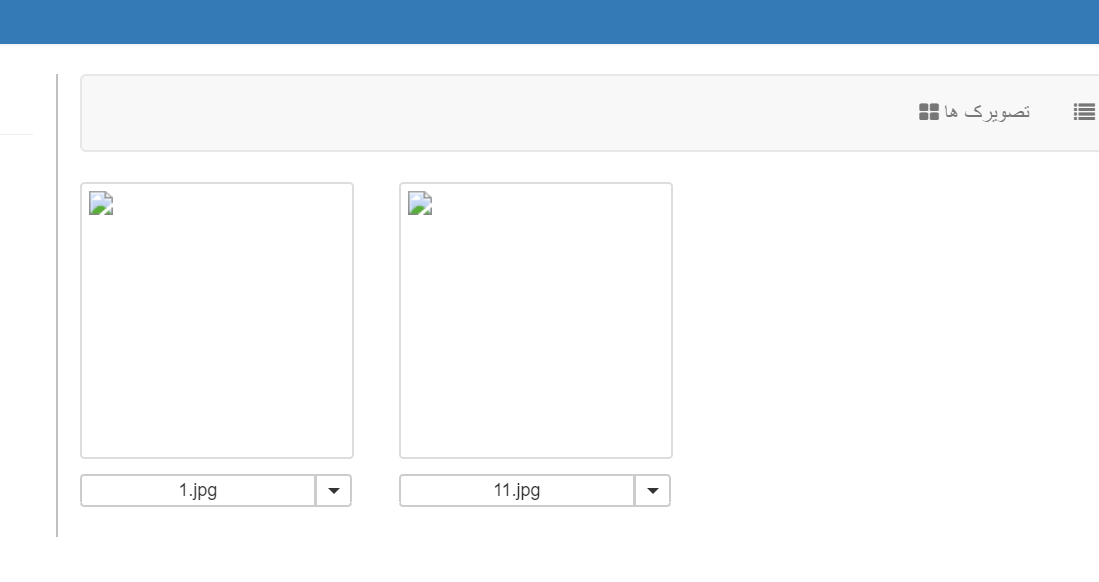
???
narges70
on 21 Nov 2018
What is the output of following command
$ curl -I yourdomain.com/photos/4/1.jpg -k
I guess above path from your comment and uploaded image, replace photos/4/1.jpg with path of an image you think uploaded via LFM
mortza
on 21 Nov 2018
Where to enter the above command in directAdmin, @mortza ?
can i give you directAdmin access via email and check it?
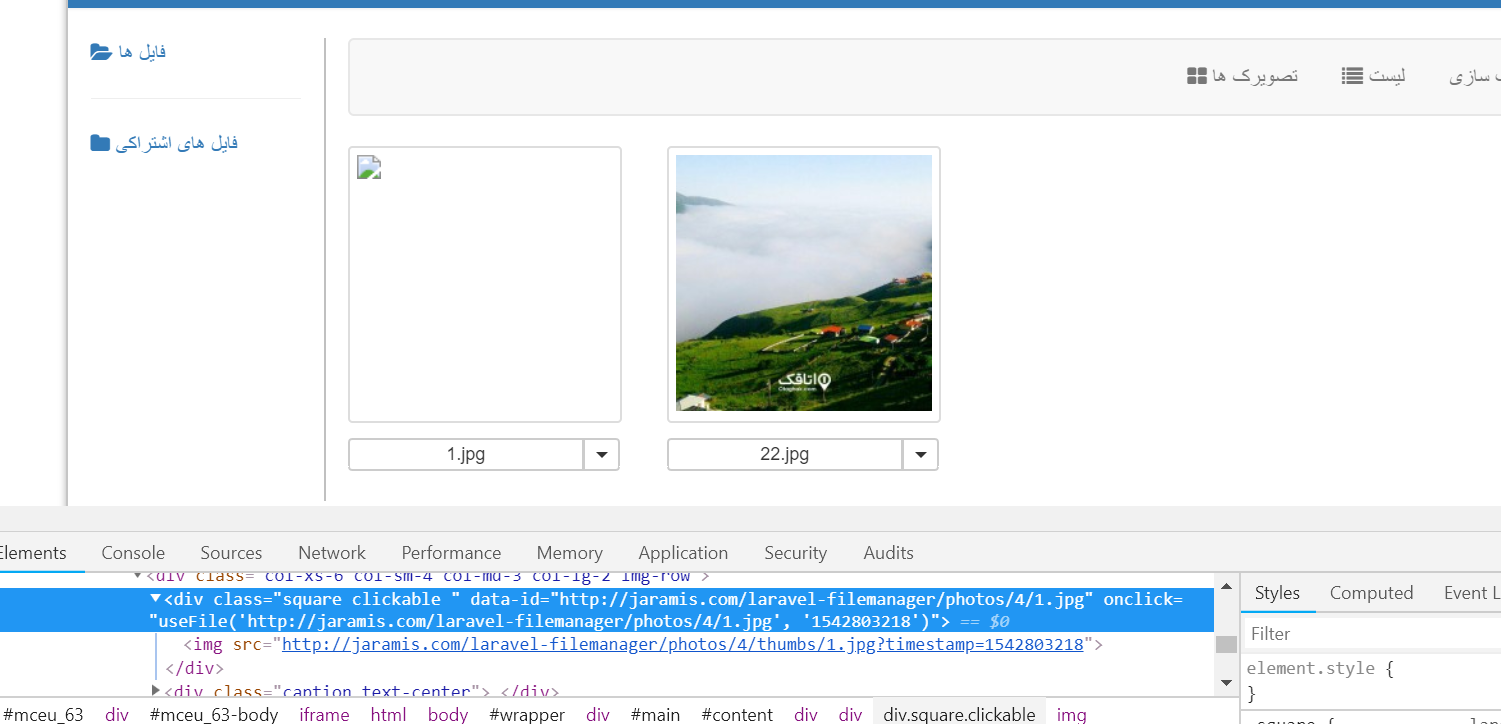
image link in upload page is "/laravel-filemanager/photos/4/thumbs/1.jpg" but in DirectAdmin is "/photos/4/thumbs/1.jpg". when delete "/laravel-filemanager" in url shows image.
narges70
on 21 Nov 2018
Where to enter the above command in directAdmin, @mortza ?
if you're using xampp on windows open %xampp_dir%/xampp_shell.bat and type command.
can i give you directAdmin access via email and check it?
you can find my email on github page link in my profile but solution to the problem should submitted here for other people facing this problem.
image link in upload page is "/laravel-filemanager/photos/4/thumbs/1.jpg" but in DirectAdmin is "/photos/4/thumbs/1.jpg". when delete "/laravel-filemanager" in url shows image.
in /laravel-filemanager/photos/4/thumbs/1.jpg _/laravel-filemanager_ corresponds to lfm.url_prefix option, it isn't path to image.
mortza
on 21 Nov 2018
Where to enter the above command in directAdmin, @mortza ?
if you're using xampp on windows open
%xampp_dir%/xampp_shell.batand type command.
on my local that`s fine, why that command run on local?
image link in upload page is "/laravel-filemanager/photos/4/thumbs/1.jpg" but in DirectAdmin is "/photos/4/thumbs/1.jpg". when delete "/laravel-filemanager" in url shows image.
in
/laravel-filemanager/photos/4/thumbs/1.jpg_/laravel-filemanager_ corresponds tolfm.url_prefixoption, it isn't path to image.
image upload in 'photos/4/thumbs/1.jpg' path but url images is /laravel-filemanager/photos/4/thumbs/1.jpg. if delete 'laravel-filemanager' from url image, show it. the below image is that of on my host:
narges70
on 21 Nov 2018
hello I found solution for this problem that happen in DirectAdmin Shared host you can manually fix this problem with lfmHelpers just in getThumbUrl() and getFileUrl() method change to
return str_replace('laravel-filemanager/','',$this->getFileUrl($image_name, 'thumb'));
return str_replace('laravel-filemanager/','' ,url($this->composeSegments('url', $is_thumb, $image_name)));
now you can see thumbnails...
 saberap
on 6 Dec 2018
saberap
on 6 Dec 2018
hello I found solution for this problem that happen in DirectAdmin Shared host you can manually fix this problem with lfmHelpers just in getThumbUrl() and getFileUrl() method change to
return str_replace('laravel-filemanager/','',$this->getFileUrl($image_name, 'thumb'));
return str_replace('laravel-filemanager/','' ,url($this->composeSegments('url', $is_thumb, $image_name)));
now you can see thumbnails...
Thank you so mush, Solved problem.
narges70
on 6 Dec 2018
Thanks @mortza and @saberap .
 streamtw
on 7 Dec 2018
streamtw
on 7 Dec 2018
Related issues
 kfulk14
·
3Comments
kfulk14
·
3Comments
 sajjad-talebi
·
3Comments
sajjad-talebi
·
3Comments
 rlrlaa123
·
3Comments
rlrlaa123
·
3Comments
 farshidrezaei
·
4Comments
farshidrezaei
·
4Comments
 t67132
·
3Comments
t67132
·
3Comments
Most helpful comment
Thanks @mortza and @saberap .