Label-studio: Remove HTML File Size Requirements
Describe the bug
When uploading an HTML file larger than 1 MB, I receive a server error 413 "Request Entity Too Large".
To Reproduce
Steps to reproduce the behavior:
- Go to 'import' via LabelStudio Web App
- Drag and drop an HTML file (example here)
- See server error
Expected behavior
When I upload an HTML file of any file size, I expect Label Studio to work
Screenshots
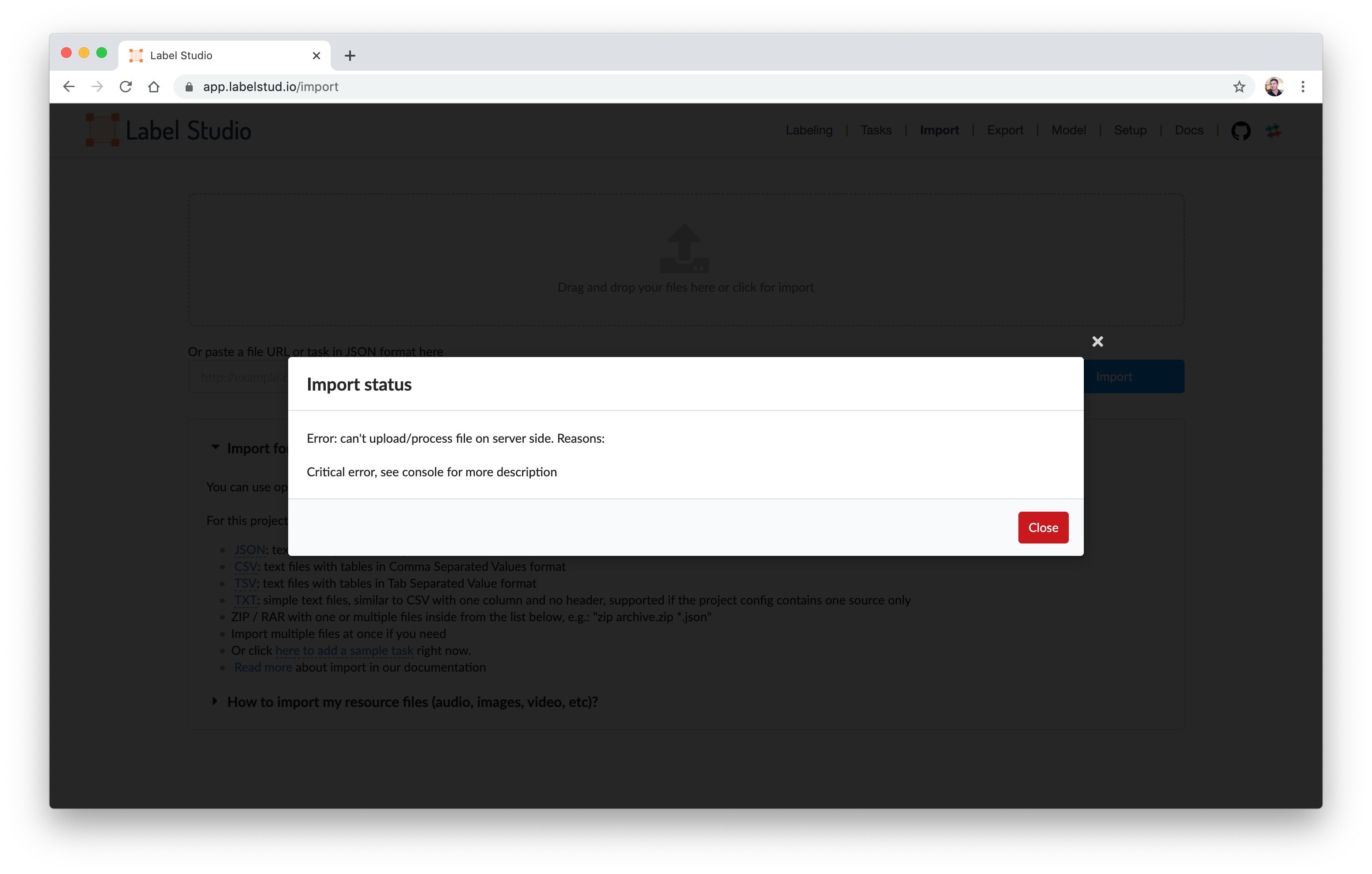
Environment (please complete the following information):
- OS: macOS Catalina 10.15.4 (19E287)
- Browser: Chrome
- Version: 81.0.4044.138 (Official Build) (64-bit)
Additional context
None
bug
 slavakurilyak
All 2 comments
Hi, @slavakurilyak, can you try it now? We have changed upload file size to 50mb.
 makseq
on 19 May 2020
makseq
on 19 May 2020
@makseq Thanks! It works now.
slavakurilyak
on 19 May 2020
🎉1
👍1
Was this page helpful?
0 / 5 - 0 ratings
Related issues
 kasuteru
·
3Comments
kasuteru
·
3Comments
 azarezade
·
3Comments
azarezade
·
3Comments
 vkovac2
·
6Comments
vkovac2
·
6Comments
 dalekube
·
5Comments
dalekube
·
5Comments
 lfgogogo
·
3Comments
lfgogogo
·
3Comments
Most helpful comment
@makseq Thanks! It works now.