Kolibri: Windows import woes: django.db.utils.OperationalError: database is locked
Observed behavior
Experienced a similar error as in #6703, but on Windows 10 with 8GBs of RAM, so that's probably not the issue.
In the first round Kolibri on Windows imported successfully 4GBs of content from a local Ubuntu peer, but toward the end lingered a long time at 100% and reported this error:
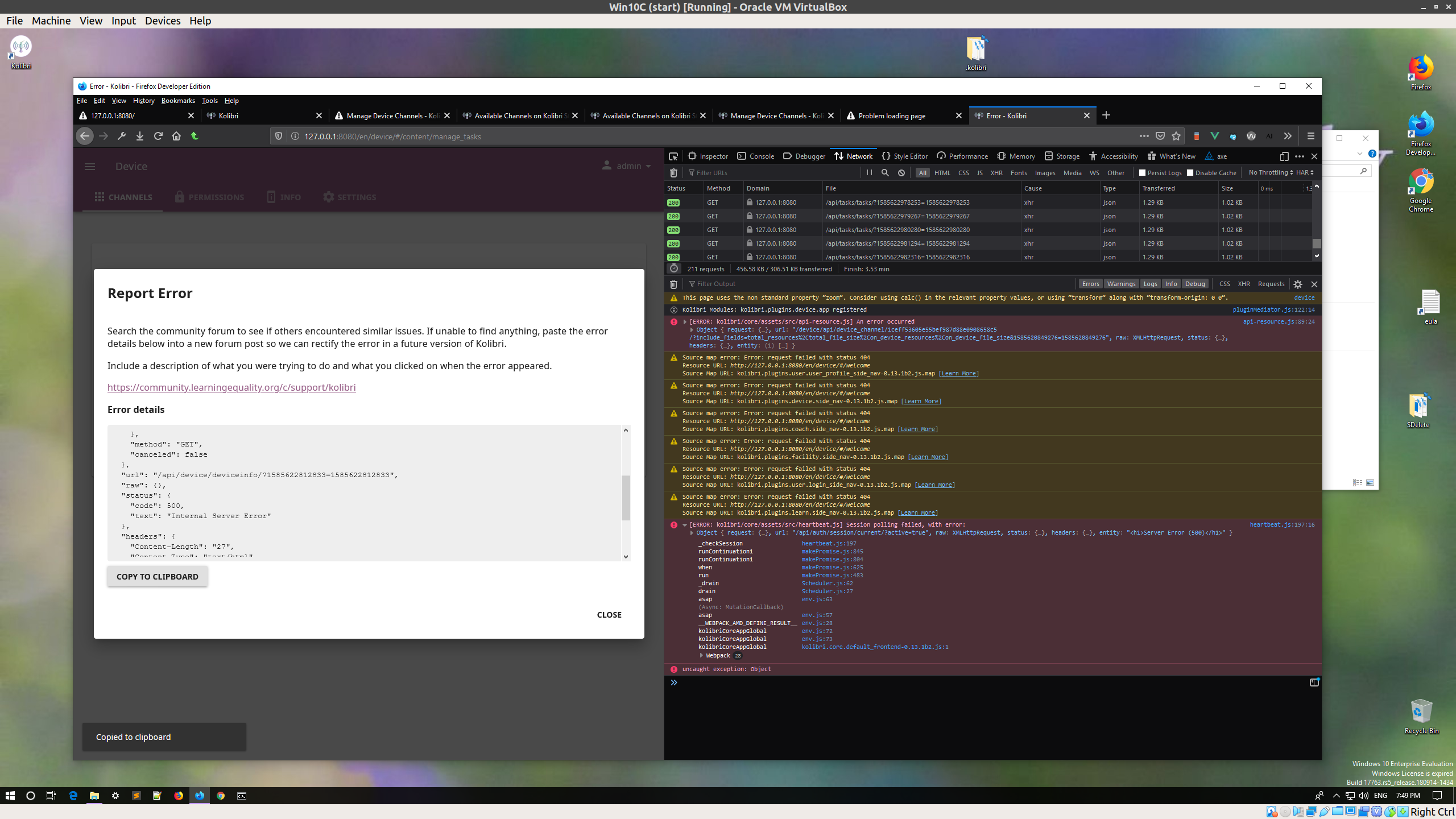
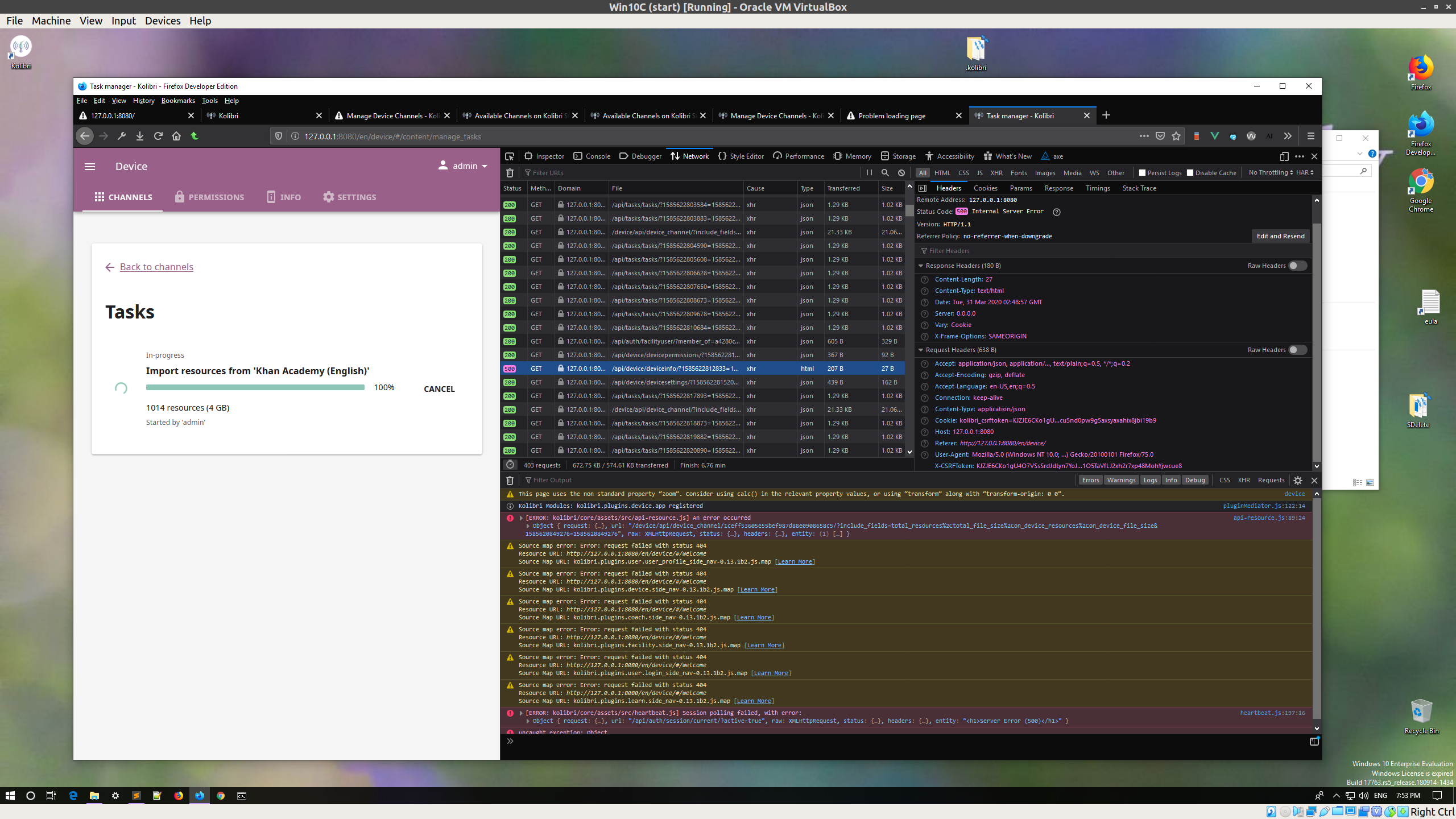
However, after the reload the import task was eventually reported as completed, and the content displayed correctly.
I restarted the VM and initiated another import task of around 4GB. When I returned to the VM it was shut down, and upon restart it did not display that second batch of content as imported.
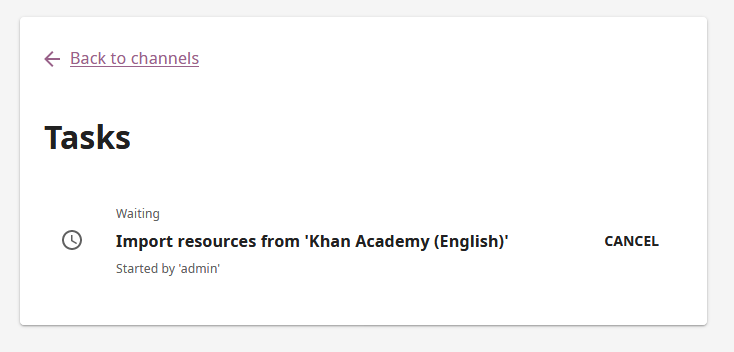
I tried a smaller import (1GB) of the same content as in the previous step. The progress bar was moving steadily, but again seemed to get stuck at 100%, throwing the same error as in step 1.
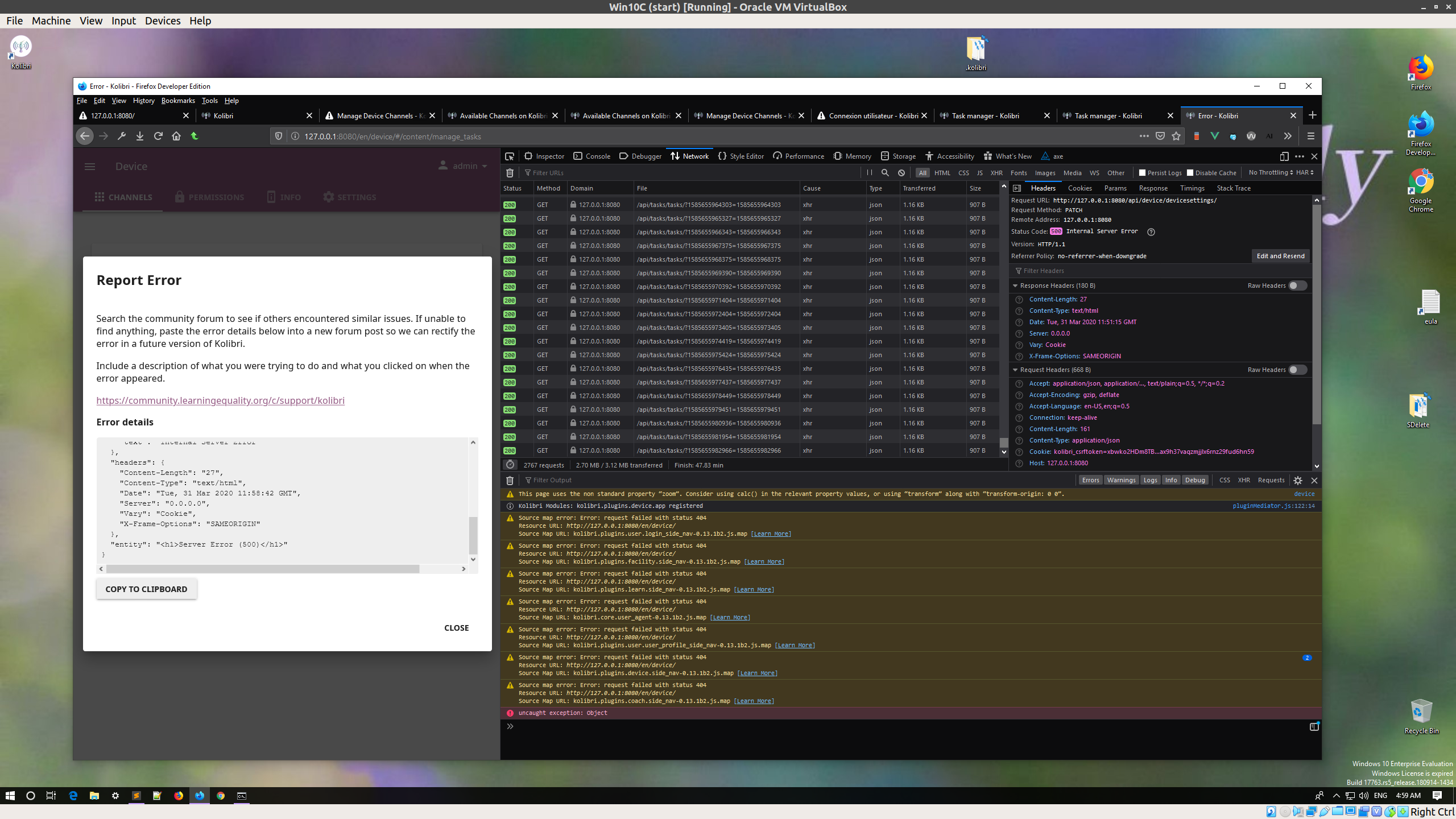
At this point it again seems impossible to start any import tasks, neither from a peer nor from Studio, as the task is just sits waiting in the queue, since the database is locked.
Expected behavior
Import operation able to resume after restart.
User-facing consequences
Inconsistent and unreliable import workflow.
Errors and logs
Steps to reproduce
See above.
Context
- Kolibri version: 0.13.2b1
- Operating system:
- peer1: Windows 10 VM (imported into)
- peer2: Ubuntu 18.04 (imported from)
- Browser: FF & Chrome
@jonboiser @indirectlylit
 radinamatic
All 2 comments
Apparently I made an error and run this scenario with 0.13.1b2, instead of 0.13.2b1 :woman_facepalming: :disappointed:
Just rerun several permutations of this workflow (from/to Ubuntu/Windows peer and from Studio; with the Windows VM auto-shutdown, or directly powering the VM down, etc.), on the correct 0.13.2b1 version, and each time I was able to resume the import operations without issues, and no DB errors, locked, malformed or otherwise.
So, yey for me discovering an issue that was there on 0.13.1, but apparently is not there anymore on 0.13.2 :blush:
If there are no other concerns, we can close this!
radinamatic
on 10 Apr 2020
thank you for your thorough investigation!
 indirectlylit
on 11 Apr 2020
indirectlylit
on 11 Apr 2020
Related issues
 metodimilevqa
·
3Comments
indirectlylit
·
3Comments
indirectlylit
·
3Comments
metodimilevqa
·
3Comments
indirectlylit
·
3Comments
indirectlylit
·
3Comments
 jtamiace
·
5Comments
jtamiace
·
5Comments
 kollivier
·
4Comments
kollivier
·
4Comments