Kiwix-android: Changing screen orientations in tab overview
Describe the bug
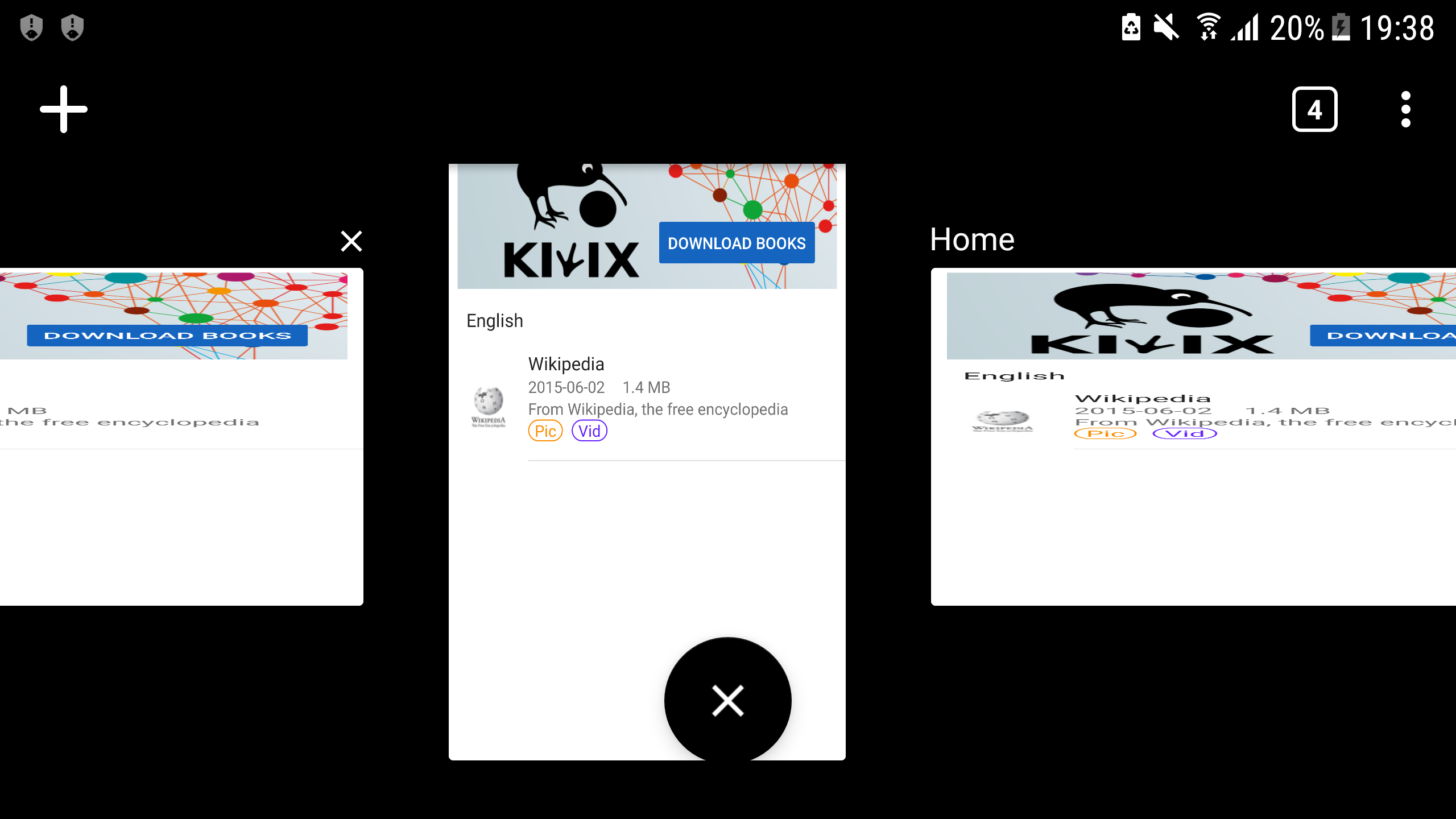
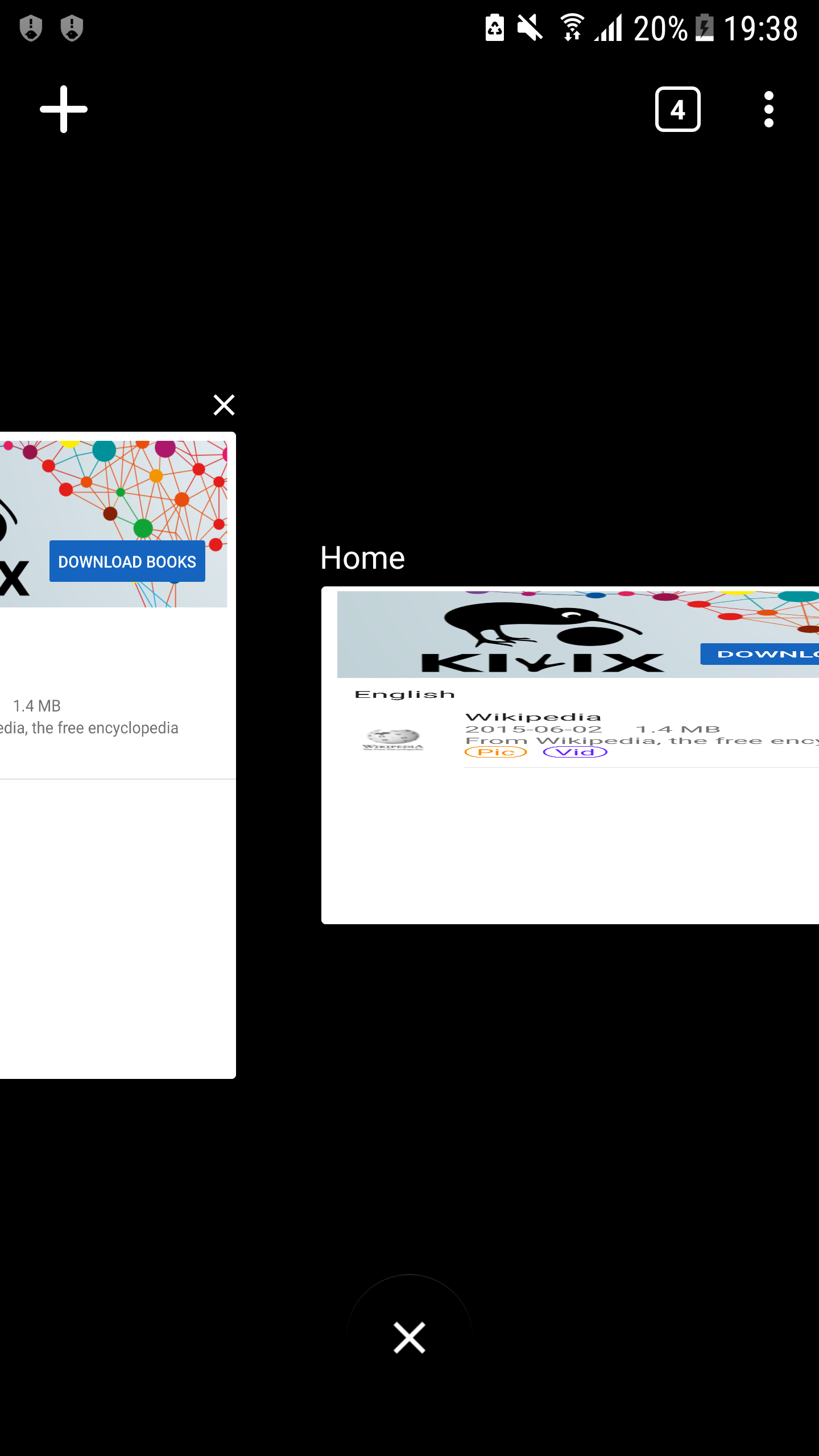
Changing screen orientation in Tab view and opening new tabs makes the whole UI quite messy.
Steps to reproduce the behavior:
- open tab view
- change screen orientation
- click on the '+' button on the top left
- open tab view again
Screenshots
Environment
- Version of Kiwix Android : version 2.4 Build 55
- Device : Samsung S6
- OS version : Android 7.0
 siddharth2010
All 12 comments
Also, once this starts, the only way to fix it is to restart the app. Closing the tabs does not help as the new tabs still open in a specific orientation.
siddharth2010
on 9 Feb 2019
@siddharth2010 I'd like to work on this issue.
 iadeelzafar
on 9 Feb 2019
iadeelzafar
on 9 Feb 2019
Sure. Go ahead!
siddharth2010
on 9 Feb 2019
I'm working on this. I'll make a PR soon.
iadeelzafar
on 15 Feb 2019
@siddharth2010 @abdulwd The solution for this that I've figured out is that on screen rotation to landscape, the tab overview should show all tabs in landscape mode and vice versa on screen rotation to portrait. But the issue I'm facing is that on screen rotation to landscape, in tab overview, it only shows tabs in landscape when a new tab is created and then it messes up the UI. It doesn't works for the tabs that were created previously in portrait.
iadeelzafar
on 17 Feb 2019
@iadeelzafar Brother, if you are not working, can I work on this?
@abdulwd Could you assign this to me?
 sonusourav
on 8 Mar 2019
sonusourav
on 8 Mar 2019
@sonusourav I am working on this but I need some directions. See my comment above.
iadeelzafar
on 8 Mar 2019
There are two ways to show the tabs in the tabs overview screen:
- Get the bitmap of the WebView and use that bitmap in the TabsAdapter to get the preview of the tab.
- Use the WebView in the TabsAdapter as it is without changing it to bitmap. Then there are specifically two things which you need to handle.
- You have to change the
layout_heightandlayout_widthof the WebView to a smaller size when the list of tabs is visible and when you select a tab you again have to change them back to full.
- You have to handle the touch events when the list of tabs is shown so that when a tab is selected the touch event is not passed to the child WebView of the RecyclerView. Otherwise, the touch may trigger navigation within the WebView even when the list of tabs is visible i.e. you will navigate from page to next within the WebView if you click on a link in the WebView even when the list of tabs is visible.
- You have to change the
We are using the first approach, so you have to try the second one in order to get this working for landscape. It is easier said than done. If anything is unclear feel free to ping me.
 abdulwd
on 8 Mar 2019
abdulwd
on 8 Mar 2019
@abdulwd Thanks for writing. I really appreciate this. I'm looking forward to fixing this issue :)
iadeelzafar
on 8 Mar 2019
Due to some family commitments, I am not able to give time to this ticket. @sonusourav You may proceed with working on this. The directions above will be really helpful for you. Good Luck!
iadeelzafar
on 11 Mar 2019
This issue has been automatically marked as stale because it has not had recent activity. It will be now be reviewed manually. Thank you for your contributions.
![stale[bot] picture](https://avatars.githubusercontent.com/in/1724?v=4&s=40) stale[bot]
on 26 Jun 2019
stale[bot]
on 26 Jun 2019
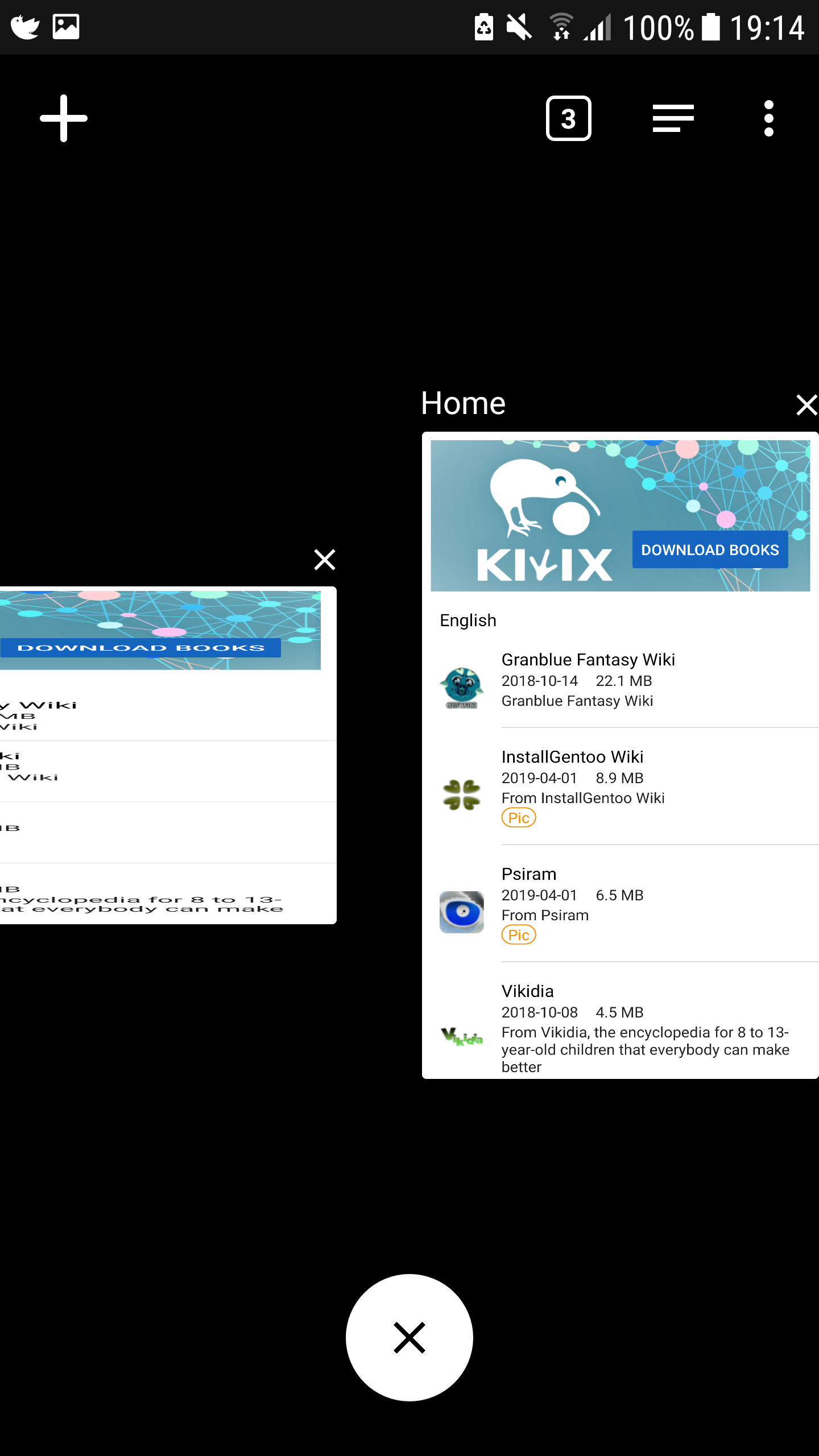
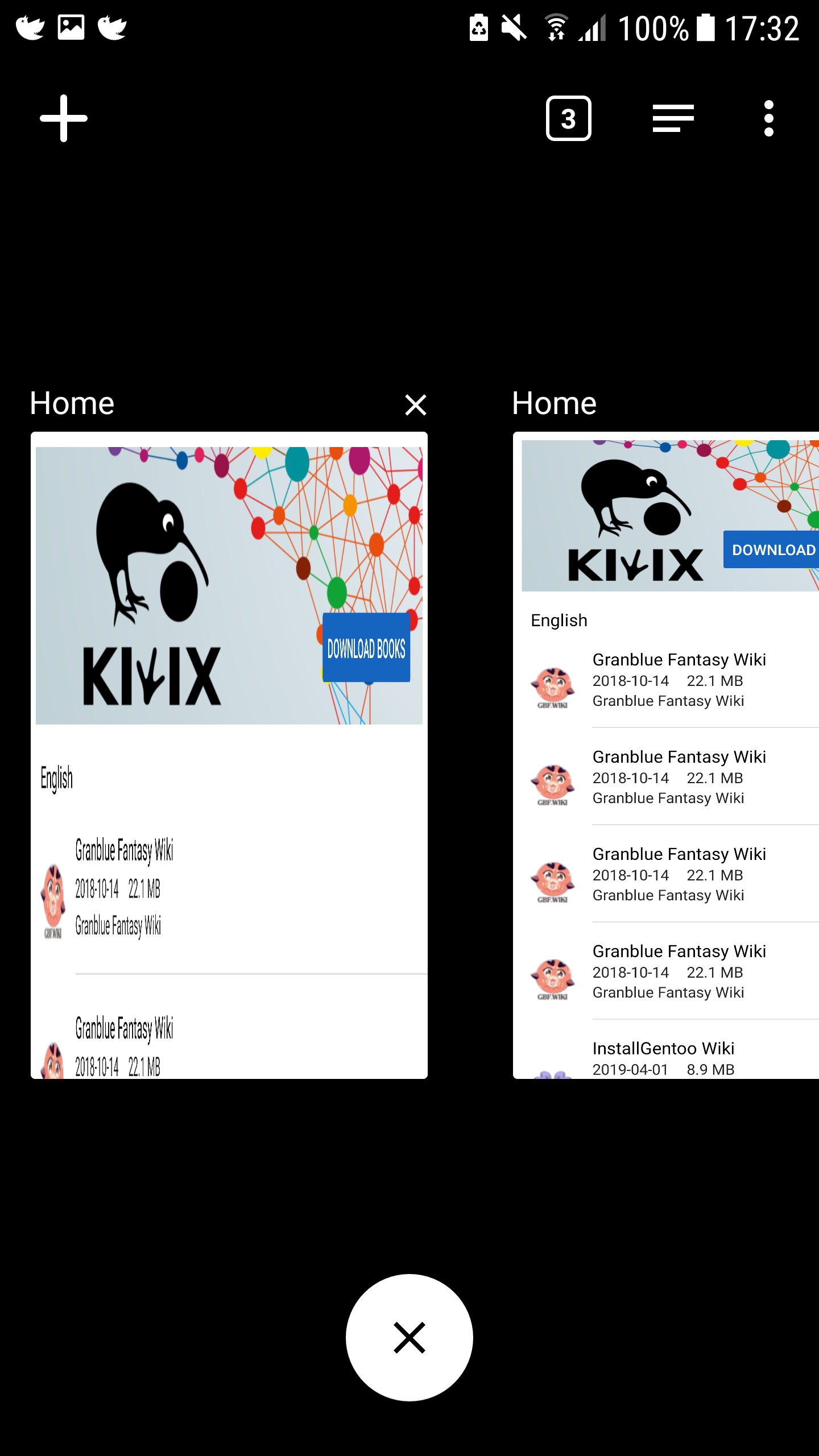
So basically now, there are two cases:
- Either the orientation of the tabs is different
- or, in case they have the same orientation, the landscape tab is stretched vertically
|different orientations|Same orientations with diffferent aspect ratio|
|:-:|:-:|
|  |
|  |
|
siddharth2010
on 11 Aug 2019
Related issues
 kelson42
·
6Comments
kelson42
·
6Comments
 asereze
·
4Comments
asereze
·
4Comments
 macgills
·
5Comments
macgills
·
5Comments
 brijeshshah13
·
4Comments
brijeshshah13
·
4Comments
 danielzgtg
·
4Comments
danielzgtg
·
4Comments
Most helpful comment
@sonusourav I am working on this but I need some directions. See my comment above.