Kiwix-android: Show extended detail for a book in a bottom sheet
Feature Request
Allow users a way to open the parent folder of a ZIM file.
Probably using the same UI as #779
 mhutti1
All 24 comments
Turns out this is tricky to implement, as there is no standard way of opening a directory on Android. It can be made to work on certain devices, or if certain third-party apps are installed, but I see no generic way.
This is a similar bug of another android open-source project that describes the wider context of the problem: https://github.com/syncthing/syncthing-android/issues/838
 renggli
on 29 Jun 2018
renggli
on 29 Jun 2018
Oh well, we can keep this open incase a solution is added in the future. Thanks for the work :)
mhutti1
on 1 Jul 2018
This issue has been automatically marked as stale because it has not had recent activity. It will be now be reviewed manually. Thank you for your contributions.
![stale[bot] picture](https://avatars.githubusercontent.com/in/1724?v=4&s=40) stale[bot]
on 26 Jun 2019
stale[bot]
on 26 Jun 2019
This issue has been automatically marked as stale because it has not had recent activity. It will be now be reviewed manually. Thank you for your contributions.
stale[bot]
on 16 Sep 2019
@mhutti1 Do we still really need that? I see no reason (anymore) so far.
 kelson42
on 23 Sep 2019
kelson42
on 23 Sep 2019
I mean I think it does give them the flexibility to delete ZIM files themselves. Not sure if its technically possible though.
mhutti1
on 25 Sep 2019
@mhutti1 What I don't understand is "Allow users a way to open the parent folder of a ZIM file."
kelson42
on 25 Sep 2019
As in open the place the ZIM file is located in the file explorer app so they can see its context.
mhutti1
on 25 Sep 2019
@mhutti1 ZIM file should be deletable from the libary UI... but we don't need to open in a file browser. This is why I strongly suspect this feature request should/will not be implemented. Why making things complex if we can do it easily directly in the library?
kelson42
on 25 Sep 2019
Because I personally think that if we are saving very large files to a users phone we should at least give them an easy way to see exactly what we are doing.
mhutti1
on 25 Sep 2019
@mhutti1 What kind of information is actually missing to your opinion in Kiwix's library?
kelson42
on 25 Sep 2019
Where exactly the ZIM files are located.
mhutti1
on 25 Sep 2019
@mhutti1 We might be able to provide this information without having to implement that feature (just providing the path). I wonder if just saying if the ZIM file is on the "internal" or "external" storage might be enough?
kelson42
on 25 Sep 2019
Not really. Each device can do pretty much what they want, especially on older APIs. Making the path available would probably be ok though.
mhutti1
on 30 Sep 2019
This issue has been automatically marked as stale because it has not had recent activity. It will be now be reviewed manually. Thank you for your contributions.
stale[bot]
on 29 Nov 2019
@mhutti1 Is this "For a BookOnDisk list item add an info icon to show extended detail on a book including path"?
We could use a modal bottom sheet and show that when a user clicks on the info icon, show as much information as possible and explicit open/delete(maybe share?) buttons. Would take some UI consideration.
 macgills
on 8 Jan 2020
macgills
on 8 Jan 2020
That sounds like it could work.
mhutti1
on 8 Jan 2020
@kelson42 should I create this BookDetailSheet? Bottom sheet examples here
macgills
on 22 Jan 2020
@macgills Yes please.
kelson42
on 28 Jan 2020
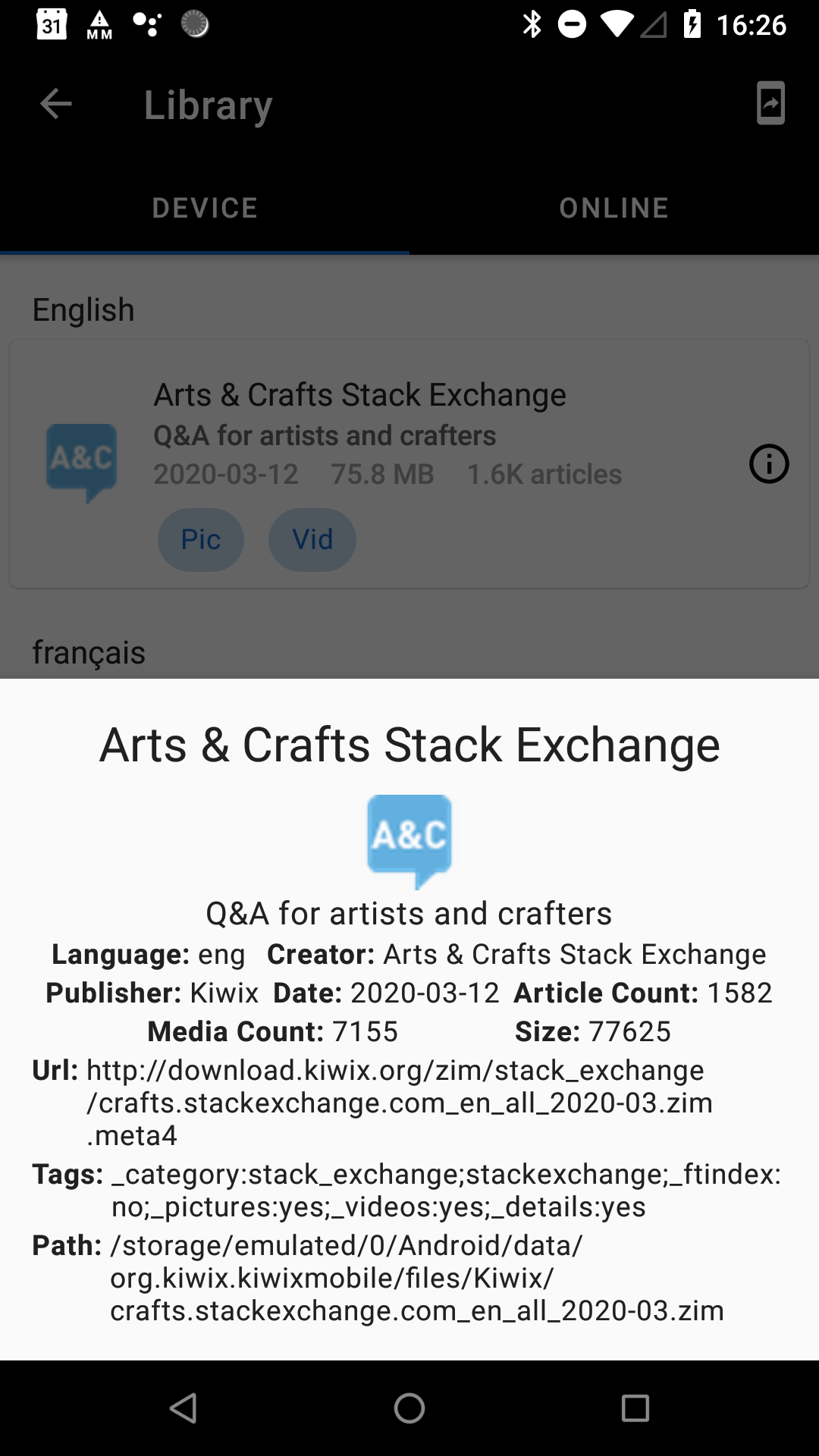
Here is a very rough implementation with not much formatting of the available data we have on a book
macgills
on 1 Apr 2020
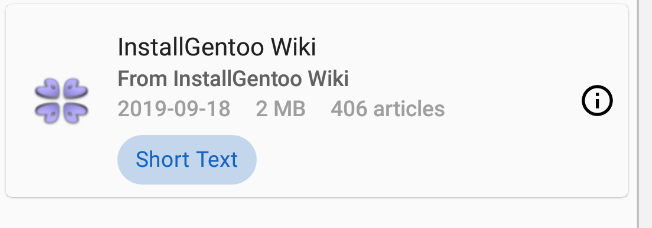
@kelson42 here is the current state of this sheet
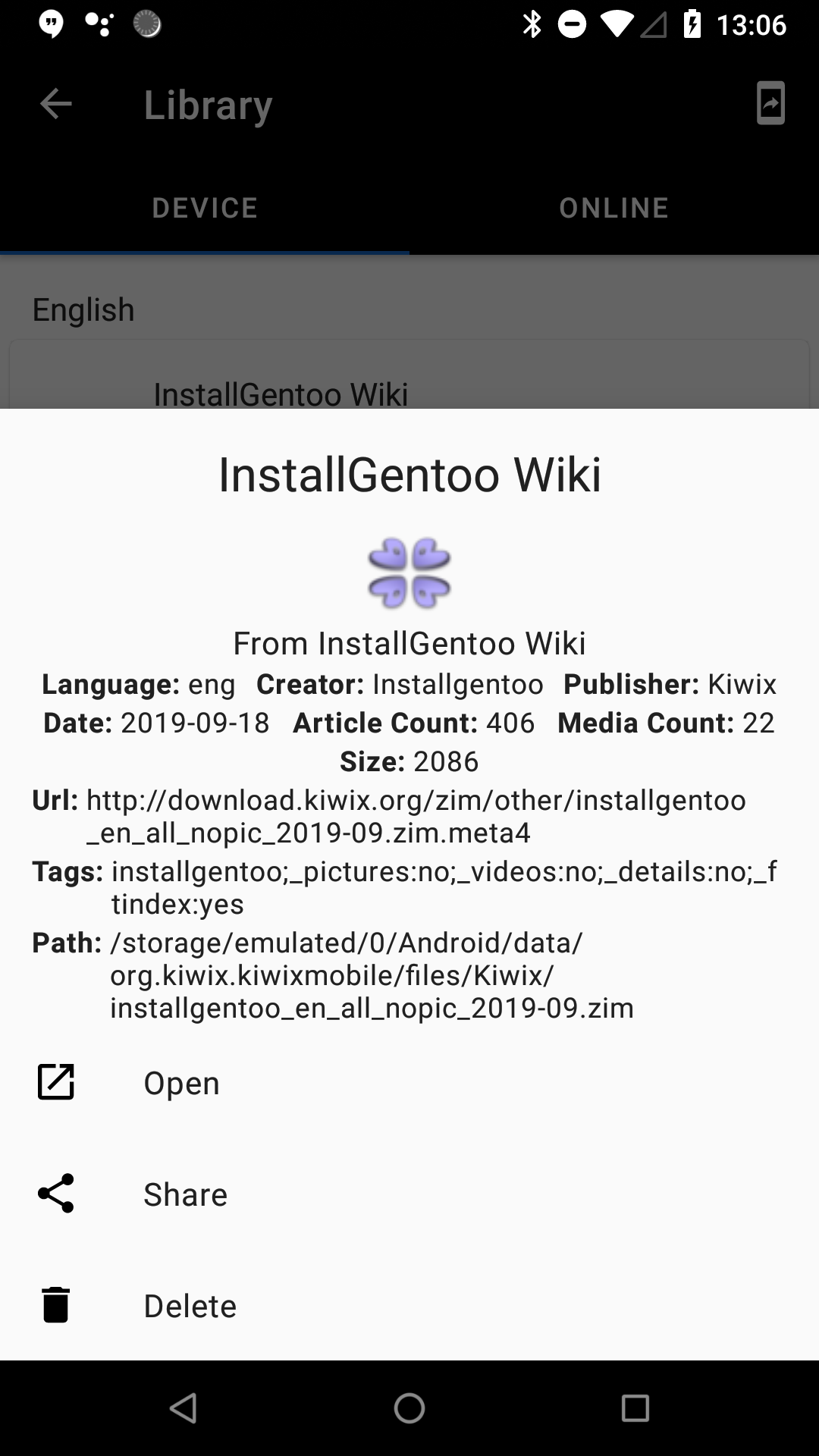
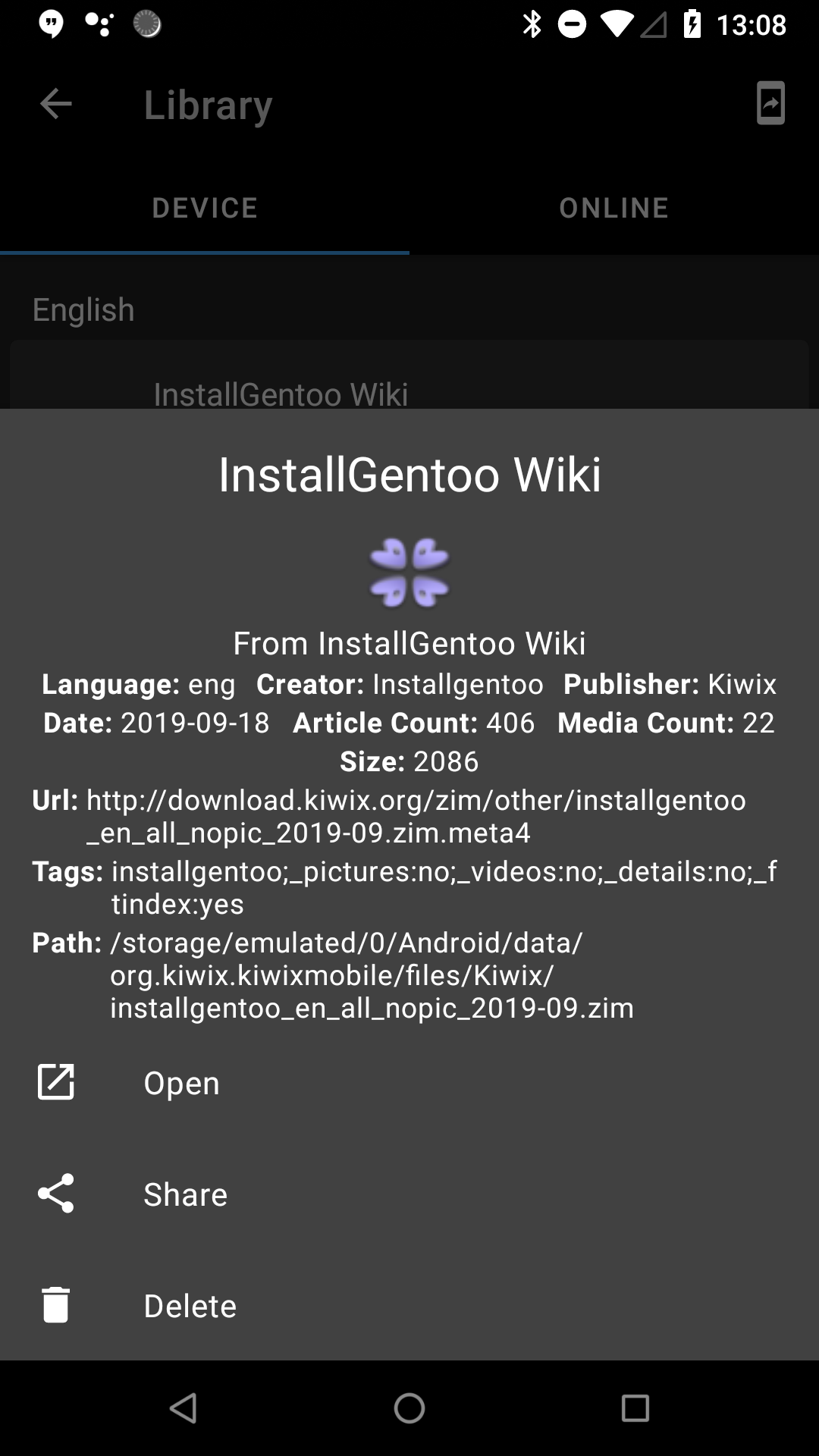
shown on clicking this new (i) icon in the library
macgills
on 30 Apr 2020
@kelson42 I think we should push this from 3.3 I want to make the release sooner rather than later and I think this will need some back and forth, also not a critical feature
macgills
on 1 May 2020
This issue has been automatically marked as stale because it has not had recent activity. It will be now be reviewed manually. Thank you for your contributions.
stale[bot]
on 30 Jun 2020
This issue has been automatically marked as stale because it has not had recent activity. It will be now be reviewed manually. Thank you for your contributions.
stale[bot]
on 17 Oct 2020
Related issues
 RohanBh
·
5Comments
RohanBh
·
5Comments
 chstdu
·
6Comments
chstdu
·
6Comments
 Popolechien
·
4Comments
Popolechien
·
4Comments
 gouri-panda
·
5Comments
gouri-panda
·
5Comments
 brijeshshah13
·
4Comments
brijeshshah13
·
4Comments
Most helpful comment
Turns out this is tricky to implement, as there is no standard way of opening a directory on Android. It can be made to work on certain devices, or if certain third-party apps are installed, but I see no generic way.
This is a similar bug of another android open-source project that describes the wider context of the problem: https://github.com/syncthing/syncthing-android/issues/838