Kitematic: (HTTP code 404) unexpected - {"message":"manifest for hyperledger/fabric-couchdb:latest not found"}
Expected behavior
Docker image should be downloaded
Actual behavior
Giving error (HTTP code 404) unexpected - {"message":"manifest for hyperledger/fabric-couchdb:latest not found"}
Information about the Issue
Steps to reproduce the behavior
- ...
- ...
 proshanta
All 4 comments
What does your Dockerfile look like? This repository (hyperledger/fabric-couchdb) does not have a latest tag. To pull this image, you must reference one of the tags for the Docker hub. https://hub.docker.com/r/hyperledger/fabric-couchdb/tags/
 fmeade
on 2 Jul 2017
fmeade
on 2 Jul 2017
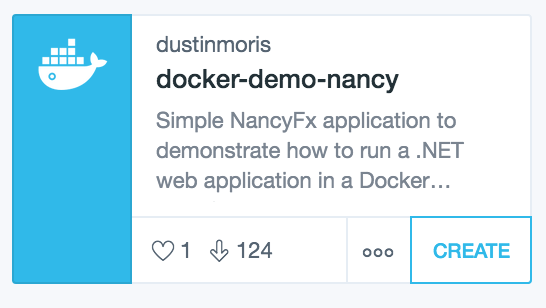
If the image you're creating a container from doesn't have a :latest tag (which is the default), you need to manually select the tag to use from the UI;
Click the three "dots" to open the details pane for the image
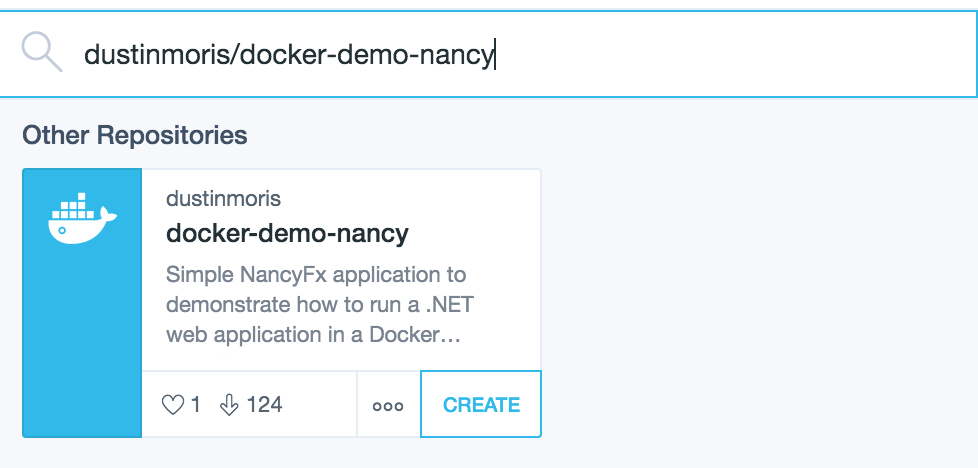
Click on the "selected tag"
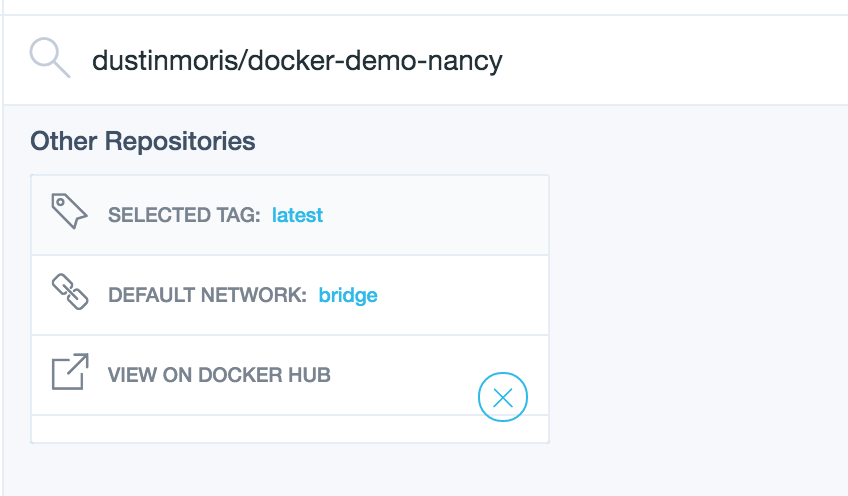
Select the image tag you want to use:
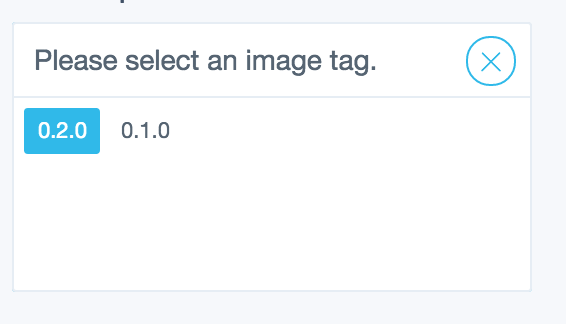
Click the close button ("X"):
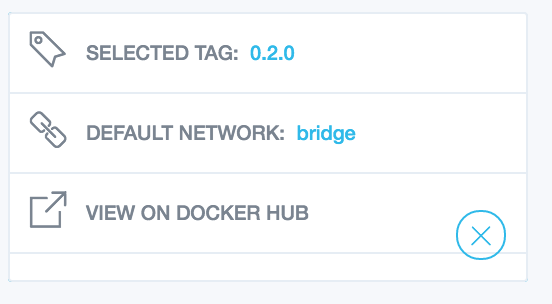
Then click "create" to create a container using the image (and tag) you selected
 thaJeztah
on 3 Jul 2017
thaJeztah
on 3 Jul 2017
- Go to https://hub.docker.com/r/hyperledger/fabric-couchdb/tags/
- Observe no latest tags were created for that image
- Select a different tag in Kitematic (if one exists)
- 🎉 enjoy container running.
Ideally you open an issue with the repo owner to let them know how frustrating it is that they don't have a latest image tagged
 FrenchBen
on 3 Jul 2017
FrenchBen
on 3 Jul 2017
Thanks! it is working now.. Thanks a lot..
proshanta
on 4 Jul 2017
Related issues
 Ashish0410verma
·
3Comments
Ashish0410verma
·
3Comments
 geoffroy-noel-ddh
·
3Comments
geoffroy-noel-ddh
·
3Comments
 albfan
·
3Comments
albfan
·
3Comments
 STaRDoGG
·
3Comments
STaRDoGG
·
3Comments
 EugeneKrapivin
·
4Comments
EugeneKrapivin
·
4Comments
Most helpful comment
Thanks! it is working now.. Thanks a lot..