I used the following code.
let url = URL(string: urlString)
imgProfileViw.kf.indicatorType = .activity
imgProfileViw.kf.setImage(with: url, placeholder: #imageLiteral(resourceName: "tab_user_active"), options: nil, progressBlock: nil) { (img, err, cacheType, url) in
}
But failed to download. the error.localizedDescription is saying Request time out.
And there's an error.
2017-11-19 12:23:36.878490-0800 [24945:670809] Task <0AD3ADD7-F4E4-464B-9CEF-57E5AC9BFAC8>.<1> finished with error - code: -1001
2017-11-19 12:23:36.879342-0800 [24945:670809] Task <0AD3ADD7-F4E4-464B-9CEF-57E5AC9BFAC8>.<1> HTTP load failed (error code: -999 [1:89])
I hope your help.
 actualfan
All 16 comments
As indicated by the error message, it is a request timeout.
Please make sure you have correct Internet connection to your resource. I believe there is little we could do in Kingfisher.
 onevcat
on 20 Nov 2017
onevcat
on 20 Nov 2017
Thank you for your response.
I think there's a problem.
It always fail to download image.
My internet connection is good.
The other apps using SDWebImage works well.
actualfan
on 20 Nov 2017
So can I know the URL you are using? We need more information on this before we could get to know what happens.
onevcat
on 20 Nov 2017
actualfan
on 20 Nov 2017
Hey, @actualfan
It works pretty fine for me, at least in the demo app contained in this repo.
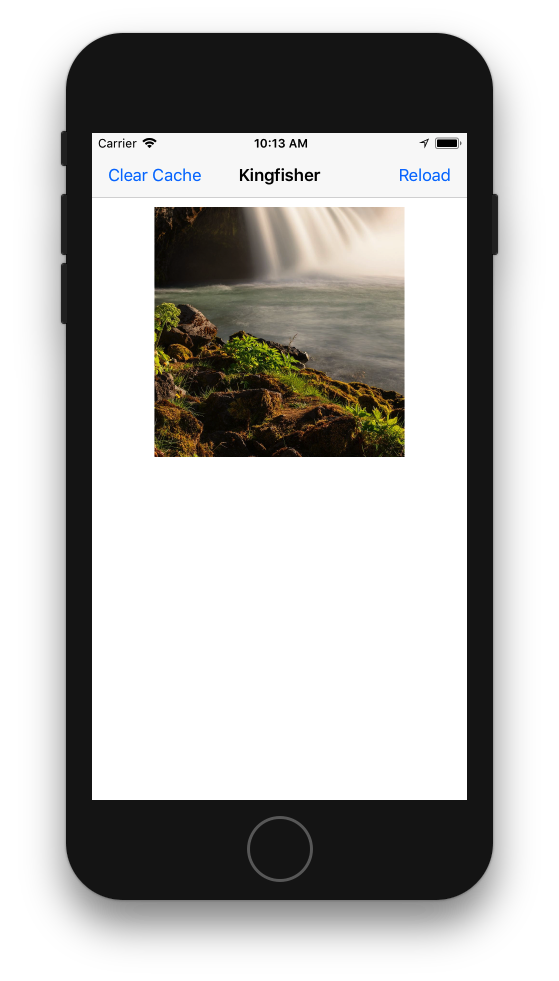
So I guess there must be some other reason instead of in Kingfisher for it. I strongly suggest you check your network setting and/or proxy setting in both your system and app.
onevcat
on 21 Nov 2017
Interesting 🤔. I'm encountering this issue as well. It loads some images and for others, this issue occurs.
 antonioallen
on 13 Dec 2017
antonioallen
on 13 Dec 2017
Same issue with me
 vaibhav-varshaaweblabs
on 14 Feb 2018
vaibhav-varshaaweblabs
on 14 Feb 2018
I'm encountering the same issue as well. Using Swift 4
 htjohn
on 20 Feb 2018
htjohn
on 20 Feb 2018
I am facing the same issue as well. When the image is .jpeg extension it does not work
 florencelomojones
on 21 Feb 2018
florencelomojones
on 21 Feb 2018
Same issue with me, Using Kingfisher 4.7.0
 sp0cket
on 24 Apr 2018
sp0cket
on 24 Apr 2018
Interesting,When I commentimageView.kf.indicatorType = .activity, It's works well
sp0cket
on 24 Apr 2018
@sp0cket This issue should not relate to the indicator, but a thread issue which cannot be reproduced easily. Do you have some code to reproduce this problem stably?
onevcat
on 24 Apr 2018
Same issue with me,Using Kingfisher 4.7.0
Image: http://rdtest.myhiott.com:8081/uploadImage/2018/04-17/img_1523929328770.png
Task <AC6932EE-ACA2-41BE-BB38-AFF8B76F9920>.<1> finished with error - code: -1002
 anwent
on 16 May 2018
anwent
on 16 May 2018
Same here, error code -999 with 4.10 !
The image displays itself when not using KingFisher
 GhaisB
on 11 Oct 2018
GhaisB
on 11 Oct 2018
Interesting,When I comment
imageView.kf.indicatorType = .activity, It's works well
This solved the timeout issue @onevcat could you please look at this.
Using the latest version of kingfisher
 ajjumehra
on 26 Mar 2019
ajjumehra
on 26 Mar 2019
@onevcat You could reproduce it using the tableview and using same url on multiple cell
ajjumehra
on 26 Mar 2019
Related issues
 sadeghgoo
·
4Comments
sadeghgoo
·
4Comments
 Tarpsvo
·
5Comments
Tarpsvo
·
5Comments
 SURYAKANTSHARMA
·
4Comments
SURYAKANTSHARMA
·
4Comments
 joebenton
·
4Comments
joebenton
·
4Comments
 litt1e-p
·
4Comments
litt1e-p
·
4Comments
Most helpful comment
Interesting 🤔. I'm encountering this issue as well. It loads some images and for others, this issue occurs.