Kibana: [Canvas] Page gets a salient border when in focus
Version: current master
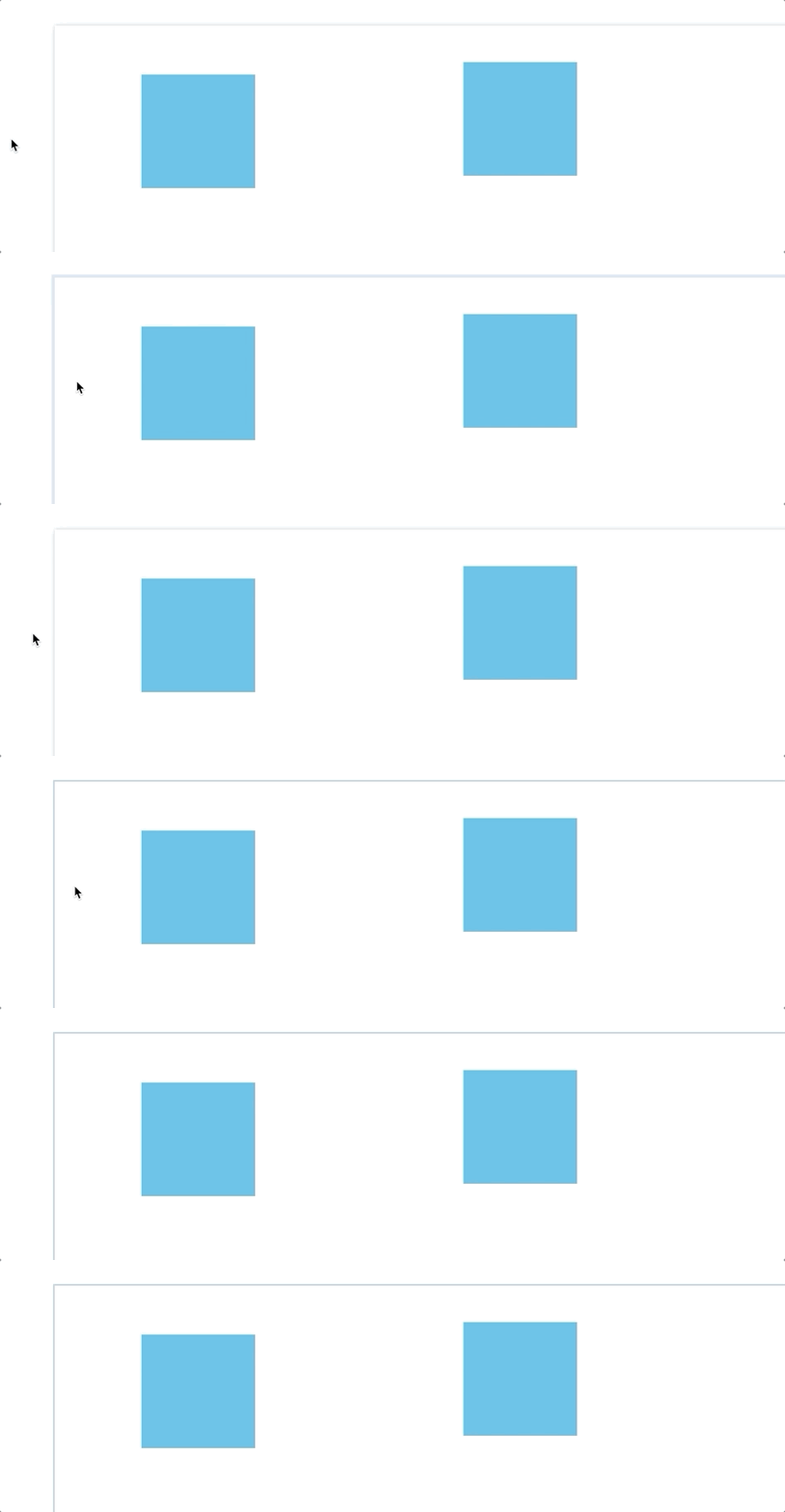
Labeling assumes that it's a regression as a similar effect happened many months ago and at the time we removed it.
 monfera
All 7 comments
Pinging @elastic/kibana-design
 elasticmachine
on 13 Mar 2019
elasticmachine
on 13 Mar 2019
Pinging @elastic/kibana-canvas
elasticmachine
on 13 Mar 2019
Everything that can receive focus needs a visual indicator due to accessibility. Likely you had a hack in canvas' CSS to disable it. If that's the preference, you'll want to add the class kbn-resetFocusState when https://github.com/elastic/kibana/pull/33073 lands (in an hour or so) which will remove the focus. I'd likely check for the hack you had in Canvas' CSS and remove that as well. Likely it applied border: 0
 snide
on 13 Mar 2019
snide
on 13 Mar 2019
I've been using Canvas this way for some time and it still feels jarring.
The actual paper of the Canvas page (that gets this border) has no significance as an element to focus on. Ie. it's not the paper that's the subject of focus. The paper is just there, it mostly denotes the area that'll be visible once the user switches into presentation mode (or views the slides in the slide sorter below). So your comment makes me realize that part of why it's jarring is that it's not an actual interactive thing. As an analogy, we wouldn't make guidelines, gridlines or other orientations like that the target of focus. If anything, the entire editing area should get the focus.
Also, I trust that tools like Illustrator are also accessible, yet when I click into the editing area, no highlight changes. I wonder if the reason is that it's a primary, "default" screen area. It's the same situation with Google Slides (and the other Google webapps).
Google Slides also has a subdued drop shadow around the paper and it stays constant. Also in the name of sticking with a semiskeuomorphic metaphor (a sheet of paper hovering over a desk?) the shadow, if we have that, should stay put. Btw. I see the motive for slide borders whenever we introduce a multi-page view where the pages are draggable and selectible for resorting, deletion etc. or even just to signify which page receives whatever keyboard action.
Ah one more thing, currently we don't have interactions that'd be pertinent to the whole page, and I can't really think of any in the absence of multipage views, so that's one more reason for wondering why it's needed. It's the _elements_ in the page that can get the selection.
Hoping we can find some solution that is accessible irl yet keeps to standard interactions of content creation software. Also, fwiw I do like the design of visual indicators other fields on the UI get upon focus.
cc @ryankeairns
monfera
on 9 Apr 2019
@monfera To be clear in my comment. I leave it to you how to handle accessibility. I was trying to point you to the place in the code to override it, telling you why your previous hack broke :)
Should be one line for you all to switch back.
snide
on 9 Apr 2019
@snide got it, thanks, I largely misunderstood! Also, as an implementor here I'd be uncomfortable to go ahead and change something in the design cowboy style esp. if you and Ryan have reservations about such a change.
monfera
on 9 Apr 2019
Nah. It made sense to me. If you want I can put together a quick PR for you. It annoys me too :)
snide
on 9 Apr 2019
Related issues
 Ginja
·
3Comments
Ginja
·
3Comments
 ctindel
·
3Comments
ctindel
·
3Comments
 treussart
·
3Comments
treussart
·
3Comments
 timmolter
·
3Comments
timmolter
·
3Comments
 bhavyarm
·
3Comments
bhavyarm
·
3Comments