Kibana: Unknown app error when opening a hidden app UI route
Kibana version:
6.2.4 and 6.4.2
Elasticsearch version:
6.2.4 and 6.4.2
Server OS version:
Ubuntu 18
Browser version:
Chrome 69
Browser OS version:
Ubuntu 18
Original install method (e.g. download page, yum, from source, etc.):
git clone https://github.com/elastic/kibana.git
Describe the bug:
I created a hidden plugin (there is no icon in the left navbar). But I can't access a UI route.
When I put this URL in browser http://localhost:5601/ncz/app/alert, I get
{"statusCode":404,"error":"Not Found","message":"Unknown app alert"}
Though, I see my app server log among Kibana logs
server log [11:37:47.023] [info][alert] starting...
And the UI route is accessible if hidden: false in index.js.
module.exports = function (kibana) {
  return new kibana.Plugin({
    name: 'alert',
    require: [
      'kibana',
      'elasticsearch',
    ],
    uiExports: {
      navbarExtensions: [],
      apps: [{
        title: 'alert',
        id: 'alert',
        description: 'It is a test hidden app',
        hidden: false,
        main: 'plugins/alert/app.js',
      }]
    },
    init: require('./server/init')
  });
};
Steps to reproduce:
git clone [email protected]:sergibondarenko/alert.gitcd alertnpm install && npm install -g gulpgulp sync --kibanahomepath=/path/to/kibanacd elasticsearch./bin/elasticsearchcd kibananpm start- Open a WEB browser and put this URL http://localhost:5601/joy/app/alert
Expected behavior:
I should see a blank page with description like this
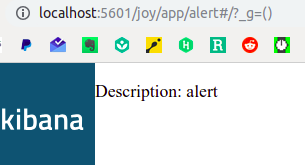
I see the following error instead
{"statusCode":404,"error":"Not Found","message":"Unknown app alert"}
Screenshots (if relevant):

Errors in browser console (if relevant):
No console errors. There is only network error
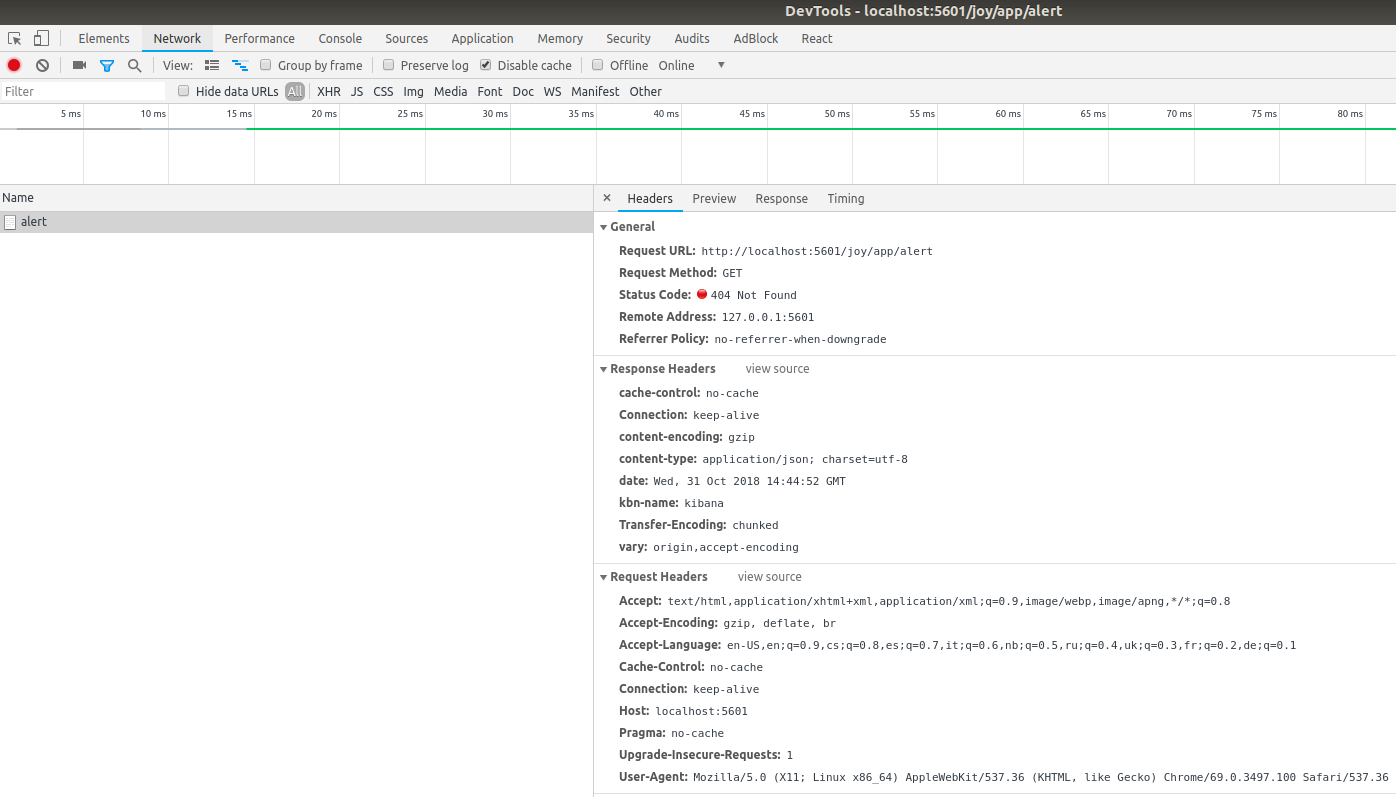
Provide logs and/or server output (if relevant):
I see correct server info log from my app
server log [14:28:50.499] [info][alert] starting...
Any additional context:
The app full code is on GitHub.
index.js
module.exports = function (kibana) {
  return new kibana.Plugin({
    name: 'alert',
    require: [
      'kibana',
      'elasticsearch'
    ],
    uiExports: {
      apps: [{
        title: 'alert',
        id: 'alert',
        description: 'It is an extension',
        hidden: true,
        main: 'plugins/alert/app.js',
      }]
    },
    init: require('./server/init')
  });
};
init.js
import { once } from 'lodash';

const init = once(function (server) {
  server.log(['info', 'alert'], 'starting...');
});

export default function (server, options) {
  if (server.plugins.elasticsearch.status.state === 'green') {
    init(server);
  } else {
    server.plugins.elasticsearch.status.on('change', () => {
      if (server.plugins.elasticsearch.status.state === 'green') {
        init(server);
      }
    });
  }
};
app.js
require('ui/routes').enable();
require('ui/routes').when('/', {
  template: require('plugins/alert/templates/root_template.html'),
  controller: 'RootController',
});

const app = require('ui/modules').get('apps/alert', []);
app.controller('RootController', function ($scope) {
  $scope.description = 'alert';
});
 sergibondarenko
All 2 comments
same issue was logged here as well: https://discuss.elastic.co/t/is-it-possible-to-have-a-hidden-plugin-with-ui/154835
cc @elastic/kibana-platform
 thomasneirynck
on 31 Oct 2018
thomasneirynck
on 31 Oct 2018
If you just want to hide the icon in the nav use listed: false, not hidden: true. Hidden intentionally disables access via the app route.
 spalger
on 31 Oct 2018
spalger
on 31 Oct 2018
Related issues
spalger
·
3Comments
 stacey-gammon
·
3Comments
stacey-gammon
·
3Comments
 timroes
·
3Comments
timroes
·
3Comments
 cafuego
·
3Comments
cafuego
·
3Comments
 timmolter
·
3Comments
timmolter
·
3Comments
Most helpful comment
If you just want to hide the icon in the nav use
listed: false, nothidden: true. Hidden intentionally disables access via the app route.