Kiali: Enhance logging UI to show multiple container logs in split screen
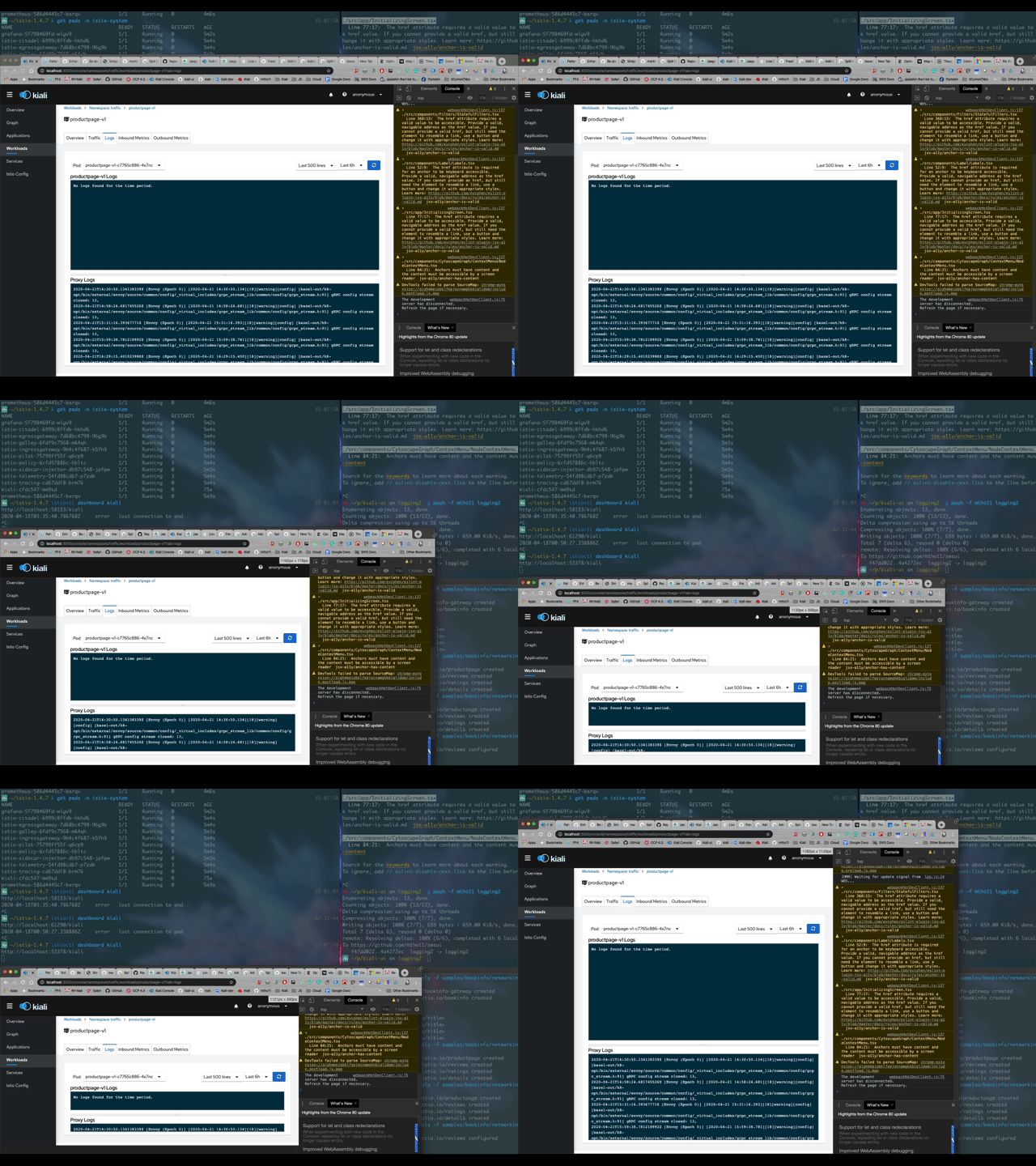
Logging UI (existing UI) - enance it so it allows splitting the screen into 2 parts:
one part will show Envoy container logs (for example right half of the screen) and the other part shows applicative container(s) - logs.
First step could be manual scroll by users in both to see for the same timestamp the logs.
for more advanced use case and better UX - correlate automatically the logs timestamps from several sources so when scrolled, all container logs show the same timestamp in parallel
After:
 abonas
All 4 comments
@mtho11 @lucasponce we recently upgraded kiali to v1.17.0 and observing that the split screen functionality works only if there are 2 containers in a pod but if the pod has more than 2 containers the logs are missing.. we have a service that has application container, envoy container and a consul-template container.. the workloads logs module shows application and envoy container logs but not consul-template container logs.. please let us know if this needs a new GitHub issue created or the same issue will be reopened to fix it?
 nnadig-ebsco
on 15 May 2020
nnadig-ebsco
on 15 May 2020
@nnadig-ebsco This is a known problem and is scheduled to be address in Kiali 1.19.0. You can track progress in https://github.com/kiali/kiali/issues/2765.
 jshaughn
on 15 May 2020
jshaughn
on 15 May 2020
thank you @jshaughn .. do u have any approximate timeline when this fix will be available? this functionality is critical to us and based on the timeline we can take decision to fix forward or rollback the upgrade.. thank you!
nnadig-ebsco
on 15 May 2020
@nnadig-ebsco This 1.19.0 release is scheduled for June 5th. It may be available sooner in a snapshot release.
jshaughn
on 15 May 2020
Related issues
 jwurm
·
6Comments
jwurm
·
6Comments
 clebs
·
6Comments
clebs
·
6Comments
 YuriyKrasilnikov
·
4Comments
YuriyKrasilnikov
·
4Comments
 erSitzt
·
3Comments
erSitzt
·
3Comments
 dntosas
·
3Comments
dntosas
·
3Comments
Most helpful comment
@nnadig-ebsco This is a known problem and is scheduled to be address in Kiali 1.19.0. You can track progress in https://github.com/kiali/kiali/issues/2765.