Kepler.gl: [Help] custom screenshot UI - how do I generate image exports without having the export image modal open?
I'm creating my own custom form popup for saving maps with a custom UI. As part of it, I'm trying to save an image of the visualisation. I have tried a few approaches and have been unable to get desirable results, though I think I'm close. Any guidance would be greatly appreciated.
My question is How can I get
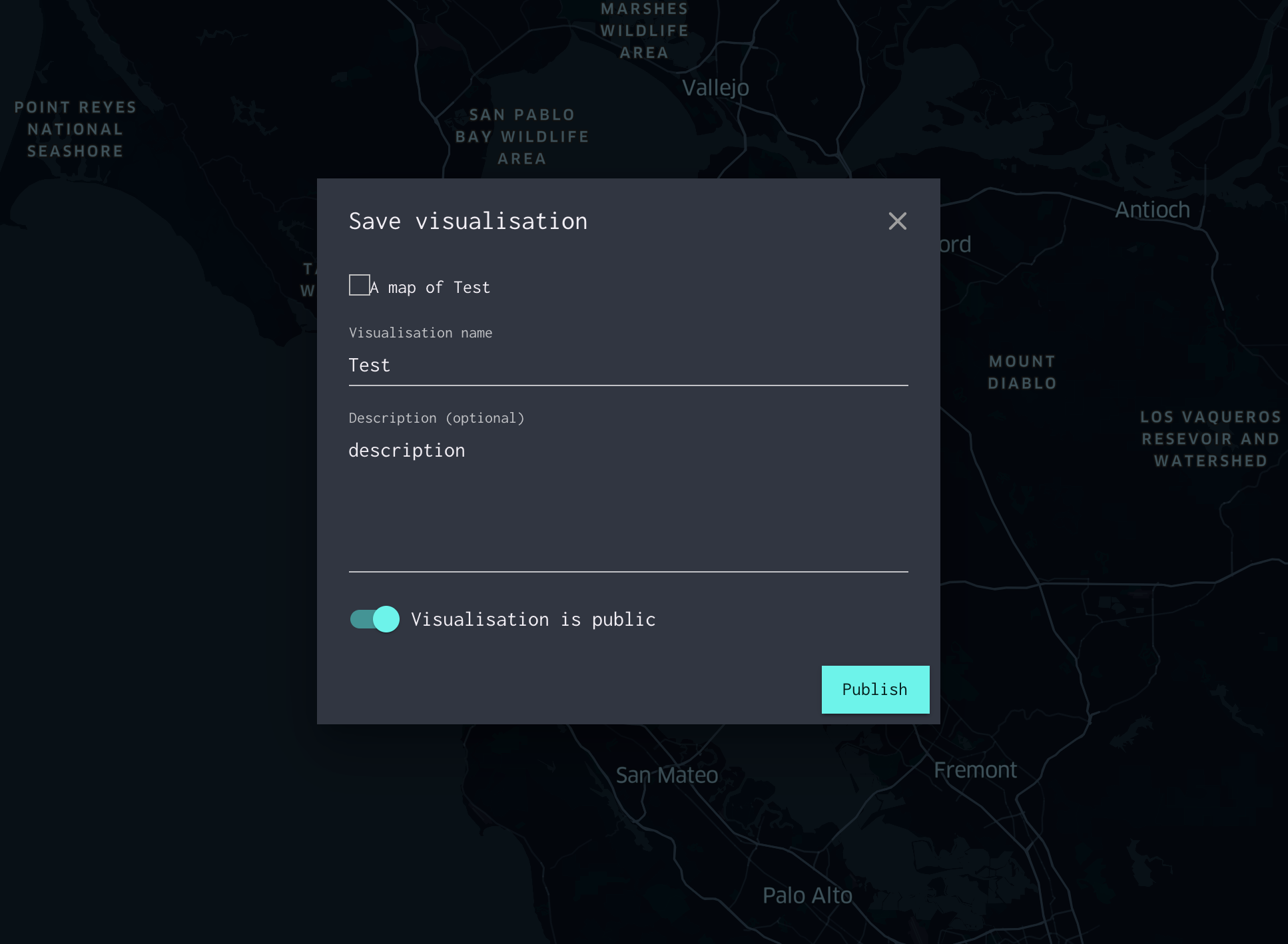
const { exportImage } = useSelector(s => s.keplerGl.editor.uiState);
<img
  src={exportImage.imageDataUri}
  width="100%"
  height="auto"
/>
Best approach - path of least resistance, using injectComponents and withState
I figured I'm over-thinking it with my other two approaches below, and thought to look at dependency injection again. I remember saying it was possible to pass in custom state via withState.
Looking at the source of <KeplerGl />, it seems it begins exporting the image when:
I figure via the withState helper, I can inject parts of my own app state in place of this to trick it into exporting when my own state.app.saveDialogOpen is set to true. Well, I can't get my own state within these 'lenses', so can I just trick it into thinking the Modal is open?
import { withState, PlotContainerFactory } from "kepler.gl/components";
import ActionTypes from "kepler.gl/dist/constants/action-types";
import { EXPORT_IMAGE_ID } from "kepler.gl/dist/constants/default-settings";

export const CustomPlotContainerFactory = () =>
  withState([
    (reduxState) => ({
      uiState: {
        ...reduxState.uiState,
        currentModal: EXPORT_IMAGE_ID
      }
    })
  ])(PlotContainerFactory());
Of course, no love. Also tried using the 'wildcard' mentioned to override the uiState passed in:
import { withState, PlotContainerFactory } from "kepler.gl/components";
import { EXPORT_IMAGE_ID } from "kepler.gl/dist/constants/default-settings";

export const CustomPlotContainerFactory = () =>
  withState(
    [], // skip any lenses
    (state: any) => ({ // override uiState prop directly
      uiState: {
        ...state.keplerGl.editor.uiState,
        // let this component think the export image modal is open
        currentModal: state.app.saveDialogOpen && EXPORT_IMAGE_ID }})
  )(PlotContainerFactory());
Still no love.
Here are the other approaches I tried;
Approach #1 - use convertToPng directly
I initially tried to wrap my entire component in a custom <Screenshot /> component that used convertToPng from utils directly, however the layer panel came out in the screenshot and no data showed up, despite there being data on the map.
Approach #2 - try to re-use <PlotContainer />/<MapContainer>
I tried using PlotContainerFactory directly, passing in all the props it requires. I continually got the error "Nothing was returned from render". I assume this has something to do with using it outside the injectComponents, losing some props it needs from redux.
I can go back through my git history to pull out code examples of these two approaches if you need though I think, based on the docs, they aren't correct.
How can I get a get
 mayteio
All 4 comments
image generate is going to be async, and due to a limitation in mapbox base map rendering, we currently can't determine when the base map finish rendering. we can design an API that allows your to take control over when plot-container is mounted, but you do need to pass in some callbacks to listen on image generation update. Something like this might work:
import {generateMapImage} from 'kepler.gl/actions';
// dispatch an action to retrieve map thumbnail upon user interaction, pass dimension and onUpdate callback
onClick() {
   this.props.dispatch(generateMapImage({
          dmension: {width: 500, height: 500, resolution: 2},
          onUpdate: (dataUrl) => this.props.saveCurrentMapImage(dataUrl)
   )
}
 heshan0131
on 28 Feb 2020
heshan0131
on 28 Feb 2020
@heshan0131 Any update on generateMapImage ?
If i use this it gives me a error of
TypeError: Object(...) is not a function
Any help would be appreciated!
 tanveer21
on 19 May 2020
tanveer21
on 19 May 2020
@tanveer21 giuseppe has put up a PR for this feature, please take a lookt
heshan0131
on 21 Jul 2020
Looks good, can't wait till this is in core! 👍
mayteio
on 23 Jul 2020
Related issues
 xJWzZ
·
5Comments
xJWzZ
·
5Comments
 itch96
·
6Comments
itch96
·
6Comments
 davidywang
·
5Comments
davidywang
·
5Comments
 ChunhongZhao
·
4Comments
ChunhongZhao
·
4Comments
 stefan--
·
3Comments
stefan--
·
3Comments
Most helpful comment
image generate is going to be async, and due to a limitation in mapbox base map rendering, we currently can't determine when the base map finish rendering. we can design an API that allows your to take control over when plot-container is mounted, but you do need to pass in some callbacks to listen on image generation update. Something like this might work: