Kendo-angular: ToolbarTemplateDirective - custom top and bottom
I'm submitting a ticket
- Suggestion for improvement
- Documentation issue
Current behavior
Here is my example
https://stackblitz.com/edit/angular-ggweb2?file=app/app.component.ts
       <ng-template kendoGridToolbarTemplate [position]="'bottom'">
           <button (click)="onClick()" class="k-button">top action</button>
       </ng-template>
      <ng-template kendoGridToolbarTemplate [position]="'top'">
           <button (click)="onClick()" class="k-button">bottom action</button>
       </ng-template>
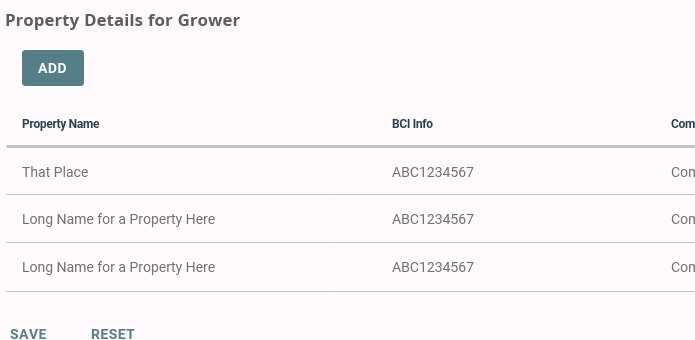
I want a custom button on the top of the grid and custom buttons on the bottom of the grid. In this example, it appears they will be the exact same.
Expected behavior
 crh225
>All comments
Set position to 'both' and use the let-position value to determine what content to show on top and what - on bottom of the Grid:
https://stackblitz.com/edit/angular-ggweb2-ntarex?file=app/app.component.ts
 dtopalov
on 16 Nov 2018
dtopalov
on 16 Nov 2018
❤1
👍1
Was this page helpful?
0 / 5 - 0 ratings
Related issues
 ganySA
·
3Comments
ganySA
·
3Comments
 svetq
·
3Comments
svetq
·
3Comments
 MaklaCof
·
3Comments
MaklaCof
·
3Comments
 ChrisProlls
·
3Comments
ChrisProlls
·
3Comments
 tsvetomir
·
3Comments
tsvetomir
·
3Comments
Most helpful comment
Set
positionto 'both' and use the let-position value to determine what content to show on top and what - on bottom of the Grid:https://stackblitz.com/edit/angular-ggweb2-ntarex?file=app/app.component.ts