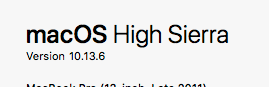
macOS version: 10.13.6
Kap version: 3.0.0 & 3.0.1
Steps to reproduce
Install Kap on 10.13, open Preferences or capture a clip.
Current behaviour
Mouse click highlighting (_highlightClicks_) does not work - clicks are not displayed in the video.
'Show cursor' option is not even displayed in _Preferences_ (cmd+,). However, it is present on macOS 10.15.2, so this bug seems to be OS-specific.
Expected behaviour
Option to show cursor should be present in _Preferences_. Mouse clicks should be visible in captured videos.
Workaround
Upgrade macOS to 10.15
_(Tried configuring 'highlightClicks' option manually in _~/Library/Preferences/com.wulkano.kap.plist_, but it didn't work.)_
 xstast24
All 4 comments
Looks like the setting is only available in 10.14 and greater:
https://github.com/wulkano/kap/blob/bcb9781792b576e281b36a4b185f41199f1d2ca8/renderer/components/preferences/categories/general.js#L25-L29
The change was introduced in #643.
 mootari
on 23 Jan 2020
mootari
on 23 Jan 2020
Is this just allow from 10.13 ? Can I open a PR for this ? I'm using 10.13 here too and I would like that feature.
 pettomartino
on 24 Jan 2020
pettomartino
on 24 Jan 2020
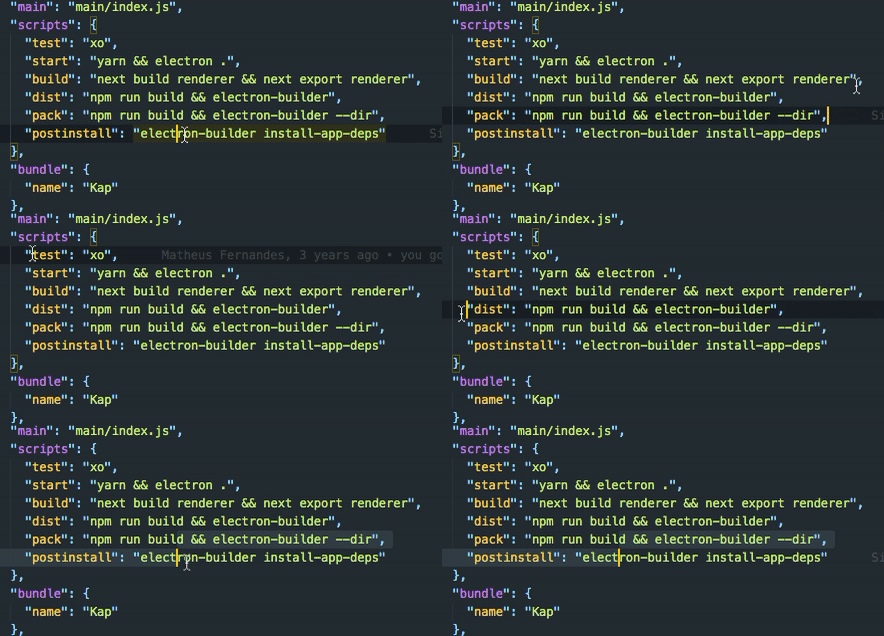
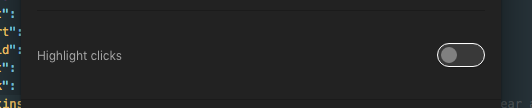
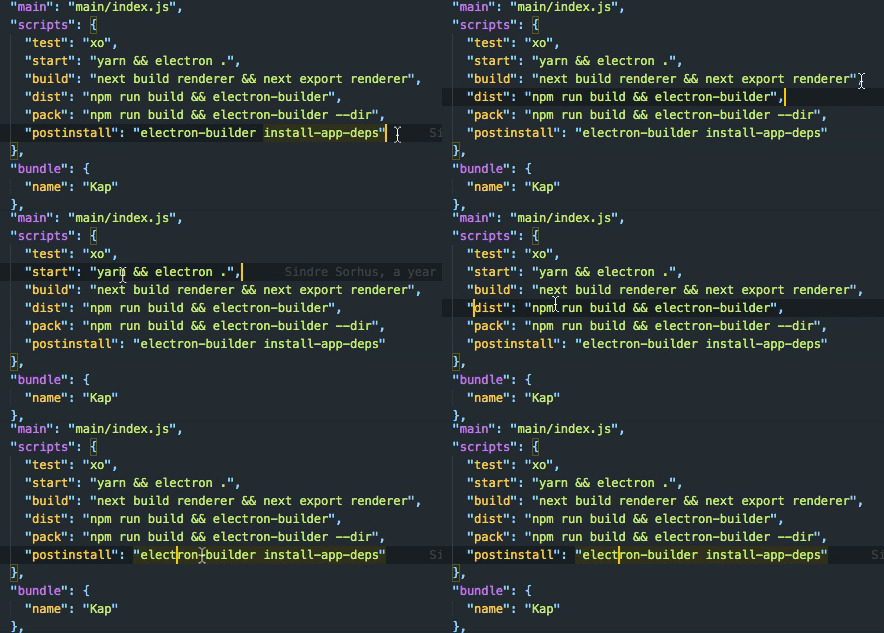
I changed that and worked fine. If you guys think it's fine I will open a PR
pettomartino
on 24 Jan 2020
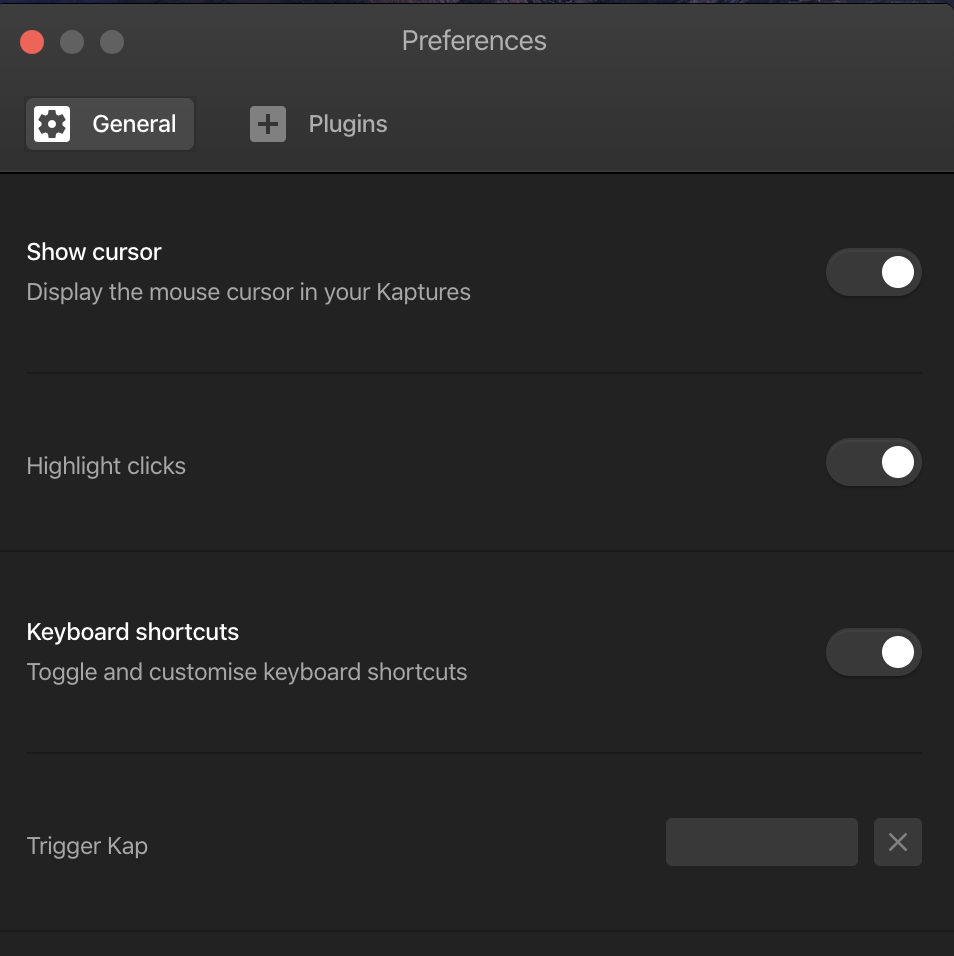
Clicks are not highlighted for me in 10.15.6.
I checked all the privacy settings and Kap is enabled there.
Highlight clicks checkbox is enabled. I also tried switching it off and on again.
 tonisives
on 10 Aug 2020
tonisives
on 10 Aug 2020
Related issues
 sindresorhus
·
3Comments
sindresorhus
·
3Comments
 Qix-
·
3Comments
Qix-
·
3Comments
 timothyis
·
3Comments
timothyis
·
3Comments
 rgbkrk
·
4Comments
rgbkrk
·
4Comments
 deadcoder0904
·
3Comments
deadcoder0904
·
3Comments
Most helpful comment
Looks like the setting is only available in 10.14 and greater:
https://github.com/wulkano/kap/blob/bcb9781792b576e281b36a4b185f41199f1d2ca8/renderer/components/preferences/categories/general.js#L25-L29
https://github.com/wulkano/kap/blob/bcb9781792b576e281b36a4b185f41199f1d2ca8/renderer/components/preferences/categories/general.js#L97-L105
The change was introduced in #643.