macOS Version: 10.13.6
Kap Version: 3.0.0 (3.0.0.918)
Steps to reproduce
Record something and export as GIF
Current behaviour
Doesn't loop in Chrome and Firefox but in macOS quick look an Preview.app
Expected behaviour
It loops in browsers
 levrik
All 11 comments
Hey @levrik can you make sure the Loop exports option is toggled in the settings?
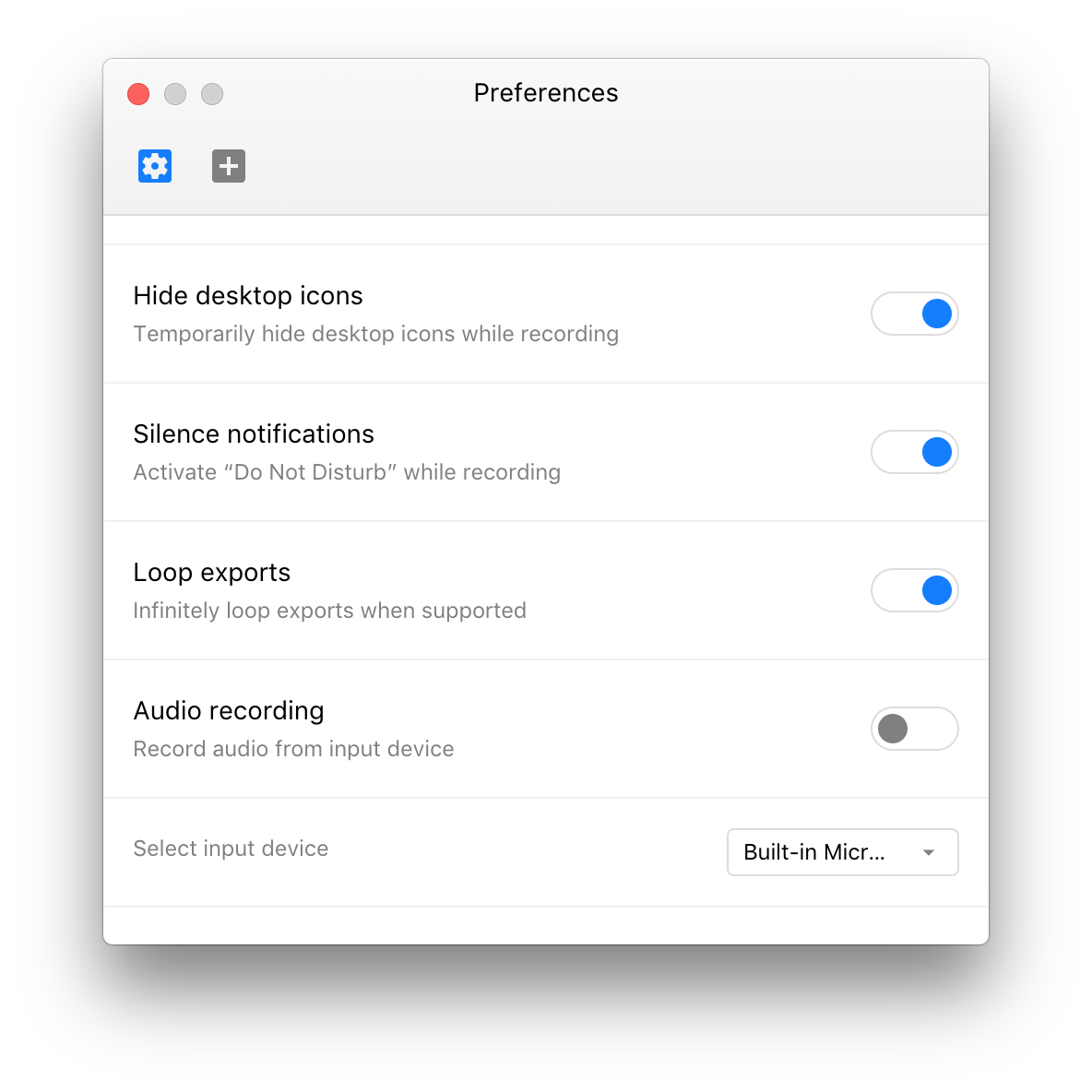
 karaggeorge
on 19 Sep 2018
karaggeorge
on 19 Sep 2018
Yes. It's checked.
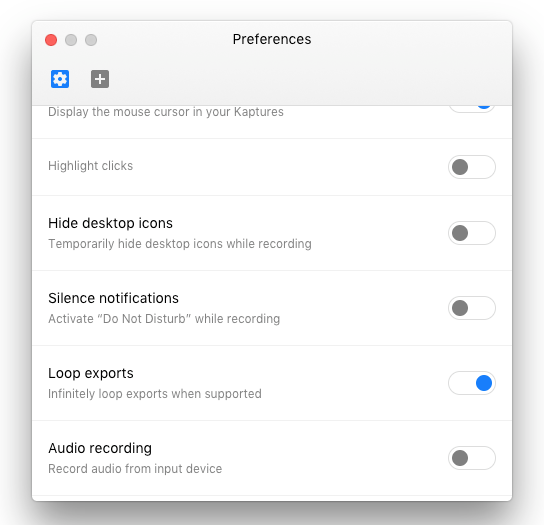
As I said. It's also looping outside browsers.
levrik
on 21 Sep 2018
Could it be that some thing like <img loop=""> is required when displayed in a browser? Don't know why it wouldn't get that information from the GIF itself, though. Sounds like this is upstream, since the behaviour is only inconsistent in browsers.
 skllcrn
on 21 Sep 2018
skllcrn
on 21 Sep 2018
Scratch that. Even though we don't have a setting to toggle looping in Kap 2.0, GIFs exported do loop by default and work in browsers.
skllcrn
on 21 Sep 2018
Are you doing something different with GIF exports in 3.0 ?
levrik
on 21 Sep 2018
Not really. We kept everything the same. Also if the gifs are looping locally, that means looping is on. So it might be something around the way the gifs are used in the browser. How did you use them in the browser and which browser? I can try to investigate a bit more
karaggeorge
on 21 Sep 2018
Hey @karaggeorge. I used them in latest Google Chrome version on macOS pasted to GitHub. They stopped looping when I upgraded to Kap 3.x
levrik
on 24 Sep 2018

This is recorded with Kap 3 beta release 1, it loops here on github. What plugin did you use for export? @levrik
 albinekb
on 25 Sep 2018
albinekb
on 25 Sep 2018
@albinekb Plugin?! I just clicked on GIF in the export window.
levrik
on 25 Sep 2018
Then that's the default share service, it should work. Can you try downloading the latest release? https://github.com/wulkano/kap/releases/download/v3.0.0-beta.1/kap-beta-3.0.0-beta.1.dmg
This is recorded with that release, with looping turned on in settings:

albinekb
on 25 Sep 2018
Okay. Seems to be fixed now. I was on ff3de6bd32049abe89e3e41dc0bc243d01812de0 before.

Thanks!
levrik
on 26 Sep 2018
Related issues
albinekb
·
4Comments
 Qix-
·
3Comments
Qix-
·
3Comments
 vadimdemedes
·
4Comments
vadimdemedes
·
4Comments
 tyler-reitz
·
4Comments
tyler-reitz
·
4Comments
 rubenbuijs
·
3Comments
rubenbuijs
·
3Comments
Most helpful comment
Okay. Seems to be fixed now. I was on ff3de6bd32049abe89e3e41dc0bc243d01812de0 before.

Thanks!