Jtapplecalendar: No cells displayed
I'm running 7.1.6.
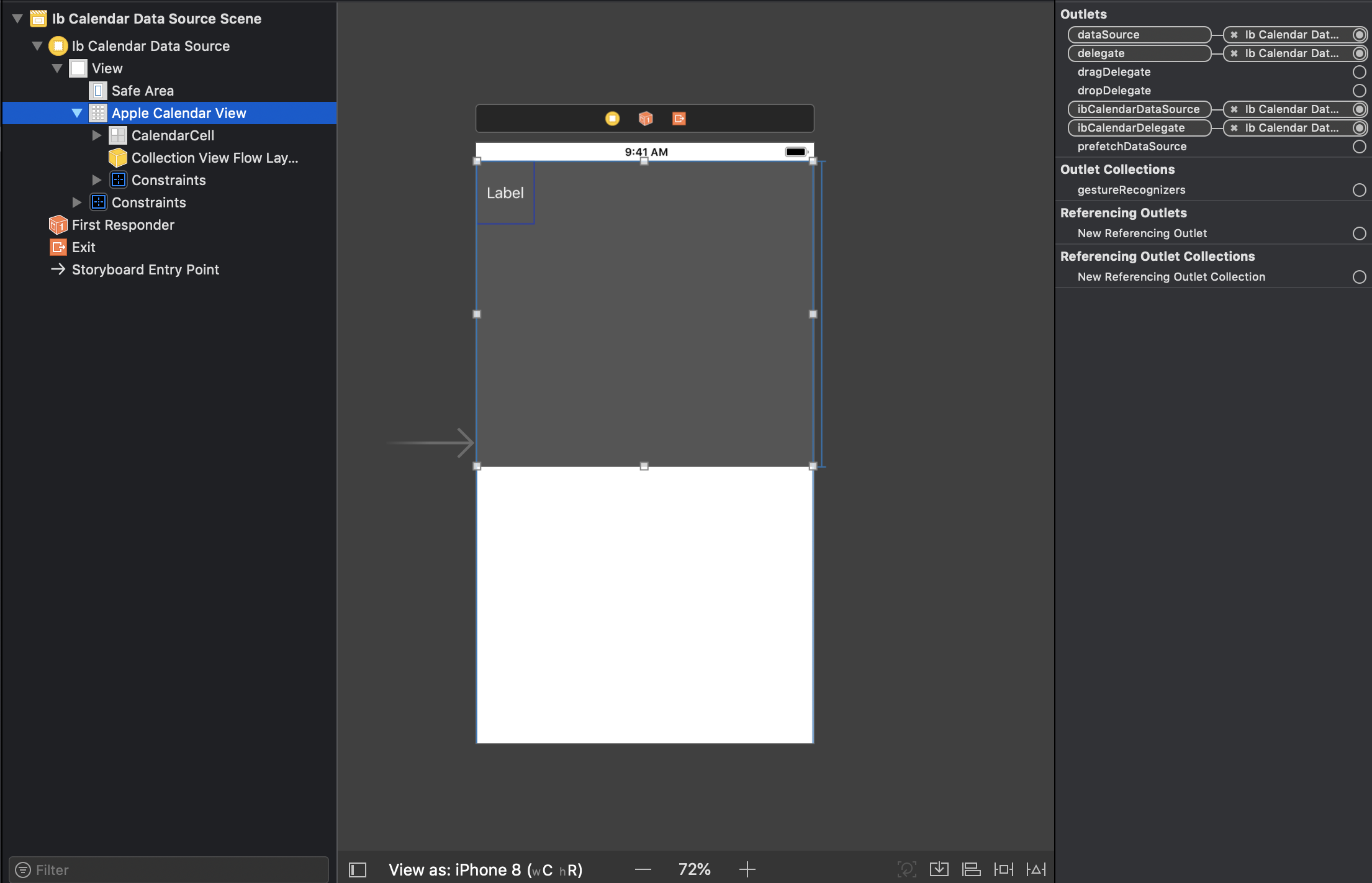
I followed through the tutorial video thoroughly. I've set all the constraints as it was shown in the first video. I've set the outlets (however there are 7 outlets instead of 2 in the video?! nevertheless I've set dataSource, delegate, ibCalendarDataSource and ibCalendarDelegate to Apple Calendar View)
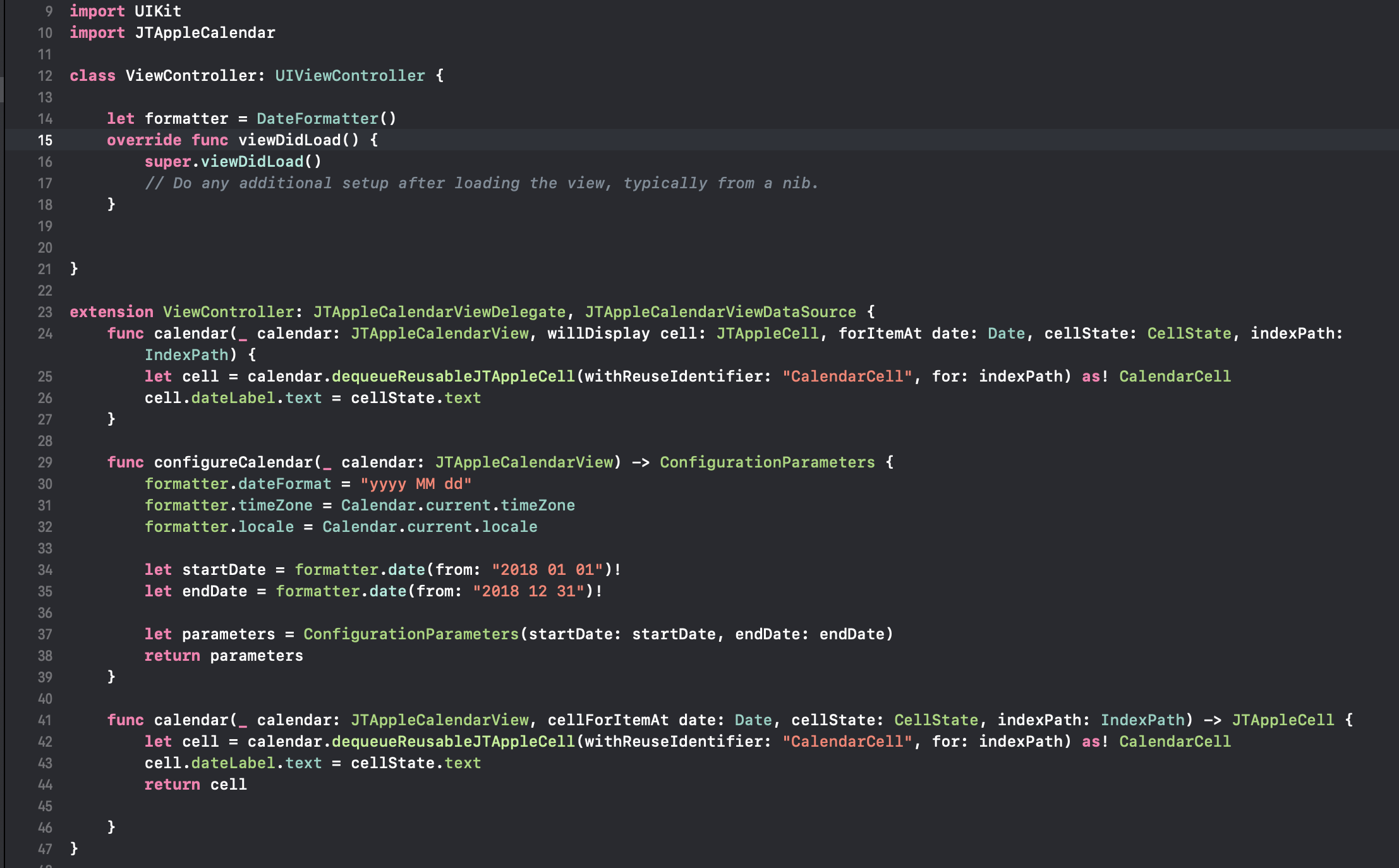
WillDisplay function created (copypasted the code from cellForItemAt, I have no idea what else should I've done)
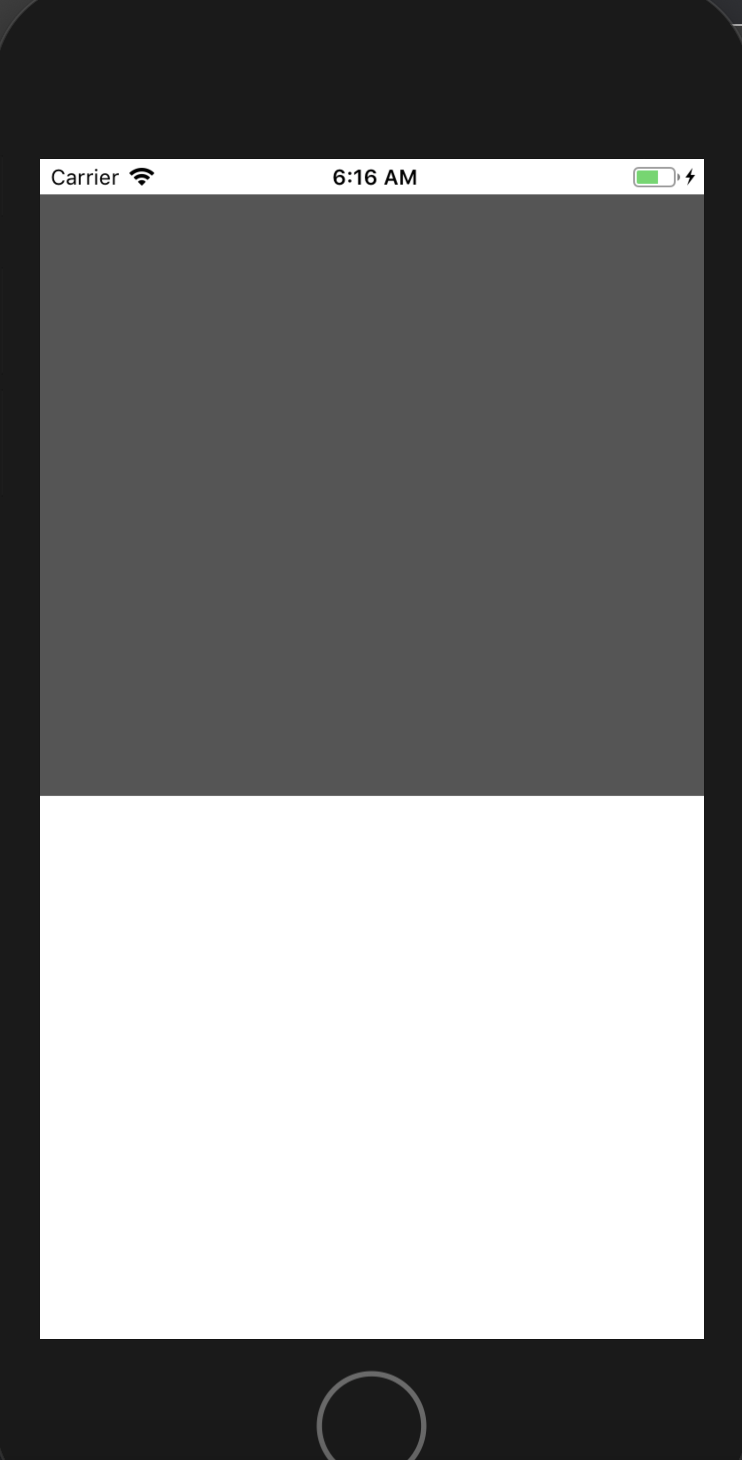
I get nothing still. Just grey box.
Any help?
 Fatalution
All 3 comments
- Have you set your calendar delegates?
- And if yes, then does your delegate functions
cellForItem()get called?
 patchthecode
on 21 Nov 2018
patchthecode
on 21 Nov 2018
It seems that connecting the delegate and datasource in Storyboard does not currently work for this version of Xcode, so you need to do it programtically. Go into your viewDidLoad() and try using something like this:
calendarView.calendarDataSource = self
calendarView.calendarDelegate = self
Note that you need an outlet for your calendar. I recommend that the owner put this fix in his big warning page, as anyone that finds this calendar extension and follows his video tutorial would run into this problem.
 clima94
on 27 Nov 2018
clima94
on 27 Nov 2018
closing this as it seems resolved.
patchthecode
on 19 Dec 2018
Related issues
 gotamafandy
·
3Comments
gotamafandy
·
3Comments
 nikolalukovic
·
4Comments
nikolalukovic
·
4Comments
 programus
·
5Comments
programus
·
5Comments
 sahirmemon
·
4Comments
sahirmemon
·
4Comments
 prahaladm
·
3Comments
prahaladm
·
3Comments
Most helpful comment
It seems that connecting the delegate and datasource in Storyboard does not currently work for this version of Xcode, so you need to do it programtically. Go into your viewDidLoad() and try using something like this:
calendarView.calendarDataSource = self
calendarView.calendarDelegate = self
Note that you need an outlet for your calendar. I recommend that the owner put this fix in his big warning page, as anyone that finds this calendar extension and follows his video tutorial would run into this problem.