Jspdf: textfield does not working as expected in PDF
Im trying to change the TextField value direct in PDF file, when change it and click out the value change back to the old one.
im using this code from acroformstandard.spec.js
var doc = jsPDF()
doc.text(10, 145, 'TextField:')
var textField = new TextField()
textField.Rect = [50, 140, 30, 10]
textField.multiline = true
textField.V = 'The quick brown fox ate the lazy mouse The quick brown fox ate the lazy mouse The quick brown fox ate the lazy mouse'//
textField.T = 'TestTextBox'
// textField.Q = 2; // Text-Alignment
doc.addField(textField)
step to reproduce:
- Create pdf with Textfield
- Download the PDF
- change the Textfield value
- Click out of the TextField (any where in the PDF)
- the old value appear again

thanks
 shadirok
All 7 comments
I think you have to use DV for default value
and not V
 Uzlopak
on 5 Jun 2018
Uzlopak
on 5 Jun 2018
Thank you, i changed it to textField.DV = "" but this did not work.
shadirok
on 5 Jun 2018
Ok found the error it. It is an error with the Appearance Stream. Have to code a solution
Uzlopak
on 13 Jun 2018
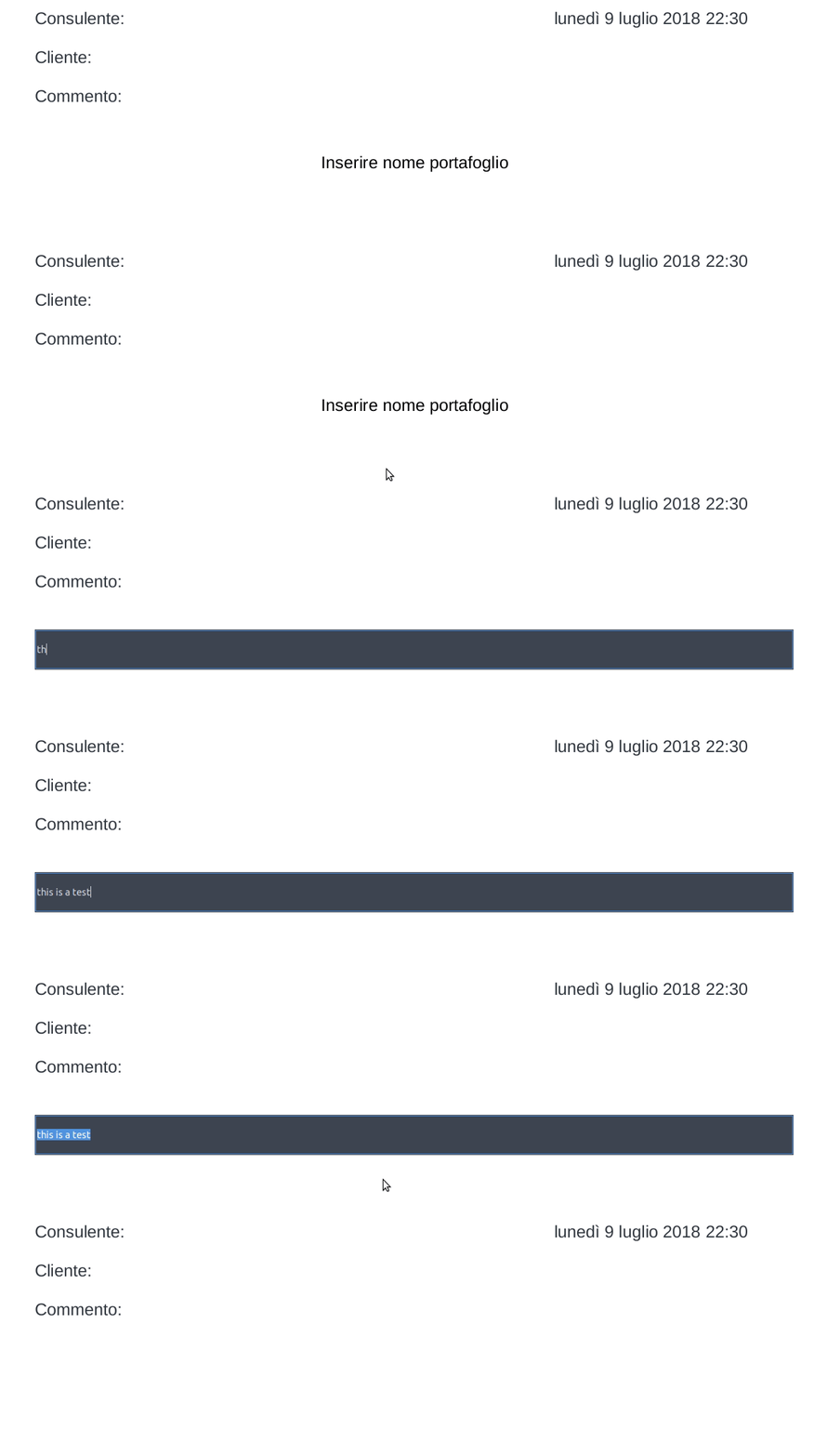
i'm experiencing a similar (but not equal) issue with the HEAD of master (0237c01bc08fc84351b89e7d6a81e86f8fe658c8):
 wallaroo
on 9 Jul 2018
wallaroo
on 9 Jul 2018
@shadirok If you want a temporary fix, I just set the textField.DA = null; before adding it to the document. That seemed to work for me in the meantime, at least.
 DrSharky
on 12 Aug 2018
DrSharky
on 12 Aug 2018
I used the DA = null solution by @DrSharky and set DA for alle elements to null. Seems that it got fixed.
Uzlopak
on 6 Sep 2018
how I show Textfiled value in the center? any one know
 FastLogic1
on 23 Nov 2020
FastLogic1
on 23 Nov 2020
Related issues
 bpmckee
·
70Comments
bpmckee
·
70Comments
 HackbrettXXX
·
27Comments
HackbrettXXX
·
27Comments
 vzhikness
·
69Comments
vzhikness
·
69Comments
 dusantrtica
·
28Comments
dusantrtica
·
28Comments
 eKoopmans
·
68Comments
eKoopmans
·
68Comments
Most helpful comment
Ok found the error it. It is an error with the Appearance Stream. Have to code a solution