Jsoneditor: how to programmablely change header color
Yes, you can simply override the color with your own CSS. Just open your developer console and have a look at the class names used for background and border colors, and override it with your own color schema.
_Originally posted by @josdejong in https://github.com/josdejong/jsoneditor/issues/879#issuecomment-571960194_
 hoogw
hoogw
All 6 comments
I need programmable change color, for example:
` jsoneditor.option = {
header: black
border: red
}
`
`.jsoneditor .value[style*="color: green;"] {
color: lime !important;
}
.jsoneditor .value[style*="color: red;"] {
color: rgb(75, 193, 255) !important;
}`
But I can't find document talk about this, only some issue talk about color change by update css.
How to do it programmablely?
hoogw
on 8 Jul 2020
`
var options = {
header-color : 'yellow',
theme: 'dark',
};
`
Can we set options to change color when initialize json-editor?
hoogw
on 8 Jul 2020
Maybe this helps?
 josdejong
on 8 Jul 2020
josdejong
on 8 Jul 2020
dynamic create css and apply is not what I want.
I want create 2 json-editor with different color at the same time.
One json-editor header is blue (default) color
secon json-editor header is green color
Both editor show on same page side by side, just like your demo
Can you make your demon 2 editor with 2 different header color?
hoogw
on 8 Jul 2020
What you can do is give the containers where you attach the JSONEditors different classes:
<div class="editor1"></div>
<div class="editor2"></div>
then create different styling for the different containers:
div.editor1 div.jsoneditor-menu {
  background-color: red;
}

div.editor2 div.jsoneditor-menu {
  background-color: blue;
}
@josdejong it perfectly fit my need. works great !
I customize , selector by id
jsoneditor_list , jsoneditor_info_list
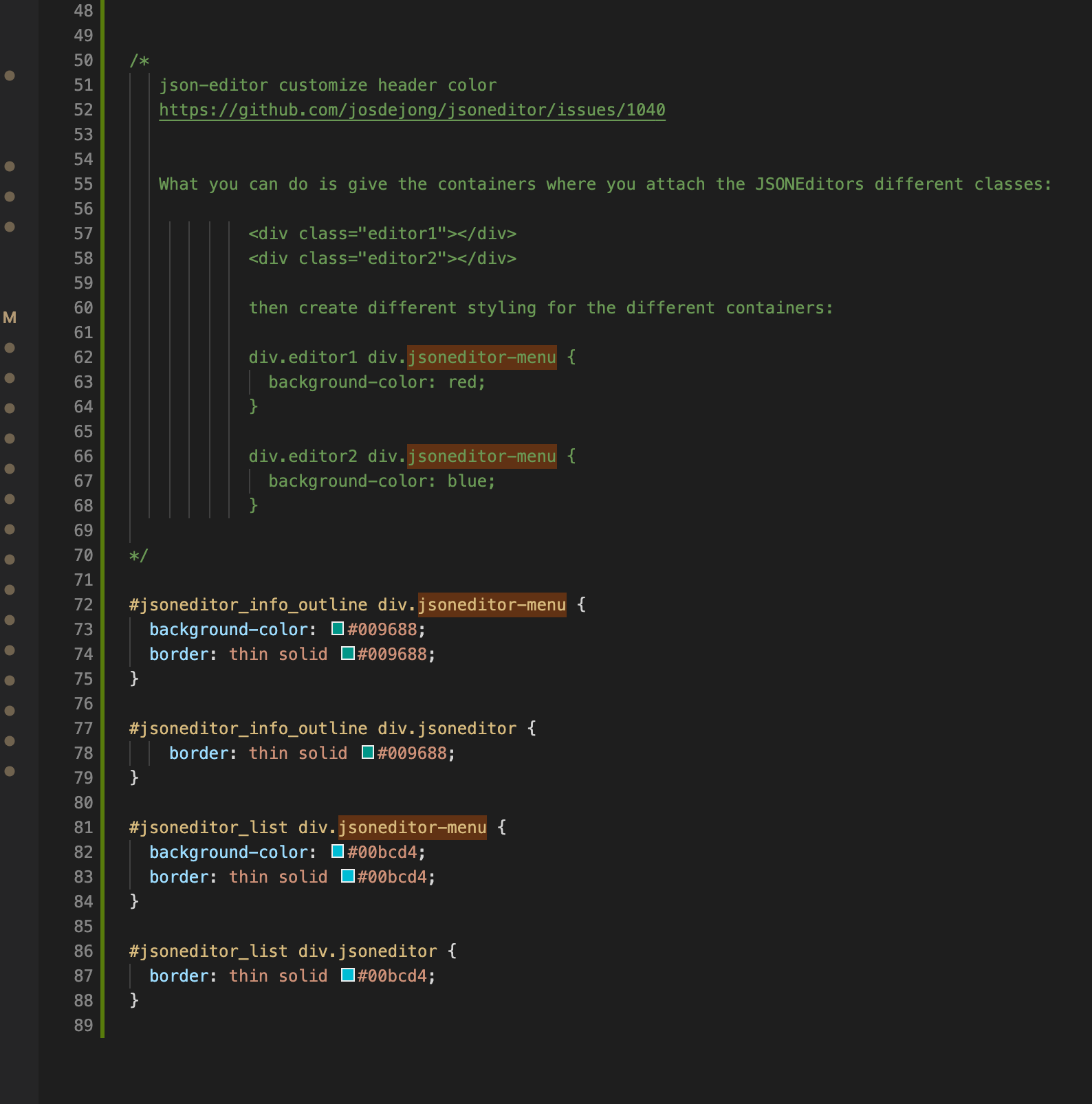
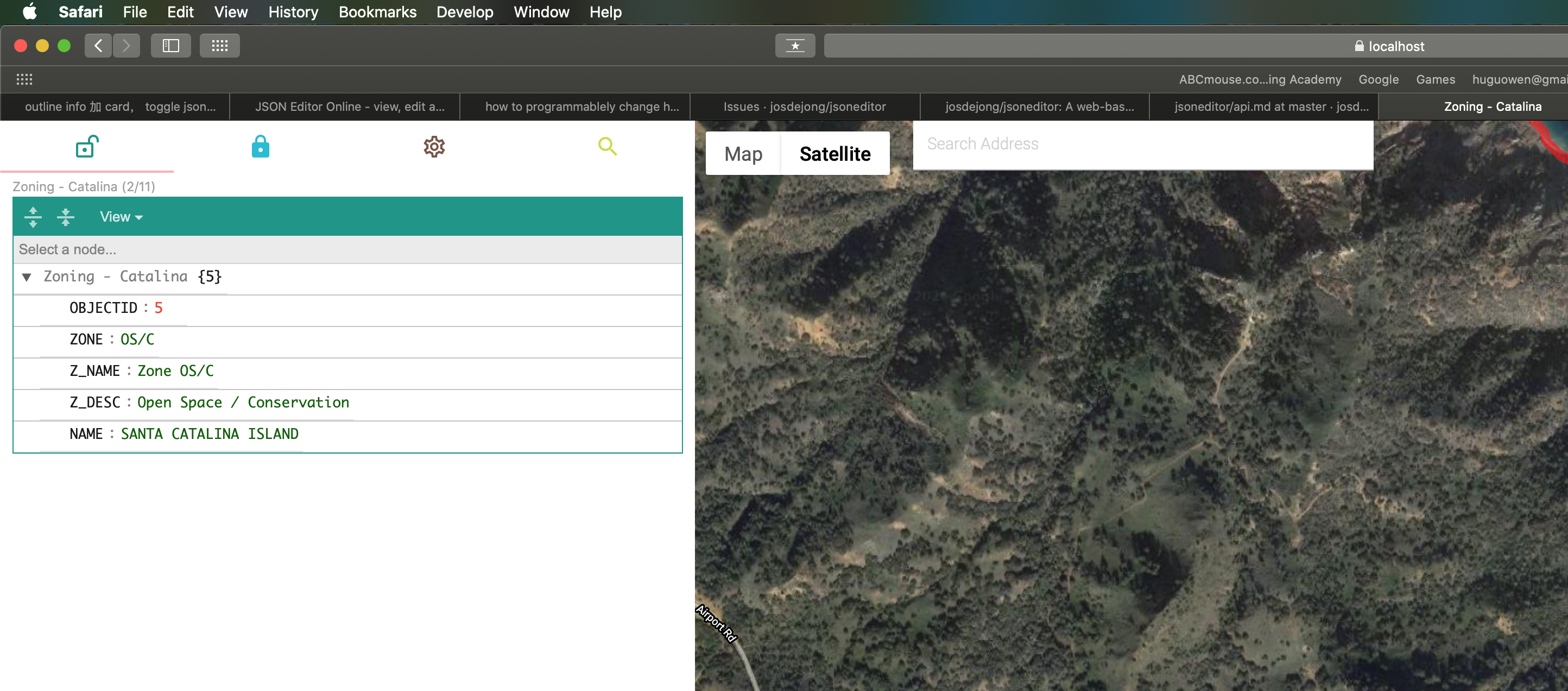
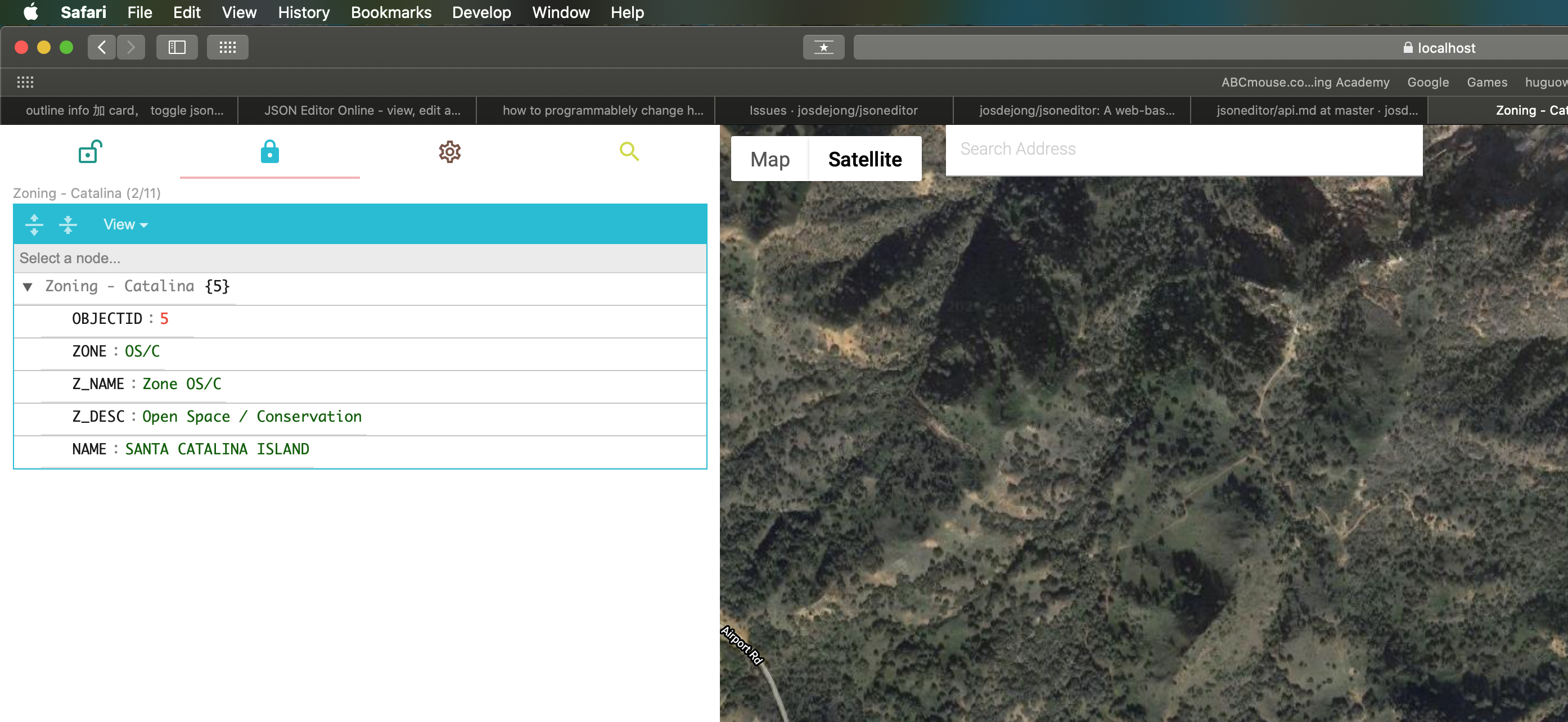
This is result:
same page, with 2 tab, each tab has different color
first tab
second tab
hoogw
on 9 Jul 2020
Related issues
 maiscourt
·
5Comments
maiscourt
·
5Comments
 azakordonets
·
6Comments
azakordonets
·
6Comments
 realtebo
·
3Comments
realtebo
·
3Comments
 ricardogaspar2
·
3Comments
ricardogaspar2
·
3Comments
 cope
·
8Comments
cope
·
8Comments
Most helpful comment
What you can do is give the containers where you attach the JSONEditors different classes:
then create different styling for the different containers: