Environment
Joplin version: 1.0.200
Platform: linux
OS specifics: debian
Steps to reproduce
- select several notes
- move them to another notebook
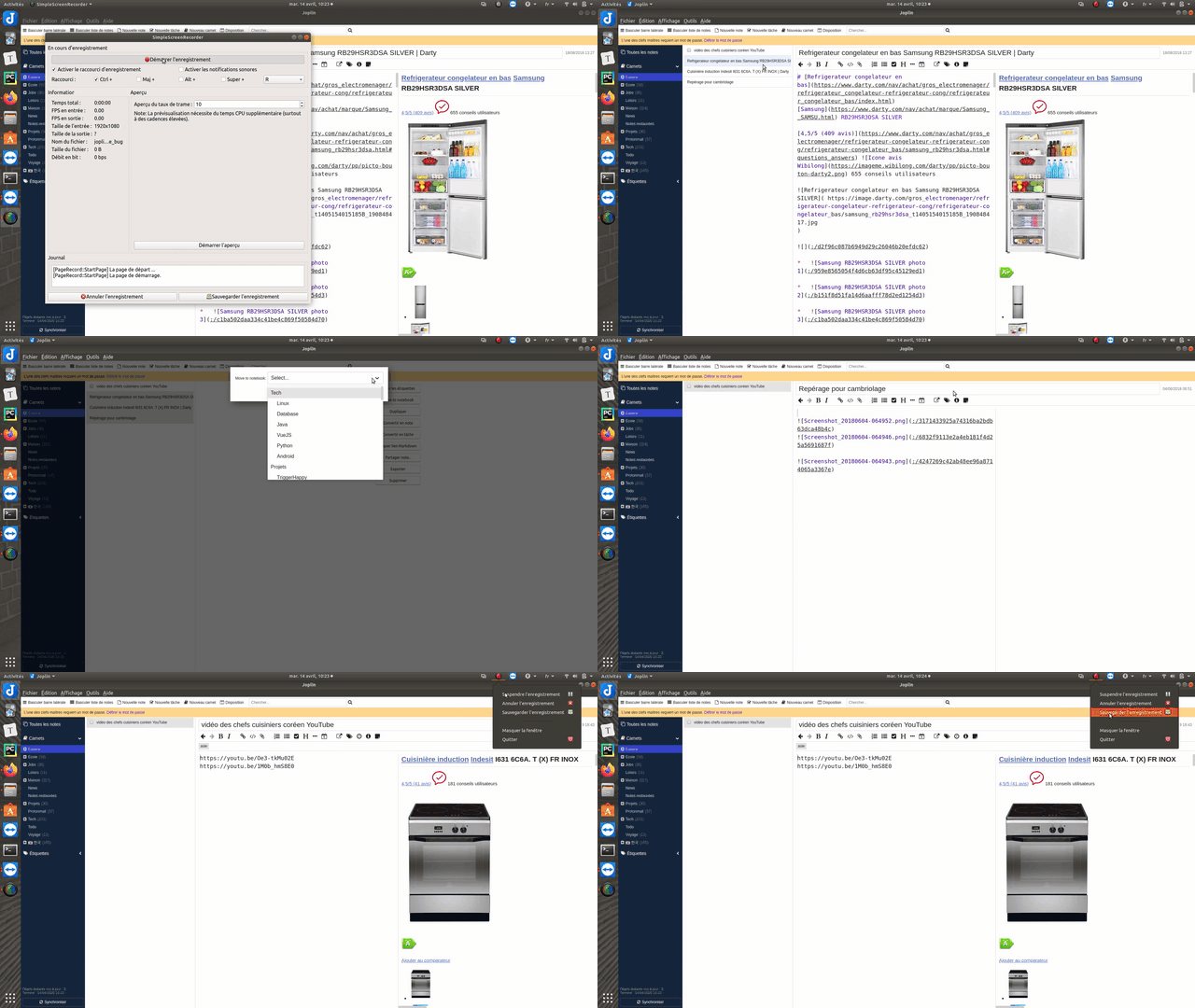
- then you now see the content of the note that was above the one you moved but the rendering of the note is the last one you moved.
I screencasted that behavior https://send.firefox.com/download/c6511b07094956e8/#-AJJAGgdpcl3GIAapwUG6g
 foxmask
All 19 comments
update the link that will expire in 7days https://send.firefox.com/download/33e37cab4250e811/#A1PBqx5T9u5cgRh9EUgWyg
foxmask
on 14 Apr 2020
update the link that will expire in 7days
Although you can use this link video-to-gif and can paste the converted GIF directly here in the comment box and that will stay for a long time 😄
 coderrsid
on 14 Apr 2020
coderrsid
on 14 Apr 2020
then you now see the content of the note that was above the one you moved but the rendering of the note is the last one you moved.
i'm not able to understand this.
coderrsid
on 14 Apr 2020
watch the video you will understand
foxmask
on 14 Apr 2020
@coderrsid, the problem is that at the end there's a note selected in the list, but the note being displayed is not the one that's selected.
 laurent22
on 14 Apr 2020
laurent22
on 14 Apr 2020
at least, instead of selecting the one that we move, the selected note could be one of the current notebook.?
foxmask
on 14 Apr 2020
update the link that will expire in 7days https://send.firefox.com/download/33e37cab4250e811/#A1PBqx5T9u5cgRh9EUgWyg
Link expired! can you please try to upload video on google drive OR as @coderrsid said you can use video-to-gif
 kowalskidev
on 14 Apr 2020
kowalskidev
on 14 Apr 2020
foxmask
on 15 Apr 2020
So as much as i can understand this.. you're saying that for example whenever you move some notes from notebook B to a notebook A, it should open that notebook A instead of showing remaining notes from notebook B, right?
coderrsid
on 15 Apr 2020
Joplin does the right thing by selecting the remaining note from the notebook B.
The issue is to render THAT note properly instead of rendering the note I moved to nootebook A.
What do you think ?
foxmask
on 15 Apr 2020
Ohh sure sure. Huh.. it took time to understand.. sorry. Now i know the issue perfectly. I'll start working on this right away.
coderrsid
on 15 Apr 2020
no problem :) take your time
foxmask
on 15 Apr 2020
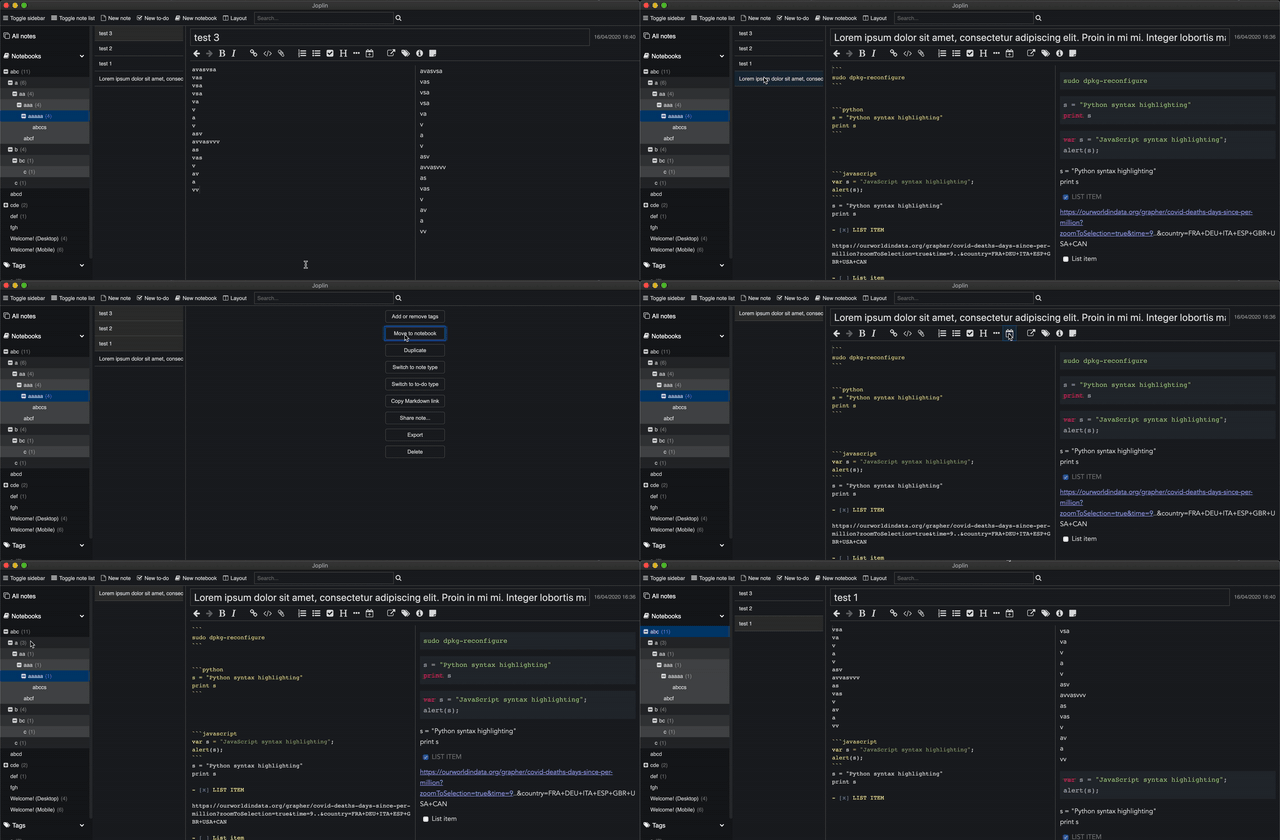
I tried it on my OS. It's not an issue i see. In my case, the note which is rendered is the note which is left but not the one which i moved.
OS: macOS
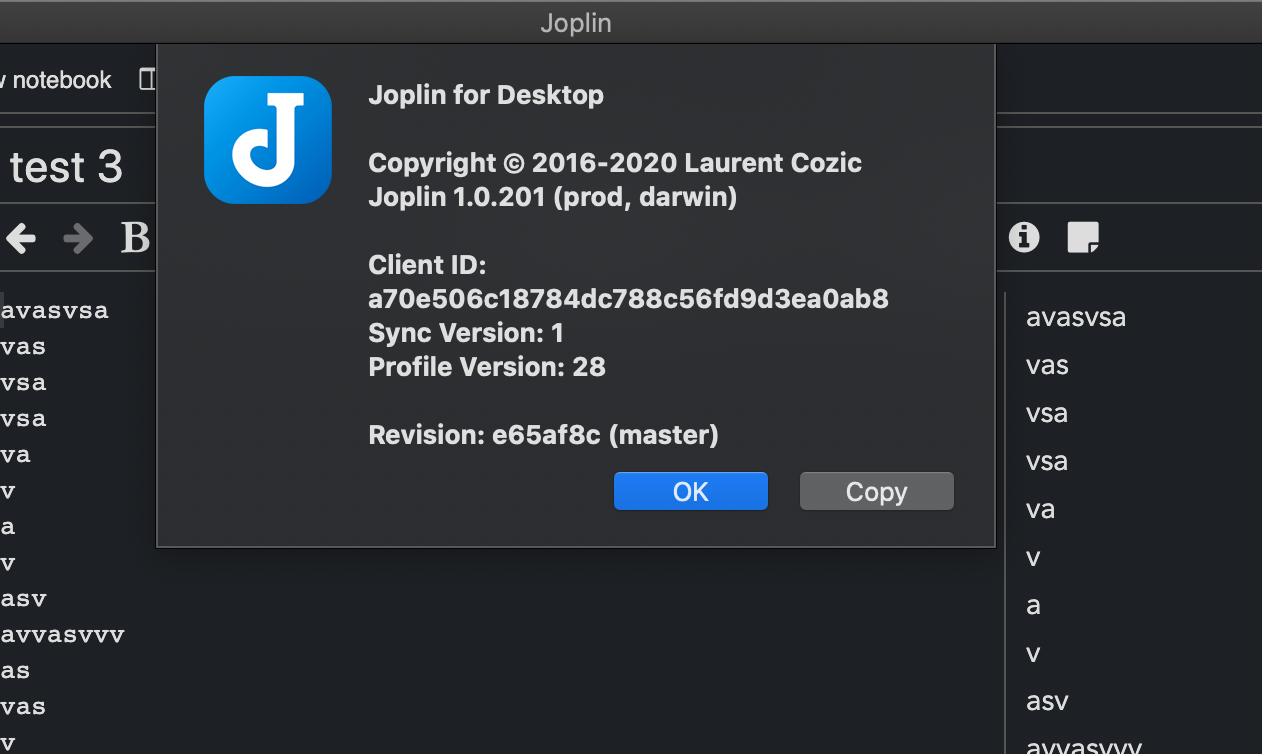
Joplin Version
Here you see i have 4 notes and after moving the remaining notes to another notebook, the note which is rendered is the one which is left in the notebook.
coderrsid
on 16 Apr 2020
so it looks like to be linux related, is n't it ?
foxmask
on 16 Apr 2020
Maybe, laurent can you provide any insight?
coderrsid
on 16 Apr 2020
1.0.201 seems to have fixed that behavior
I don't have the issue at all now
foxmask
on 16 Apr 2020
Great to hear that.
coderrsid
on 16 Apr 2020
@laurent22 you can close this issue.
coderrsid
on 16 Apr 2020
Hmm ok, I don't know what was changed in that version related to this. If it happens again please let me know.
laurent22
on 17 Apr 2020
Related issues
 jmcastagnetto
·
3Comments
jmcastagnetto
·
3Comments
 okoetter
·
3Comments
okoetter
·
3Comments
 GingerPapa
·
3Comments
GingerPapa
·
3Comments
 jurgenhaas
·
3Comments
jurgenhaas
·
3Comments
 xfrose
·
3Comments
xfrose
·
3Comments