Joplin: Opening files with cmd+g temporarily disables cursor when using Vim
Environment
Joplin version: 1.0.178 (Desktop)
Platform: OSX
OS specifics: Catalina
Steps to reproduce
- Turn on Vim mode
- hit
cmd + gand type in a file name - see that the cursor is placed at the top correctly, but cannot be moved immediately with
hjkl. You need to first click inside the textbox to enable it.
 Tycholiz
All 13 comments
I can confirm this on Joplin 1.0.197 (prod, win32) but it is independent of using Vim mode for me. It depends on if I clicked into the window after starting Joplin.
Steps to reproduce
- Start Joplin (and don't click anywhere)
- Press Ctrl + G (for the first time since opening)
- The cursor isn't placed in the search bar
This only happens the first time for me. Subsequent searches with Ctrl + G work as intended.
 3ter
on 4 Apr 2020
3ter
on 4 Apr 2020
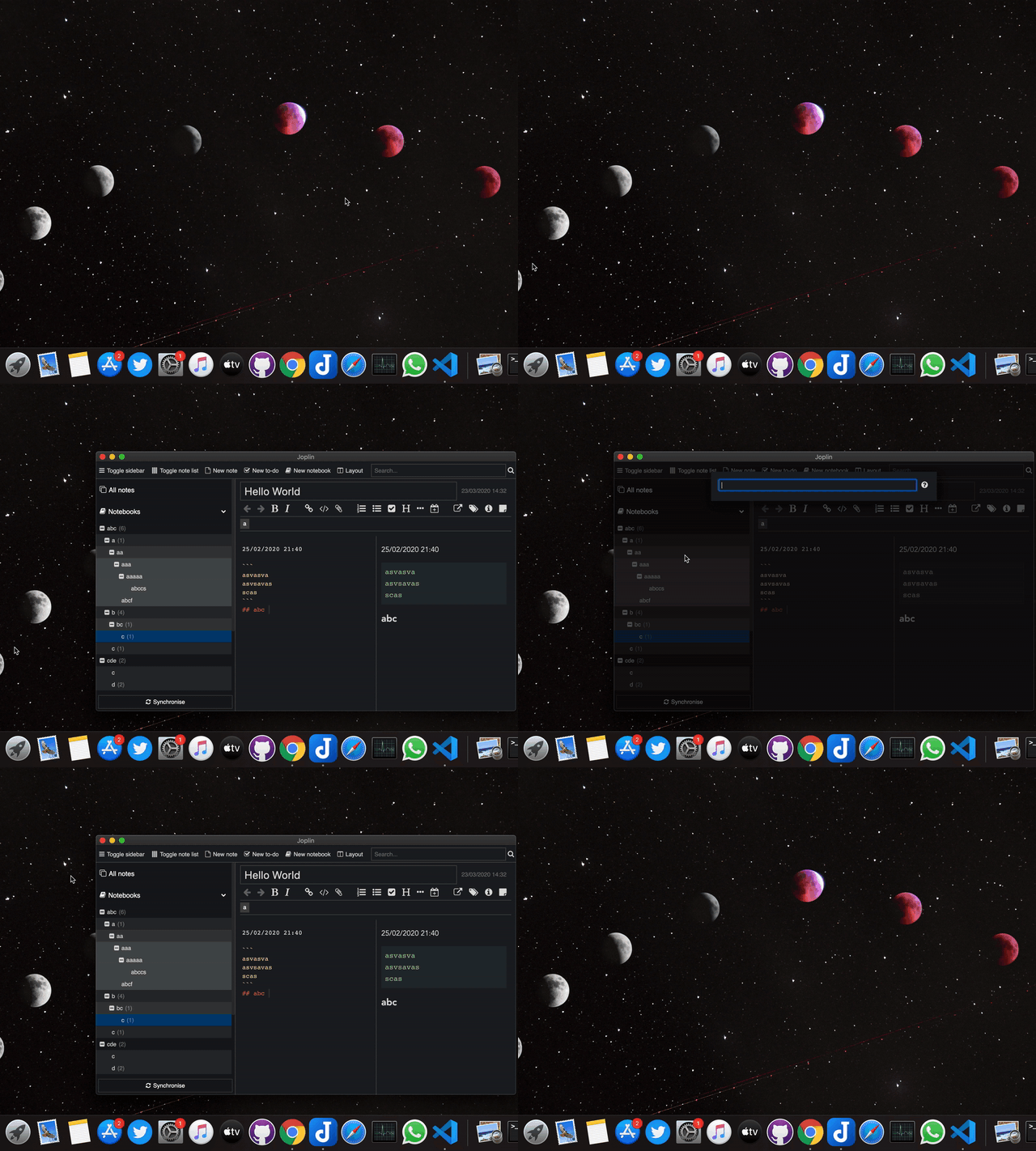
I am not able to reproduce the issue. In my case, cursor is placed directly into the search bar.
(for the first time since opening)
What do you mean by this? Opening for the first time after installing Joplin or just opening it in the OS.
Version

 coderrsid
on 5 Apr 2020
coderrsid
on 5 Apr 2020
Can you guys add the GIF for the issue you faced ?
coderrsid
on 5 Apr 2020
Thanks for asking. I've tested it again:
- In windowed mode it works as expected
- If the app was in fullscreen before the last close and starts in fullscreen then the focus is misplaced
- This happens again when the app is closed and reopened (in fullscreen)
- After the focus has been set it works for the time the app is not closed
3ter
on 5 Apr 2020
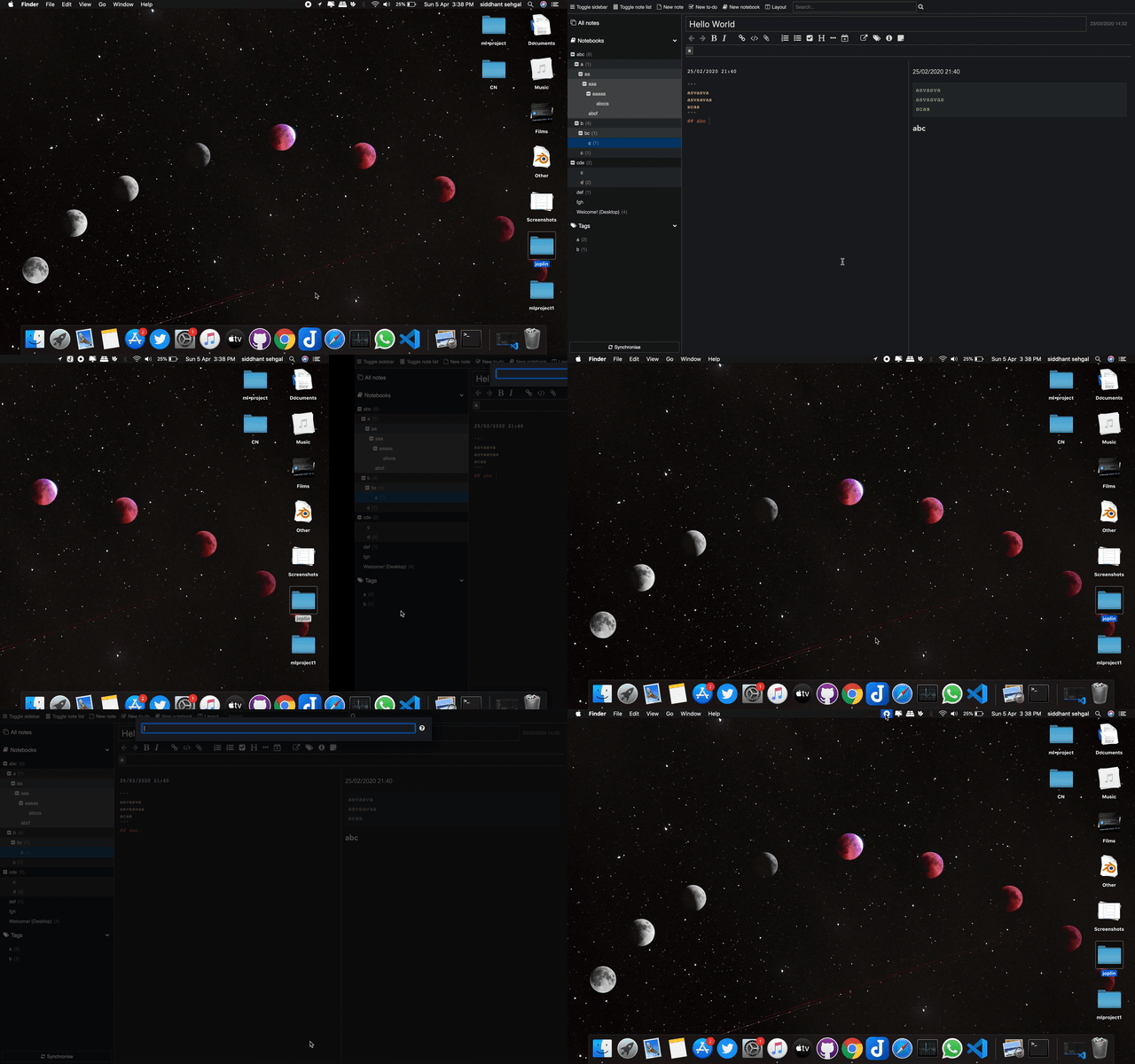
I tried the way you said. But still couldn't see any issue.
coderrsid
on 5 Apr 2020
3ter
on 5 Apr 2020
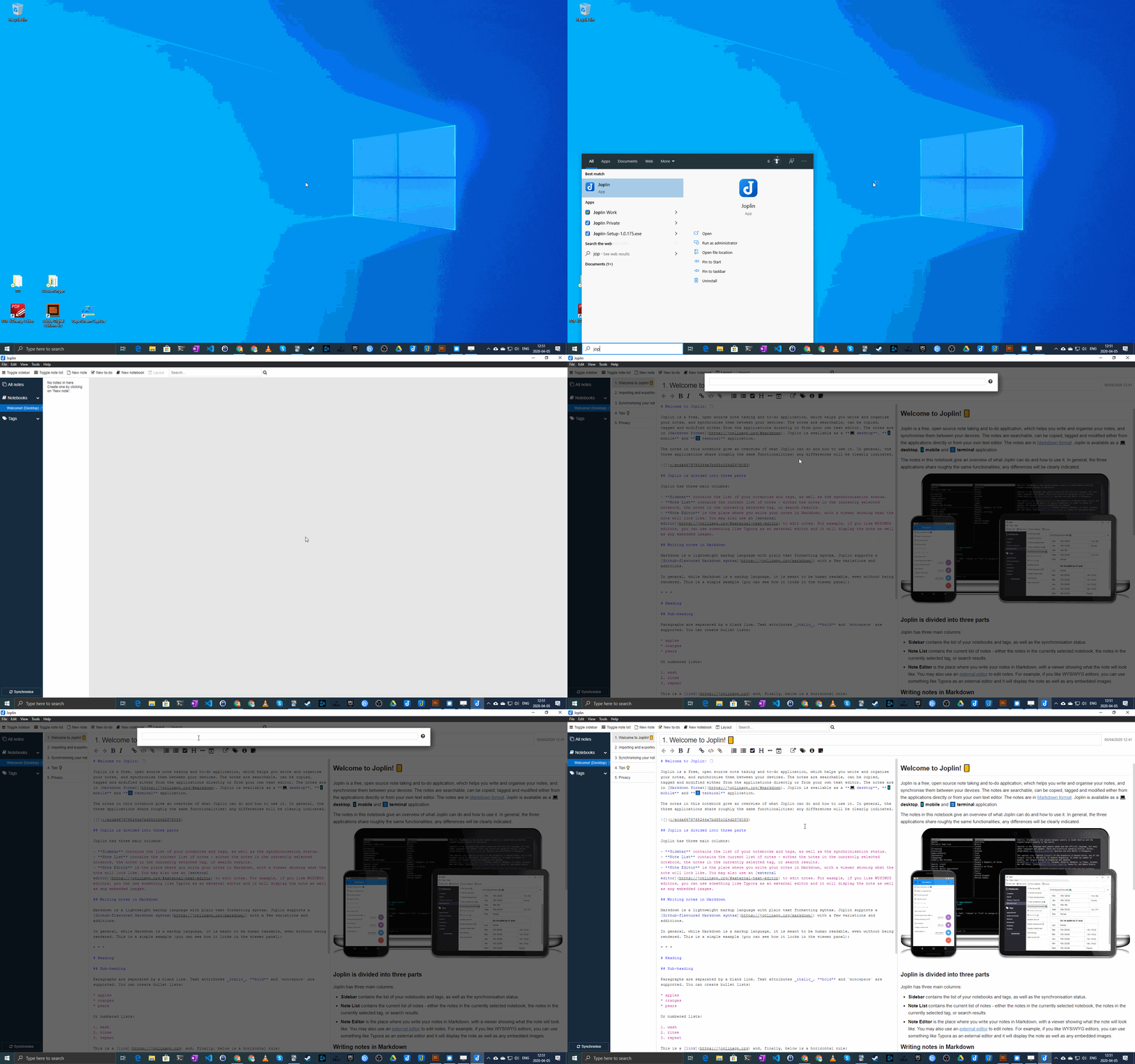
Ohh so you're on windows platform i see. Lemme see into this.
coderrsid
on 5 Apr 2020
I can confirm this on Joplin 1.0.197 (prod, win32) [...]
I'm going to markup the win32 a little more strikingly next time 😉.
3ter
on 5 Apr 2020
I'm running on Mac facing this issue, so it won't be a platform dependent issue.
The issue occurs for me independent of if the app is closed at all. in other words, each time I cmd+g I get the same issue.
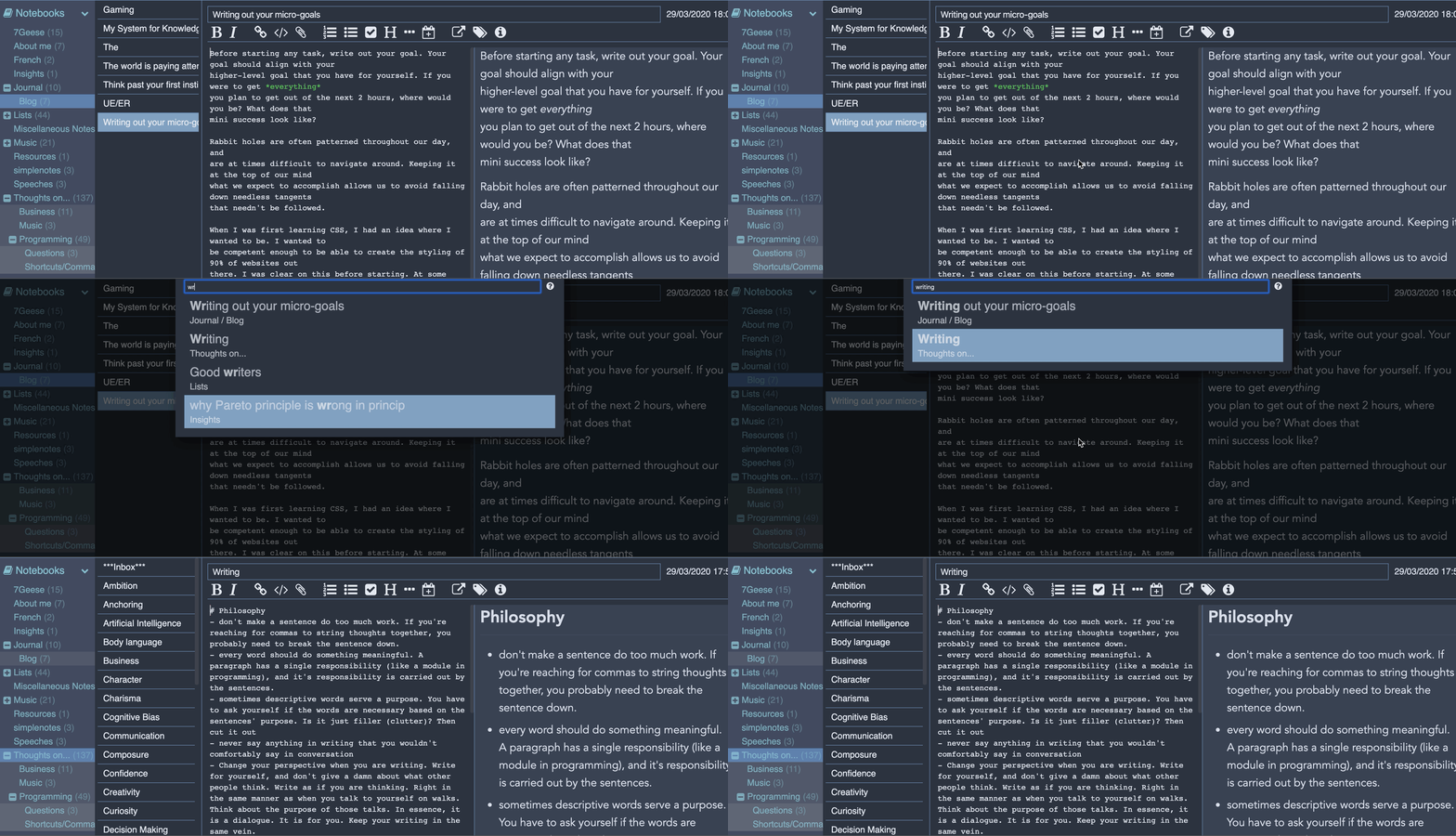
Of course, after I open the file, I am hammering j to go down. In fact, no keys work: not arrows, ctrl+d etc
Tycholiz
on 5 Apr 2020
I think there is some confusion in this issue thread.
The original report by @Tycholiz is that after going to a file via "goto anything", the note is not in focus. This seems to actually be independent of the editing mode, and I see the same issue on Linux.
The issue reported by @3ter is that the goto search bar is not in focus after hitting ctrl+g in some situations.
 walkie
on 16 Apr 2020
walkie
on 16 Apr 2020
@walkie yes good point. I actually did this thread a disservice by including the "turn on vim" step in the reproduce steps. I didn't intend to imply that it was part of the bug, more of the steps I took to encounter the bug.
Tycholiz
on 17 Apr 2020
Hey there, it looks like there has been no activity on this issue recently. Has the issue been fixed, or does it still require the community's attention? This issue may be closed if no further activity occurs. You may comment on the issue and I will leave it open. Thank you for your contributions.
![stale[bot] picture](https://avatars3.githubusercontent.com/in/1724?v=4&s=40) stale[bot]
on 1 Jun 2020
stale[bot]
on 1 Jun 2020
Closing this issue after a prolonged period of inactivity. If this issue is still present in the latest release, please feel free to create a new issue with up-to-date information.
stale[bot]
on 8 Jun 2020
Related issues
 christianlupus
·
3Comments
christianlupus
·
3Comments
 Rahulm2310
·
3Comments
Rahulm2310
·
3Comments
 hakim89
·
3Comments
hakim89
·
3Comments
 laurent22
·
3Comments
laurent22
·
3Comments
 xfrose
·
3Comments
xfrose
·
3Comments
Most helpful comment
I think there is some confusion in this issue thread.
The original report by @Tycholiz is that after going to a file via "goto anything", the note is not in focus. This seems to actually be independent of the editing mode, and I see the same issue on Linux.
The issue reported by @3ter is that the goto search bar is not in focus after hitting
ctrl+gin some situations.