Joplin: Main window is blank after updating to v1.0.196
Environment
Joplin version: 1.0.196
Platform: Windows
OS specifics: WIndows 10 x64 Pro 1909 Build 18363.720
Steps to reproduce
- Update or install Joplin to v.1.0.196
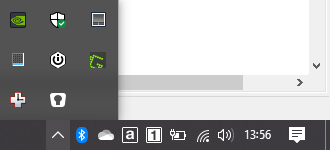
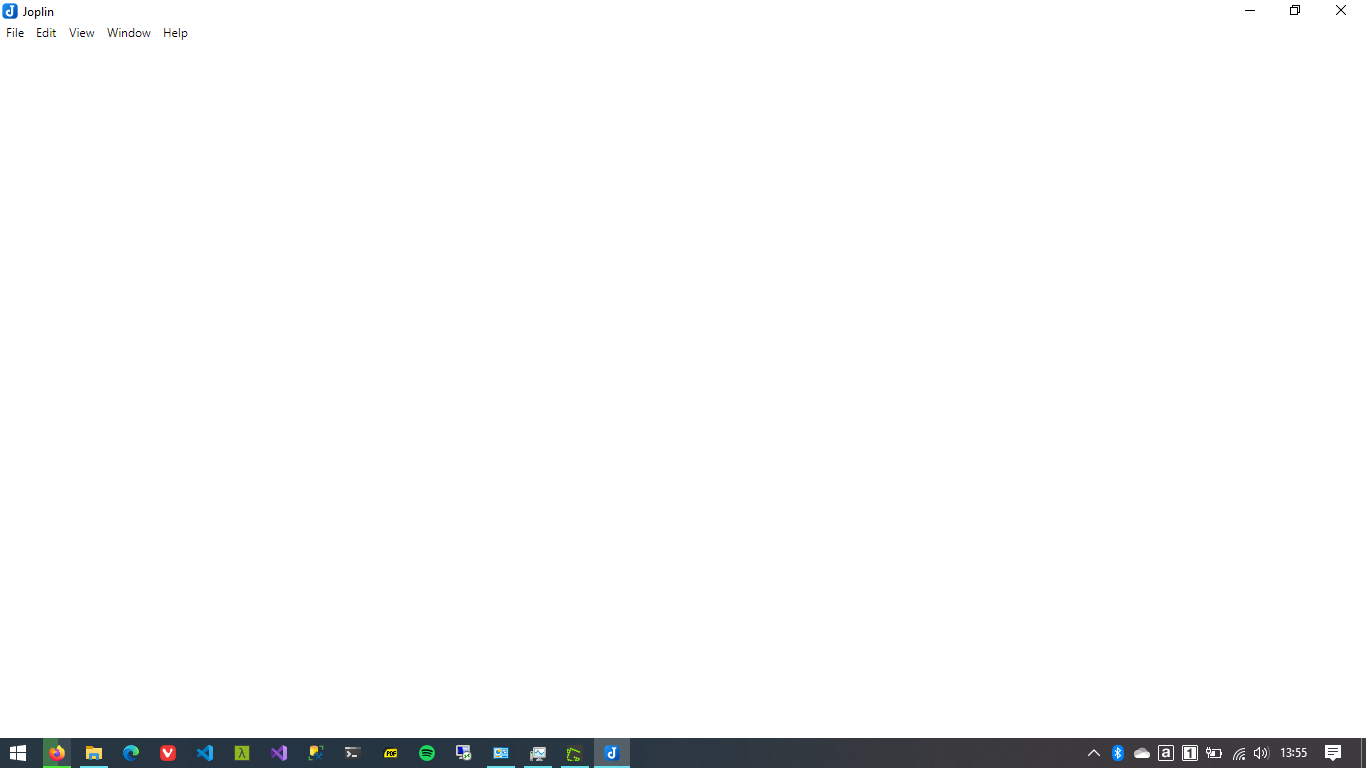
- The main window is blank. The taskbar icon is not shown.
Describe what you expected to happen
Joplin should open my notes and the taskbar icon should appear.
Logfile
I tried but it never generated anything on log.txt and I cannot open the Console tab.
Description
I just updated Joplin to v.1.0.196 and after the install, the window is empty. I cannot access my notes and the taskbar icon is missing. I also noted that opening the task manager, there are four Joplin processes but as soon as I close the main window, all disappear and there's no Joplin process left for the taskbar.
Downgrading to v.1.0.195 restores my notes and everything works as usual.
Attached are some screenshots:
Missing Joplin icon
Main window is empty
 oigres200
All 12 comments
I'm also experiencing this issue. I had to downgrade to 195.
My environment is all the same as the OP's. I'm using JoplinPortable.exe
 ImportTaste
on 29 Mar 2020
ImportTaste
on 29 Mar 2020
I'm experiencing this as well, though with me, the window immediately closes. The service is still active, however.
 Timecrash
on 29 Mar 2020
Timecrash
on 29 Mar 2020
Same issue, downgrade solved it for now! Windows 10 x64 Home 1909
 fwn
on 29 Mar 2020
fwn
on 29 Mar 2020
Same issue on Mac 10.14.6
 iot-resister
on 29 Mar 2020
iot-resister
on 29 Mar 2020
Essentially the same issue here after upgrading on my Windows machine. In my instance when I run Joplin (system wide install) no window opens at all but if I open task manager I can see a single Joplin process running. If I then try to run Joplin again, I get the blank main window that was mentioned by the OP and I can see there are multiple Joplin processes running (currently 4, but I'm sure it showed 2 during a previous attempt). This occurs regardless of whether I let the installer run Joplin, or manually run Joplin after the install process has completed.
Uninstalling then reinstalling 195 works around the issue.
 DawMatt
on 30 Mar 2020
DawMatt
on 30 Mar 2020
Error on the Linux build:
Uncaught Error: Cannot find module '/tmp/.mount_JoplinAMTJr6/resources/app.asar/node_modules/sqlite3/lib/binding/electron-v7.1-linux-x64/node_sqlite3.node'
Require stack:
- /tmp/.mount_JoplinAMTJr6/resources/app.asar/node_modules/sqlite3/lib/sqlite3.js
- /tmp/.mount_JoplinAMTJr6/resources/app.asar/lib/database-driver-node.js
- /tmp/.mount_JoplinAMTJr6/resources/app.asar/lib/BaseApplication.js
- /tmp/.mount_JoplinAMTJr6/resources/app.asar/app.js
- /tmp/.mount_JoplinAMTJr6/resources/app.asar/index.html
    at Module._resolveFilename (internal/modules/cjs/loader.js:717)
    at Function../lib/common/reset-search-paths.ts.Module._resolveFilename (reset-search-paths.ts:40)
    at Module._load (internal/modules/cjs/loader.js:622)
    at Module._load (electron/js2c/asar.js:717)
    at Function.Module._load (electron/js2c/asar.js:717)
    at Module.require (internal/modules/cjs/loader.js:775)
    at require (internal/modules/cjs/helpers.js:68)
    at Object.<anonymous> (/tmp/.mount_JoplinAM…e3/lib/sqlite3.js:4)
    at Object.<anonymous> (/tmp/.mount_JoplinAM…/lib/sqlite3.js:209)
    at Module._compile (internal/modules/cjs/loader.js:880)
 marpada
on 30 Mar 2020
marpada
on 30 Mar 2020
Same issue on linux
 shbach
on 30 Mar 2020
shbach
on 30 Mar 2020
Sorry about that, a broken build somehow got released, but I took it out now.
For now please go back to v195, which should work fine.
 laurent22
on 30 Mar 2020
laurent22
on 30 Mar 2020
Scoop pickup the update, I'm not sure of other pack.manager did also ? Any chance you could re-release as V197once is fixed, if possible. Thanks for all your hard work.
 milianj
on 30 Mar 2020
milianj
on 30 Mar 2020
Can the update be rollbacked on Scoop?
I'll release a fixed build at some point but not sure when. Despite all the checks we have in place electron-builder managed to compile and release a broken build, so that will need to be investigated.
laurent22
on 30 Mar 2020
The fixed rollback to v195 is now showing up in Scoop with a database update. However, the rollback is not automatic. You can however do a force update to reinstall v195, ie `scoop update joplin -f ' . This works for me on Win10 pro 1909.
milianj
on 30 Mar 2020
Should work now.
laurent22
on 30 Mar 2020
Related issues
laurent22
·
3Comments
 kopfuss
·
3Comments
kopfuss
·
3Comments
 hakim89
·
3Comments
hakim89
·
3Comments
 jmcastagnetto
·
3Comments
jmcastagnetto
·
3Comments
 Rahulm2310
·
3Comments
Rahulm2310
·
3Comments