Joplin: Mozilla Firefox Extension not available
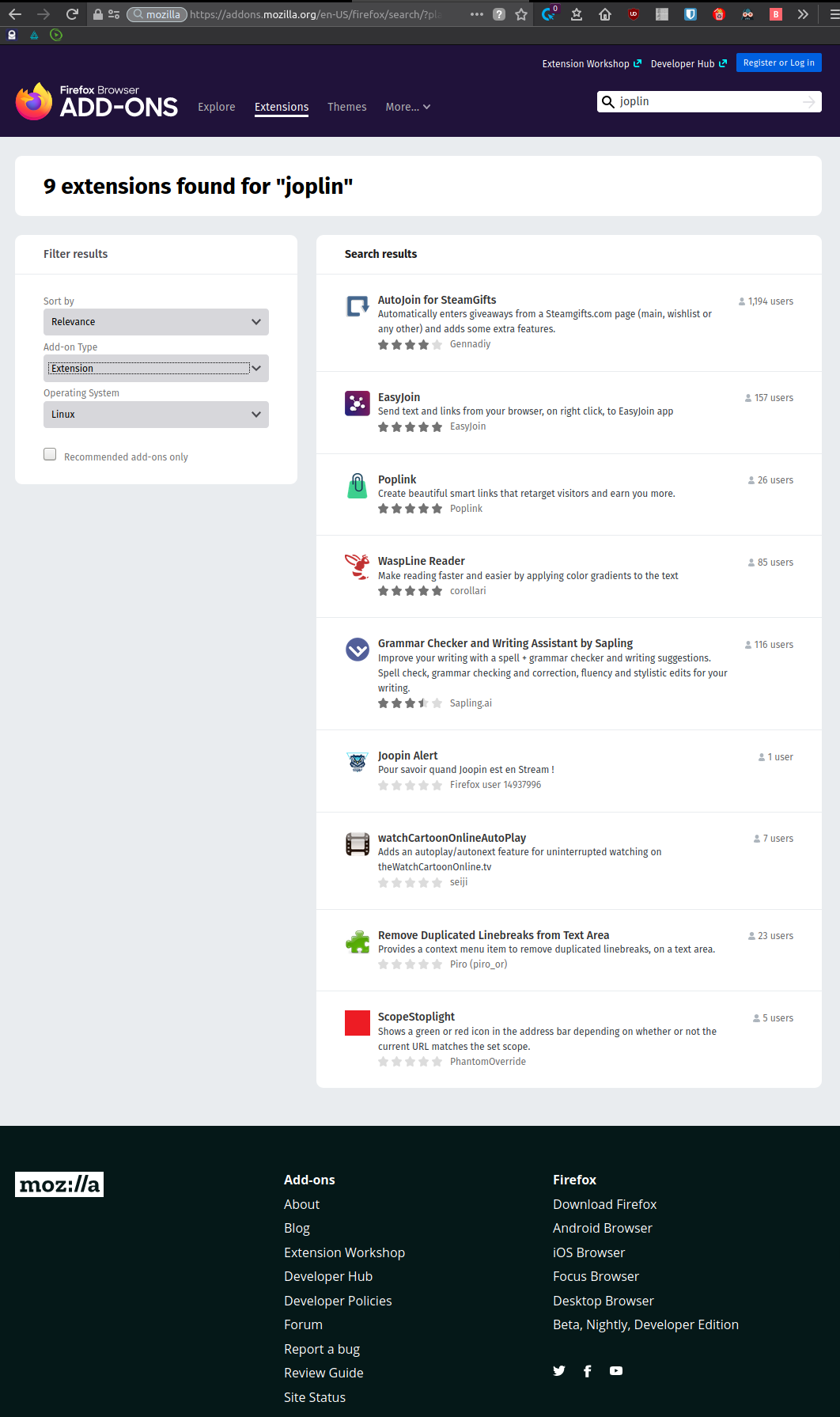
It seems that the Mozilla Firefox extension is not available. There is no mention to that issue until now. Was it removed by the Mozilla Foundation ? If so, would it be possible to download the extension directly from another website?
 ghost
ghost
All 33 comments
They took it down again. In the meantime we recommend using Chrome.
 laurent22
on 3 Mar 2020
laurent22
on 3 Mar 2020
If you're like me and want extra privacy features built in, the extension also works on the Brave browser. It has built in ad block support and https tunneling for all websites.
 bedwardly-down
on 3 Mar 2020
bedwardly-down
on 3 Mar 2020
Could someone fill me in on why they took it down? I only just installed Joplin while looking for a cross-platform Onenote alternative. In the meantime, is it possible to install from source?
 NicolasNewman
on 3 Mar 2020
bedwardly-down
on 3 Mar 2020
NicolasNewman
on 3 Mar 2020
bedwardly-down
on 3 Mar 2020
They require that we upload a special tarball with the extension, from which they can build it (they refuse the build it the normal way using git clone, etc.). However, somehow I've uploaded an empty zip file so they took the extension down. Not sure if really I've uploaded an empty file (the file I have is not empty so I don't get it) or if it's their upload handler that's buggy but anyway I'll try again.
laurent22
on 3 Mar 2020
Feature request:
- Create a way to install the Mozilla Extension directly from GitHub.
It would be useful if Mozilla bans the extension again in the future.
As an example, this project on GitHub offers the add-on directly:
https://github.com/subhra74/xdm
file:///home/m/Desktop/screenshot1.png
file:///home/m/Desktop/screenshot2.png
ghost
on 4 Mar 2020
As the images were not loaded in my previous post I would like to explain it better:
The developer of "Xtreme Download Manager" offers in the software menu the opportunity to add extensions from Chrome and Mozilla.
If a user chooses Mozilla, then the user can select either to download the add-on from Mozilla Foundation or from Github.
ghost
on 4 Mar 2020
As I thought, the ZIP file I've uploaded last time was fine, but it's their upload system that's broken (I end up on a blank page after the upload). So not only they require a source code in a very specific format; they take down the app if we don't provide it; and when we do provide it, their upload doesn't work, so they take it down anyway.
At this point I'm really thinking of dropping support for Firefox. Mozilla has been the worst to work with.
laurent22
on 4 Mar 2020
their upload doesn't work, so they take it down anyway.
This is something that needs to be properly addressed. Maybe a Joplin user is a lawyer and can work a pro bono case.... ;-)
 tessus
on 4 Mar 2020
tessus
on 4 Mar 2020
their upload doesn't work, so they take it down anyway.
This is something that needs to be properly addressed. Maybe a Joplin user is a lawyer and can work a pro bono case.... ;-)
Bwahaha. I personally know a lawyer but they can only work in Texas and this bug needs to be able to be proven harmful to Laurent's family. Haha
bedwardly-down
on 4 Mar 2020
@bedwardly-down I guess that's the wrong lawyer then ;-)
tessus
on 4 Mar 2020
Something like 10 years ago, there was a plugin made that allowed using Chrome plugins in Firefox but I'm almost certain that, after reading the troubles you're having here and other sources, Mozilla wasn't having any of that and made sure that project could no longer work. It was how i was able to add specific plugins to Opera when it was heavily based on Firefox's code before switching to Chromium. I'm not sure if it still uses that or not.
bedwardly-down
on 4 Mar 2020
I had uploaded the source on Firefox Send but they claim the link "doesn't work". Could anyone check the link below and see if you can download it please?
https://send.firefox.com/download/9e89b02e915f3d78/#aiNyT23KOhHDtcdCZt3RBg
laurent22
on 5 Mar 2020
I had uploaded the source on Firefox Send but they claim the link "doesn't work". Could anyone check the link below and see if you can download it please?
https://send.firefox.com/download/9e89b02e915f3d78/#aiNyT23KOhHDtcdCZt3RBg
The link works perfectly for me. I've downloaded your file (213 KB) containing the directory Clipper-source (783.5 KB) dated 2.3.20.
ghost
on 5 Mar 2020
check the link below
Works for me too.
218262 bytes
$ shasum -a 256 joplin-webclipper-source.zip
eec62bbec2f733d0c6072731f7a7379634aebe4f0260eae97d19c9b39891d6e4  joplin-webclipper-source.zip
Laurent, the link didn't work for me on 2 android browsers (DuckDuckgo and Vivaldi) but it works fine on Vivaldi Desktop (Linux).
Duckduckgo on mobile says that the file was sent with end-to-end encryption and the link expired.
Vivaldi on mobile said just that the link expired.
In conclusion, Mozilla's system doesn't work very well. At this point I just uninstalled Mozilla and switched to Vivaldi. Joplin is more important for me than Firefox ! :D
ghost
on 6 Mar 2020
A great alternative for Firefox users is Waterfox. It comes without all the telemetry and does not require signed add-ons.
tessus
on 7 Mar 2020
For those of you whose browser can use the Install Add-on From File... option:
tessus
on 7 Mar 2020
I've been wondering why the Joplin extension hadn't updated yet. Now I know why. Mozilla, what the heck???
To add my two cents, I hope you don't drop support for Firefox. I don't like Google Chrome, and I'm personally not sure about using the Firefox forks.
Maybe you can do something like what F.B. Purity and New XKit does, and just offer the Firefox extension straight from the website or GitHub. As seen here:
https://www.fbpurity.com/install.htm
https://new-xkit-extension.tumblr.com/firefox
This is just a suggestion, though, from a user who loves the web clipper too much. Thank you for all your hard work!
ghost
on 8 Mar 2020
I've resubmitted it again so let's see what they say. Their feedback lately makes no sense at all. They can't build from source, even though I've tested before sending the ZIP and it works. They can't download the ZIP file even though everybody here can, etc.
laurent22
on 8 Mar 2020
@DarylSun how do you even use an unsigned version with Firefox? Also, the extension is availalable one comment abvove yours.
tessus
on 8 Mar 2020
@DarylSun how do you even use an unsigned version with Firefox? Also, the extension is availalable one comment abvove yours.
Apparently you have to install certain versions of Firefox to install unsigned add-ons:
https://support.mozilla.org/en-US/kb/add-on-signing-in-firefox?as=u&utm_source=inproduct
at the bottom:
What are my options if I want to use an unsigned add-on? (advanced users)
Firefox Extended Support Release (ESR), Firefox Developer Edition and Nightly versions of Firefox will allow you to override the setting to enforce the extension signing requirement, by changing the preference xpinstall.signatures.required to false in the Firefox Configuration Editor (about:config page). To override the language pack signing requirement, you would set the preference extensions.langpacks.signatures.required to false. There are also special unbranded versions of Firefox that allow this override. See the MozillaWiki article, Add-ons/Extension Signing for more information.
 DeadManIV
on 8 Mar 2020
DeadManIV
on 8 Mar 2020
@DeadManIV thanks, I know that, but @DarylSun mentioned he uses Firefox and does not like other forks either and referenced 2 github projects that provide extensions.
So I want to know how he installs an unsigned extension, especially since he's using the normal Firefox edition.
tessus
on 8 Mar 2020
@DeadManIV thanks, I know that, but @DarylSun mentioned he uses Firefox and does not like other forks either and referenced 2 github projects that provide extensions.
So I want to know how he installs an unsigned extension, especially since he's using the normal Firefox edition.
Ahhh right. Sorry, I misunderstood. That is a good question, I would like to know the answer as well @DarylSun
DeadManIV
on 8 Mar 2020
@tessus @DeadManIV That's correct, I can't install unsigned extensions to the normal Firefox edition. The above ZIP file gets blocked completely when I attempt to install it.
I don't currently use the two extensions I mentioned, but I did in the past. When I tested them recently, I can still install them: they throw out warnings, but I'm able to ignore them and continue with the installation. I'm not sure either how I'm able to do that; maybe it's because they're XPI files instead of ZIP files?
ghost
on 9 Mar 2020
@DarylSun xpi is the same as zip and the Install Add-on From File... only shows files with the zip and xpi extension as active.
Installing the zip works perfectly fine in Waterfox, Firefox Developers Edition and Firefox Unbranded Edition.
tessus
on 9 Mar 2020
@tessus Well, then... I have no idea why the above ZIP file doesn't install in the normal Firefox edition, but F.B. Purity and New XKit do. Sorry.
ghost
on 9 Mar 2020
@DarylSun because they took the signed xpi files from the Add-on store and put it on github.
tessus
on 9 Mar 2020
@tessus Oh... but F.B. Purity hasn't been on the add-on store since... 2015, I think? How is it getting signed, then?
https://www.fbpurity.com/news/important-note-for-firefox-users-of-fb-purity/
Also, I have xpinstall.signatures.required set to true, so it can't be that preference that allows me to install F.B. Purity. Though I'm thinking of toggling that to install the Joplin ZIP file. Would that overwrite the Joplin extension I already have?
ghost
on 9 Mar 2020
For those of you whose browser can use the
Install Add-on From File...option:
@tessus, would you mind telling me how do I know when a new version of Web Clipper for Firefox _(joplin-web-clipper-fox-n.n.nn.zip)_ is released and which link can I download it from? Only in this thread?
 Ridbowt
on 9 Mar 2020
Ridbowt
on 9 Mar 2020
@Ridbowt we are trying to get it back in the store. So if we are not able to get it back, we'll drop support for firefox and make the unsigned extension available somewhere. But please note that you can't install any unsigned extension in the Standard Edition of Firefox.
tessus
on 9 Mar 2020
@DarylSun I'll try this once again. There is no way, whatsoever, to install unsigned extension in Firefox (Standard Edition). You can change the setting, but it won't help. All hail the stupidity of Mozilla.
tessus
on 9 Mar 2020
tessus
on 11 Mar 2020
Related issues
 yschutz
·
3Comments
yschutz
·
3Comments
 LifeIsAParadox
·
3Comments
LifeIsAParadox
·
3Comments
 jacobgonzales20
·
3Comments
jacobgonzales20
·
3Comments
 Rahulm2310
·
3Comments
Rahulm2310
·
3Comments
 Cybernemo
·
3Comments
Cybernemo
·
3Comments
Most helpful comment
It’s back!
https://addons.mozilla.org/addon/joplin-web-clipper/