Jitsi-meet: Quality for screensharing + camera is bad
Description:
For some people with low-resolution webcams, screensharing is high-resolution, but the moment that someone toggles their webcam, the resolution of the combined stream turns unreadable.
Steps to reproduce:
- Enable the webcam, see a low quality image
- Start screensharing, see that the resolution is good
- Enable the webcam while screensharing, and see that the resolution is bad.
Expected behavior:
The resolution of the whole screenshare is not bad.
Actual behavior:
The resolution of the whole screenshare is bad.
Server information:
- Jitsi Meet version: 1.0.4127
- Operating System: NixOS
Client information:
- Browser / app version: Firefox various, e.g. 78
- Operating System: NixOS
Additional information:
 puckipedia
All 6 comments
can you try with the latest version? there was recently a change which should make screenshare in the presenter mode more readable: https://github.com/jitsi/jitsi-meet/pull/7836
 paweldomas
on 16 Oct 2020
paweldomas
on 16 Oct 2020
Does this happen only on Firefox or are you able to reproduce this on Chromium as well ?
 jallamsetty1
on 23 Oct 2020
jallamsetty1
on 23 Oct 2020
i am not the person in question, but i observed the same behaviour (screenshare + presenter mode reduced screenshare quality)
-> this is fixed for me in latest release (2.0.5142) as far as i can tell.
 amsnek
on 27 Oct 2020
amsnek
on 27 Oct 2020
The firefox issue should have been resolved on meet.jit.si now. It will be available in the stable builds once the version running meet.jit.si gets pushed there. I am closing the issue, please feel free to re-open if you still see the issue.
jallamsetty1
on 9 Nov 2020
Hi @jallamsetty1,
Sorry to be commenting over a closed issue.
I just checked this on meet.jit.si and found that the screen share quality wasn't good.
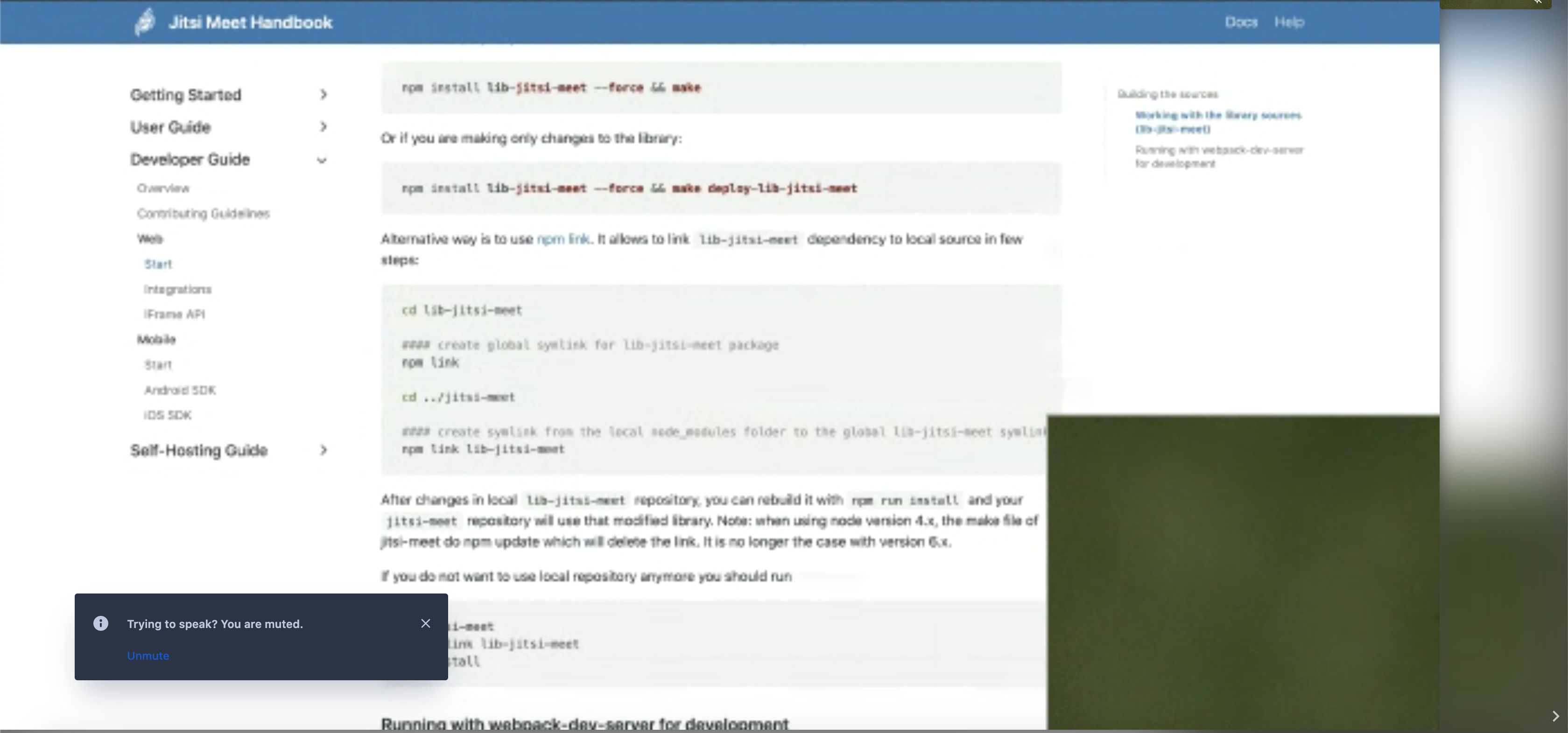
This happens only when someone is doing a screen share with their camera ON from firefox (v83.0, this is what I tried on)
The recipient's browser didnt matter. I am using chrome v86.0.4240.111 here.
Thank you
 neehalsaal
on 10 Dec 2020
neehalsaal
on 10 Dec 2020
Hi @jallamsetty1,
Sorry to be commenting over a closed issue.
I just checked this on meet.jit.si and found that the screen share quality wasn't good.
This happens only when someone is doing a screen share with their camera ON from firefox (v83.0, this is what I tried on)
The recipient's browser didnt matter. I am using chrome v86.0.4240.111 here.Thank you
We have a limitation on Firefox with presenter because FF doesn't report the width/height of desktop tracks. So we have to resize a given desktop track to 720p to be able to create a composite video stream that includes the desktop and camera. If the screen you have chosen to share is of much higher resolution, then FF doesn't do a good job when it gives us a resized stream of 720p. Unfortunately we cannot do anything about it for now. Can you try with a low resolution screen and check if you see the same issue ? Also please give the browser about a min to adjust the upload bitrate .
jallamsetty1
on 10 Dec 2020
Related issues
 jans23
·
130Comments
jans23
·
130Comments
 kerpan
·
52Comments
kerpan
·
52Comments
 rscastil
·
44Comments
rscastil
·
44Comments
 quantumbeat
·
68Comments
quantumbeat
·
68Comments
 edmundlaugasson
·
36Comments
edmundlaugasson
·
36Comments
Most helpful comment
i am not the person in question, but i observed the same behaviour (screenshare + presenter mode reduced screenshare quality)
-> this is fixed for me in latest release (2.0.5142) as far as i can tell.