Jitsi-meet: Jitsi update breaks NGINX (modules?) configuration, blocks start via occupied port 443
## Description
Yesterday (2020-03-31) I did a dist-upgrade on my server. After this the local NGINX server no longer starts.
I have an existing NGINX configuration, serving a mattermost instance (via dedicated NGINX sites-enabled config), installed jitsi according to quick-install, which worked flawless until the update.
## Current behavior
NGINX fails to start:
Mar 31 17:31:34 communication nginx[2045]: nginx: [emerg] bind() to 0.0.0.0:443 failed (98: Address already in use)
Mar 31 17:31:35 communication nginx[2045]: nginx: [emerg] still could not bind()
Mar 31 17:31:35 communication systemd[1]: nginx.service: Control process exited, code=exited status=1
Mar 31 17:31:35 communication systemd[1]: nginx.service: Failed with result 'exit-code'.
Mar 31 17:31:35 communication systemd[1]: Failed to start A high performance web server and a reverse proxy server.
 Subject: Unit nginx.service has failed
Asked the forum Link and a user mentioned that this might be related to the latest release and that the modules configuration is what blocks the start.
As I require the mattermost instance, I modified the port in /etc/nginx/modules-enabled/60-jitsi-meet.conf tolisten 4443;
This obviously breaks something in Jitsi, but at least the webserver comes up again.
## Expected Behavior
Jitsi site configuration can coexist with another site on the same NGINX instance, with different hostnames
## Possible Solution
-
## Steps to reproduce
# Environment details
apt list --installed
jicofo/stable,now 1.0-539-1 all [installed,automatic]
jitsi-meet/stable,now 1.0.4335-1 all [installed]
jitsi-meet-prosody/stable,now 1.0.3928-1 all [installed,automatic]
jitsi-meet-turnserver/stable,now 1.0.3928-1 all [installed,automatic]
jitsi-meet-web/stable,now 1.0.3928-1 all [installed,automatic]
jitsi-meet-web-config/stable,now 1.0.3928-1 all [installed,automatic]
jitsi-videobridge2/stable,now 2.1-157-g389b69ff-1 all [installed,automatic]
prosody/bionic,bionic,now 0.10.0-1build1 amd64 [installed,automatic]
nginx/bionic-updates,bionic-security,now 1.14.0-0ubuntu1.7 all [installed]
nginx-common/bionic-updates,bionic-security,now 1.14.0-0ubuntu1.7 all [installed,automatic]
nginx-core/bionic-updates,bionic-security,now 1.14.0-0ubuntu1.7 amd64 [installed,automatic]

lsb_release -a
No LSB modules are available.
Distributor ID: Ubuntu
Description:    Ubuntu 18.04.4 LTS
Release:    18.04
Codename:   bionic
 HachimanSec
All 6 comments
My modified modules config:
cat !$
cat /etc/nginx/modules-enabled/60-jitsi-meet.conf
# this is jitsi-meet nginx module configuration
# this forward all http traffic to the nginx virtual host port
# and the rest to the turn server

stream {
    upstream web {
        server 127.0.0.1:4444;
    }
    upstream turn {
        server 127.0.0.1:4445;
    }
    # since 1.13.10
    map $ssl_preread_alpn_protocols $upstream {
        "h2"            web;
        "http/1.1"      web;
        "h2,http/1.1"   web;
        default         turn;
    }

    server {

        listen 4443;

        # since 1.11.5
        ssl_preread on;
        proxy_pass $upstream;

        # Increase buffer to serve video
        proxy_buffer_size 10m;
    }
}
The unmodified sites config:
server_names_hash_bucket_size 64;

server {
    listen 80;
    server_name conference.my.server;
    return 301 https://$host$request_uri;
}

server {
    listen 4444 ssl http2;
    server_name conference.my.server;

    ssl_protocols TLSv1.3 TLSv1.2;
    ssl_prefer_server_ciphers on;
    ssl_ciphers "EECDH+ECDSA+AESGCM:EECDH+aRSA+AESGCM:EECDH+ECDSA+SHA256:EECDH+aRSA+SHA256:EECDH+ECDSA+SHA384:EECDH+ECDSA+SHA256:EECDH+aRSA+SHA384:EDH+aRSA+AESGCM:EDH+aRSA+SHA256:EDH+aRSA:EECDH:!aNULL:!eNULL:!MEDIUM:!LOW:!3DES:!MD5:!EXP:!PSK:!SRP:!DSS:!RC4:!SEED";

    add_header Strict-Transport-Security "max-age=31536000";

    ssl_certificate /etc/letsencrypt/live/conference.my.server/fullchain.pem;
    ssl_certificate_key /etc/letsencrypt/live/conference.my.server/privkey.pem;

    root /usr/share/jitsi-meet;
    ssi on;
    index index.html index.htm;
    error_page 404 /static/404.html;

    location = /config.js {
        alias /etc/jitsi/meet/conference.my.server-config.js;
    }

    location = /external_api.js {
        alias /usr/share/jitsi-meet/libs/external_api.min.js;
    }

    #ensure all static content can always be found first
    location ~ ^/(libs|css|static|images|fonts|lang|sounds|connection_optimization|.well-known)/(.*)$
    {
        add_header 'Access-Control-Allow-Origin' '*';
        alias /usr/share/jitsi-meet/$1/$2;
    }

    # BOSH
    location = /http-bind {
        proxy_pass      http://localhost:5280/http-bind;
        proxy_set_header X-Forwarded-For $remote_addr;
        proxy_set_header Host $http_host;
    }

    location ~ ^/([^/?&:'"]+)$ {
        try_files $uri @root_path;
    }

    location @root_path {
        rewrite ^/(.*)$ / break;
    }
}
If anyone finds this via google, there are some further readings. Seems to be a wider problem:
https://community.jitsi.org/t/problem-with-coturn-on-new-jvb2-installation-on-debian-buster/27966
https://community.jitsi.org/t/is-there-a-way-to-revert-to-jitsi-before-30-03-2020/28092/
https://community.jitsi.org/t/https-not-working-on-quick-install/28260/
HachimanSec
on 1 Apr 2020
So it seems it depends on the turnserver install, mentioned here: https://community.jitsi.org/t/jvb-2-considered-stable/24314/25
Yet I have no idea how to revert one you have installed the turnserver...
HachimanSec
on 1 Apr 2020
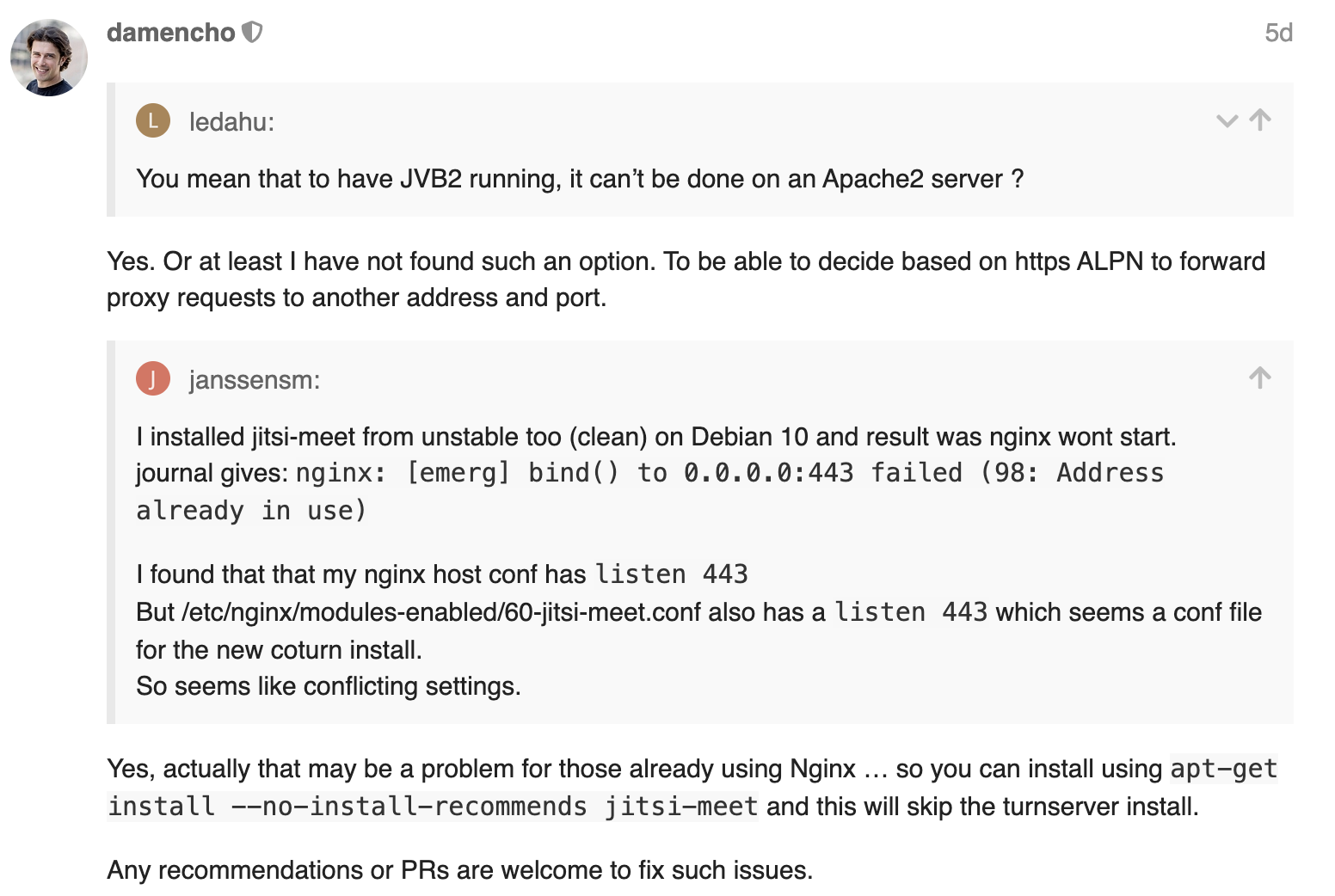
You can just delete /etc/nginx/modules-enabled/60-jitsi-meet.conf and move the jitsi-meet virtual host to port 443 and this will solve it for you. We are working on a fix for this situation (that include new stable push).
 damencho
on 1 Apr 2020
damencho
on 1 Apr 2020
PR #5545 should fix this, by not configuring turn server if there is already a virtual host listening on port 443.
damencho
on 1 Apr 2020
Related issues
 dantman
·
3Comments
dantman
·
3Comments
 VogtAI
·
3Comments
VogtAI
·
3Comments
 mlelyakan
·
4Comments
mlelyakan
·
4Comments
 samk17cmutpm
·
4Comments
samk17cmutpm
·
4Comments
 mfts
·
3Comments
mfts
·
3Comments
Most helpful comment
You can just delete /etc/nginx/modules-enabled/60-jitsi-meet.conf and move the jitsi-meet virtual host to port 443 and this will solve it for you. We are working on a fix for this situation (that include new stable push).