Jfoenix: ListView Expanded at true does not work
Hi
I think I miss something. I can't have a list expanded even when I have: list.setExpanded(true); Do you have any idea why ? Any CSS or something else to add ? Thank you
            //LEFT MENU
            JFXDrawer leftDrawer = new JFXDrawer();
            JFXListView<Label> list = new JFXListView<Label>();
            for(int i = 0 ; i < 3 ; i++) list.getItems().add(new Label("Item " + i));
            list.depthProperty().set(1);
            list.setExpanded(true);
            StackPane leftDrawerPane = new StackPane();
            leftDrawerPane.getChildren().add(list);
            leftDrawer.setSidePane(leftDrawerPane);
            leftDrawer.setDirection(DrawerDirection.LEFT);
            leftDrawer.setDefaultDrawerSize(150);
            leftDrawer.setOverLayVisible(true);
            leftDrawer.setResizableOnDrag(true);
//
//
//          //DRAW CONTENT
            JFXDrawersStack drawersStack = new JFXDrawersStack();
            drawersStack.setContent(menuPane);
            h3.addEventHandler(MouseEvent.MOUSE_PRESSED, (e)->{
                burgerTask2.setRate(burgerTask2.getRate()*-1);
                burgerTask2.play();
                drawersStack.toggle(leftDrawer);
            });
 kevincaradant
All 13 comments
well you need set the vertical gap value, by default it's set to 0
so you need to call:
list.setVerticalGap(20.0);
there is a fix regarding computing the listview height, it's pushed in JFoenix latest version.
 jfoenixadmin
on 27 Sep 2016
jfoenixadmin
on 27 Sep 2016
I don't see any difference :/. And I downloaded the JFoenix.jar yesterday, I think I already have the lastest version :)
kevincaradant
on 27 Sep 2016
did you set the vertical gap?
jfoenixadmin
on 28 Sep 2016
Yes. I refactor my project. Now I'm under Scene Builder but the problem is still here.
As you can see at the right top, I set the verticalGap and I don't see any diffrence.
Look at my structure, maybe it's the reason :/, sorry I'm new, so I don't know how I can help you.

kevincaradant
on 28 Sep 2016
you need to set the vertical gap not the current vertical gap
jfoenixadmin
on 28 Sep 2016
You're right but it's the same result :(
kevincaradant
on 28 Sep 2016
please note that you need to set a value for the vertical gap and set expanded to true.
not sure why the scene builder is not showing the expanded property, however you can set it through FXML or CSS
- FXML
<JFXListView ... expanded="true"> - CSS
-fx-expanded: true
jfoenixadmin
on 29 Sep 2016
Ah yes thank you: -fx-expanded: true works
kevincaradant
on 30 Sep 2016
-fx-expanded: true
Is the only one that works for me too.
Thank you!
 sylviamoss
on 5 Feb 2017
sylviamoss
on 5 Feb 2017
-fx-expanded: true works for me too. Thanks
 Setcch
on 26 Apr 2018
Setcch
on 26 Apr 2018
.jfx-list-view {
-fx-expanded: true
}
for me it still do not work I tried to do
list.setExpanded(true);
list.setExpanded(false);
list.setExpanded(true);
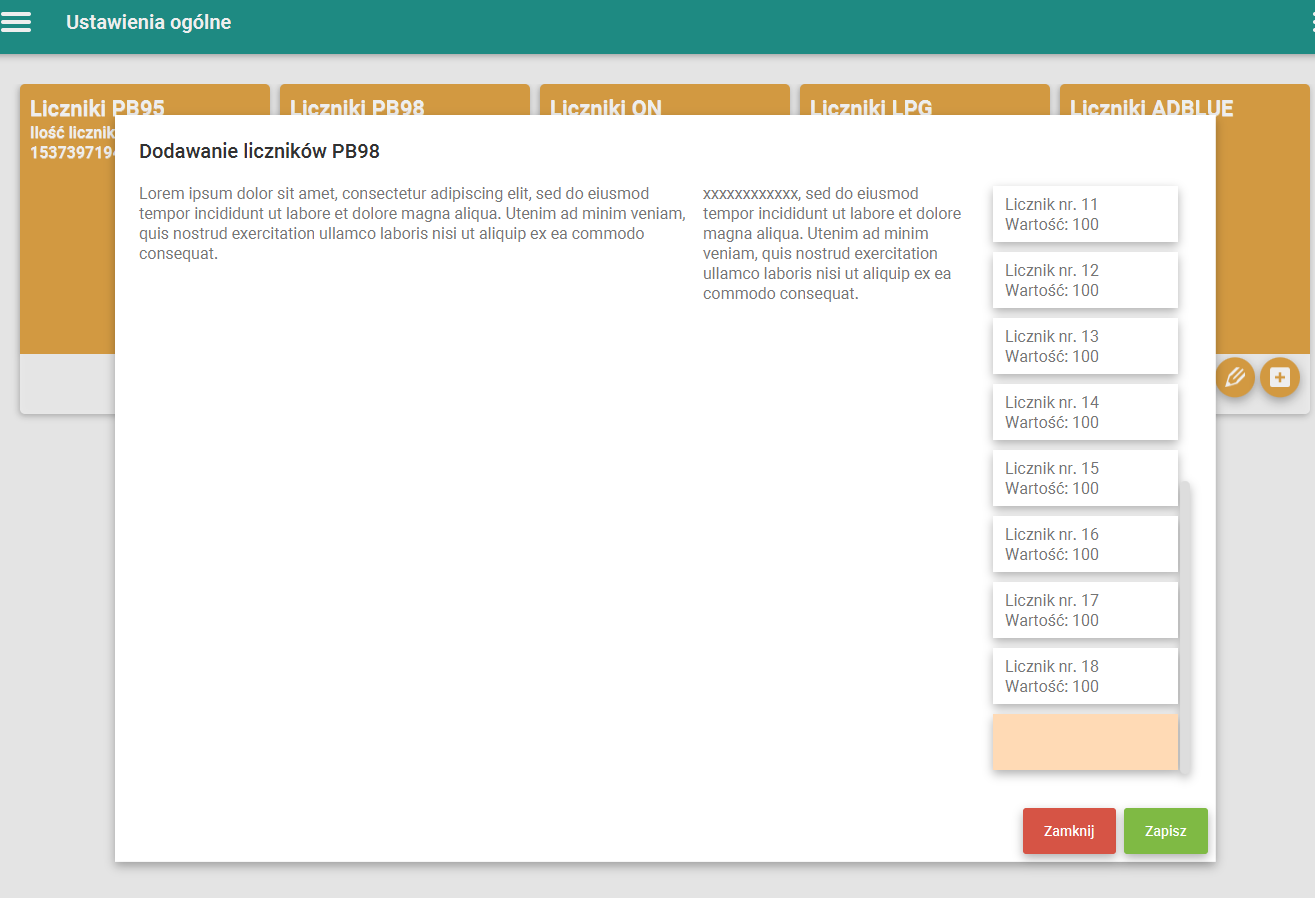
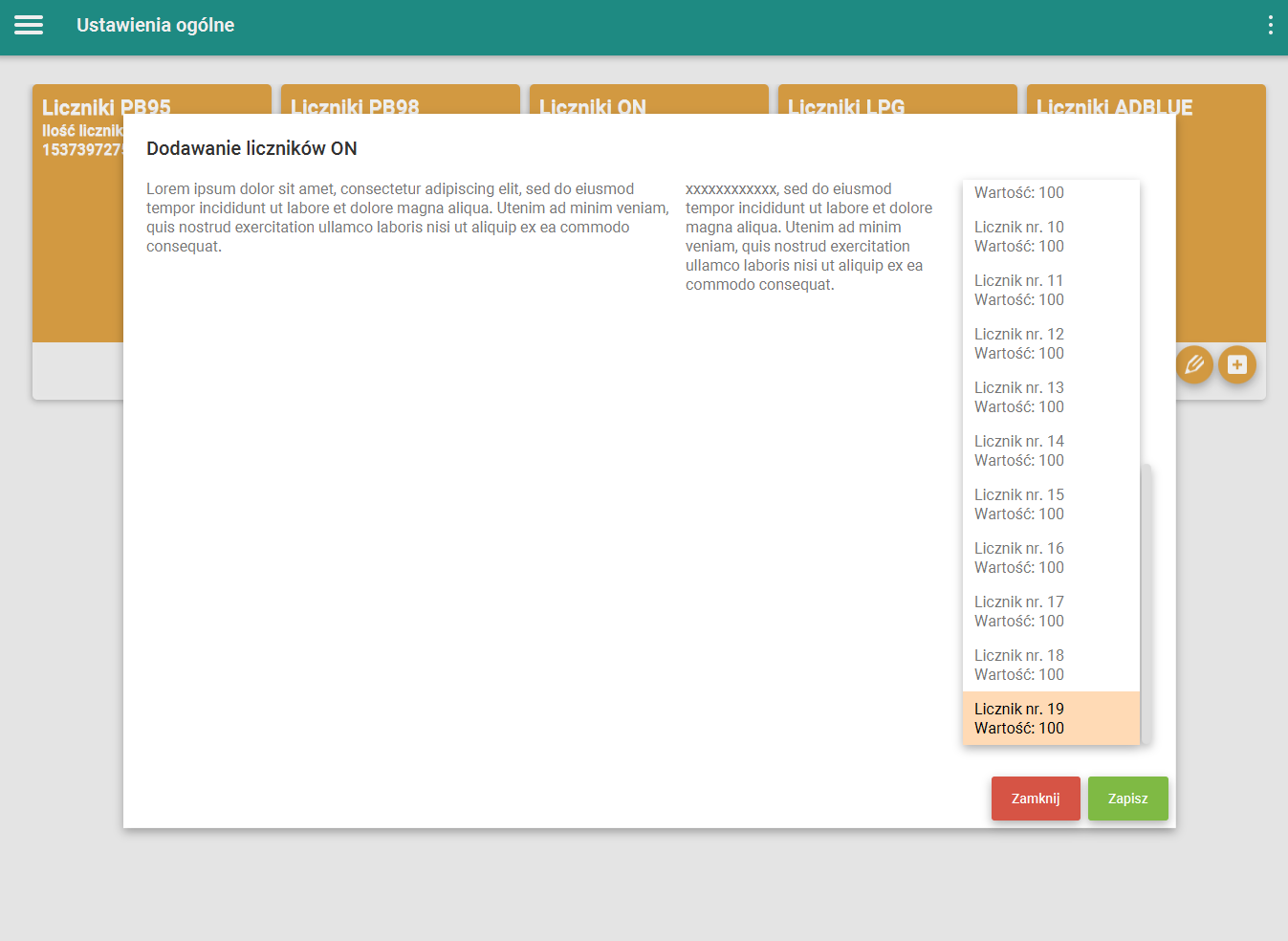
and it works with labels in list but while I changed the node to VBox in list then last item is empty I did the debug and VBox got nodes but they are not showing in list. Box is empty when list is expanded however while it's not then it's showing properly
 Pieprzyk
on 20 Sep 2018
Pieprzyk
on 20 Sep 2018
Hello, plz note that the css property is:
-jfx-expanded instead of -fx-expanded this was changed a long time ago.
jfoenixadmin
on 4 Oct 2018
please note that you need to set a value for the vertical gap and set expanded to true.
not sure why the scene builder is not showing the expanded property, however you can set it through FXML or CSS
- FXML
<JFXListView ... expanded="true">- CSS
-fx-expanded: true
Its giving in scene builder..
Expended & vertical gap..
 sayeedajmal
on 13 Jan 2021
sayeedajmal
on 13 Jan 2021
Related issues
 alittwin
·
4Comments
alittwin
·
4Comments
 Natreve
·
4Comments
Natreve
·
4Comments
 rfenters95
·
4Comments
rfenters95
·
4Comments
 RodrigoSantiago
·
3Comments
RodrigoSantiago
·
3Comments
 goxr3plus
·
3Comments
goxr3plus
·
3Comments
Most helpful comment
Ah yes thank you: -fx-expanded: true works