Jellyfin-android: Connection error when connecting to a server running on a subpath
Describe the bug
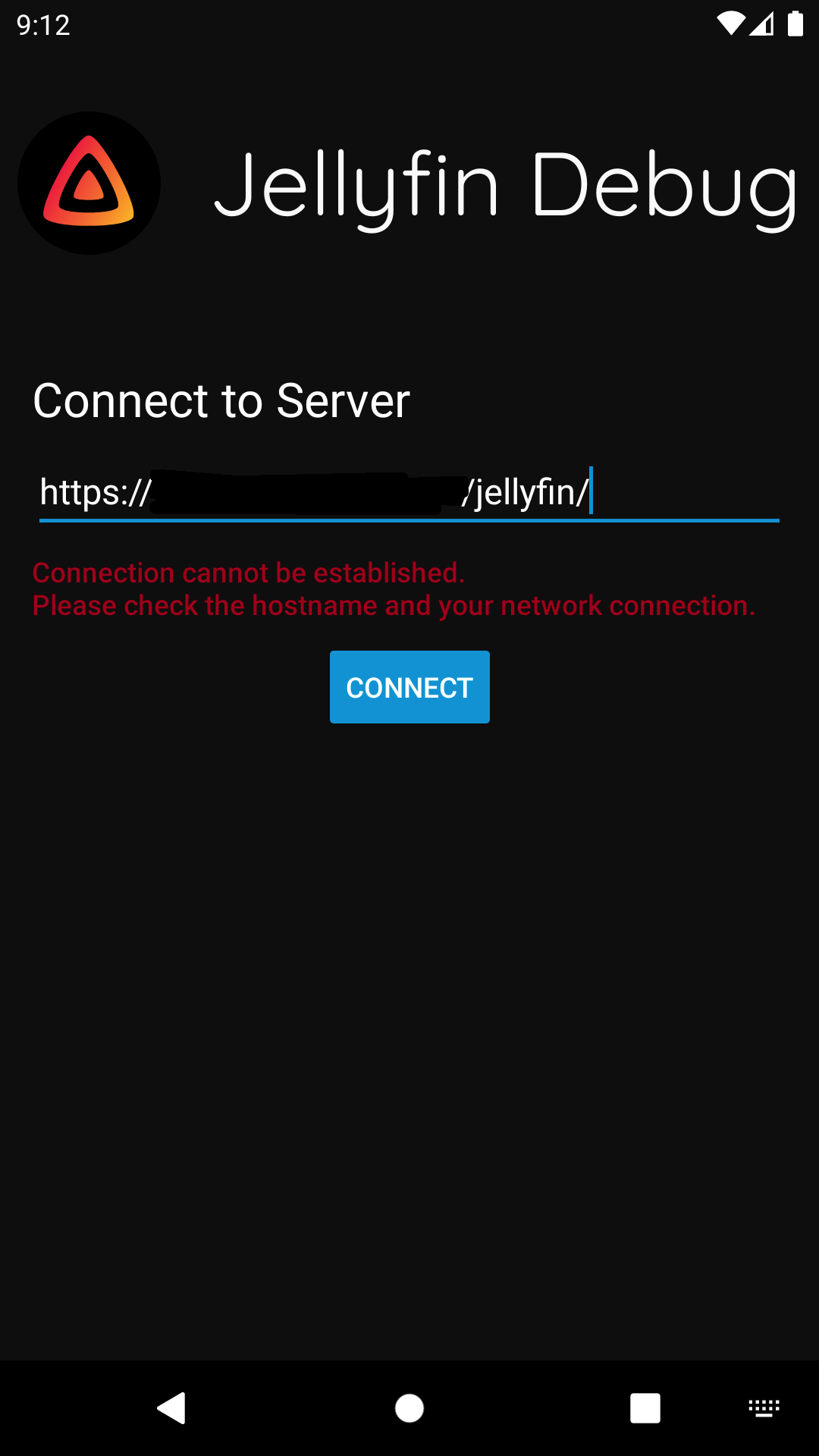
Connecting to a Jellyfin instance listening on a subpath doesn't work.
To Reproduce
- Have Jellyfin running on a subpath as described here
- Start the app
- Enter the url
A 404 error flashes by, and and error message is shown that the connection can not be established.
Expected behavior
The connection succeeds.
Logs
D/TimberLogger: Adding request to queue: https://<snip>/jellyfin//System/Info/Public?format=json
I/TimberLogger: Response received from: https://<snip>/jellyfin//System/Info/Public?format=json
E/MainActivity$initialize: Received WebView HTTP 404 error: null - https://<snip>/web/index.html
E/MainActivity$initialize: Received WebView HTTP 404 error: null - https://<snip>/svg/404.svg
Screenshots
System (please complete the following information):
- App version: v2.0.0-rc.5
- Android version: Android 10
- Device manufacturer and model: Samsung Galaxy Note 9
- Jellyfin server version: 10.6.4
- The type of video player implementation used: N/A
 tedvdb
All 2 comments
When you open https://<server>/jellyfin/ in your browser will it redirect correctly to the web interface or not?
 nielsvanvelzen
on 15 Sep 2020
nielsvanvelzen
on 15 Sep 2020
👍1
Ah that was indeed the issue. It showed an 404 error.
After fixing the BaseUrl setting and updating the Nginx reverse proxy config it works.
tedvdb
on 15 Sep 2020
👍2
Was this page helpful?
0 / 5 - 0 ratings
Related issues
 Norde
·
6Comments
Norde
·
6Comments
 idittansikte
·
6Comments
idittansikte
·
6Comments
 vegedb
·
6Comments
vegedb
·
6Comments
 Maxr1998
·
5Comments
Maxr1998
·
5Comments
 grravity
·
6Comments
grravity
·
6Comments
Most helpful comment
Ah that was indeed the issue. It showed an 404 error.
After fixing the
BaseUrlsetting and updating the Nginx reverse proxy config it works.