itlwm loaded with error: unknown adapter type
Have You Read Our Docs
Yes
Are You Reporting A Bug
Yes/Maybe
Environment
- Kext Version: 1.1.0, itlwm
- WiFi Card Model: Intel Wifi AX201
- Product ID: 0x06F0
- macOS Version: 10.15.7
Description
itlwm loaded with error: unknown adapter type,
tried auto load via EFI inject with OC and manual via terminal follow instruction at https://openintelwireless.github.io/itlwm/Troubleshooting.html#getting-kext-logs-for-loading-failures
Bug Report Archive
bugreport_24931.zip
Kext Download Source
stable release of 1.1.0
 blackberry4311
All 10 comments
Does manually loading the kext after booting into the system give you the same result?
 williambj1
on 9 Nov 2020
williambj1
on 9 Nov 2020
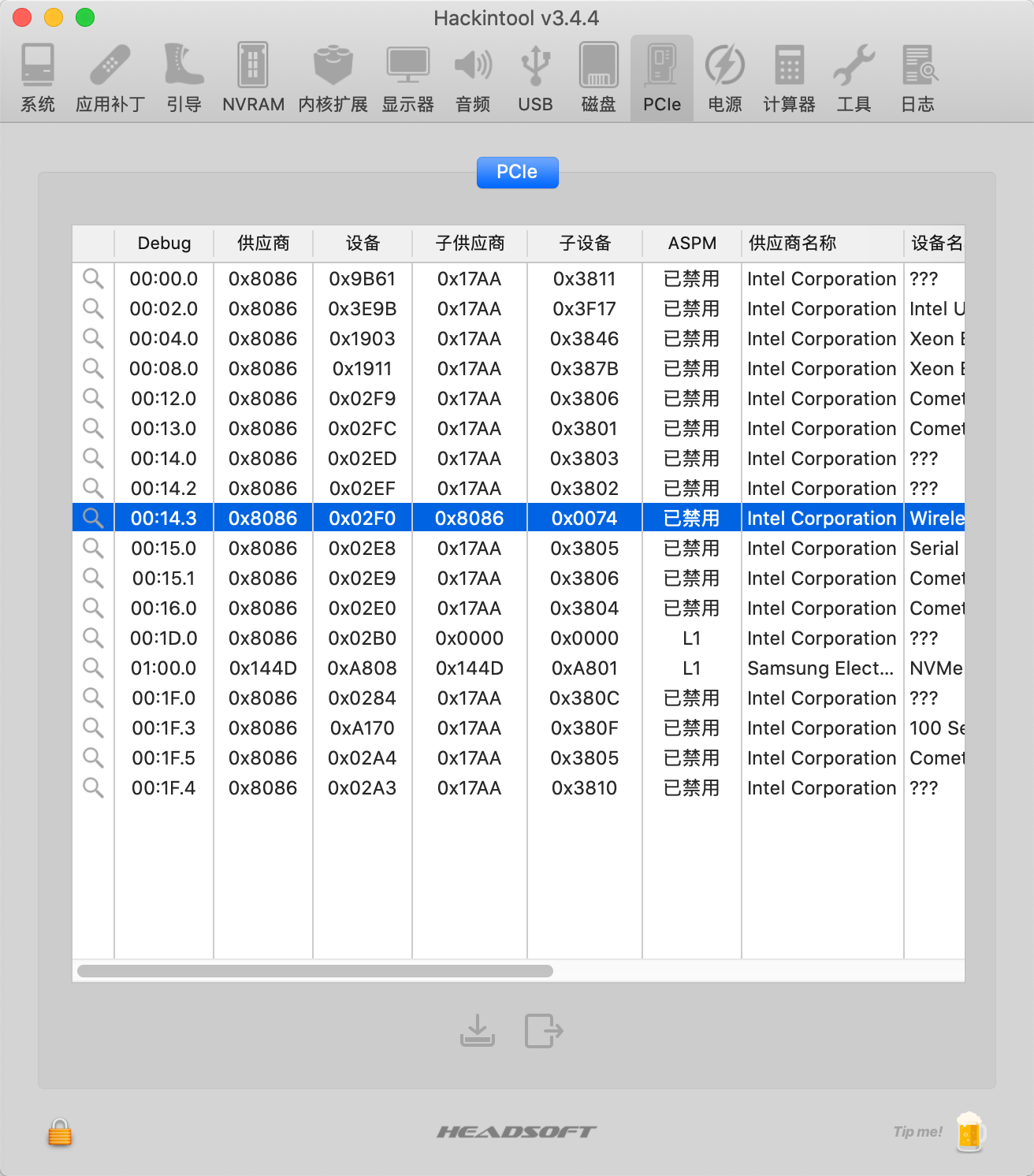
@blackberry4311 can you upload your pcie info with Hackintool? like this:
 zxystd
on 9 Nov 2020
zxystd
on 9 Nov 2020
@williambj1 I got above log when manual load the kext, and it gives me the same result
@zxystd here you are

Another thing: I success loaded this kext and connect wifi 2 days ago.
blackberry4311
on 9 Nov 2020
same card and same driver? now it shows unknown adapter type? @blackberry4311
zxystd
on 9 Nov 2020
yes, it worked 2 days ago, I change nothing and it show the log like I uploaded yesterday.
blackberry4311
on 9 Nov 2020
subdevice id is 0x0000, so weird, that should not work. do you have linux? can you check if the card can work on linux now?
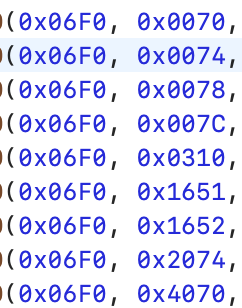
I will compile a kext which will output more logs what I needed to you soon.
zxystd
on 9 Nov 2020
I don't have linux currently but I can install it for further checking.Is Ubuntu latest version ok?
blackberry4311
on 9 Nov 2020
@blackberry4311 A Ubuntu 20 Live USB would be enough.
williambj1
on 9 Nov 2020
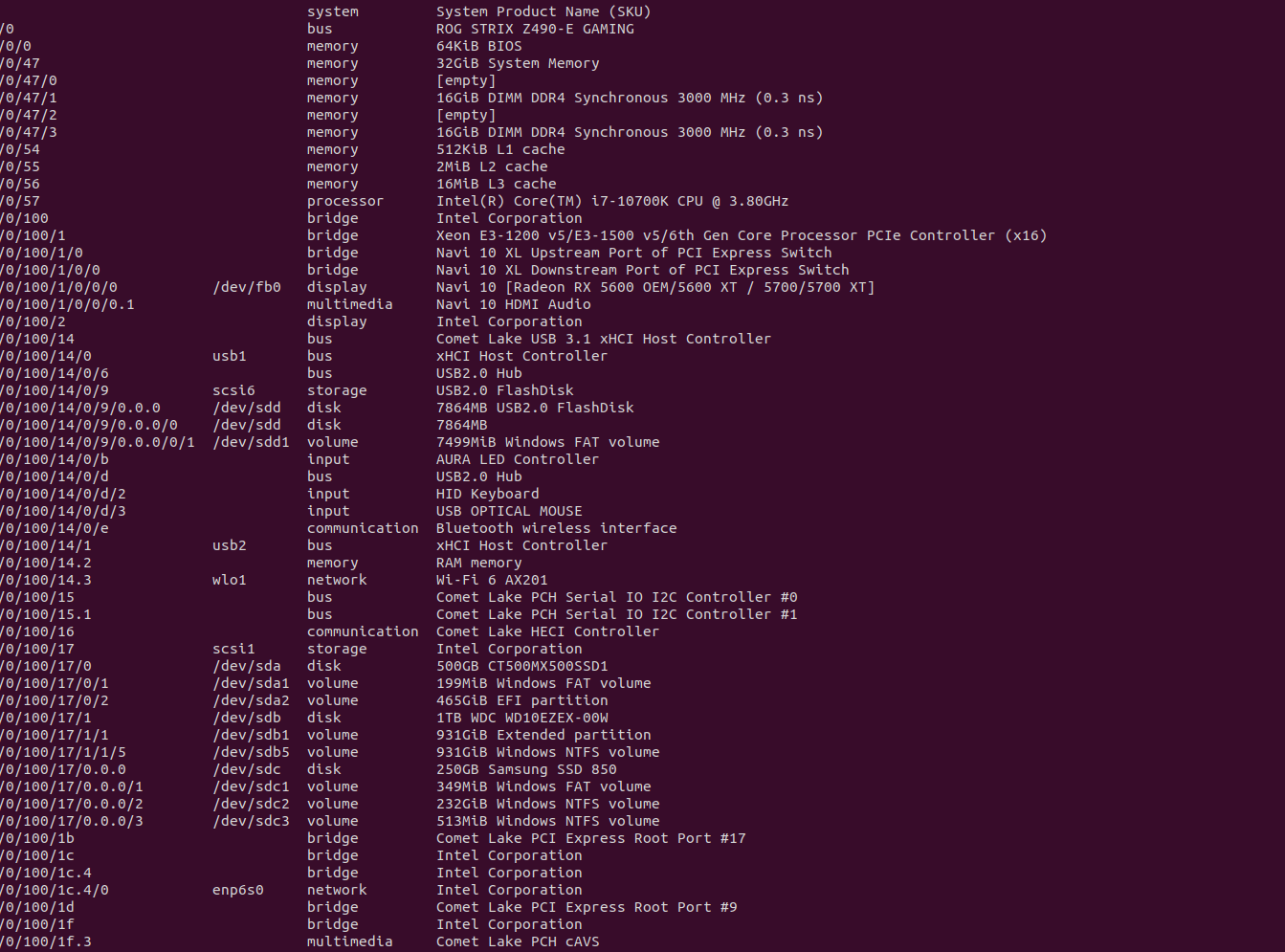
work well on ubuntu 20
blackberry4311
on 9 Nov 2020
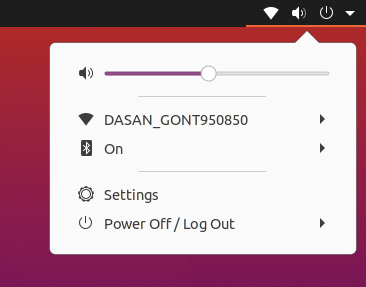
Wifi back and working like charm, after I'm boot to Ubuntu,

Sub Device change like in this image
Hmm, I don't know the reason why but let me try to make some tests on this scenario first.
Found out the issue, this happened only when wifi card not using for a long time, somehow mobo auto power off this card. With cool shutdown and startup, the wifi back and work as normal, so I think we can close this issue here.
Thank you all for all support. I really appreciated
blackberry4311
on 9 Nov 2020
Related issues
 epictgames
·
3Comments
epictgames
·
3Comments
 zdypk1994
·
5Comments
zdypk1994
·
5Comments
 Dukro
·
4Comments
Dukro
·
4Comments
 abaza7
·
8Comments
abaza7
·
8Comments
 nieaowei
·
3Comments
nieaowei
·
3Comments