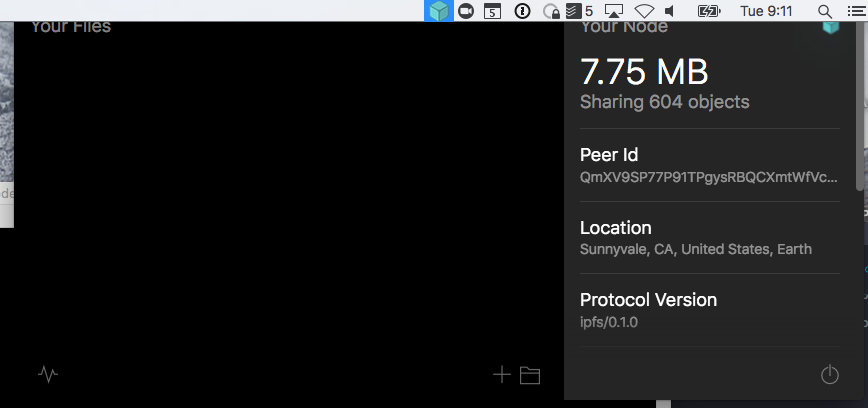
Ipfs-desktop: placement of dropdown with disappearing task bar is odd
 whyrusleeping
All 14 comments
Hey @whyrusleeping, this issue should be opened on https://github.com/maxogden/menubar, please. 😄
 hacdias
on 5 Dec 2017
hacdias
on 5 Dec 2017
@whyrusleeping What OS is this? I don't experience the clipping on macOS 10.13.1 that you showed.
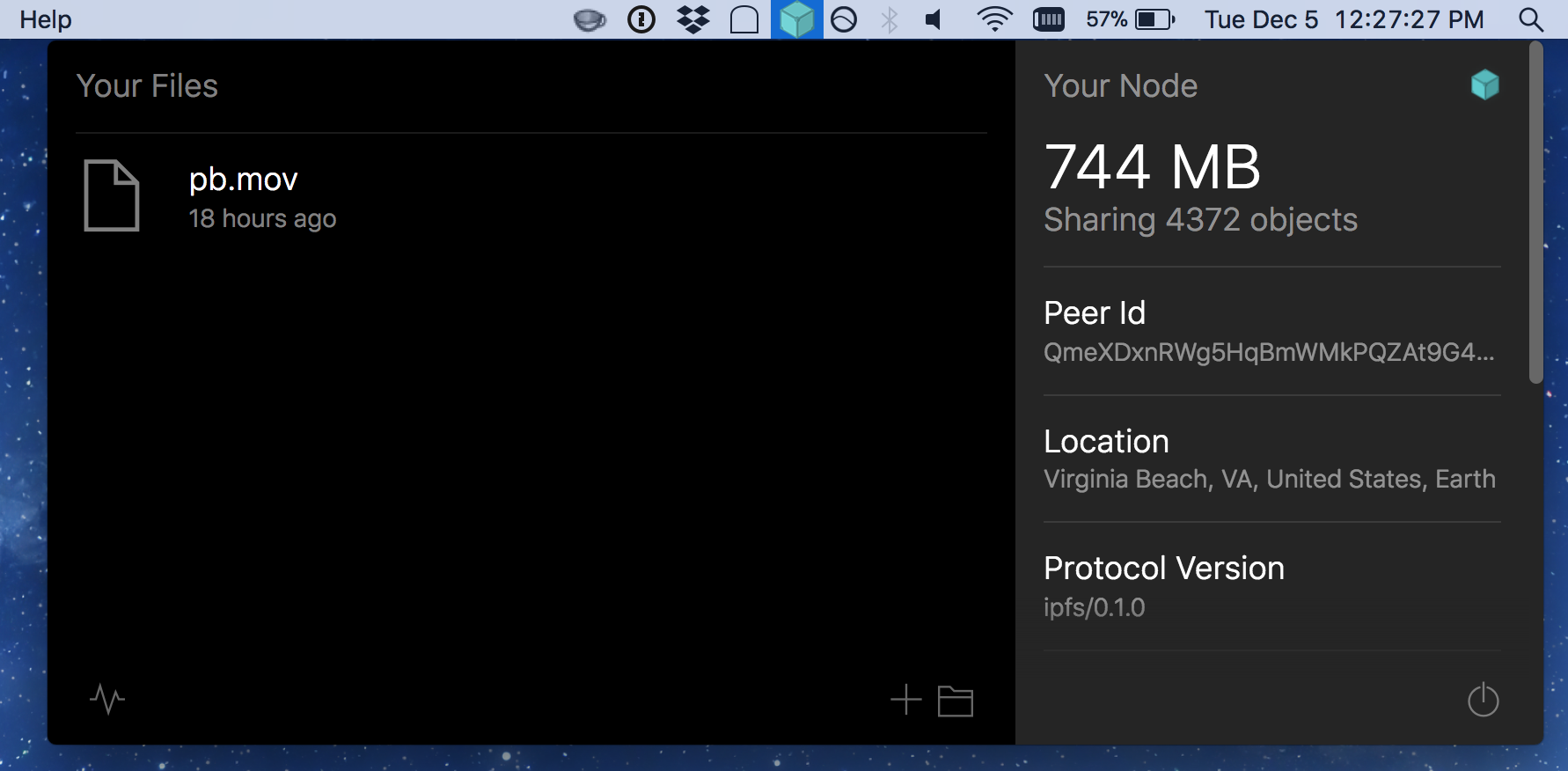
The empirical placement paradigm seems to be that popups are left left with the icon or use some a callout-style triangle to associate an icon with a popup that has a larger width than can be displayed (or simply not left-pinned, e.g., Dropbox).

 machawk1
on 5 Dec 2017
machawk1
on 5 Dec 2017
Its probably because i set my menubar to autohide.
whyrusleeping
on 6 Dec 2017
Same happens on Windows when the taskbar is set to autohide.
hacdias
on 6 Dec 2017
On Windows, though, when you put the cursor above the application, the taskbar hides again so there's no problem at all. It doesn't happen on macOS too @whyrusleeping ?
hacdias
on 28 Dec 2017
The menu bar where the station icon resides cannot be hidden nor auto-hidden, @hacdias .
machawk1
on 28 Dec 2017
@olizilla please check if this is still an issue with master.
hacdias
on 14 Nov 2018
@olizilla @fsdiogo @machawk1 ping 😄 Could one of you test if this is still happening?
hacdias
on 3 Jan 2019
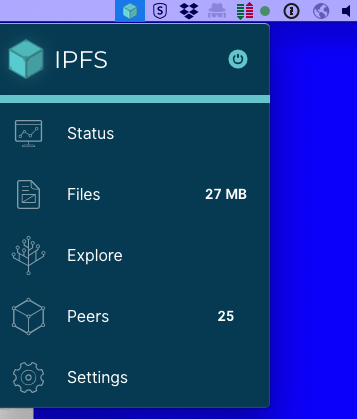
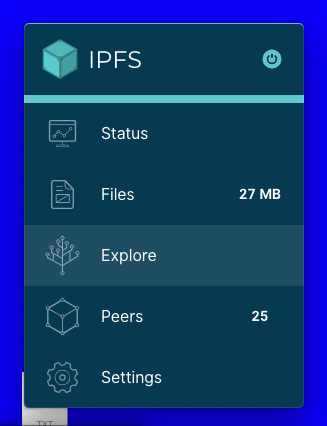
@hacdias I pulled, compiled, and ran the latest master 529a292bb32886caf9f170d161c11732b8970e3e .
I made sure to hide the menu bar per @whyrusleeping.
The positioning on macOS now seems correct.
machawk1
on 3 Jan 2019
Thanks @machawk1! Closing this then 😄
hacdias
on 3 Jan 2019
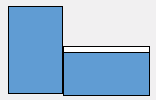
A quick followup. After writing the last comment, I relaunched using npm start and experienced some weird positioning behavior. This was tested on a two monitor setup with the left being vertically oriented.
@hacdias I would recommend not closing this issue just yet.
Second run on single horizontal display
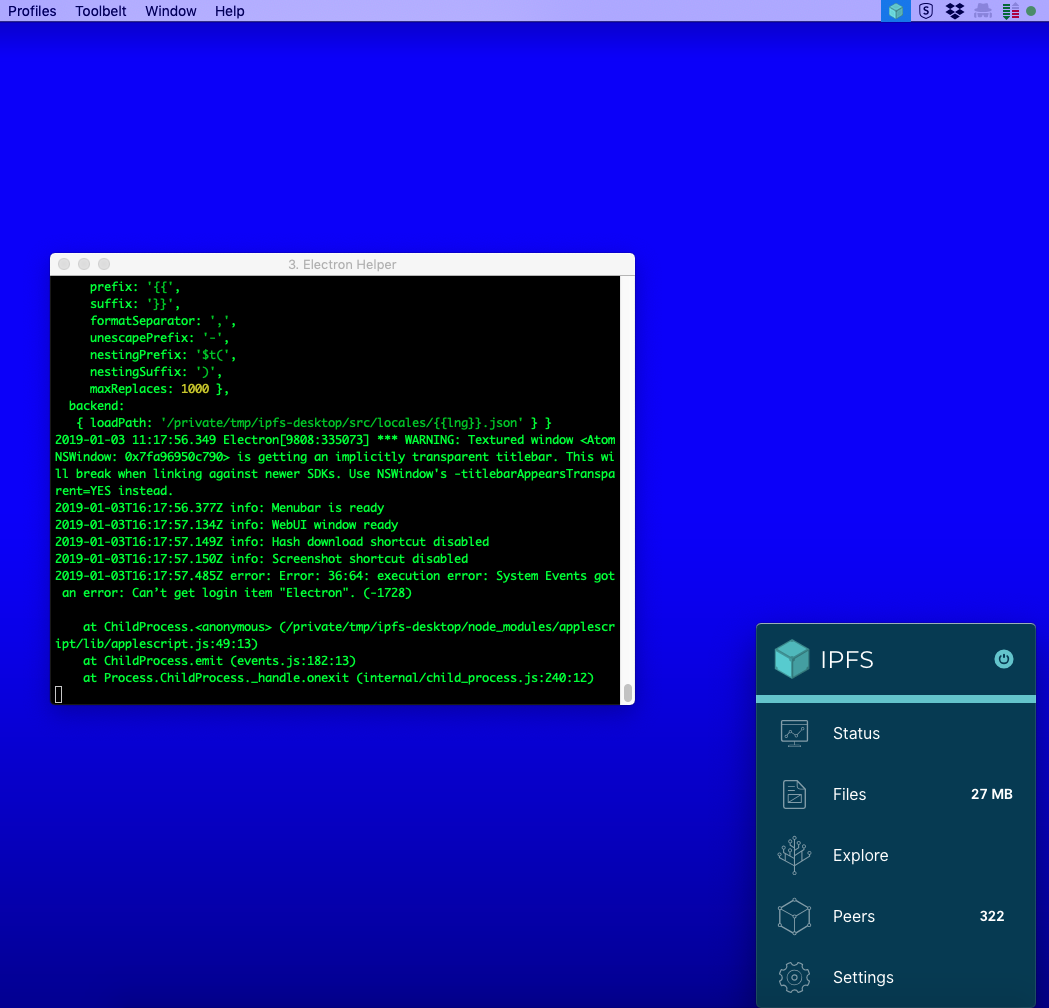
Launched on horizontal display, icon selected in menubar on left positioned vertical display.
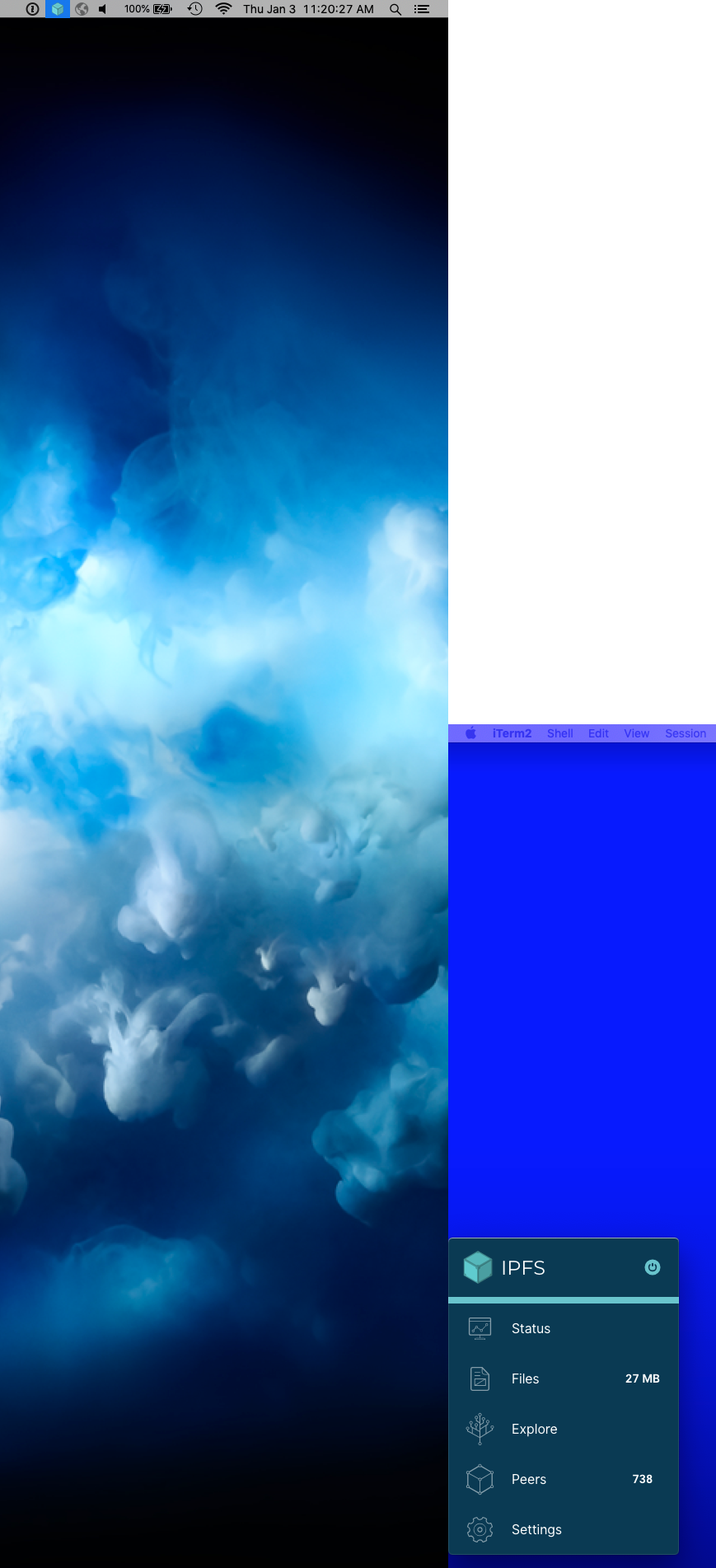
EDIT: My display configuration diagram per link provided by @hacdias in https://github.com/ipfs-shipyard/ipfs-desktop/issues/529#issuecomment-451198855 :
machawk1
on 3 Jan 2019
Ugh, this is weird. @olizilla @fsdiogo could you take a look into this? It must be an issue of the positioning algorithm or the sizes we get are incorrect.
hacdias
on 3 Jan 2019
hacdias
on 3 Jan 2019
Just tried to replicate this and it seems to be solved with #756.
hacdias
on 11 Mar 2019
Related issues
machawk1
·
5Comments
 alanshaw
·
6Comments
alanshaw
·
6Comments
 MicahZoltu
·
5Comments
MicahZoltu
·
5Comments
 NatoBoram
·
3Comments
NatoBoram
·
3Comments
 olizilla
·
5Comments
olizilla
·
5Comments