Iotedge: IoT Edge service unable to start when using DPS provisioning
I was previously unable to start IOT Edge service on windows. I was successful in doing so for manual provisioning thanks to the steps provided by @veyalla in #78
However, the service refuses to start when I configure it for dps provisioning. it shows the message:
PS C:\WINDOWS\system32> Start-Service iotedge
WARNING: Waiting for service 'iotedge (iotedge)' to start...
WARNING: Waiting for service 'iotedge (iotedge)' to start...
WARNING: Waiting for service 'iotedge (iotedge)' to start...
WARNING: Waiting for service 'iotedge (iotedge)' to start...
WARNING: Waiting for service 'iotedge (iotedge)' to start...
WARNING: Waiting for service 'iotedge (iotedge)' to start...
This is my config.yaml file:
config.txt
(I copied it to desktop and renamed it to config.txt so that it could be uploaded here)
My Terminal:
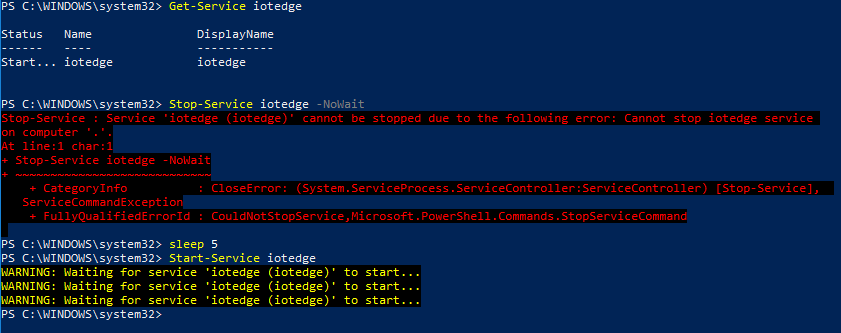
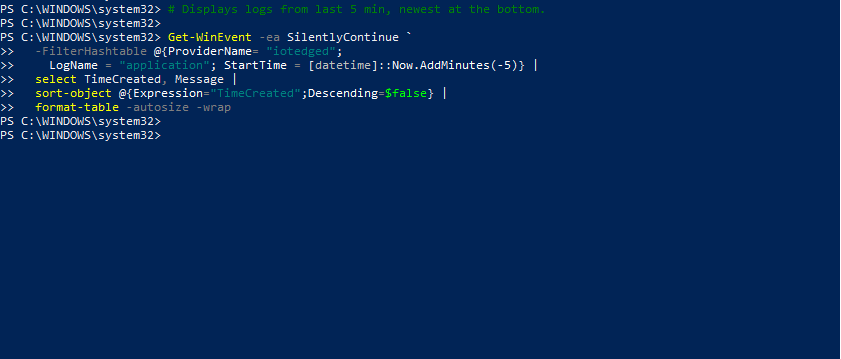
I don't see any output from the logs (as was the case previously in #78 )
My registry:
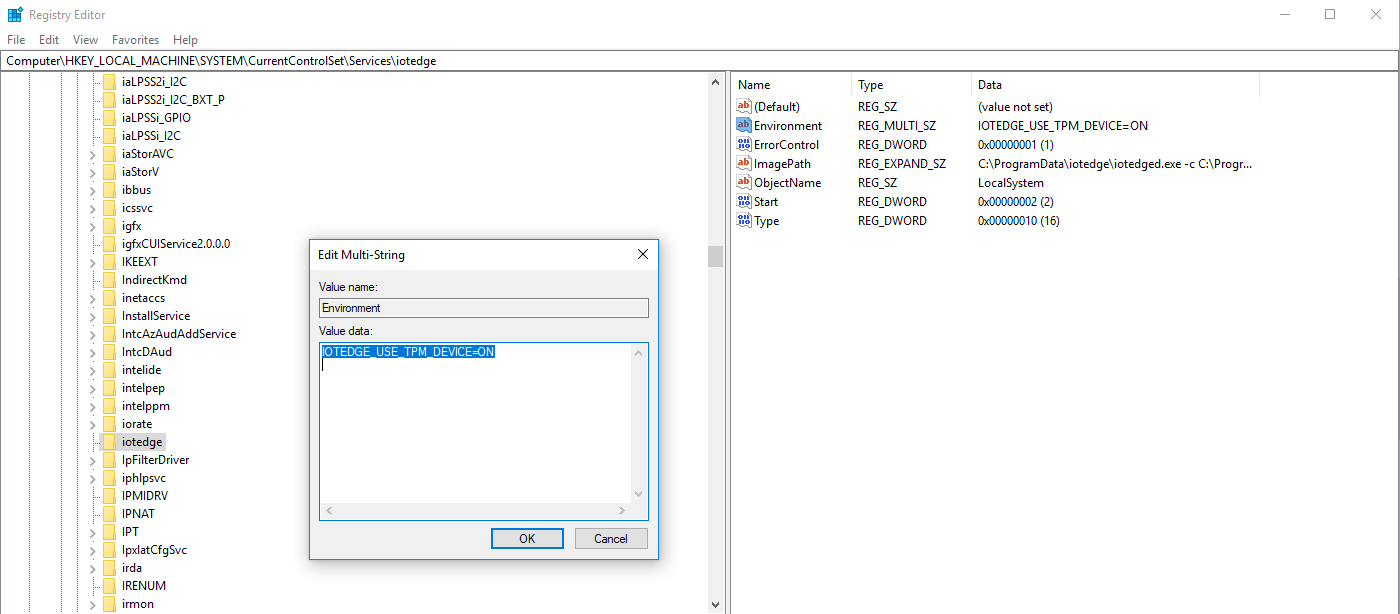
I was following the instructions provided here:
https://docs.microsoft.com/en-us/azure/iot-edge/how-to-auto-provision-simulated-device-windows
 gauravagarwal28
All 4 comments
I am, however able to create a device when I execute registration script
PS C:\Users\Gaurav Agarwal\registerdevice> node RegisterDevice.js
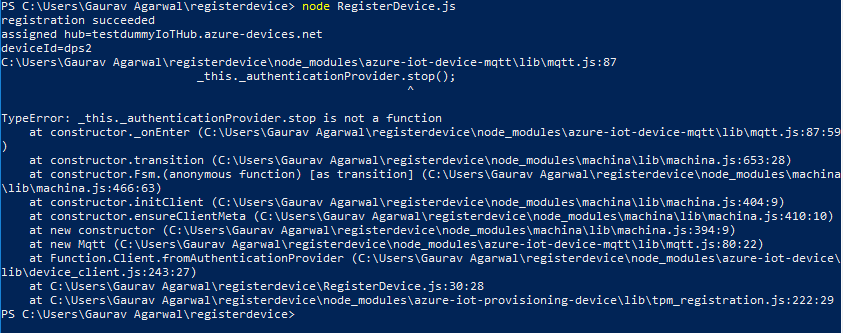
The device I have registered is visible on my portal as an Edge enabled device (configured it to be an Edge enabled device in the enrollment on the portal).
However, it is of no use if the edge service doesn't run with it.
gauravagarwal28
on 30 Jul 2018
Hello @gauravagarwal28
It might be nothing, but the first thing I see is that the "provisioning" section is indented by 1 space. YAML is very sensitive to whitespace, and that would be the first thing I would fix. The word "provisioning" should not have any white space in front of it.
If that's not the problem, we'll have to dig deeper.
Thank you,
 darobs
on 31 Jul 2018
darobs
on 31 Jul 2018
Hi @gauravagarwal28 - you can use the install script that worked for in https://github.com/Azure/iotedge/issues/78 for Dps as well.
- Cleanup the current installation like before:
. { Invoke-WebRequest -useb aka.ms/iotedge-win} | Invoke-Expression; `
UnInstall-SecurityDaemon -v -Force
- Use Dps mode with Linux containers (cmdlet will prompt for scope and registration id):
. { Invoke-WebRequest -useb aka.ms/iotedge-win} | Invoke-Expression; `
Install-SecurityDaemon -Dps
 veyalla
on 31 Jul 2018
veyalla
on 31 Jul 2018
@darobs You were right. It was the spaces in the YAML file that was causing the problem on my machine.
@veyalla I tried the steps provided by you and they worked seamlessly.
Thank you for the support 👍
gauravagarwal28
on 31 Jul 2018
Related issues
 shizn
·
6Comments
shizn
·
6Comments
 nhuurnink
·
6Comments
nhuurnink
·
6Comments
 prashbv
·
6Comments
prashbv
·
6Comments
 arabold
·
3Comments
arabold
·
3Comments
 AndyLiTaiwan
·
5Comments
AndyLiTaiwan
·
5Comments
Most helpful comment
Hi @gauravagarwal28 - you can use the install script that worked for in https://github.com/Azure/iotedge/issues/78 for Dps as well.