All 12 comments
Hi, sure this is in ToDo !
 marinofaggiana
on 11 Aug 2019
marinofaggiana
on 11 Aug 2019
marinofaggiana
on 6 Sep 2019
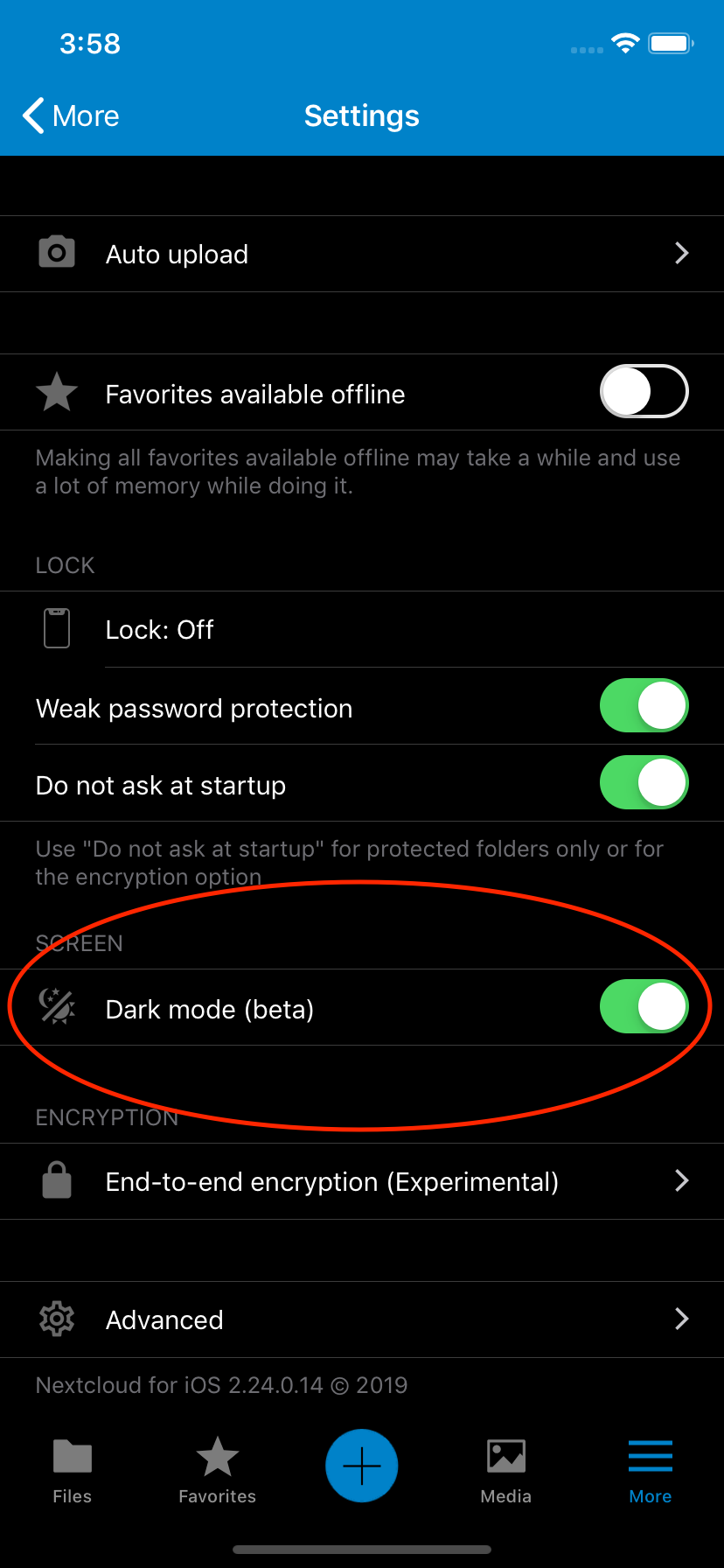
Nice :+1: this looks really good!
Is auto toogle part of v2.24.0 too?
 jean-io
on 6 Sep 2019
jean-io
on 6 Sep 2019
When available iOS 13, yes.
marinofaggiana
on 6 Sep 2019
Build: RC1
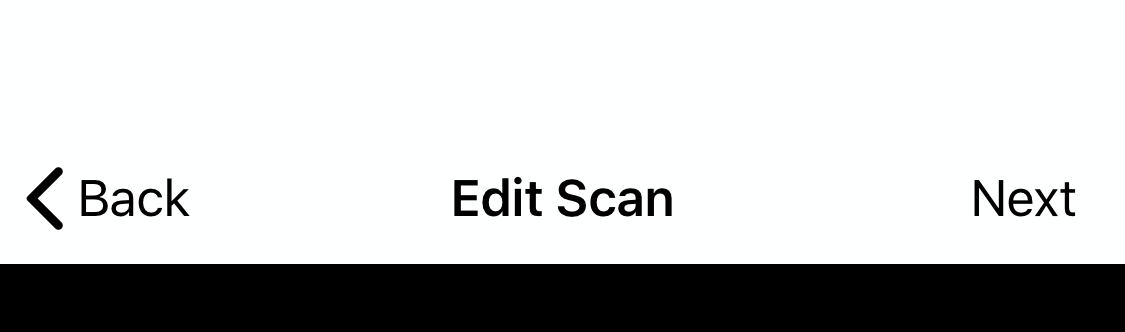
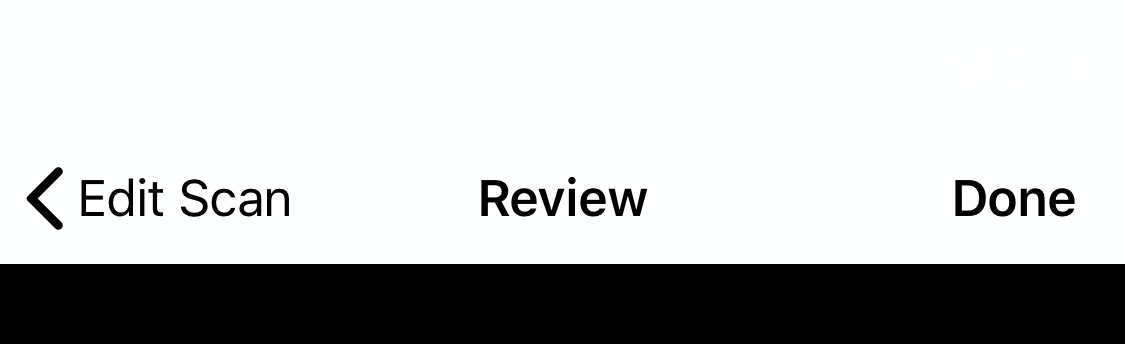
When scanning images, the Edit Scan and Review Scan screens use white at the top of the screen for both dark mode and normal light mode. It can't be made black for dark mode since the lower part of the screen for cropping the image is already black. Should it be blue to match the rest of the app's theming?
 inthreedee
on 12 Sep 2019
inthreedee
on 12 Sep 2019
@inthreedee thanks for you report. 👍
marinofaggiana
on 14 Sep 2019
I’ve noticed a couple more places where the dark theme is not applied:
- The keyboard when editing a file
- The rename dialogue box
- The search field
- The lock screen
I’m traveling this weekend and can’t attach screenshots directly from my iPhone. If you need clarification, let me know and I will attach the screenshots as soon as I am able.
inthreedee
on 15 Sep 2019
Hi, updated to iOS 13 and my Nextcloud app to v2.24.0 but I cannot find auto toggle to comply with system wide dark mode.
Is it normal? Where can I find this setting?
jean-io
on 20 Sep 2019
The (auto) is not yet available, for now use the manual switch in beta
marinofaggiana
on 20 Sep 2019
ok
jean-io
on 23 Sep 2019
Dark mode is available now. @jean-io, please open a follow-up ticket for the auto-toggle if necessary.
 wiswedel
on 30 Sep 2020
wiswedel
on 30 Sep 2020
No need for a follow up issue.
Thank @marinofaggiana for the great job!
jean-io
on 30 Sep 2020
Related issues
marinofaggiana
·
5Comments
 TecJon
·
5Comments
TecJon
·
5Comments
 oxivanisher
·
4Comments
oxivanisher
·
4Comments
 khlschrnk
·
5Comments
khlschrnk
·
5Comments
 rakekniven
·
4Comments
rakekniven
·
4Comments
Most helpful comment
Hi, sure this is in ToDo !