Ionic-framework: Strange behavior when placing a ion-range inside an ion-item
Ionic version: (check one with "x")
[X] 2.x
I'm submitting a ... (check one with "x")
[X] bug report
Current behavior:
I get strange behavior when placing an ion-range inside aion-item, hide almost all the elements inside
Expected behavior:
show all the elements inside the ion-item, included the h2 and p elements
Steps to reproduce:
Plunker example
<ion-item>
  <ion-thumbnail item-left>
    <img src="url">
  </ion-thumbnail>
  <h2>Title</h2>
  <p>Artist • Album</p>
  <button ion-button clear item-right large color="primary" (click)="togglePlay()">
    <ion-icon *ngIf="!playing" name="play"></ion-icon>
    <ion-icon *ngIf="playing"  name="pause"></ion-icon>
  </button>
  <ion-range class="audio-progress"
    [(ngModel)]="audioPos"
    color="primary"
    step="1" max="100"></ion-range>
</ion-item>
Ionic info: (run ionic info from a terminal/cmd prompt and paste output below):
Cordova CLI: 6.5.0
Ionic Framework Version: 2.0.1
Ionic CLI Version: 2.2.1
Ionic App Lib Version: 2.2.0
Ionic App Scripts Version: 1.1.0
ios-deploy version: Not installed
ios-sim version: Not installed
OS: Windows 8.1
Node Version: v6.10.0
Xcode version: Not installed
 salazarr-js
All 6 comments
i think this is expected . ion items can only have one component in them. range, toggle, checkbox vs..
you should place range in a different ion item
 comfortme
on 1 Mar 2017
comfortme
on 1 Mar 2017
@comfortme I see what you say, and it make sense, at the end I used a html5 progress element and make it looks like material design with css. I just wanted make a simple audio player, but since there is not a progress component in Ionic #6669, I thought to use a rangecomponent was a good idea, my bad
<progress class="progress" max="{{ audioDuration }}" value="{{ audioPos }}"></progress>

salazarr-js
on 1 Mar 2017
Is there any other workaround for this? I really need ion-range with other items (p,h1, ion-badge) in one ion-item-sliding. I think one ion-container or ion-div could be good sometimes, so ion-items can have one component in them and ion-container could contain more.
 davidgodzsak
on 1 Apr 2017
davidgodzsak
on 1 Apr 2017
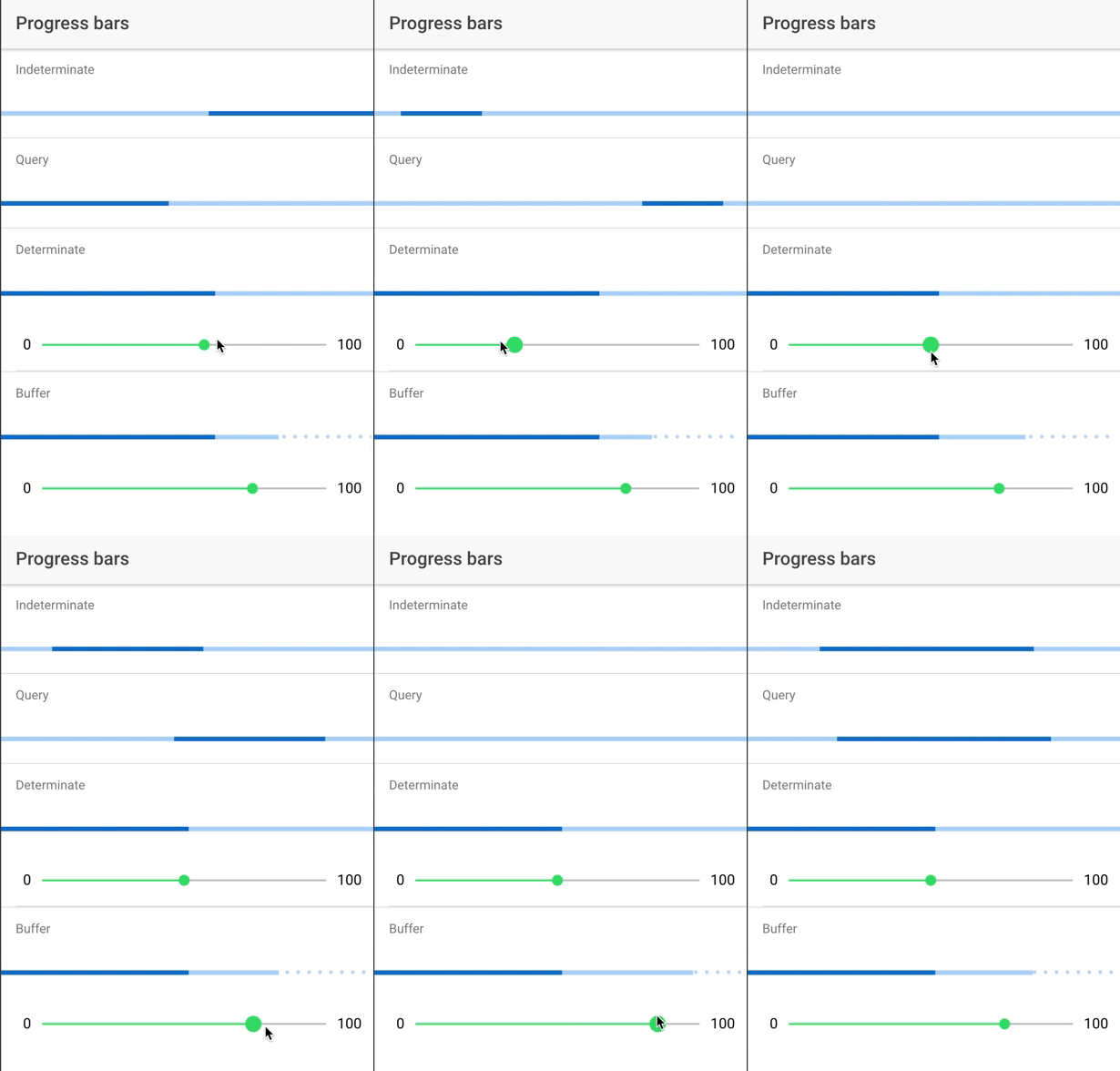
@slzr There will be an ionic progress component soon ;)
 realappie
on 6 Jun 2017
realappie
on 6 Jun 2017
I believe you have to place the ion-range inside a "div item-content" tag.
 shootdaj
on 16 Jul 2017
shootdaj
on 16 Jul 2017
Thanks for the issue! This issue is being closed due to inactivity. If this is still an issue with the latest version of Ionic, please create a new issue and ensure the template is fully filled out.
Thank you for using Ionic!
![ionitron-bot[bot] picture](https://avatars1.githubusercontent.com/in/8640?v=4&s=40) ionitron-bot[bot]
on 16 Jul 2018
ionitron-bot[bot]
on 16 Jul 2018
Related issues
 GeorgeAnanthSoosai
·
3Comments
GeorgeAnanthSoosai
·
3Comments
 masimplo
·
3Comments
masimplo
·
3Comments
 alexbainbridge
·
3Comments
alexbainbridge
·
3Comments
 aslamj
·
3Comments
aslamj
·
3Comments
 alan-agius4
·
3Comments
alan-agius4
·
3Comments
Most helpful comment
@slzr There will be an ionic progress component soon ;)