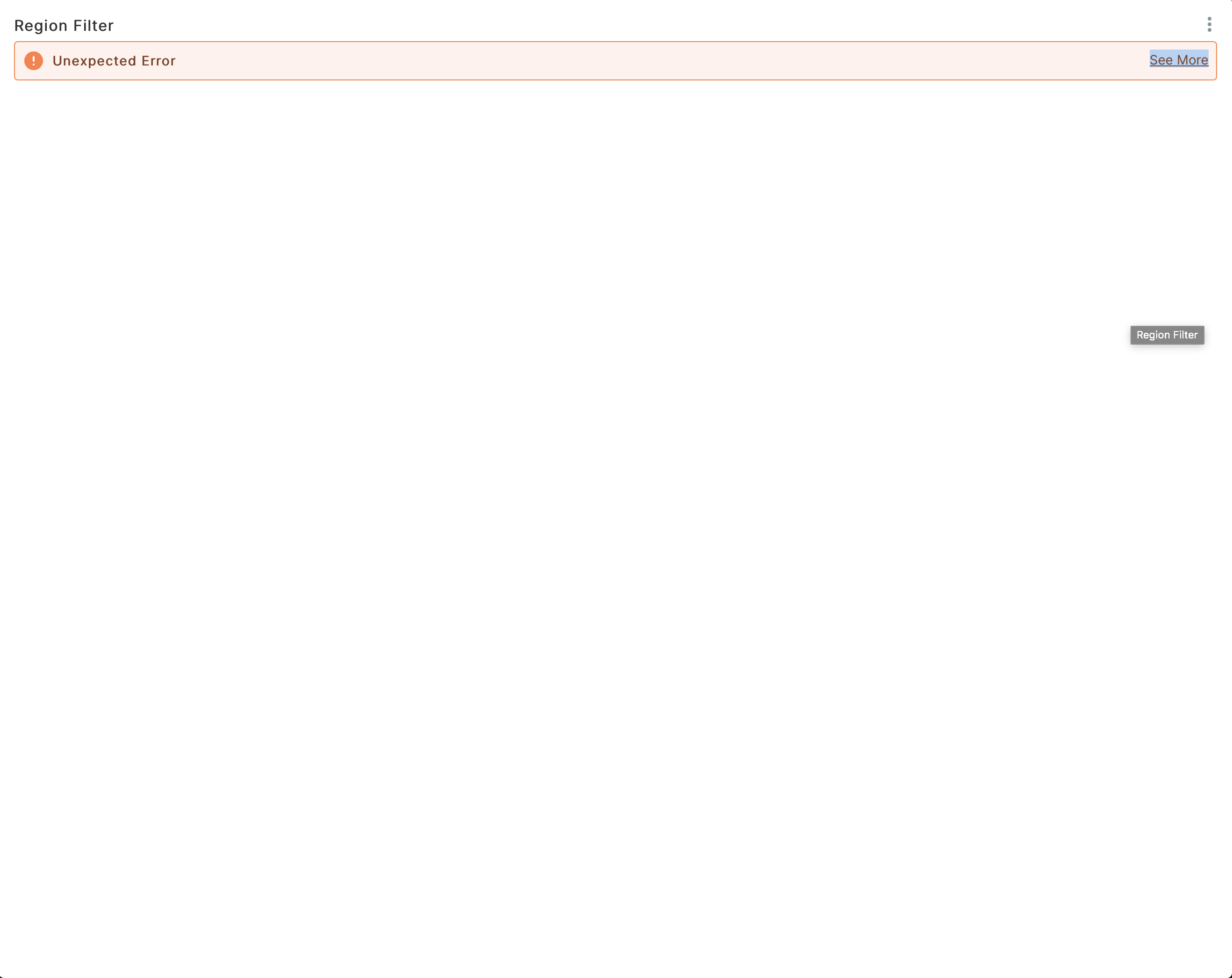
Incubator-superset: In chart Maximize mode we are not able to see an error description
Expected results
Popup is displayed in maximize mode
Actual results
Popup is displayed in the background
Screenshots
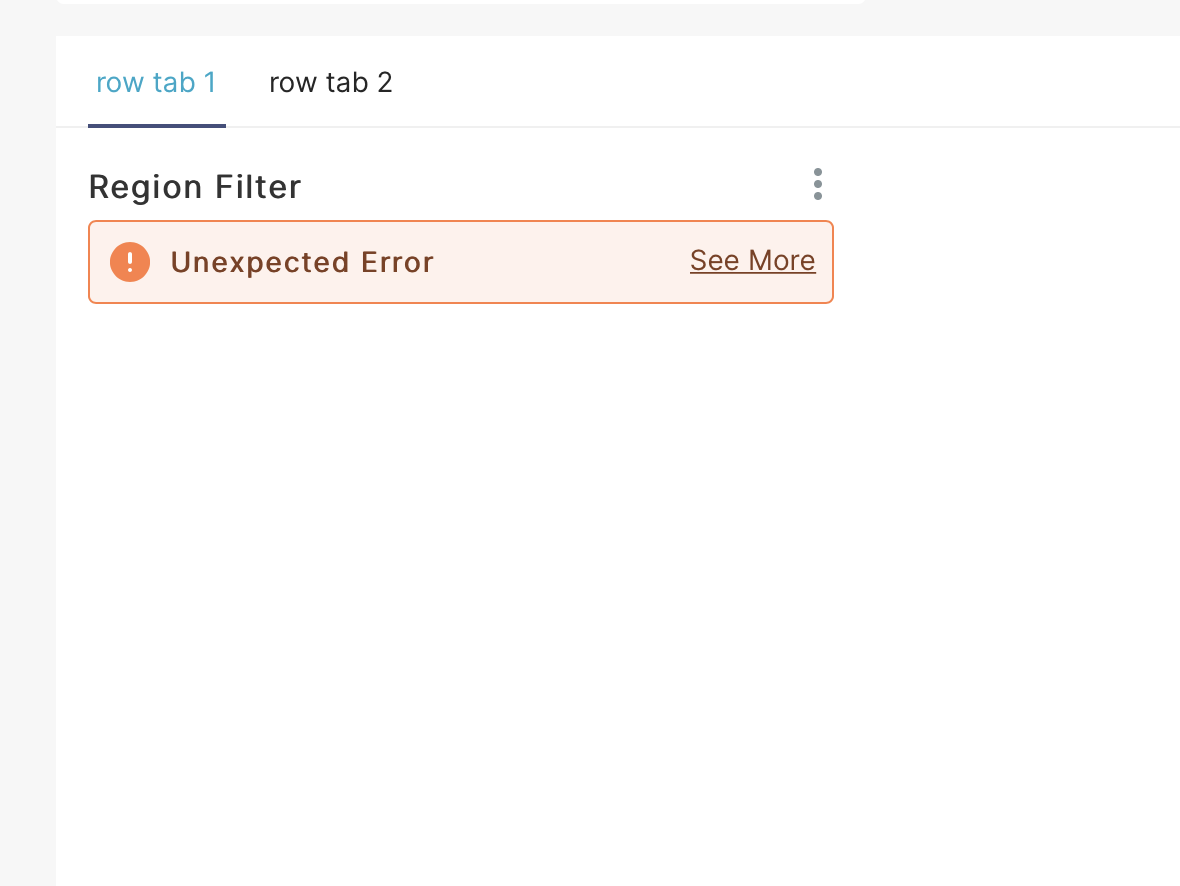
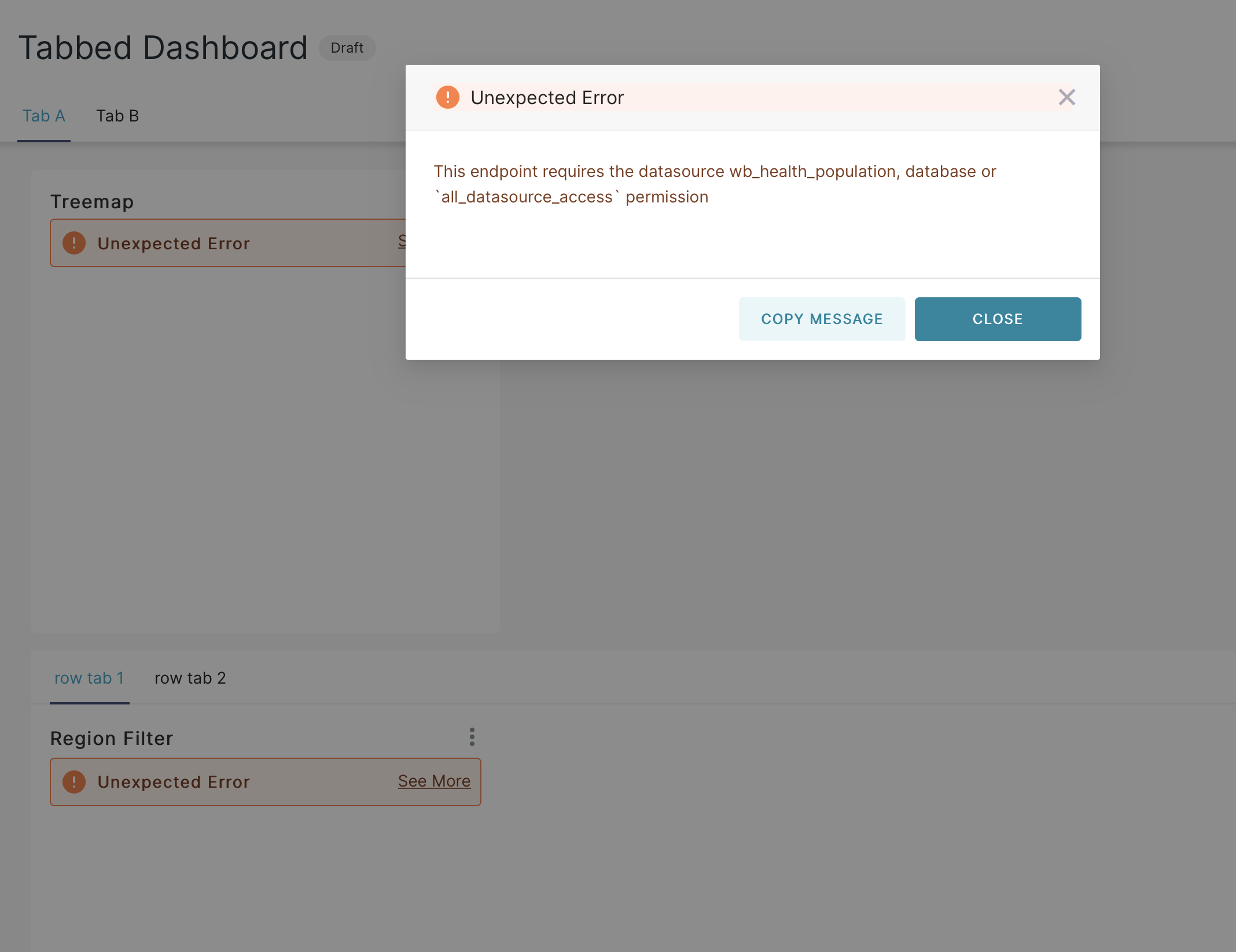
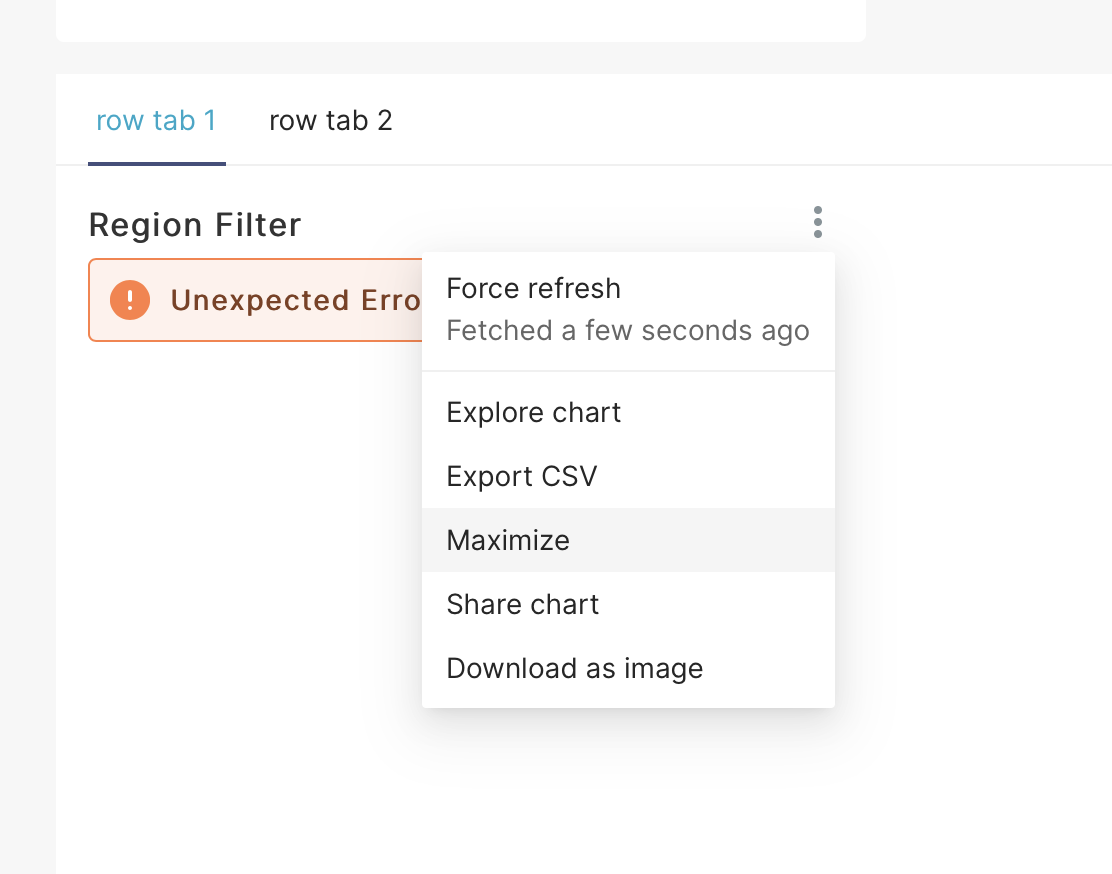
How to reproduce the bug
Go to http://localhost:9000/superset/dashboard/tabbed_dash/#
Click on Tab menu
Choose maximize for chart which met unexpected error
In full screen mode tap on See more
Environment
I run configuration SUPERSET_CONFIG=tests.superset_test_config
I run FLASK_ENV=development superset run -p 8088 --with-threads --reload --debugger
Then npm run dev-server
- superset version: latest master
- python version: 3.7.7
- node.js version: 11.0
Checklist
Make sure to follow these steps before submitting your issue - thank you!
- [ ] I have checked the superset logs for python stacktraces and included it here as text if there are any.
- [ x] I have reproduced the issue with at least the latest released version of superset.
- [x ] I have checked the issue tracker for the same issue and I haven't found one similar.
Additional context
Add any other context about the problem here.
 adam-stasiak
All 2 comments
I think it might be related to popups refactor. Can you assign me?
 kgabryje
on 24 Nov 2020
kgabryje
on 24 Nov 2020
🚀1
it's in trello assigned to @kgabryje. thank you both for making my life easier 🙏
 junlincc
on 24 Nov 2020
junlincc
on 24 Nov 2020
🎉1
Was this page helpful?
0 / 5 - 0 ratings
Related issues
 tmccartan
·
3Comments
tmccartan
·
3Comments
 thoralf-gutierrez
·
3Comments
thoralf-gutierrez
·
3Comments
 sashank
·
3Comments
sashank
·
3Comments
 joshuacano
·
3Comments
joshuacano
·
3Comments
 lenguyenthedat
·
3Comments
lenguyenthedat
·
3Comments