Imgui: Vulkan examples don't render UI on MacOS
Version/Branch of Dear ImGui:
Version: 1.76 WIP (17502)
Branch: master
Back-end/Renderer/Compiler/OS
Back-ends: imgui_impl_glfw.cpp + imgui_impl_vulkan.cpp
Compiler: Apple LLVM version 10.0.1 (clang-1001.0.46.4)
Operating System: macOS Mojave 10.14.6
Vulkan SDK Version: 1.2.131.2
My Issue/Question:
Dear ImGui is a wonderful library that I am really fond of, but I've encountered a problem with it.
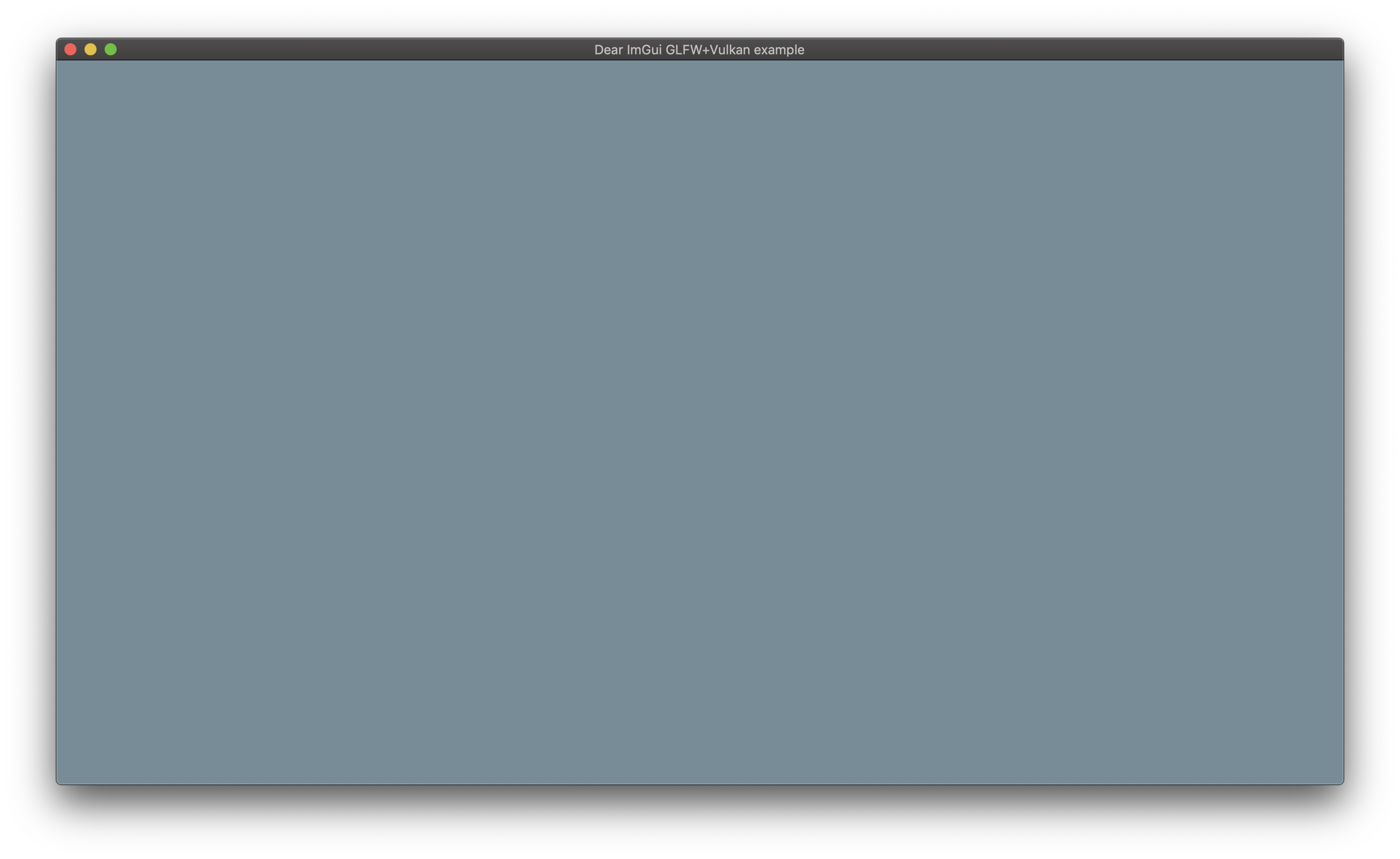
I tried to run glfw+vulkan example on my Mac system, but the UI didn't show up. It works fine on my Linux machine and glfw+opengl3 example works well on both systems.
My original intention was to integrate Dear ImGui in my engine using this walkthrough, but it doesn't differ much from the code in the example.
Screenshots/Video
How it looks on my Mac
How it looks on my Linux computer

Standalone, minimal, complete and verifiable example:
Steps to reproduce:
- Clone the repository with
git clone https://github.com/ocornut/imgui
- Move to the examples's directory
cd imgui/examples/example_glfw_vulkan/
- Edit CMakeLists.txt and build the project in a separate directory
_(My version of the file)_
mkdir build && cd build
cmake ..
make
- Run the example
./example_glfw_vulkan
 Hovushka
All 19 comments
Hello,
Would be hard to tell what may be going wrong without running on the machine. Maybe try enabling all the validation layers in the example and see if you get any error or feedback from it?
 ocornut
on 22 Mar 2020
ocornut
on 22 Mar 2020
I recompiled the program with _DEBUG macro, but validation layers stay silent
Hovushka
on 22 Mar 2020
I tested example_glfw_vulkan and could not reproduce the issue. Tested with same vulkan sdk version, although on MacOS High Sierra. This will be problematic to track down since we are unable to reproduce the issue.
 rokups
on 23 Mar 2020
rokups
on 23 Mar 2020
@Hovushka Does it work if you use SDL2 instead of GLFW?
 cesss
on 2 Apr 2020
cesss
on 2 Apr 2020
@cesss No, it doesn't work with SDL2 either.
Hovushka
on 2 Apr 2020
@Hovushka I can confirm that SDL2+Vulkan worked for me last summer (using both Sierra and High Sierra with MoltenVK/vulkan sdk 1.1.106, using the ImGui source from 2019-June-7). I've not tried with more recent ImGui sources, but I'll likely update ImGui soon, and even if I'm not writing Vulkan code yet, I always test that Vulkan works (I mean, I test the demo with all the widgets) because I'll be using Vulkan in the short/mid-term future.
cesss
on 3 Apr 2020
@cesss I've recorded a video where I clone the repository and try to launch SDL2+Vulkan example:
https://youtu.be/asnNXdosWbw
Maybe I'm doing something wrong?
_(Here is the CMakeLists I've written for the example.)_
Hovushka
on 3 Apr 2020
@Hovushka I'm not sure, and I have no time now for checking, but hopefully I'll be updating to the newest ImGui soon and I'll check. Anyway, if I were you, I'd try to build some SDL2 Vulkan demos (without ImGui, just some other demos from elsewhere, with SDL2 with Vulkan), in order to check if Vulkan works correctly in your system or not.
cesss
on 3 Apr 2020
Can confirm I also experience this with vulkan+glfw on macOS. It seems to display fine on Linux and Windows.
 alexozer
on 21 Apr 2020
alexozer
on 21 Apr 2020
The UI also seems to not render with SDL, using this CMakeLists:
cmake_minimum_required(VERSION 3.16)
project(mwgeditor)

set(CMAKE_CXX_STANDARD 17)
find_package(Vulkan REQUIRED)
find_package(SDL2 REQUIRED COMPONENTS main)
#add_subdirectory(lib/glfw-3.3.2)
include_directories(lib/imgui lib/imgui/examples ${SDL2_INCLUDE_DIRS} ${SDL2main_INCLUDE_DIRS})

add_executable(mwgeditor
        src/main.cpp
        lib/imgui/imgui.cpp
        lib/imgui/imgui_draw.cpp
        lib/imgui/imgui_widgets.cpp
        lib/imgui/imgui_demo.cpp
        lib/imgui/examples/imgui_impl_vulkan.cpp
        lib/imgui/examples/imgui_impl_sdl.cpp)

target_link_libraries(mwgeditor Vulkan::Vulkan ${SDL2_LIBRARIES})
I tested this again, once again it works over here. You should provide more information about your setup.
I tested on MacOS HighSierra. Unfortunately i am unable to test on any higher version.
I had to tweak your CMakeLists.txt a bit so it compiles. I use SDL installed from brew. Can that be why it does not work on your end?
cmake_minimum_required(VERSION 3.14)
project(mwgeditor)

set(CMAKE_CXX_STANDARD 17)
find_package(Vulkan REQUIRED)

find_package(PkgConfig QUIET)
pkg_check_modules(SDL2 QUIET sdl2)
if (SDL2_FOUND)
    add_library(SDL2::SDL2 INTERFACE IMPORTED)
    target_link_libraries(SDL2::SDL2 INTERFACE ${SDL2_LDFLAGS})
    target_compile_options(SDL2::SDL2 INTERFACE ${SDL2_CFLAGS})
endif ()

include_directories(lib/imgui lib/imgui/examples)
add_executable(mwgeditor
        src/main.cpp
        lib/imgui/imgui.cpp
        lib/imgui/imgui_draw.cpp
        lib/imgui/imgui_widgets.cpp
        lib/imgui/imgui_demo.cpp
        lib/imgui/examples/imgui_impl_vulkan.cpp
        lib/imgui/examples/imgui_impl_sdl.cpp)

target_link_libraries(mwgeditor Vulkan::Vulkan SDL2::SDL2)
I'm also using SDL2 from brew. I'm on catalina though, maybe that's a clue?
alexozer
on 23 Apr 2020
One of obvious suspects i suppose. How did you install vulkan SDK by the way?
Any chance you could test High Sierra? If you have some spare hdd lying around you could install it just for test, without breaking your main OS install. If that is even possible of course.. I know little of MacOS ecosystem, but so far i gathered that MacOS is insanely fussy just about everything... I do all my testing in a VM + nvidia gpu so i if i upgraded to anything above High Sierra i would lose accelerated graphics and would be unable to test anything..
rokups
on 23 Apr 2020
I also installed the vulkan SDK through brew. I tried building with the SDK downloaded and manually unpacked, but I couldn't figure out how to configure the CMakeLists to get it to build, who knows if that would make a difference.
And yeah unfortunately I'm not in a position to easily test using High Sierra either at the moment...
alexozer
on 23 Apr 2020
Last time i checked there either was no vk sdk on brew or it was somehow incomplete, i can not quite remember. I installed official vulkan sdk for MacOS downloaded from LunarG. So that is another significant difference. I think you should try official SDK. You can get it from https://vulkan.lunarg.com/sdk/home#mac and all you need to do is to remove anything-vulkan installed from brew, run install_vulkan.py (or install_vulkan.py --force-install if you get errors).
rokups
on 23 Apr 2020
I see, I'll try installing the SDK manually.
The cmakelists you provided for SDL doesn't seem to build for me (and I think I've lost the original one I made for sdl):
-- The C compiler identification is AppleClang 11.0.3.11030032
-- The CXX compiler identification is AppleClang 11.0.3.11030032
-- Check for working C compiler: /Library/Developer/CommandLineTools/usr/bin/cc
-- Check for working C compiler: /Library/Developer/CommandLineTools/usr/bin/cc - works
-- Detecting C compiler ABI info
-- Detecting C compiler ABI info - done
-- Detecting C compile features
-- Detecting C compile features - done
-- Check for working CXX compiler: /Library/Developer/CommandLineTools/usr/bin/c++
-- Check for working CXX compiler: /Library/Developer/CommandLineTools/usr/bin/c++ - works
-- Detecting CXX compiler ABI info
-- Detecting CXX compiler ABI info - done
-- Detecting CXX compile features
-- Detecting CXX compile features - done
-- Found Vulkan: /usr/local/lib/libvulkan.dylib
-- Configuring done
CMake Error at CMakeLists.txt:16 (add_executable):
  Target "mwgeditor" links to target "SDL2::SDL2" but the target was not
  found.  Perhaps a find_package() call is missing for an IMPORTED target, or
  an ALIAS target is missing?


-- Generating done
CMake Generate step failed.  Build files cannot be regenerated correctly.
I used pkg-config to get SDL as find_package() did not work in my case. You can keep using find_package(). You posted your original script at https://github.com/ocornut/imgui/issues/3066#issuecomment-616926455
rokups
on 23 Apr 2020
Ah that's right. Anyway I couldn't get the SDL version to build anymore for some reason, but building with GLFW and the manually-installed vulkan SDK seems to have done the trick! So the homebrew vulkan sdk must be the culprit then.
alexozer
on 23 Apr 2020
Installing Vulkan SDK 1.2.135.0 has solved the issue.
Hovushka
on 23 Apr 2020
Related issues
 bogdaNNNN1
·
3Comments
bogdaNNNN1
·
3Comments
 Folling
·
3Comments
Folling
·
3Comments
 spaderthomas
·
3Comments
spaderthomas
·
3Comments
 the-lay
·
3Comments
the-lay
·
3Comments
 namuda
·
3Comments
namuda
·
3Comments
Most helpful comment
Installing Vulkan SDK 1.2.135.0 has solved the issue.