Imgui: How to remove, or change the shading effect when dialog open
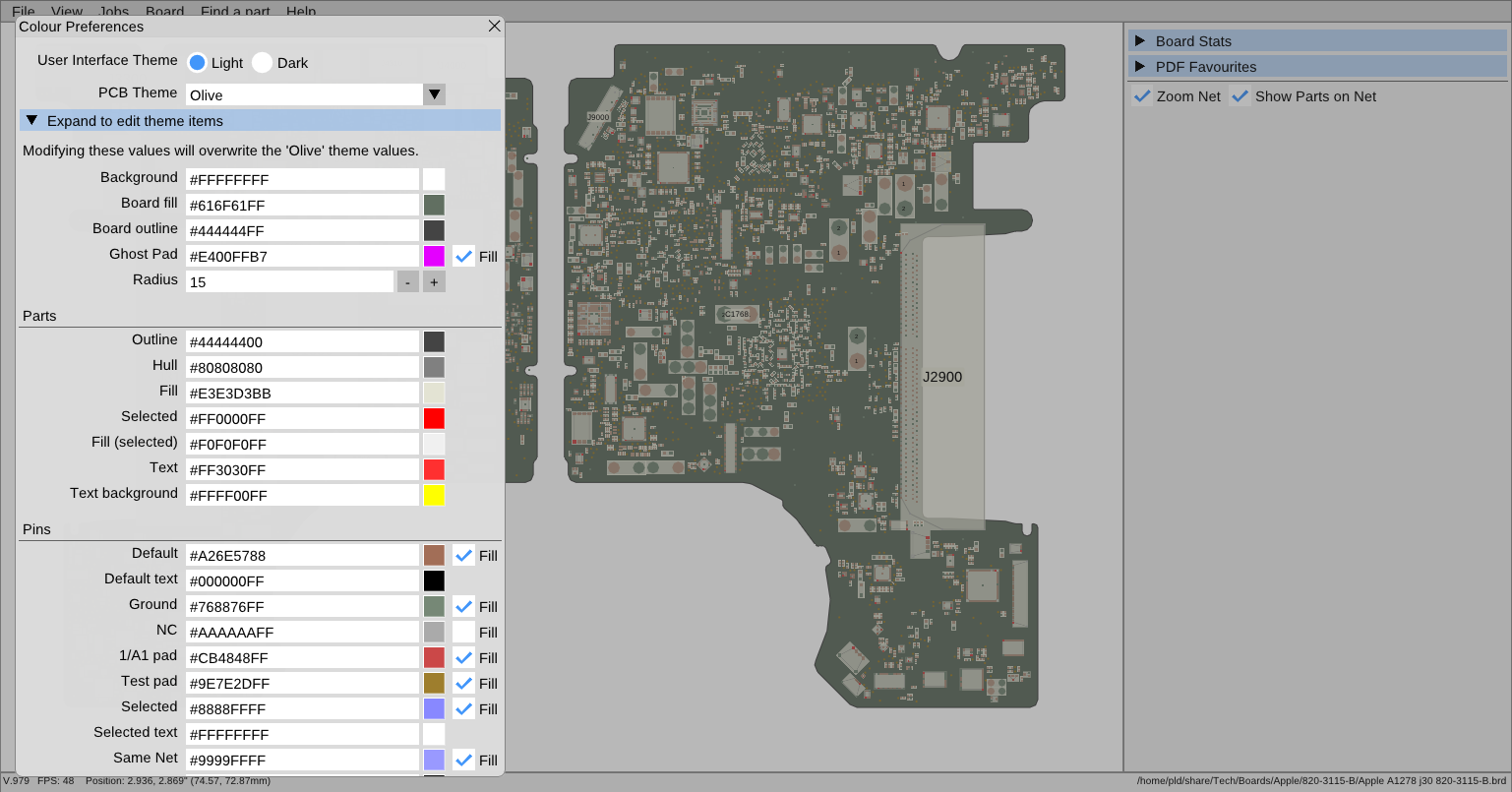
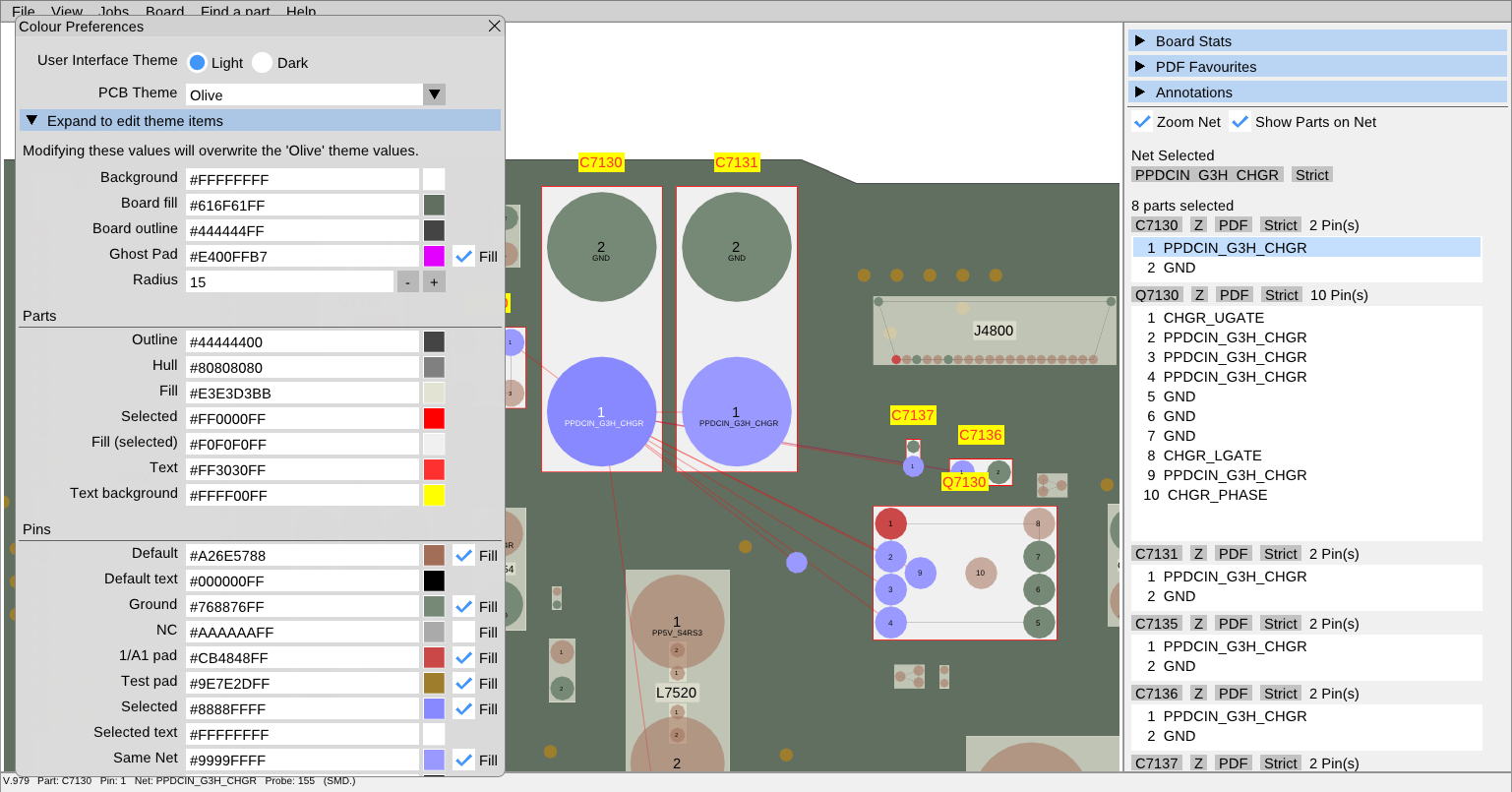
I am wanting to provide a theme-edit series of options for my program but in order to see the result of the modifications 'real time' it would be preferable if the main canvas/background wasn't shaded out.
Is this possible, have I missed something obvious (would not surprise me one bit!)
 inflex
All 4 comments
I think you can use ImGuiCol_ModalWindowDimBg for that purpose
ImGuiStyle& style = ImGui::GetStyle();
style.Colors[ImGuiCol_ModalWindowDimBg] = ImVec4(R, G, B, A);
imgui.h: ~line 1057

 DJLink
on 13 Apr 2019
DJLink
on 13 Apr 2019
Perfect! Thank you ( basically set 'A'lpha to 0 ).
inflex
on 13 Apr 2019
Note this is only shown when using a modal dialog which are meant to disable interactions with other windows.
If you open just any other kind of window it wouldn’t display the dimming bg. You may just use a regular window and let the user interact with it along with the rest of the app!
 ocornut
on 13 Apr 2019
ocornut
on 13 Apr 2019
You may just use a regular window and let the user interact with it along with the rest of the app!
That option was also suggested by another person (outside of this thread). Considering the nature of the dialog, it might be a superior option. Thank you.
inflex
on 13 Apr 2019
Related issues
 SlNPacifist
·
3Comments
SlNPacifist
·
3Comments
 spaderthomas
·
3Comments
spaderthomas
·
3Comments
 bizehao
·
3Comments
bizehao
·
3Comments
 DarkLinux
·
3Comments
DarkLinux
·
3Comments
 namuda
·
3Comments
namuda
·
3Comments
Most helpful comment
I think you can use ImGuiCol_ModalWindowDimBg for that purpose
imgui.h: ~line 1057
