Imgui: How to insert a background image in the window that is created by glfw.
I'm a Beginner of ImGui, and I don't know how to insert a background image to the window.Have ImGui provided the related methods?or is it need programming about openGL.
 leongong1996
All 9 comments
ImGui::Image is what you need.
To learn about ImTextureID, read the header files of each renderer header file (like imgui_impl_opengl3.h).
You'll have to write a little code related to OpenGL.
 ice1000
on 27 Aug 2018
ice1000
on 27 Aug 2018
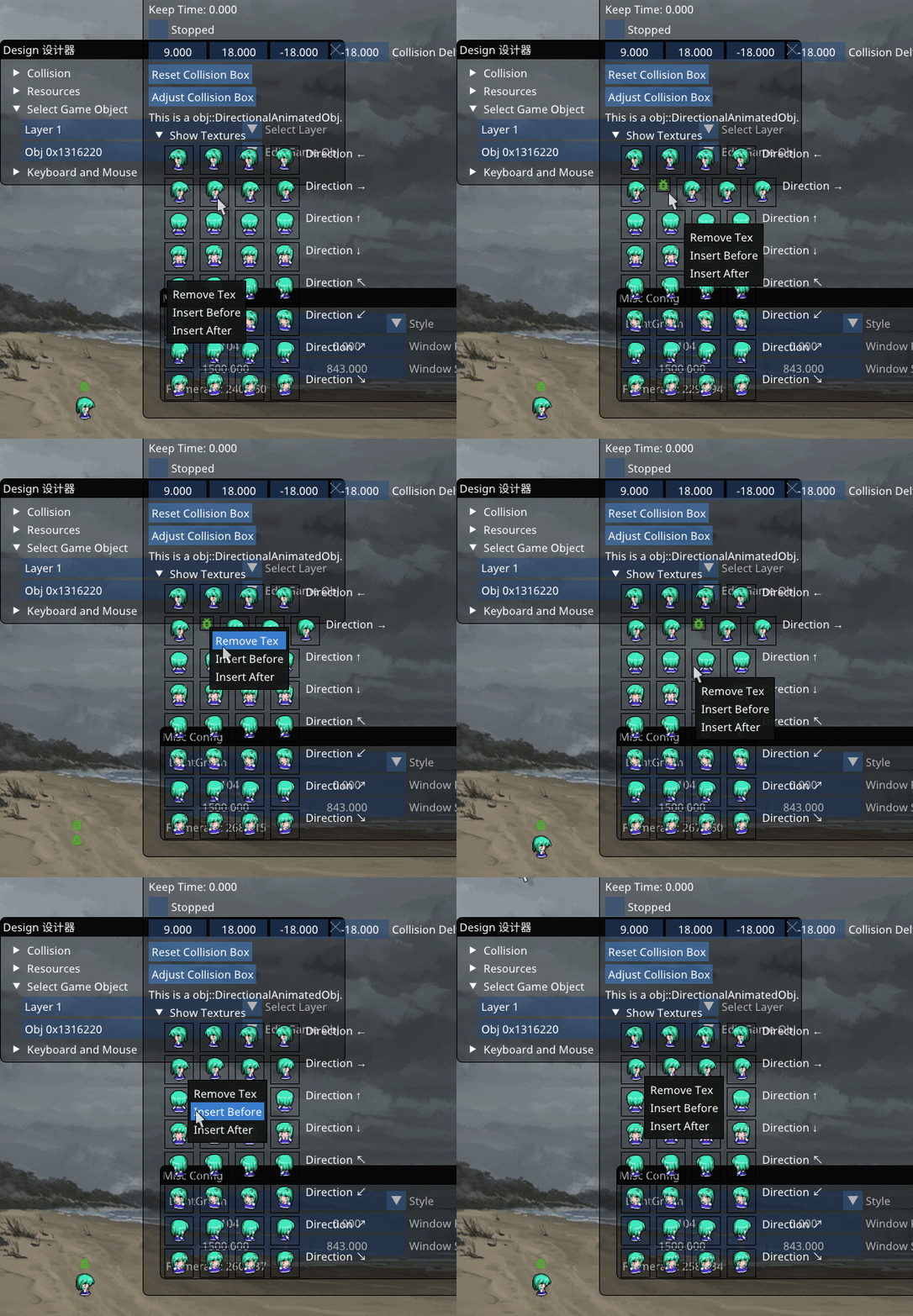
ImGui::Image can do this
ice1000
on 27 Aug 2018
I know how to add pictures to an image widget, but I want to add background to the window that GLFW creates, which is the largest window.
leongong1996
on 27 Aug 2018
You can create a window that fits the glfw's window with
auto MAIN_WINDOW = ImGuiWindowFlags_NoMove |
        ImGuiWindowFlags_NoTitleBar |
        ImGuiWindowFlags_NoBringToFrontOnFocus |
        ImGuiWindowFlags_NoInputs |
        ImGuiWindowFlags_NoCollapse |
         ImGuiWindowFlags_NoResize;

int w, h;
glfwGetWindowSize(window, &w, &h);
ImVec2 size(w, h);
ImGui::SetNextWindowPos(ImVec2());
ImGui::SetNextWindowSize(size);
if (ImGui::Begin(title, nullptr, MAIN_WINDOW)) {
  ImGui::Image(your texture, size);
  ImGui::End();
}
And you can still create other windows.
ice1000
on 27 Aug 2018
I think it's a useful method.But there is another problem.If create a window that fits the glfw's window, there are paddings in the window.And if I set no paddings, other window will be influent.
leongong1996
on 27 Aug 2018
Push Style, draw the background window and pop.
ice1000
on 27 Aug 2018
Thank you, I have solved the problem.
leongong1996
on 27 Aug 2018
其实我也是成都的哟
leongong1996
on 27 Aug 2018
幸会幸会
ice1000
on 27 Aug 2018
Related issues
 SlNPacifist
·
3Comments
SlNPacifist
·
3Comments
 the-lay
·
3Comments
the-lay
·
3Comments
 spaderthomas
·
3Comments
spaderthomas
·
3Comments
 noche-x
·
3Comments
noche-x
·
3Comments
 namuda
·
3Comments
namuda
·
3Comments
Most helpful comment
Push Style, draw the background window and pop.