Imgbrd-grabber: Help with "Tagfile" and hydrus
grabber 6.0.6
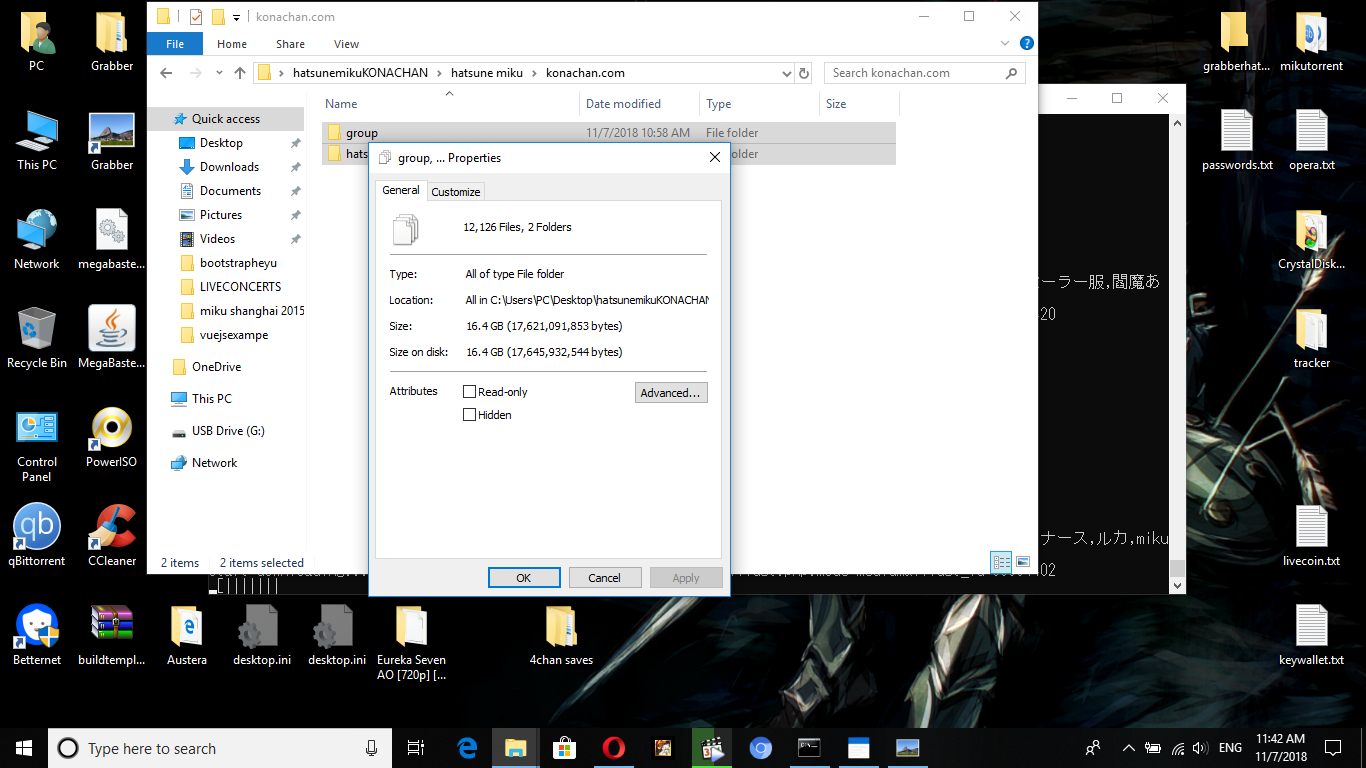
Tomorrow I'll download 12126 files from konachan
now i read here before to migrate to hydrus you need %all% and a (Tagfile)
actually %all% is implemented
my filename is (%search%/%websitename%/%character%/%md5%_%filename%_%all%.%ext%)
is there something i'm doing wrong above?
also when i tried as mentioned in #1223
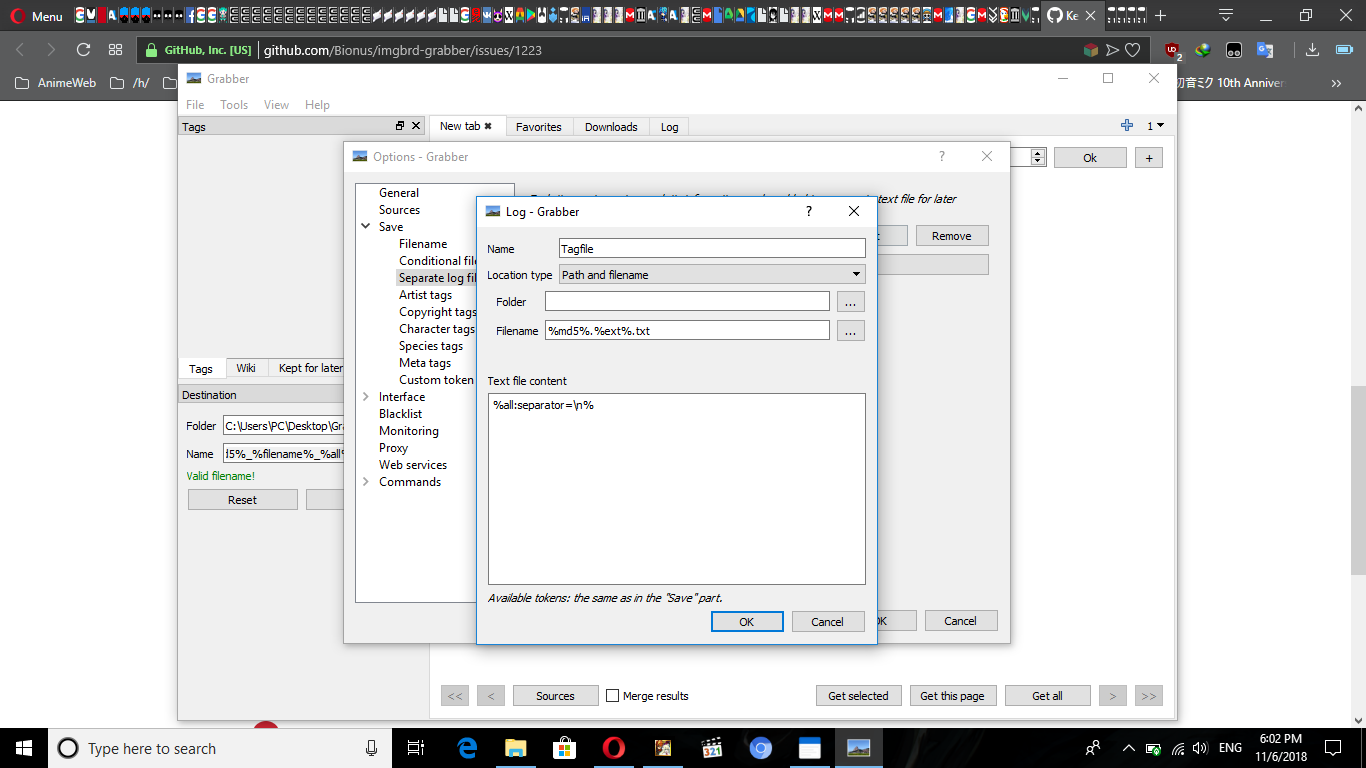
it doesnt work i dont see the txt files
is there something i'm doing wrong above???
 baraa272
All 13 comments
You should use the "suffix" location type with ".txt" as the value.
Also, AFAIK a better text file content is:
rating:%rating%
%all:includenamespace,excludenamespace=general,unsafe,spaces,separator=\n%
 Bionus
on 6 Nov 2018
Bionus
on 6 Nov 2018
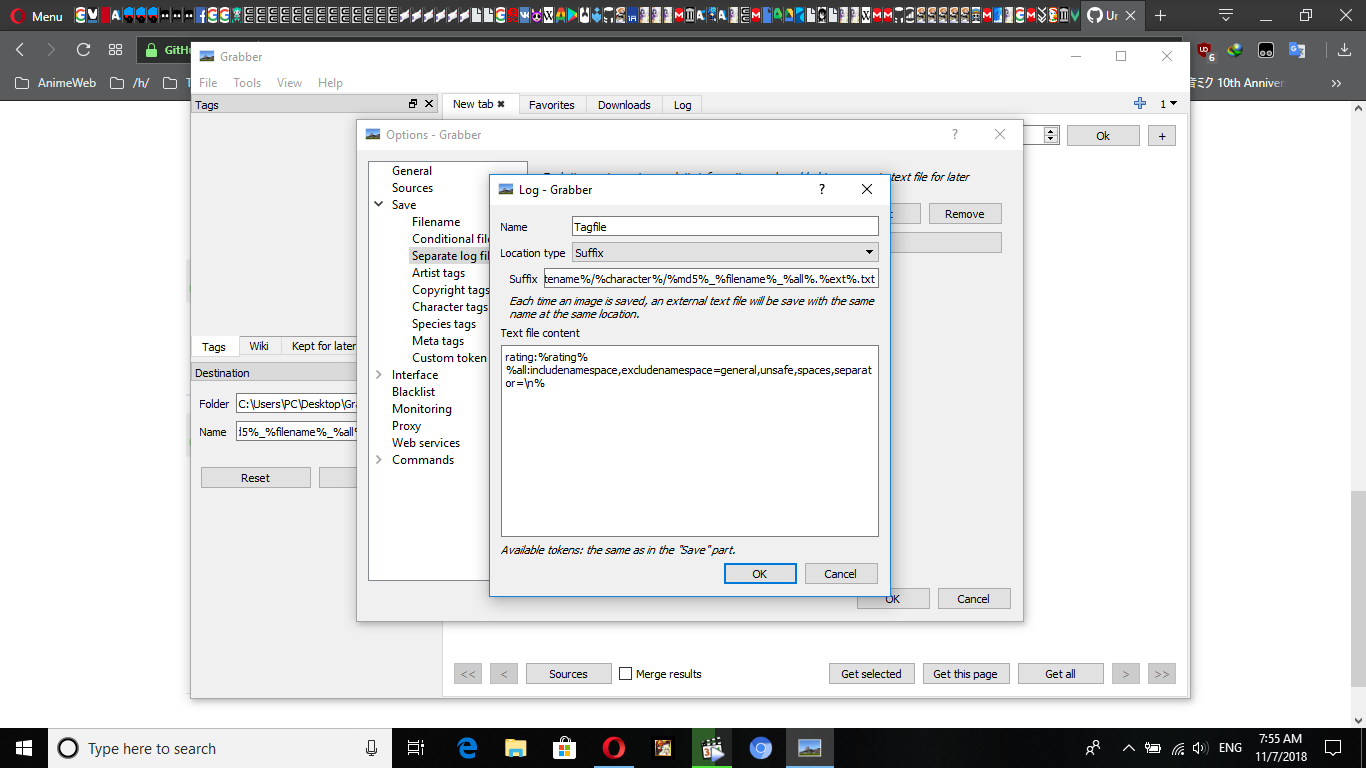
I used it as you actually mentioned
still theres no TXT files ???????
baraa272
on 7 Nov 2018
You're only supposed to put the suffix in the field, in your case ".txt".
You don't need to put the whole filename.
Le mer. 7 nov. 2018 à 07:08, baraa272 notifications@github.com a écrit :
i used suffix as you mentioned but still i dont see any TXT files ???
[image: image]
https://user-images.githubusercontent.com/32843097/48113587-3fcff380-e264-11e8-96af-1d38294b4e2a.png—
You are receiving this because you were assigned.
Reply to this email directly, view it on GitHub
https://github.com/Bionus/imgbrd-grabber/issues/1498#issuecomment-436514991,
or mute the thread
https://github.com/notifications/unsubscribe-auth/AA14H5A-4r5TgRjVViMg6pIlFT0WC3zjks5usnjLgaJpZM4YQwSn
.
Bionus
on 7 Nov 2018
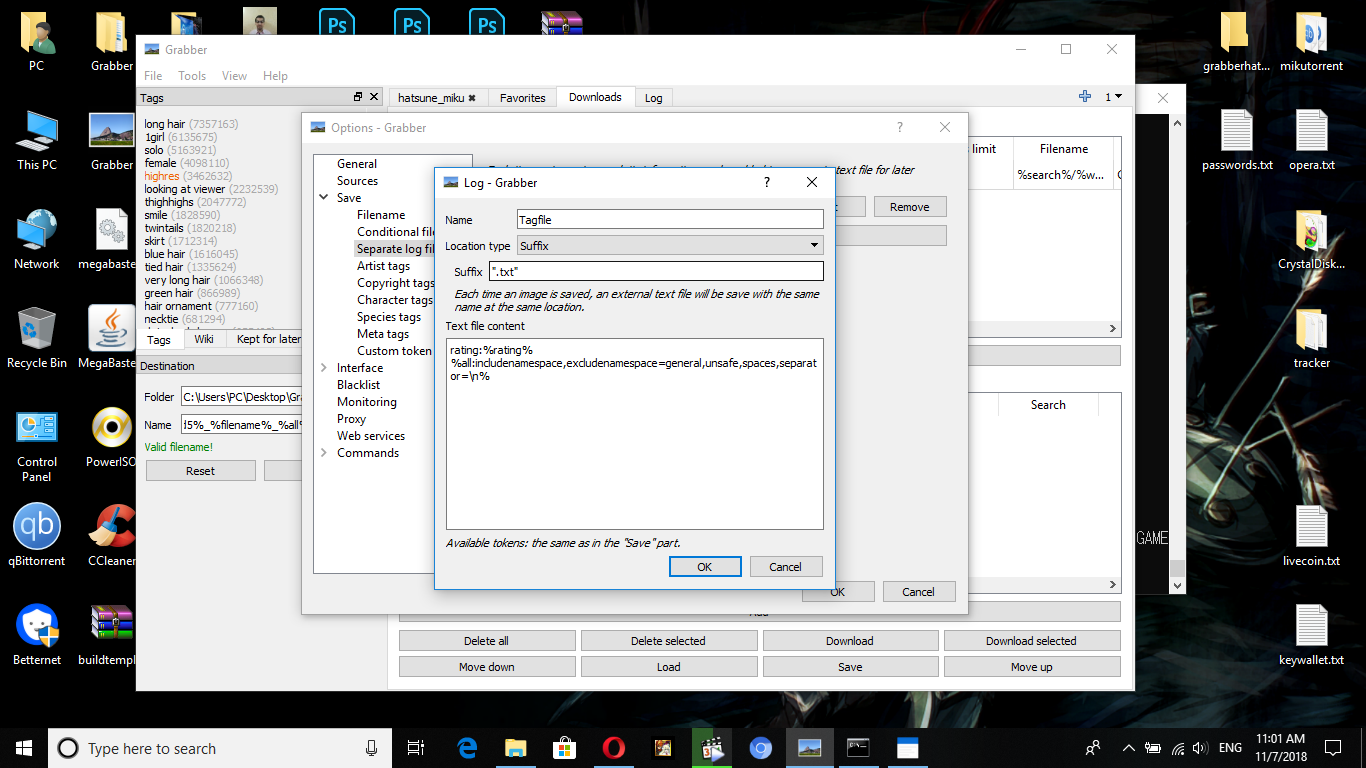
Still no txt files ????????????????????????
also i finished download those 12126 what do i do now ?????
how i suppose to integrate it without txt files :'(
baraa272
on 7 Nov 2018
You don't have to put quotes...
Bionus
on 7 Nov 2018
bigger problem
its working BUUUUUUUT actually grabber doesnt create txt when skipping duplicates
AM I REALLY forced to redownload 16GB again???????????
baraa272
on 7 Nov 2018
anything my brother?
baraa272
on 7 Nov 2018
You can also change your "global duplicate" setting to "move", then download them to another folder. In this case, it should create the TXT files without re-downloading the images, moving them to the new location instead.
See the second part of my comment on issue #1484.
Bionus
on 8 Nov 2018
i'm actually confused to bone
I cant seem to understand what you said
baraa272
on 8 Nov 2018
location save : C:\Users\PC\Desktop\Grabber
16gb location : C:\Users\PC\Desktop\hatsunemikuKONACHAN
filename : %search%/%websitename%/%character%/%md5%_%filename%_%all%.%ext%
can you tell what to do exactly ?
baraa272
on 8 Nov 2018
any help brother ?
baraa272
on 9 Nov 2018
As I said, change your global duplicate setting to "Move" here:
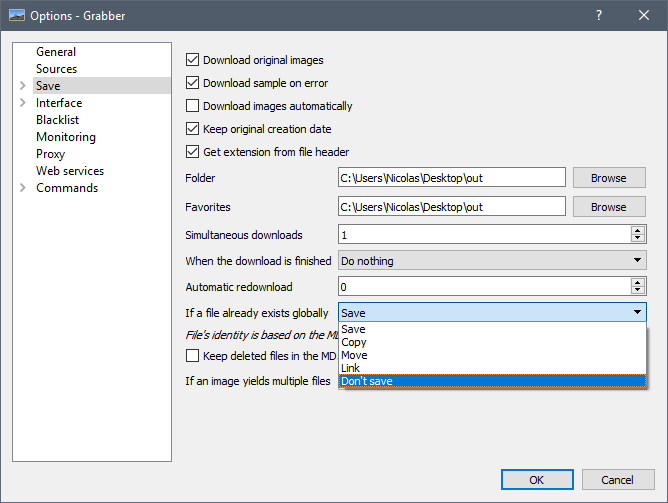
Then change the save folder to somewhere else, and when you'll re-download the images, they'll be moved and the txt files will be created.
Bionus
on 11 Nov 2018
okay thanks for help i just redownloaded it :(
baraa272
on 11 Nov 2018
Related issues
 gabrielcesar16
·
4Comments
gabrielcesar16
·
4Comments
 brazenvoid
·
3Comments
brazenvoid
·
3Comments
 help-me-please
·
4Comments
help-me-please
·
4Comments
 FirstDagger
·
3Comments
FirstDagger
·
3Comments
 satishbabariya
·
4Comments
satishbabariya
·
4Comments