Imgbrd-grabber: Add anime-pictures.net source
What version of the program are you using? On what operating system?
5.5.0 on Windows 10
Not exactly an issue. Just noticed that I cant add anime-pictures.net to the grabber
Maybe Because it is a different site type?
Just thought of mentioning this issue cause the site has a lot of Good pics
and i cant just sit all day to download it. =p
Thought of Adding it to the Grabber but couldnt
Can ya add that site to the Grabber Too??
(Pretty Please ;_;)
Site URL Below:
https://anime-pictures.net
 TheGlassEyedVillian
All 19 comments
At first I expected to say that it's a bad source. But I looked better and found that it is really good.
Pluses:
- more then 500 000 images
- No need registration to view images
- High-res images with original source info
- Good tag system
- Booru-looks-like site(not some wallpepper trash site)
- IQDB do search in it, I guess that means existing of suitable API
Minuses:
- It's not a booru after all
- Since last few weeks it don't refreshes on IQDB for some reason(same as sankaku)
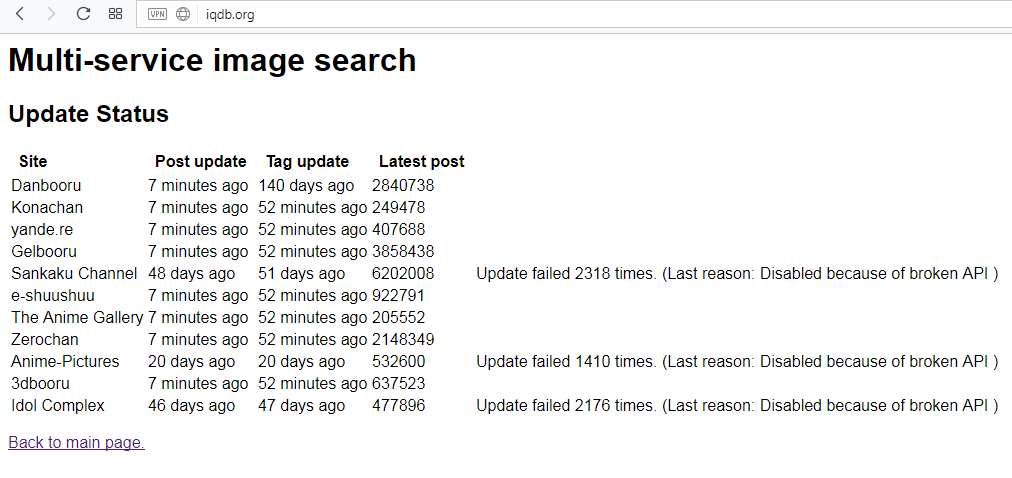
And I don't really know, but maybe this issue can be connected to https://github.com/Bionus/imgbrd-grabber/issues/917
 MasterPetrik
on 1 Sep 2017
MasterPetrik
on 1 Sep 2017
Thanks For the Info! =D
TheGlassEyedVillian
on 7 Sep 2017
After a first quick look it looks like it could be integrated in Grabber, I'll see what I can do.
 Bionus
on 7 Sep 2017
Bionus
on 7 Sep 2017
Tried new settings set for anime-pictures.net - indeed, it works fine.
Some source impressions:
- 80 images per page
- no tag groups
- images md5 seems the same with other sources, which is great.
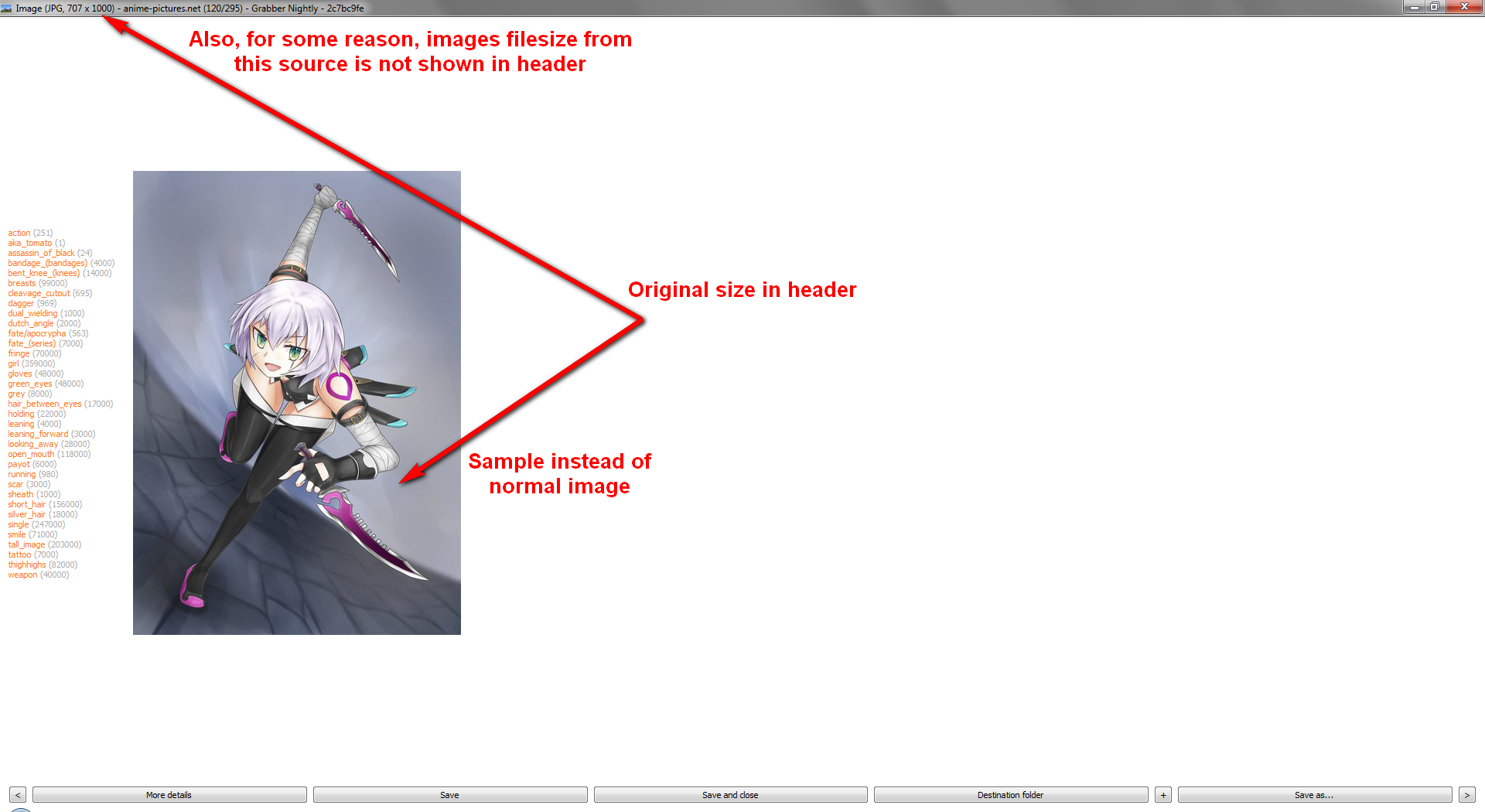
- I don't know why, but images filesize isn't shown for images from this source
Is there are ability to search via md5 on anime-pictures?
STRANGE
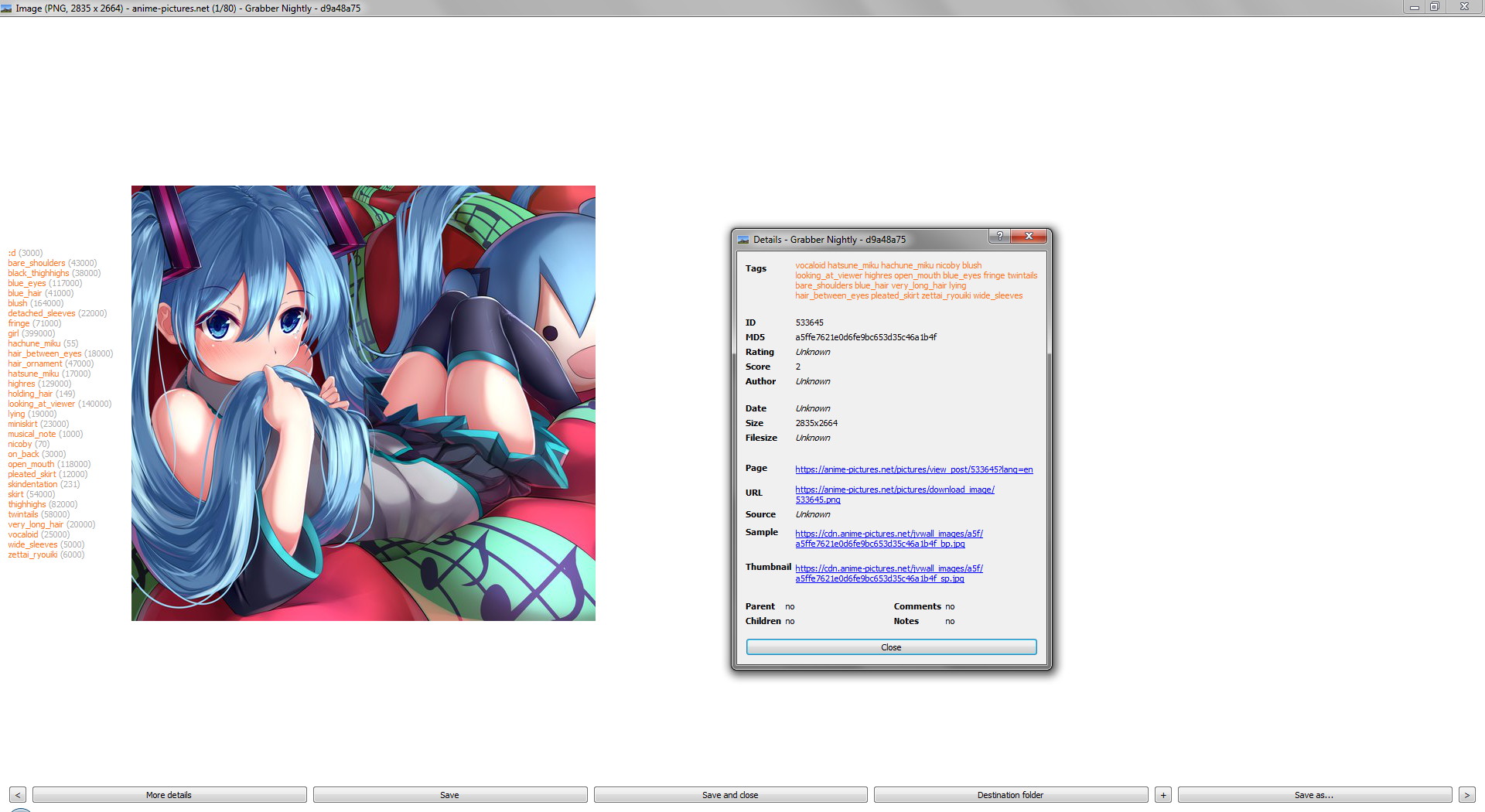
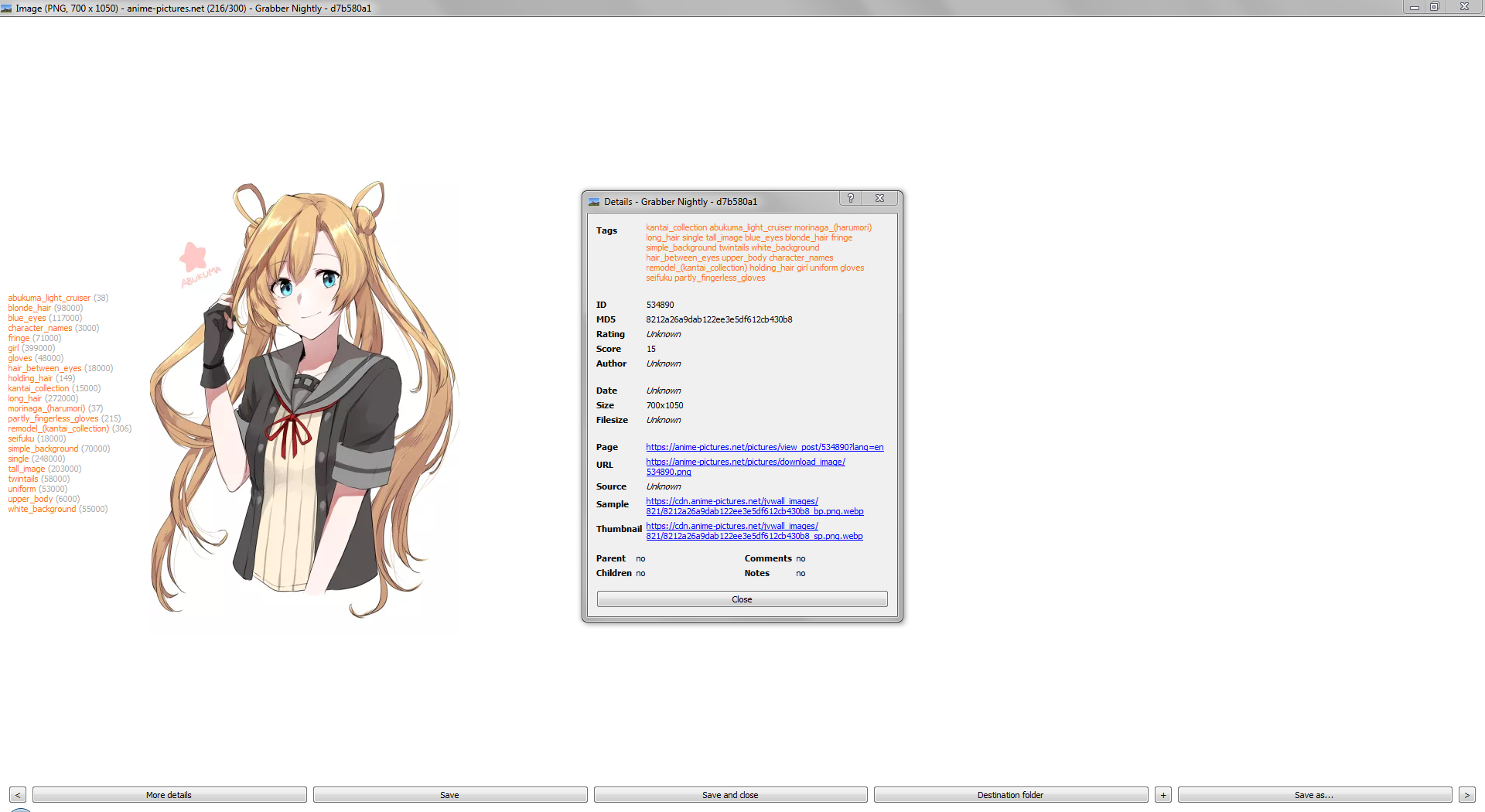
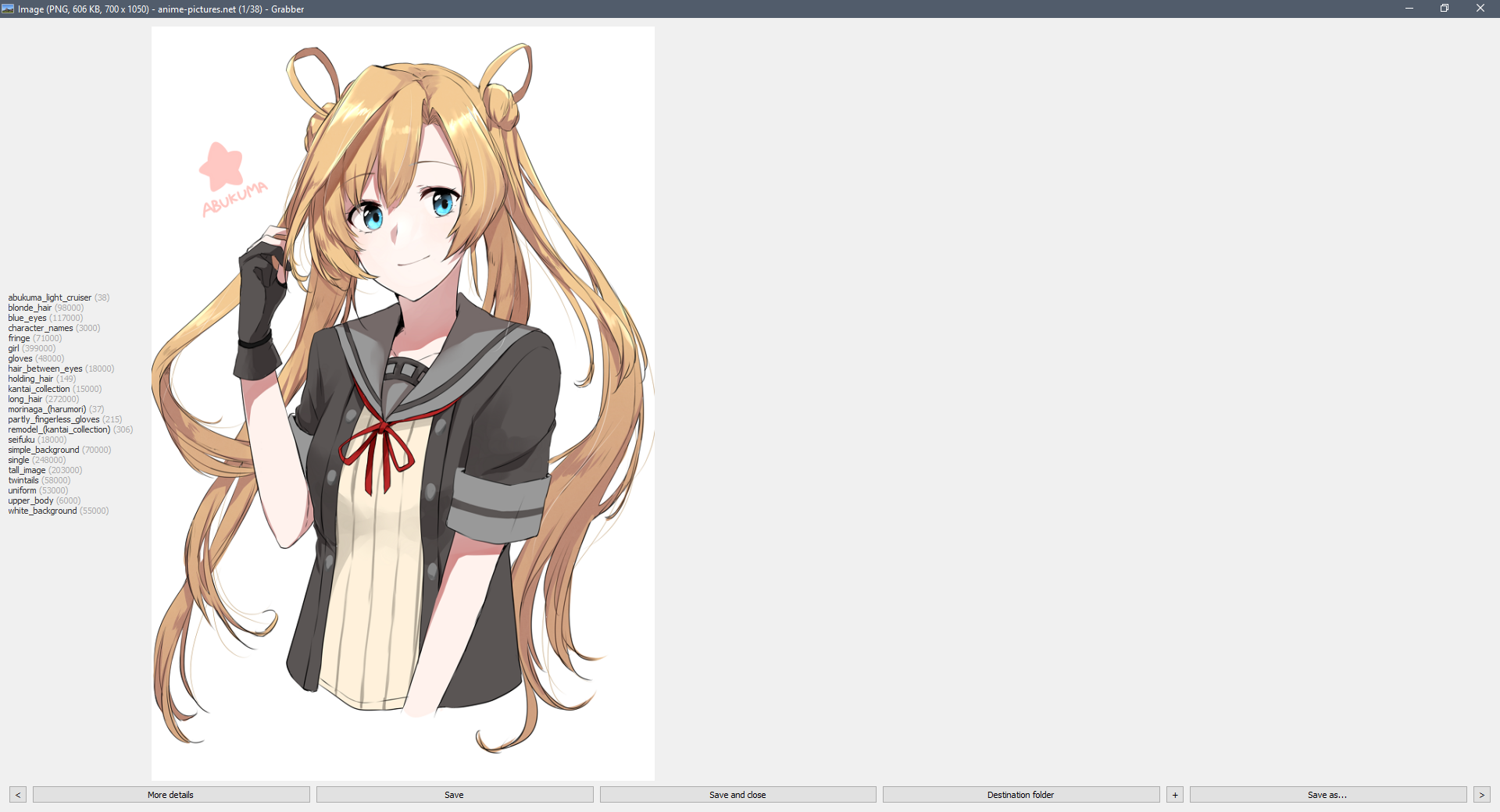
I figured out that some images from anime-pictures.net in preview window shows sample image instead of original image, but image data in details(md5 for example) and image data in window header are from the original one. Moreover, if you will md5search shown image, it will have MD5 different from MD5 from details window. So it's strange.
MasterPetrik
on 10 Sep 2017
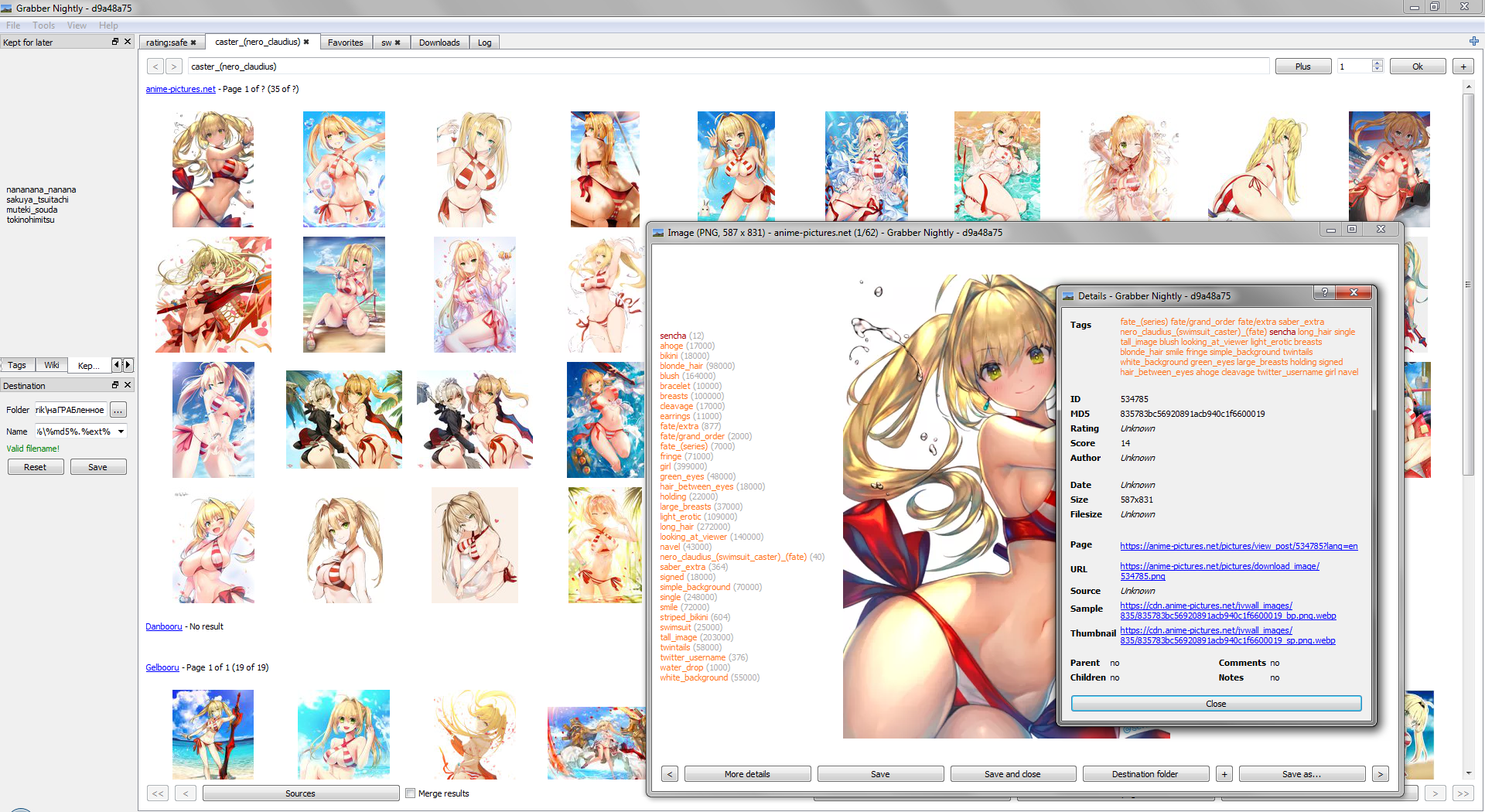
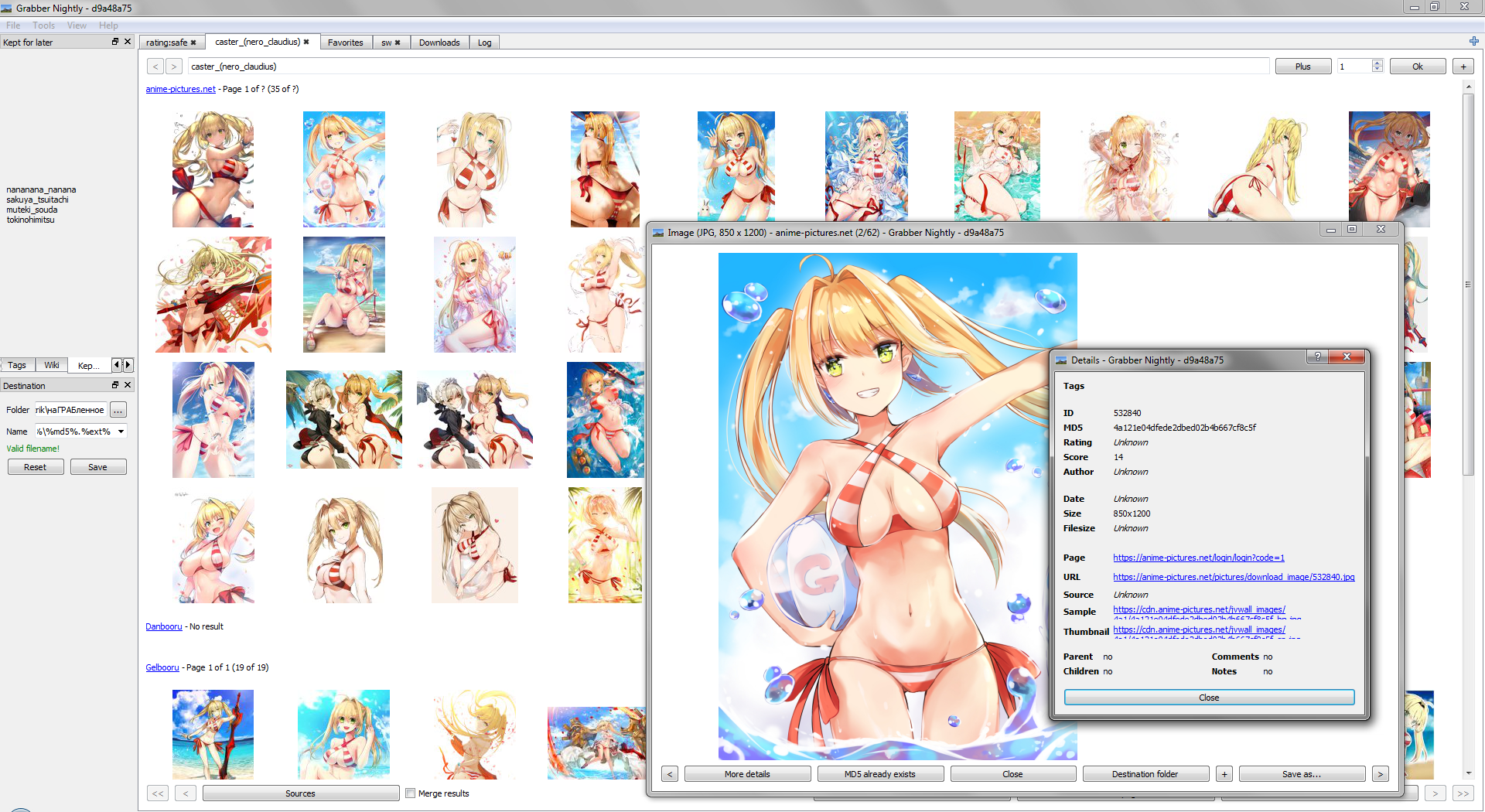
@Bionus 40-50% of images from anime-pictures.net doesn't contains tags, even if they searched for some tag, Looks like it's because of I'm not logined. I tried to log in via source settings in grabber but failed, any ideas how to solve it?
Normal work
Missing tags
MasterPetrik
on 23 Sep 2017
Also it's still shows sample images in preview instead original for many images.
Also images filesize still not calculates for some reason
MasterPetrik
on 23 Sep 2017
Is there are ability to search via md5 on anime-pictures?
Not that I know of.
@Bionus 40-50% of images from anime-pictures.net doesn't contains tags, even if they searched for some tag, Looks like it's because of I'm not logined. I tried to log in via source settings in grabber but failed, any ideas how to solve it?
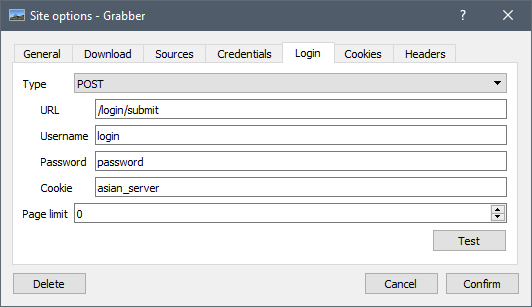
Yes, half their images are behind a 18+ login wall. You have to register there and login in Grabber to fix this. Note that the login form in Grabber should work, I just tried and it showed the tags with no issues. Here's the "Login" tab if necessary:
Bionus
on 23 Sep 2017
Note that the login form in Grabber should work, I just tried and it showed the tags with no issues.
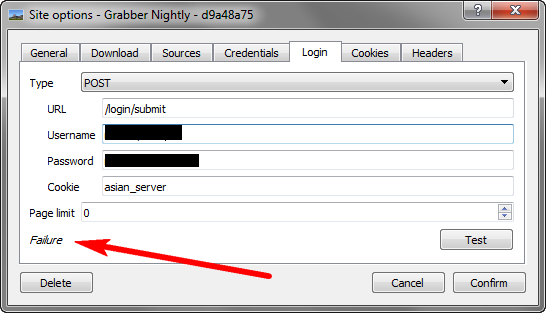
I don't know, what's wrong, but my login fails, but through the site I log in without problems.
MasterPetrik
on 23 Sep 2017
The fact that you hid the "Username" and "Password" settings in your screenshot lead me to think that you put your credentials in the wrong tab here. These are the form settings, you're not supposed to change them. They decide which fields Grabber will fill in the login form.
You're supposed to put your credentials in the "Credentials" tab :smile:
Bionus
on 23 Sep 2017
The fact that you hid the "Username" and "Password" settings in your screenshot lead me to think that you put your credentials in the wrong tab here. These are the form settings
Completely right, Sherlock! :squirrel: The case is closed now! It works indeed.
But seriously, tabs names can easily cause a misunderstanding. Better to rename those two.
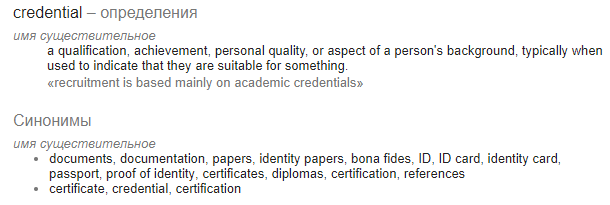
credentials - is a bad word for it, and login fits better for username and password than for form settings.
I suggest to rename "credentials" tab to "accaunt" or "autorization" or "login"
And rename "login" tab to something more technical, like "form settings" or "request"
To make it more clear to understanding for user.
MasterPetrik
on 24 Sep 2017
Also, your anti-sample commit didn't solve the samples problem:
MasterPetrik
on 24 Sep 2017
You have to update your model file.
As for "credentials", it's a very common way for stating these kind of identifiers. And since it could be either an API key, some OAuth token or simply a login/password couple, that's the most fit name:
[ C ] a piece of information that is sent from one computer to another to check that a user is who they claim to be or to allow someone to see information
The request settings tab title could be changed though.
Bionus
on 24 Sep 2017
yep, now all problems with anime-pictures.net succesfully solved.
Well done! Thanks for adding another good source)
MasterPetrik
on 25 Sep 2017
Just updated Grabber to 5.5.1
but I cannot see anime-pictures.net in the sources =(
Hmm maybe i shud clean uninstall the it and reinstall
Maybe It'll fix the problem
Edit: Nope didn't fix the issue
TheGlassEyedVillian
on 26 Sep 2017
Anime pictures.zip
put this folder to
C:Usersusername\AppData\Local\Bionus\Grabber\sites
It should help
MasterPetrik
on 26 Sep 2017
Yep Fixed it
Thanks A Ton!!!
TheGlassEyedVillian
on 26 Sep 2017
hey, I hope you know about our API? Anyway, just ask me @stalkerg because I am the author.
 stalkerg
on 11 Aug 2018
stalkerg
on 11 Aug 2018
@stalkerg yes Grabber uses the JSON API for searching, but at the time I implemented it I only found it by looking around, I didn't see any doc so it might not be the most efficient usage. Is there a reference somewhere? (or at least a list of the endpoints?)
The implementation is here if you want to have a look:
https://github.com/Bionus/imgbrd-grabber/blob/master/release/sites/Anime%20pictures/model.ts
I just checked, and it seems that Grabber's implementation for example doesn't use the JSON API for view_post, only for view_posts. I'll see to update that! (I don't think it was there last year when I added it)
Bionus
on 12 Aug 2018
do you need API for comments?
stalkerg
on 23 Sep 2019
Related issues
 angaratosurion
·
8Comments
angaratosurion
·
8Comments
 TheGho7t
·
4Comments
TheGho7t
·
4Comments
 satishbabariya
·
4Comments
satishbabariya
·
4Comments
 EvilNick3019
·
4Comments
EvilNick3019
·
4Comments
 maskkulin
·
3Comments
maskkulin
·
3Comments
Most helpful comment
After a first quick look it looks like it could be integrated in Grabber, I'll see what I can do.