Imagesharp: Resize from large source to small thumbnail produces deformed top pixel rows
Prerequisites
- [x] I have written a descriptive issue title
- [x] I have verified that I am running the latest version of ImageSharp
- [ ] I have verified if the problem exist in both
DEBUGandRELEASEmode - [x] I have searched open and closed issues to ensure it has not already been reported
Description
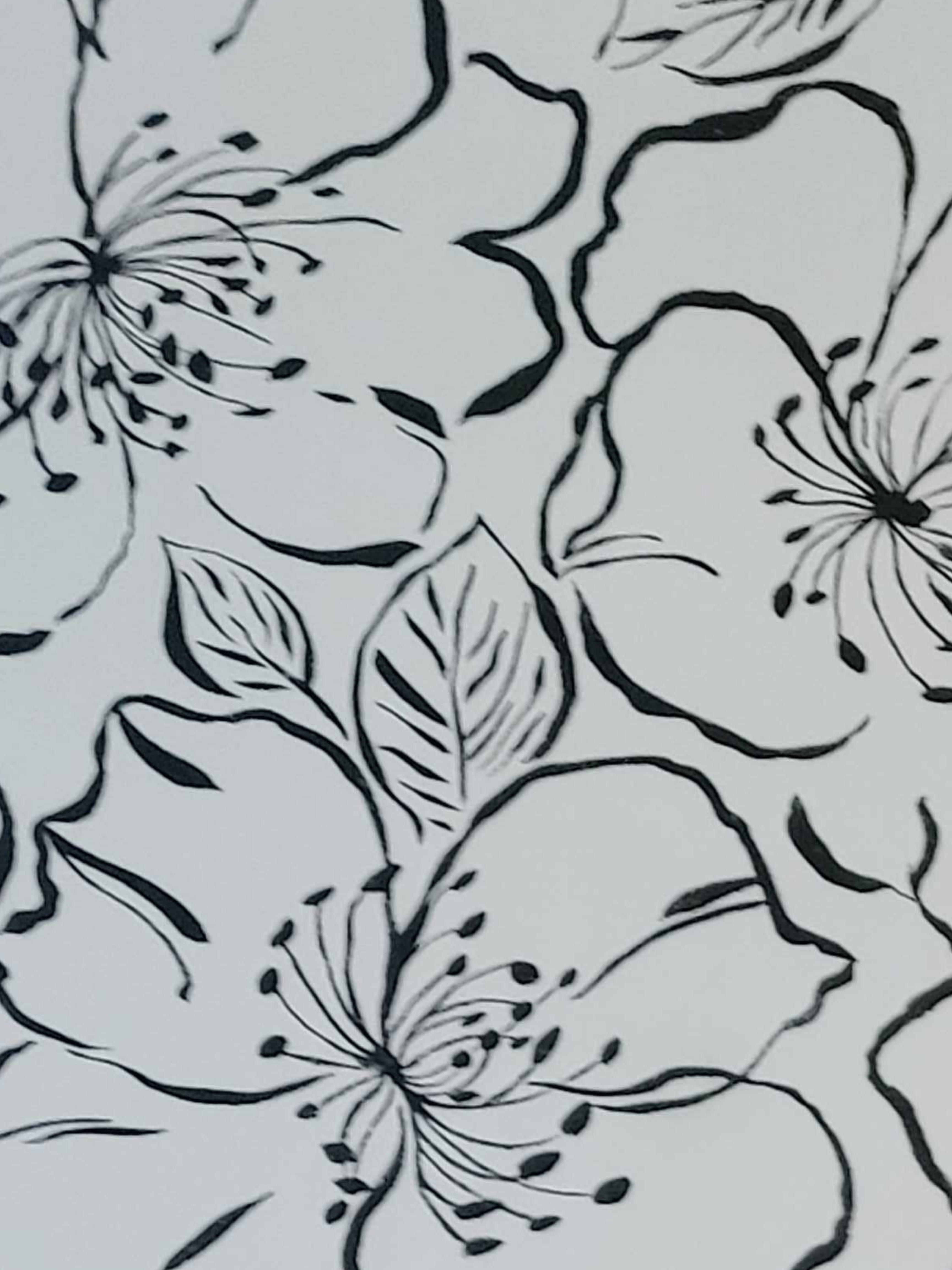
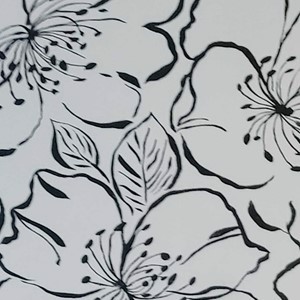
Downsizing a large image can cause oddly sampled pixels in the top rows of pixels (I only noticed it in the top rows at least).
I tested multiple samplers. All of them displayed similar results.
Steps to Reproduce
using (var image = Image.Load(flowersJpg))
{
    image.Mutate(i => i.Resize(new ResizeOptions
    {
        Size = new Size(300, 300),
        Mode = ResizeMode.Crop
    }));

    image.SaveAsJpeg(outputStream);
}
System Configuration
- ImageSharp version: 1.0.0-beta0007
- Other ImageSharp packages and versions:
- Environment (Operating system, version and so on): Windows 10 (1903)
- .NET Framework version: 4.7.1
- Additional information:
Source Image
Example results
Resized with ImageSharp

Resized with ImageResizer
 patrikwlund
All 11 comments
I am seeing the same issue in my site which is using ImageSharp but not always when dropping to a small image.
https://www.kast.io/media/concepts/group-ideas.jpg?width=1920&height=832&rmode=crop
https://demo.kast.io/media/groups-demo/family-groups2.jpg?width=408&height=316&rmode=crop
 scleaver
on 19 Nov 2019
scleaver
on 19 Nov 2019
@scleaver Can you include the source images directly in this issue please, Just in case they get removed or updated on your servers. Thanks!
 JimBobSquarePants
on 19 Nov 2019
JimBobSquarePants
on 19 Nov 2019
I think the issue is caused by the size of the source image.


scleaver
on 19 Nov 2019
Thanks @scleaver
@antonfirsov one for you I think. Let me know if you need a second pair of eyes.
JimBobSquarePants
on 19 Nov 2019
I'm having the same issue. This is the top (zoomed in) of a 1980x5520 jpeg cropped to 480x600:
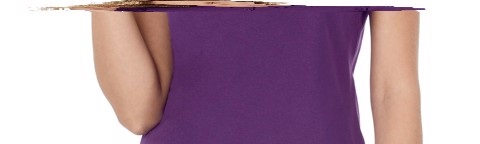
I can provide the original image if needed.
 netwavebe
on 19 Nov 2019
netwavebe
on 19 Nov 2019
@netwavebe Please do. Thanks!
JimBobSquarePants
on 20 Nov 2019
Original image is 1980 x 5520:
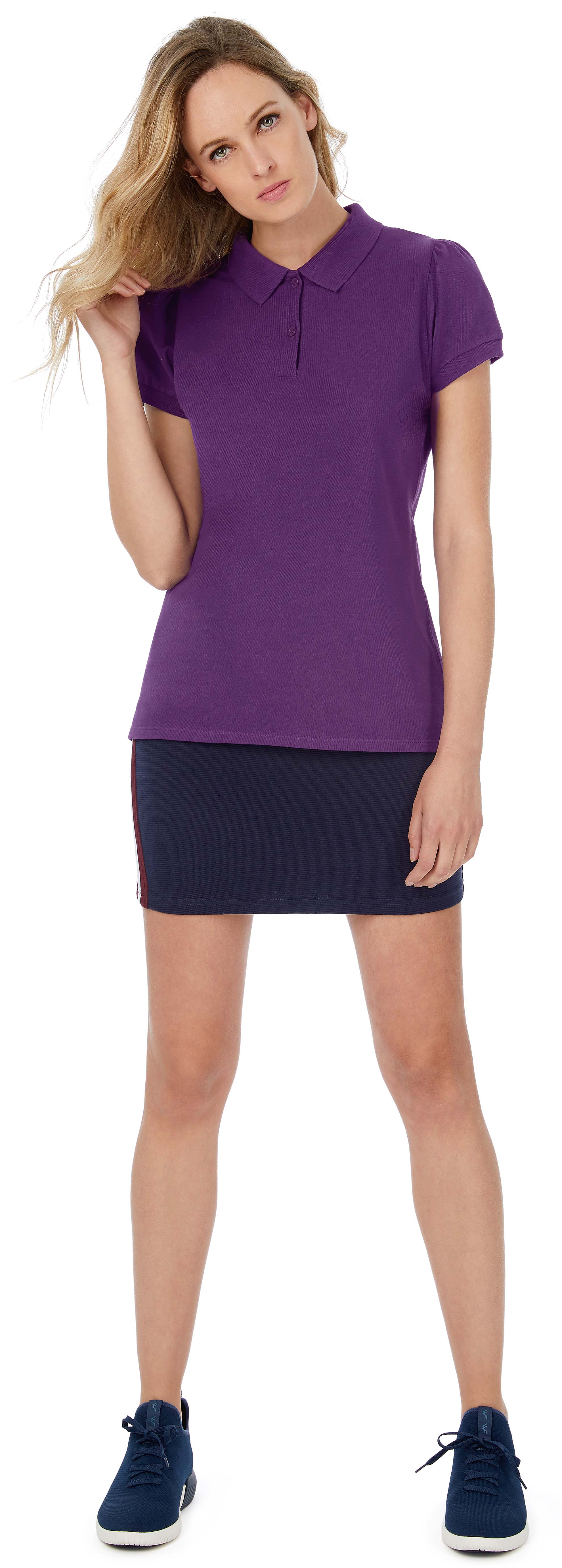
This image cropped to 480 x 600:
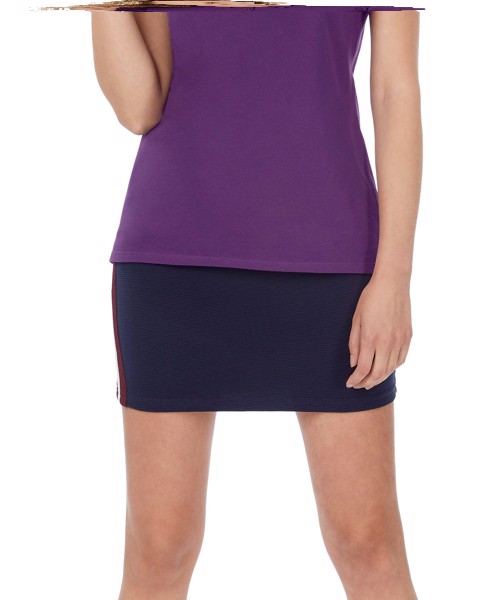
The top distortion is probably very visible here because we're cropping a lot in this image...
netwavebe
on 20 Nov 2019
@netwavebe I'm assuming you're simply passing the new width and height with ResizeMode.Crop yeah?
JimBobSquarePants
on 20 Nov 2019
@JimBobSquarePants Yes, exactly!
netwavebe
on 20 Nov 2019
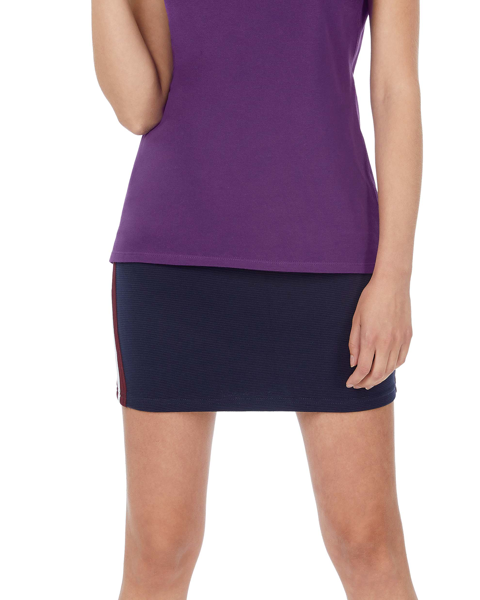
@netwavebe Here's the output following my fix. @patrikwlund @scleaver Your images will resize correctly once merged. Thanks for your patience. 👍
JimBobSquarePants
on 5 Dec 2019
@JimBobSquarePants : Awesome! 👍
@scleaver : Once there is a new version, we need to update Orchard Core dev!
netwavebe
on 5 Dec 2019
Related issues
 lofcz
·
58Comments
lofcz
·
58Comments
 Sergio0694
·
42Comments
JimBobSquarePants
·
30Comments
JimBobSquarePants
·
40Comments
Sergio0694
·
42Comments
JimBobSquarePants
·
30Comments
JimBobSquarePants
·
40Comments
 tocsoft
·
28Comments
tocsoft
·
28Comments
Most helpful comment
@netwavebe Here's the output following my fix. @patrikwlund @scleaver Your images will resize correctly once merged. Thanks for your patience. 👍